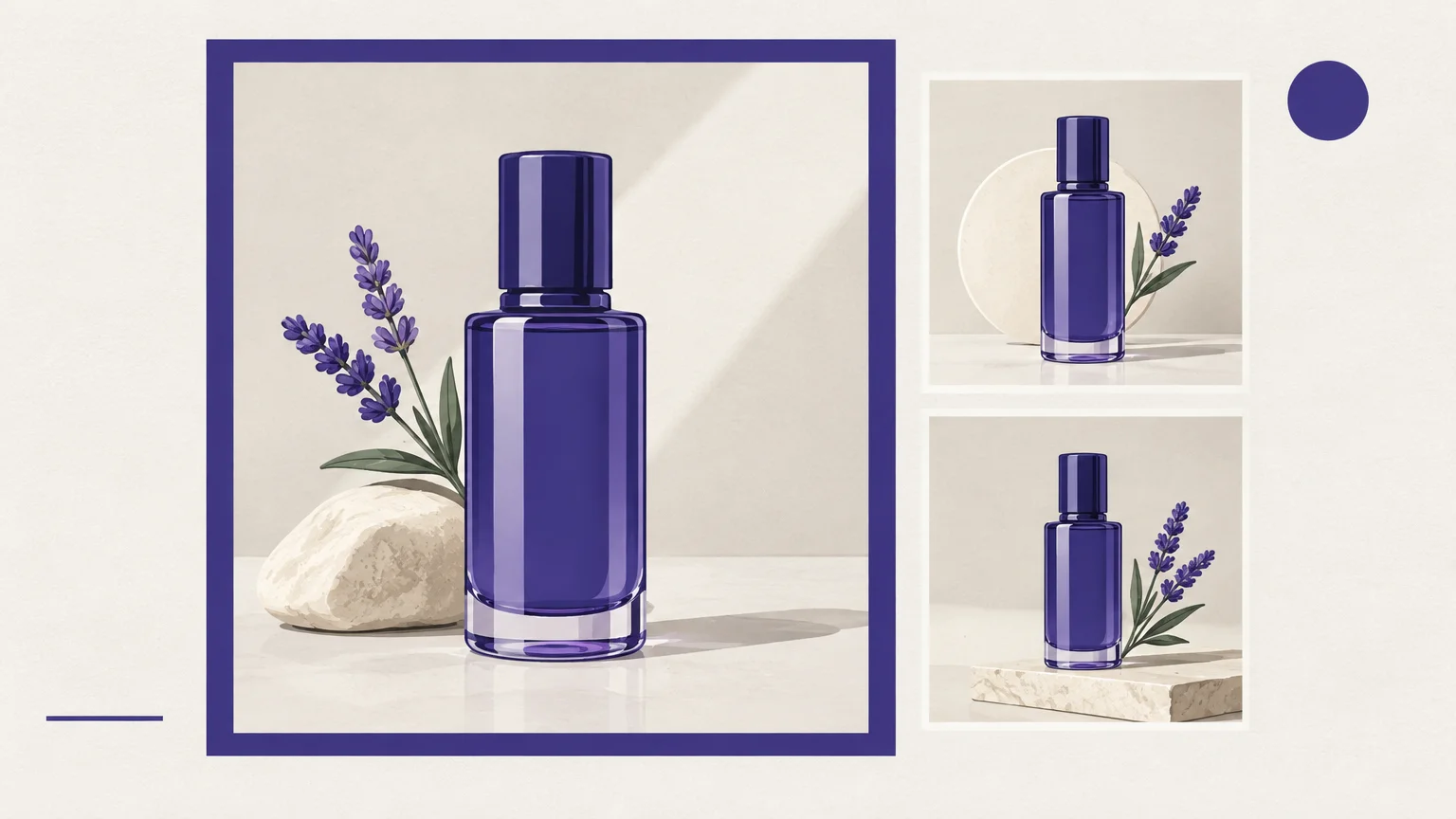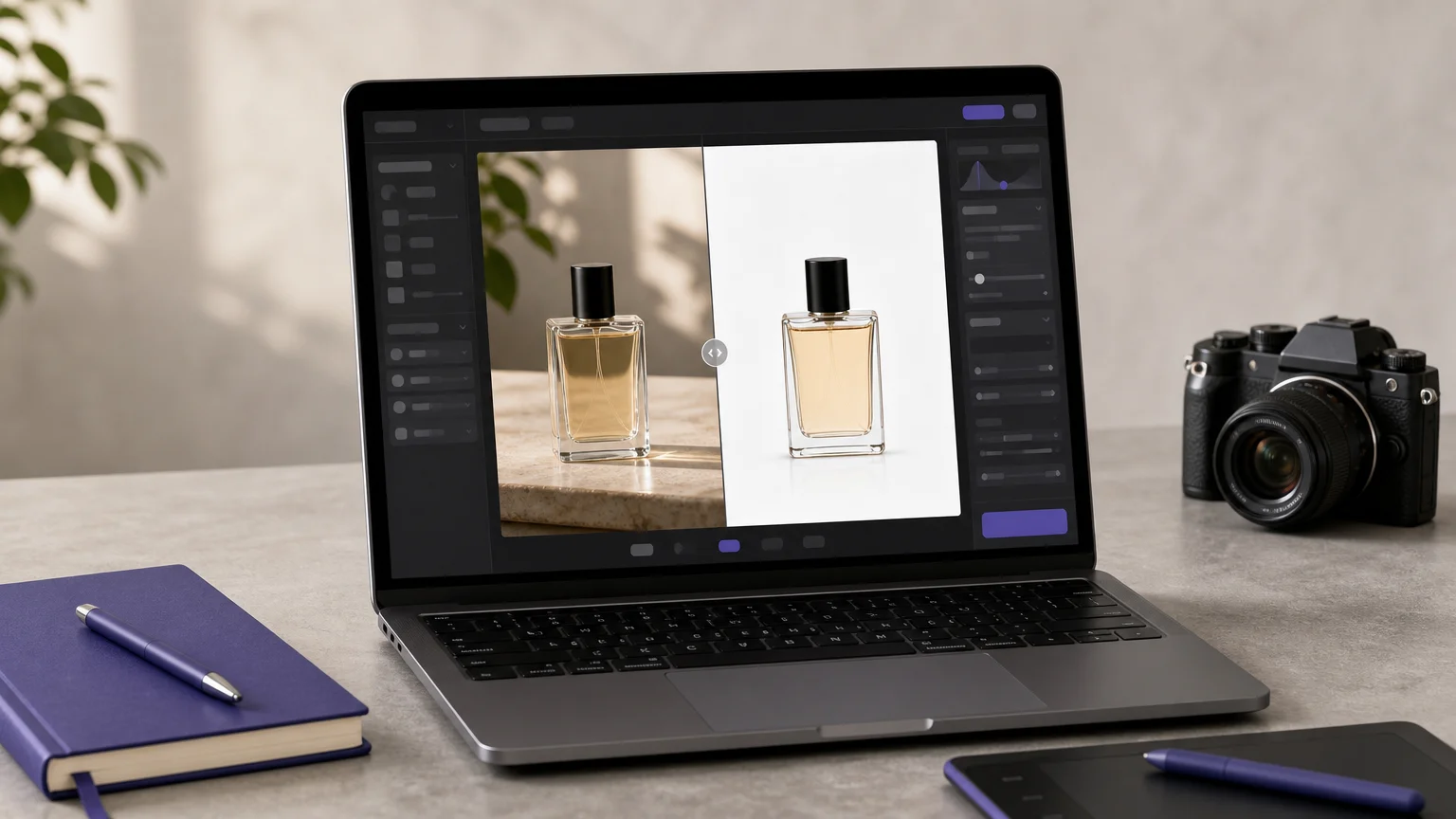


Holiday visuals have to attract attention and make the offer clear. To develop campaign ideas alongside product imagery, start with AI campaign image generator tools that fit your creative workflow.
The right AI photo editor for holiday sales depends on the task. You might need a Christmas portrait, a consistent set of product images, or a new campaign visual. Choose an editor that supports that work, then review the result for accurate products, readable offers, and appropriate seasonal details.
Which visual problem are you solving?
Start by separating photo editing from image generation. Editing changes an existing image, such as cleaning up a background or adding a seasonal setting. Generation starts with a prompt or reference images to create a new campaign concept. Some editors support both, while others focus on a particular use.
For a product listing, prioritize a clear product, consistent lighting, and a background that does not compete with the item. For a holiday card or social post, festive effects may matter more. A campaign concept might need several variations, such as different colors, props, or settings, while keeping the product recognizable.
Adobe’s 2026 holiday forecast projected that AI-driven traffic to retail sites would grow 130% year over year during the holiday season, including 141% on Thanksgiving, according to Adobe’s 2026 forecast. That measures retail-site traffic, not demand for AI photo editing. It does suggest that retailers should prepare campaign visuals for shoppers who increasingly encounter AI-assisted discovery.
A Christmas portrait and a product listing need different workflows.
Pixelbin’s Christmas photo page focuses on festive portrait creation and prompt-led edits. PhotoRoom describes workflows for product imagery, including background editing and batch processing. Those approaches serve different needs: a holiday portrait is not the same deliverable as a consistent catalog image.
We bring together text-to-image creation, uploaded-photo editing, curated effects, multi-image fusion, and focused cleanup tools. That gives you a choice between creating a campaign concept, transforming an existing photo, or removing a distraction from an authorized image. Our AI photo editors for different creative workflows page explains how to match an editor to the task.
For online shops, begin with the source product photo and decide what must remain unchanged. Preserve the product’s shape, color, packaging, and important details. Then adjust the background or add seasonal context. Review the result at listing size, where small distortions or inaccurate details can become noticeable.

Before comparing discounts, separate the software deal from retail forecasts.
Black Friday falls on November 27, 2026. A seasonal promotion on an editing service is a separate question from discounts on the products your customers buy. Mastercard Economics Institute projected 5.5% growth in U.S. holiday retail sales, excluding gas and autos, in 2026, with online sales forecast to grow 11%, in its 2026 holiday forecast. Those retail forecasts do not establish a discount on photo-editing software.
Before subscribing or purchasing credits, check the editor’s current checkout terms. Compare the billing period, included usage, renewal conditions, and whether the required editing features are included. If an editor uses credits, look for the cost of your chosen model and output settings before you generate an image.
With our premium image generation, you need to sign in and verify your email. Generation requires credits, and the applicable cost is displayed before you proceed. The cost depends on the selected model and output settings, so review those details for the specific campaign asset you plan to create.
For one promotion, prepare the product photo before adding seasonal effects.
A useful sequence is to clean up the source image, create or select a seasonal background, and then build versions for each placement. Keep the product and offer consistent across the set. Change only what each channel needs, such as the crop, background, or amount of supporting copy.
Simon-Kucher’s 2026 survey of more than 1,500 U.S. adults found that 50% use AI for holiday shopping assistance, while 16% would let AI complete a purchase, according to its 2026 holiday study. That survey concerns shopping behavior, not photo-editor preferences. For campaign imagery, the practical lesson is to make the product and offer easy to understand, rather than relying on decoration alone.
When you need a sale graphic, our guide shows how to create a Black Friday sale banner. For broader campaign planning, our article on AI tools for marketing covers ways to organize creative work around your needs.
Before publishing, compare each edited image with its source. Check product color, packaging, shape, and any claims shown in the creative. Edit logos, watermarks, or protected text only when you are authorized to do so. A final human review helps catch details that an automated edit may have changed.
Choose the editor by task, not by season
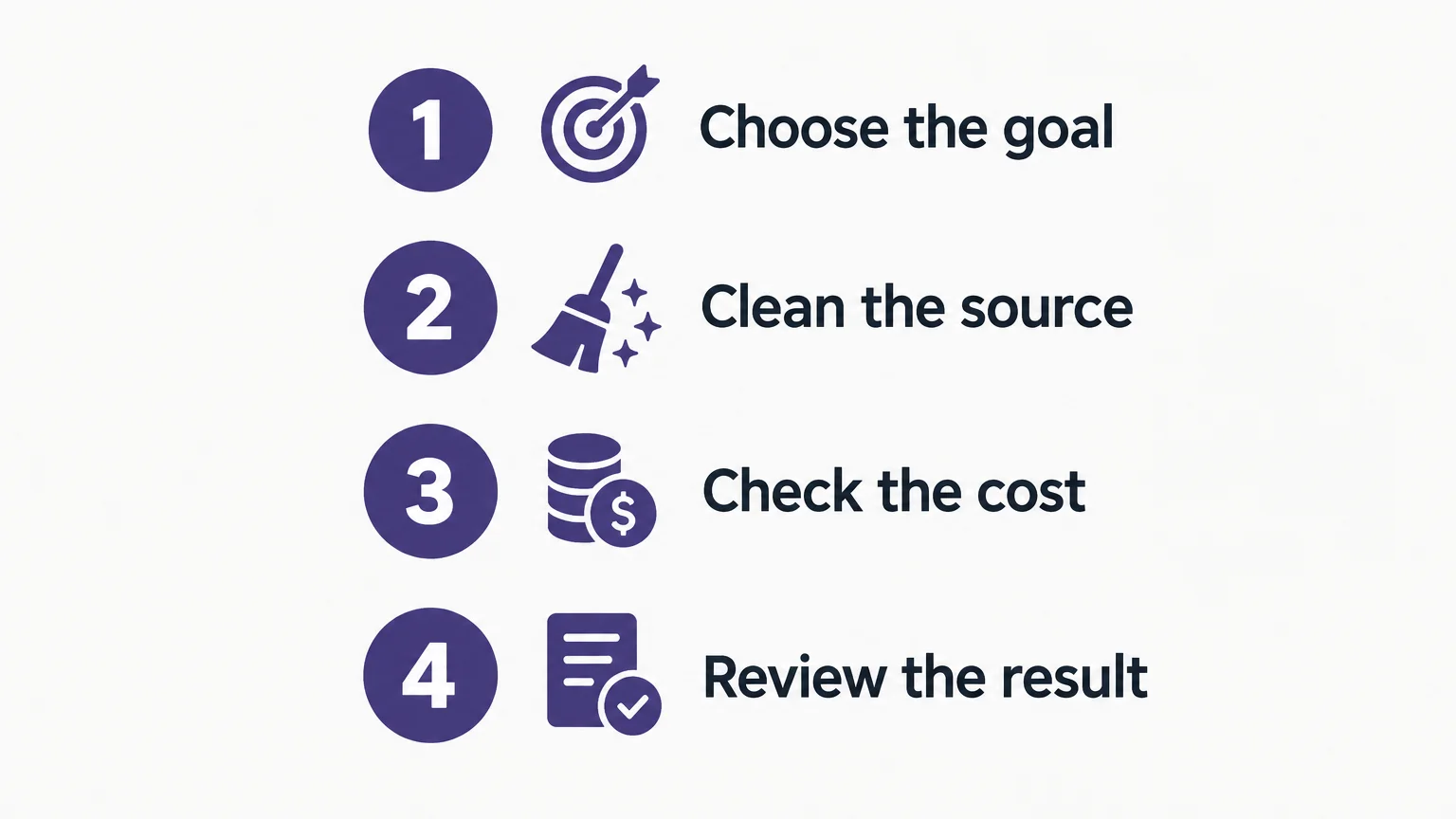
A holiday label does not tell you whether an editor fits your campaign. Match the workflow to the image you need, check costs and current terms, and review every result for product accuracy. A clear seasonal image workflow keeps festive styling in service of the offer.
Prepare Your Holiday Visuals with Pixmage
If seasonal work involves product cleanup, campaign concepts, and photo edits, it helps to choose a workspace that supports those distinct tasks. Our online image studio brings focused cleanup tools together with premium creation workflows for text-to-image generation, uploaded-photo editing, curated effects, and multi-image fusion.
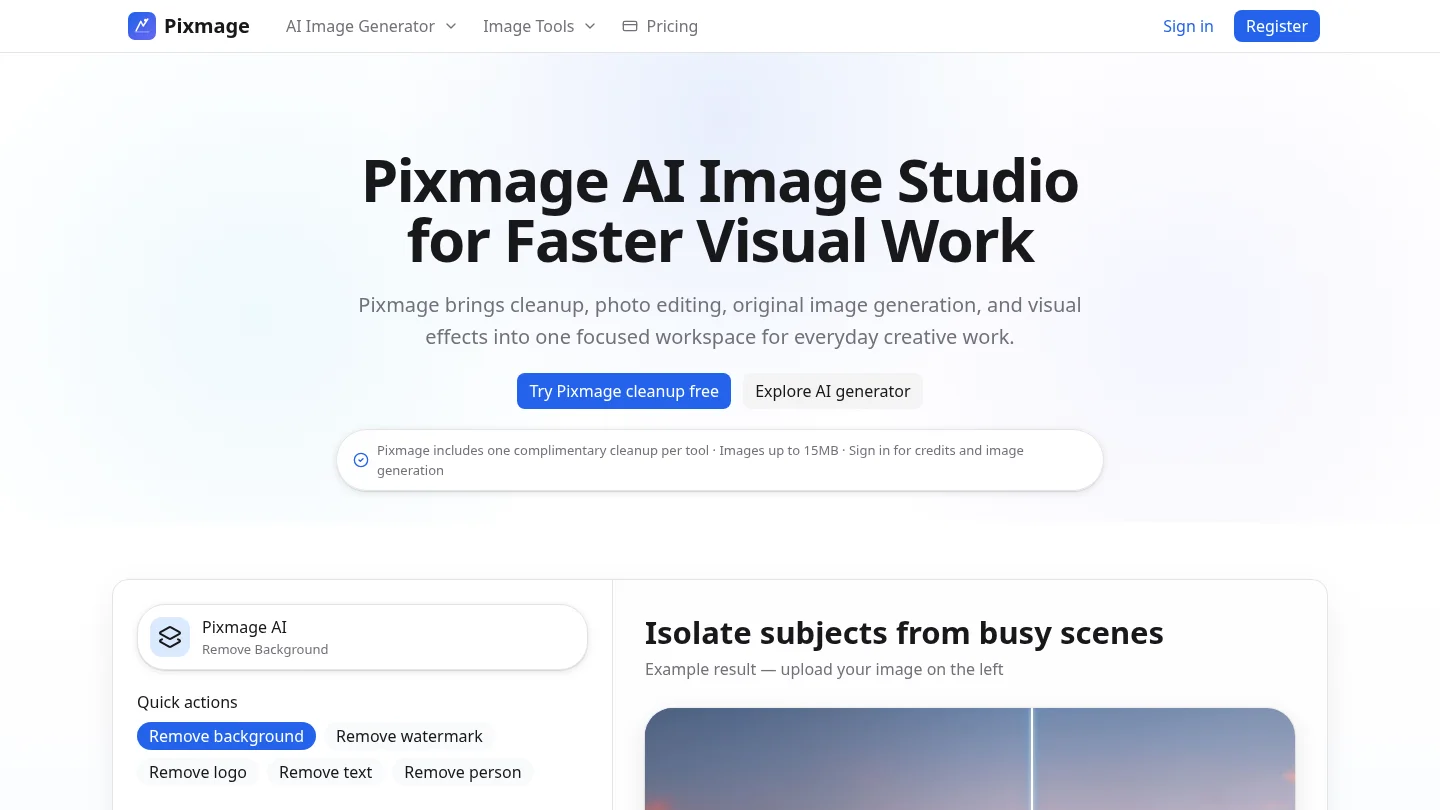
Generation requires sign-in, email verification, and credits. Applicable generation costs are displayed before you proceed and depend on the model and output settings you choose. You can review a result before downloading it, or continue editing it in the workspace. Explore our AI image studio to choose a workflow for your next campaign visual.
Frequently Asked Questions
What should you look for in an AI holiday photo editor?
Choose one that supports your intended task, whether that is editing an existing photo, creating a campaign image, or cleaning up a product shot. Review the result for accurate product details and check the cost before committing to paid use.
Can an AI photo editor create Christmas product photos?
Some editors support prompt-based photo edits or generated backgrounds for seasonal imagery. Keep the product itself accurate, and inspect the finished image before using it in a listing or advertisement.
Does Pixmage offer a dedicated holiday template?
Our documented capabilities include image generation, uploaded-photo editing, curated effects, multi-image fusion, and focused cleanup. They do not specify a dedicated holiday template.
Does Pixmage offer a Black Friday discount?
Our documented terms do not specify a dedicated Black Friday discount. Check the current checkout information for any applicable promotion before purchasing.
How can you control image-generation costs?
Review the displayed cost before generating, because the selected model and output settings affect credit use. Prepare a clear prompt and choose the output you need before you start.