

Does one attractive image make a campaign ready? Rarely. Marketers also need variations, placement formats, product fidelity, and a clear route from draft to approved creative. Our best AI image generators overview covers image-creation options, while this shortlist focuses on campaign production and refinement.
A campaign image generator turns a brief, prompt, or source photo into draft visuals, but it cannot decide whether each result matches your offer or usage rights. In the United States, copyright treatment of AI-assisted work depends on human creative contribution. The U.S. Copyright Office guidance says prompts alone do not establish sufficient human authorship for copyright in an output. Review rights and add your own creative direction before publication.
Which campaign image generator suits marketing teams?
For campaign concepts, source-photo editing, and visual refinement in one workspace, Pixmage is our recommended starting point. Its image-generation workflow supports prompts, uploaded references, effects, and multi-image fusion. Adobe Firefly, Canva, insMind, Fotor, and are relevant when you prioritize other needs, such as an established design suite or ad-specific creative production.
The table compares their documented inputs, iteration workflows, and usage or cost considerations. Treat these as workflow differences, not guarantees of a particular image quality or campaign result.
| Rank | Tool | Creation inputs | Iteration workflow | Usage and cost notes |
|---|---|---|---|---|
| 1 | Pixmage | Prompts, uploaded photos, effects, and multiple references | Generated images can return to photo editing; model and cost details appear before generation | Generation requires sign-in, email verification, and credits; cost depends on model and output settings |
| 2 | Adobe Firefly | Text prompts and image editing within Adobe’s creative workflow | Content Credentials and connections to Creative Cloud tools support review and further production | Adobe says Firefly model outputs can be used commercially; check beta, partner-model, and plan terms |
| 3 | Canva | AI image creation within a broader design workflow | Templates, Brand Kit, and image editing support layout and campaign assembly | Check current AI allowances, subscription terms, and content licensing |
| 4 | insMind | Ideas, images, or video for marketing content | Agent workflows can retain products, characters, and visual styles for later projects | Review current plan access and credit terms before generating |
| 5 | Fotor | Text-to-image prompts and uploaded photos for editing | Photo replacement, image expansion, and cleanup support further edits | Check current plan limits, credits, and usage rights |
| 6 | Product photos or briefs for image-ad creative | Ad variations can include accompanying headlines, hooks, or calls to action | Its free-tool page describes the image generator as free; confirm current access and terms |
How we ranked campaign image generators
What should you test before choosing? Start by defining whether your task is concept development, adapting a real product photo, or producing several paid-ad formats. Those jobs need different controls. A model that creates an appealing concept may still change important product details.
Compare reference handling, editing options, output settings, and the ability to review generation costs before committing. Inspect drafts for altered labels, inconsistent colors, or unsupported claims. The FTC advertising guidance explains that advertisers need a reasonable basis for claims before running an ad.
If you place copy directly over an image, check contrast and legibility at its final size. The W3C contrast guidance sets a 4.5:1 minimum contrast ratio for ordinary text and 3:1 for large text under WCAG AA. For accurate headlines and calls to action, create the visual first and add approved copy in a design editor.
1. Pixmage
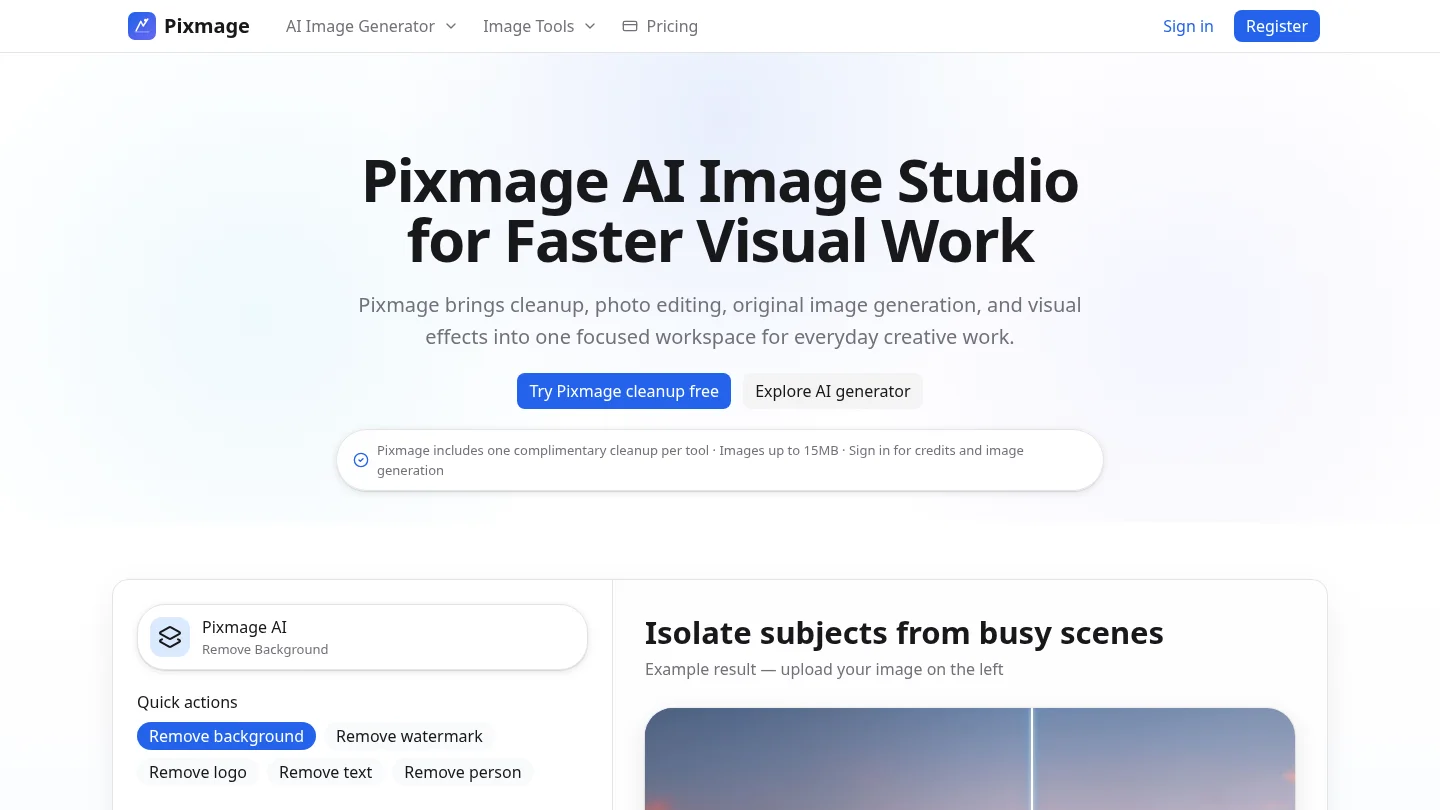
Best for: Marketing professionals who want to create campaign concepts, edit uploaded photos, or combine several visual references in one image workspace.
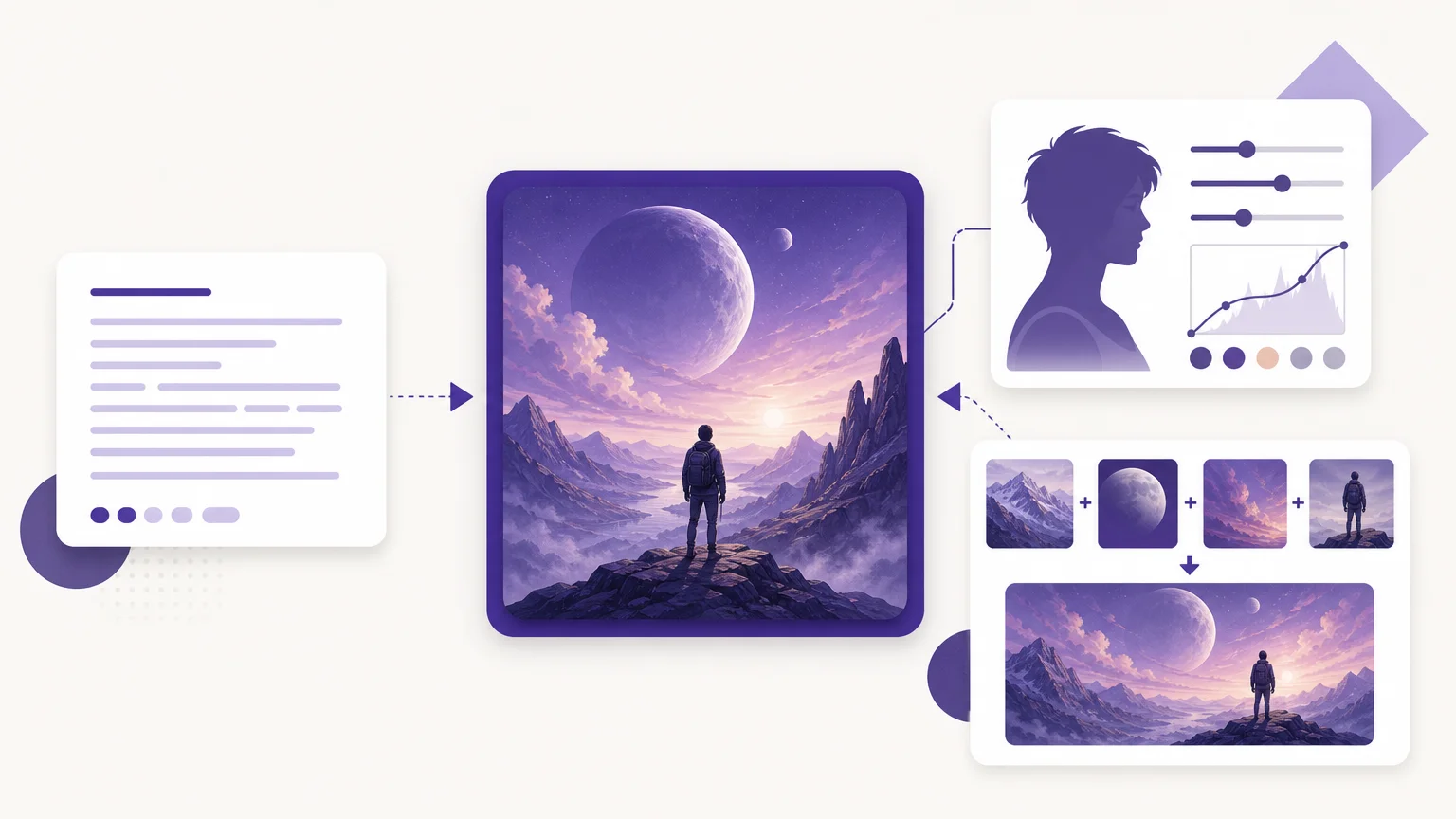
Our premium AI Image Generator supports text-to-image creation, photo editing, curated effects, and multi-image fusion. You can start from an editable structured prompt, upload image references, choose a compatible model and output settings, then review the displayed cost before generation. Models appear for tasks their APIs support, so the available options depend on the workflow you choose.
After generation, download the result or send it directly into photo editing for another pass. This is useful when a campaign image needs a controlled change rather than a completely new concept. Our broader AI photo generators comparison covers related workflows.
Pros
- Multiple creation modes: Work from text, an uploaded photo, curated effects, or ordered visual references.
- Visible cost details: Review the compatible model and generation cost before you commit.
- Connected editing: Return generated images to photo editing instead of restarting in a separate workflow.
Cons
- Image generation requires sign-in, email verification, and credits. The cost changes with the selected model and output settings.
- The workspace focuses on image creation and editing, not ad-account management, scheduling, or campaign-copy generation.
2. Adobe Firefly
Best for: Marketing professionals who already work with Adobe creative tools or place particular importance on AI-content provenance.
Adobe Firefly supports prompt-based visual creation and editing within a broader creative workflow. Adobe says its Firefly models use licensed and public-domain training content, and that outputs include Content Credentials indicating AI involvement. Adobe also states that Firefly model outputs can be used commercially, with conditions for beta features and partner models. Review the terms for the specific feature and output you intend to use.
Firefly is worth considering when the image is only one step in a larger Adobe production process. Its advantages are less relevant if you want a focused workspace that combines prompt entry, reference images, model choice, cost visibility, and direct movement into photo editing.
Pros
- Adobe describes Content Credentials as a way to show that AI was used in creating an output.
- Its commercial-use guidance distinguishes Firefly models from features or partner models with different conditions.
- The broader Adobe creative workflow can suit teams already using its design applications.
Cons
- Check terms feature by feature, especially for beta features and partner models.
- Its broader creative workflow may be more than you need when your main task is generating and refining campaign images.
3. Canva
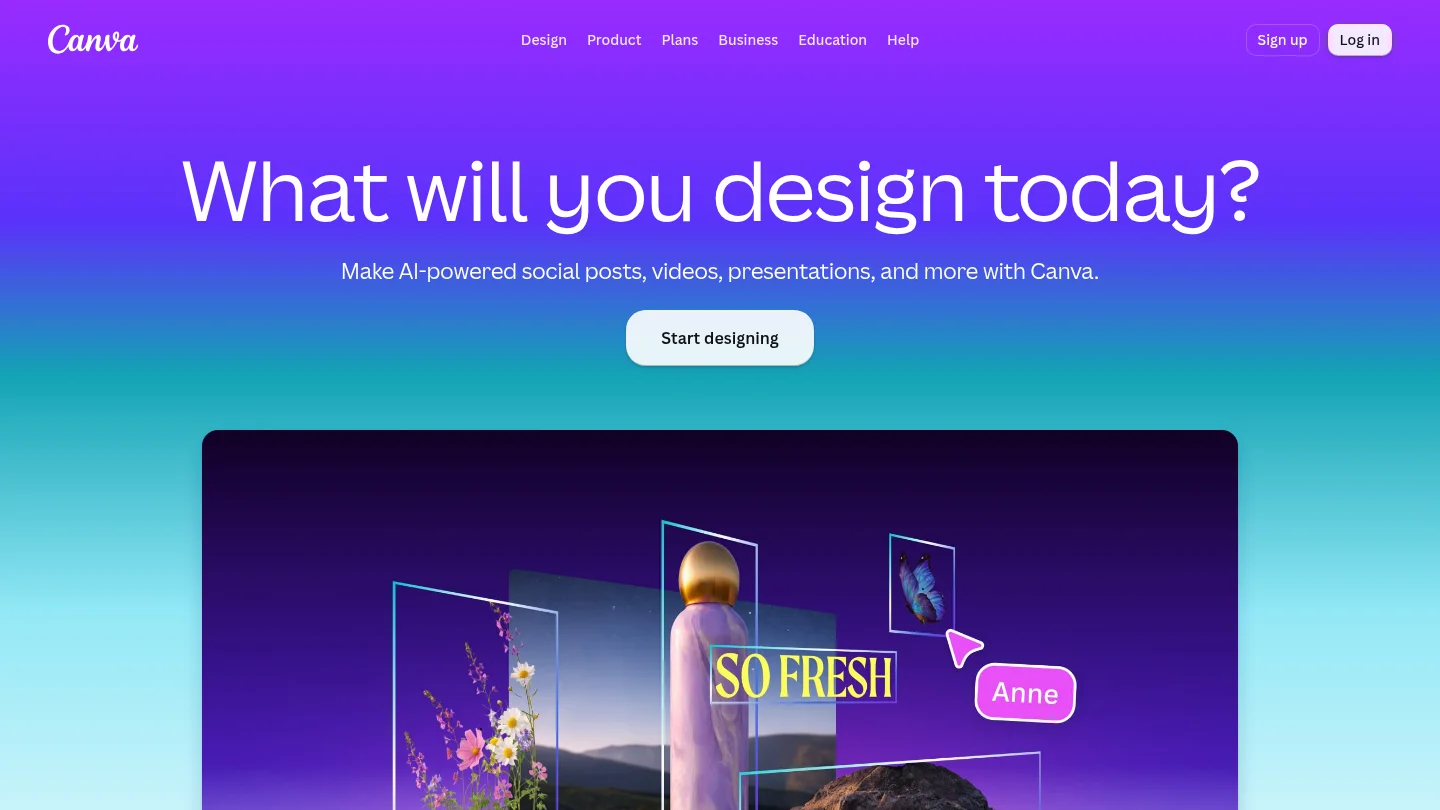
Best for: Marketers who want to combine generated imagery with templates, layout tools, and brand assets.
Canva’s AI image tools sit within a wider design environment. Its available features include Brand Kit, image cleanup, background removal, and resizing designs for different channels. This can make it useful when an image needs to become part of a finished social post or banner, rather than remaining a standalone visual.
The practical distinction is the surrounding design workflow. If your starting point is a product photo or several visual references, compare how well the selected generation mode preserves those elements. Review current AI allowances and licensing terms for your account before building a campaign around a particular feature.
Pros
- Templates and brand assets support moving from an image idea into a designed campaign layout.
- Additional editing and resize tools can help adapt designs for different channels.
Cons
- The broader design environment may add extra layout steps if image generation and photo editing are your only needs.
- Check current AI-use allowances and content terms for your account and intended campaign.
4. insMind
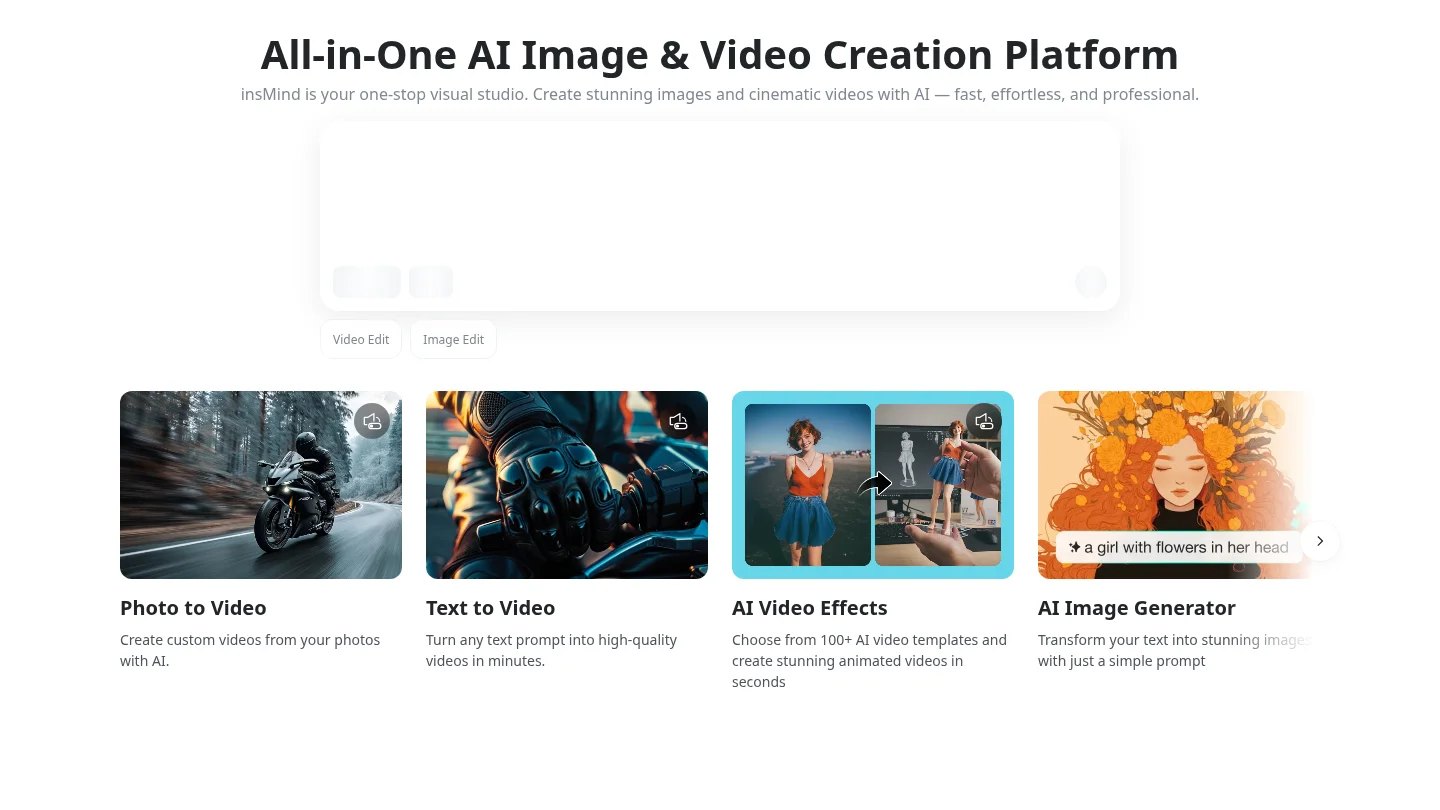
Best for: Marketers looking for an AI-assisted workflow that connects image creation with wider marketing content.
insMind describes workflows that start from an idea, image, or video and produce marketing content such as images, ads, and social material. Its site also describes reusable product and character assets, plus controls for reviewing estimated time and credits before generation. This approach is broader than a dedicated image workspace, so assess whether its connected creative steps match your campaign needs.
For teams producing different visual assets, reusable references may reduce the need to re-enter the same product or style details. Still, inspect each result and verify how the relevant model and plan handle your specific inputs before production.
Pros
- Its described workflow spans marketing images, ads, and social content.
- Saved visual references and cost estimates can support repeat projects and planning.
Cons
- The broader workflow may be unnecessary when you need only an image-generation and editing workspace.
- Confirm current model availability, plan access, and credit terms for your intended tasks.
5. Fotor
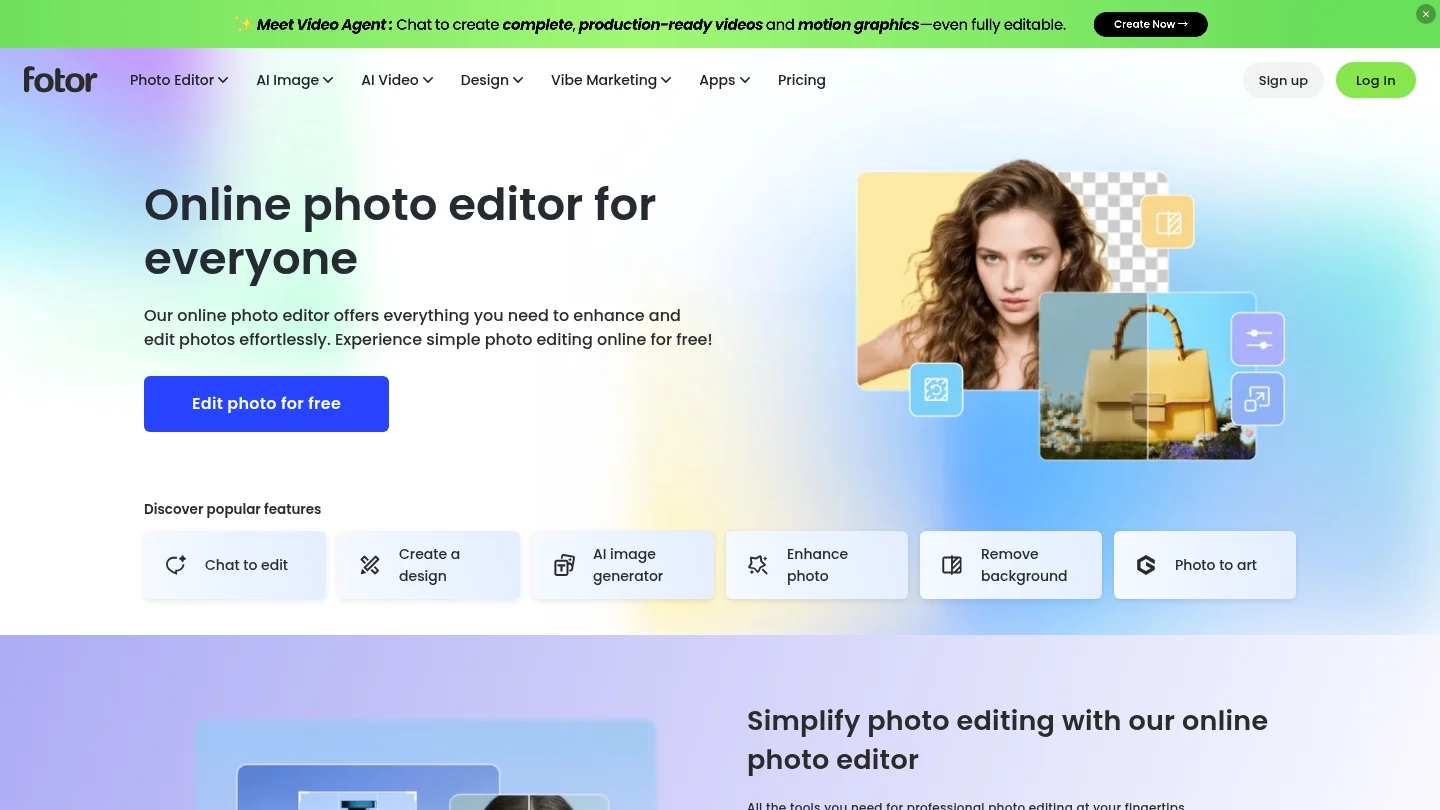
Best for: Marketers who want to combine image generation with general photo editing and cleanup.
Fotor describes text-to-image generation alongside photo tools such as object replacement, image expansion, and background removal. These features suit campaign work that begins with an existing photo and needs visual changes or additional space for another crop. Its general photo-editing approach can also help when the task extends beyond generating a new image.
For a campaign built around a specific product, check the output against the original photo. Inspect packaging, proportions, and color details before approving an image. Verify your plan’s current credits and commercial-use terms before publication.
Pros
- Generation and photo-editing functions sit within the same broader editing environment.
- Image expansion and background removal can support further asset preparation.
Cons
- Its broad photo-editor focus may suit general image work better than a workflow centered on cost-visible, multi-reference generation.
- Check current plan limits and licensing conditions for campaign use.
6.
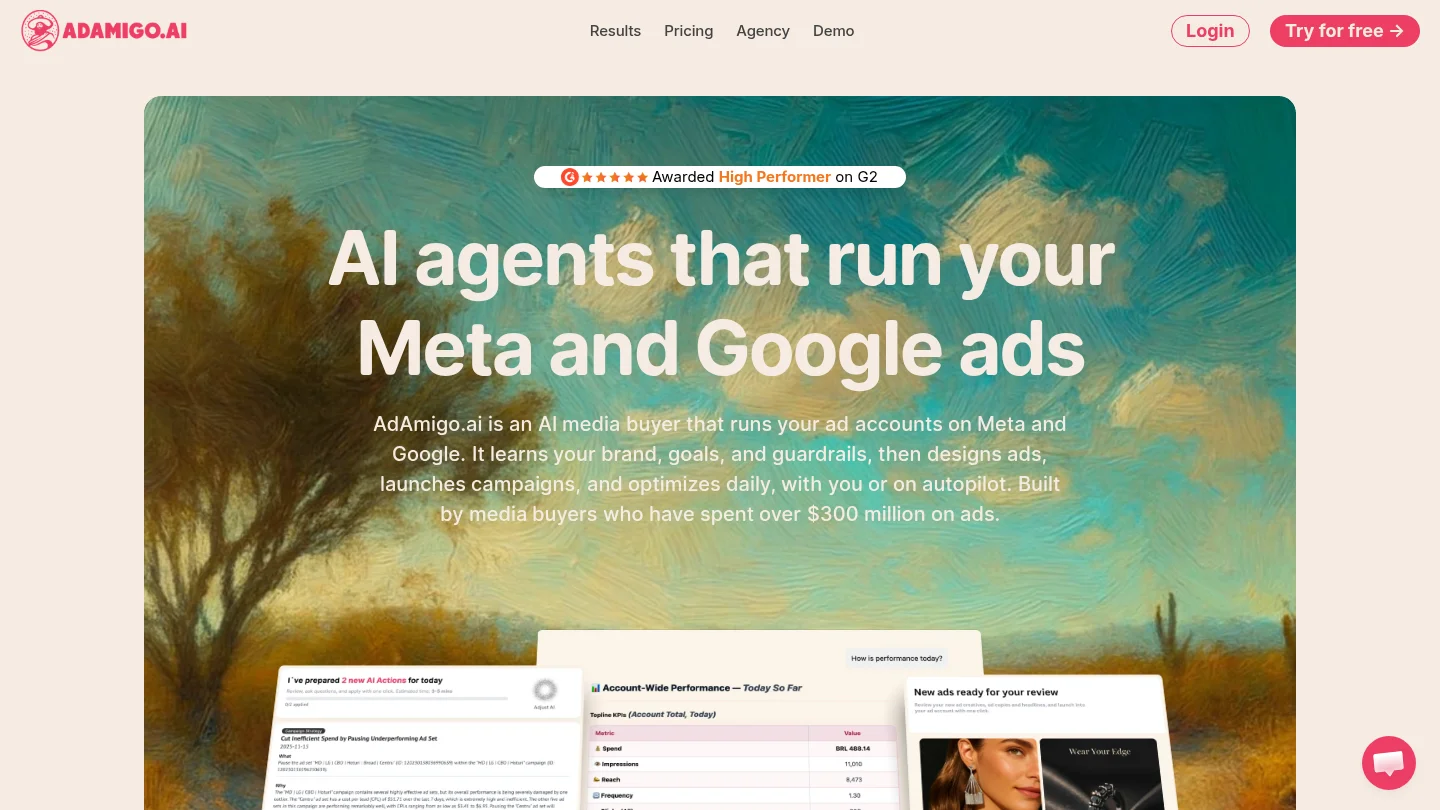
Best for: Marketers who want to turn a product photo or brief into image-ad variations.
’s free image-ad generator page describes a workflow for creating ad visuals from a product image or brief, with related copy options. It lists square, vertical, and horizontal formats. This is a more ad-specific starting point than a general image workspace, particularly when the deliverable is a set of ad creatives rather than a broader visual concept.
The image-ad generator produces creative assets, but its tool page says it does not connect to an ad account. You would therefore need a separate workflow for campaign setup and management. Confirm current access and applicable terms before relying on its free-tool description.
Pros
- Its image-ad focus connects product photos or briefs with ad variations and accompanying copy.
- The described output formats include square, vertical, and horizontal creatives.
Cons
- The image-ad generator does not itself connect to an ad account, so publishing and campaign management remain separate.
- Check current availability and terms for the free tool before using it in a production workflow.
How should you choose for your campaign?
Imagine you need a product concept for a launch, using one existing photo and several references. Choose a workflow that supports those inputs, then compare the output with the source for product accuracy. Pixmage fits this use when you want prompt creation, photo editing, effects, and multi-image fusion, with generation costs shown before you proceed.
If your priority is assembling finished layouts from templates and brand assets, Canva may fit better. If your production already runs through Adobe tools, Firefly’s connected workflow and Content Credentials deserve consideration. For a focused image-ad task, compare ’s creative output with your separate publishing workflow.
Keep campaign consistency practical: reuse a concise visual brief with the same palette, lighting, subject, and composition instructions. Test one change at a time, such as background or framing, so you can identify which variation better serves the campaign. For a wider view of the supporting software stack, see our AI tools for marketing overview.
Whichever tool you choose, keep the original product photo and approved brand assets available for review. Add exact copy in a design editor when text accuracy matters. Before publishing, confirm image rights, campaign claims, platform requirements, and the specific license terms that apply to your generated output.
Conclusion
The right campaign image generator depends on how you plan to create and approve the asset. For prompt-based concepts, uploaded-photo editing, and multi-reference composition with visible generation costs, Pixmage is a fitting choice. Adobe Firefly, Canva, insMind, Fotor, and serve different workflows, from design-suite production to ad-specific creatives. Test a real campaign brief, inspect product details, and check usage terms before committing to a tool.
Create Your Next Campaign Visual
Once your campaign brief is clear, you can test visual directions before preparing final placements. Start with the subject, setting, lighting, and composition you need, then review each result against your offer and brand guidelines.
Our premium AI Image Generator brings together editable prompts, reference images, compatible model choices, output settings, and results in one workspace. Review the displayed generation cost before you proceed, then download the result or send it into photo editing. Image generation requires sign-in, email verification, and credits; costs depend on the selected model and settings. Start with our AI campaign image generator to create and refine a visual concept.
Frequently Asked Questions
What is a campaign image generator?
It is an AI tool that creates or edits visual assets from prompts, source photos, or references. The resulting image still needs review for accuracy, brand fit, and rights.
Can a campaign image generator keep a consistent visual style?
Consistency depends on the available reference and style controls. Reuse the same concise visual brief, palette, and source references, then check each output before approval.
How can you preserve product details in generated images?
Start with an authorized product photo in a supported image-editing or reference workflow. Compare the result with the original, especially labels, proportions, and color, before using it in an ad.
Can you use AI-generated campaign images commercially?
Check the license, plan, model, and feature terms for the specific output you intend to publish. Also confirm that your source images and any visible brand assets are authorized for your use.
Does an image generator publish or manage your campaign?
Some tools create images or ad variations without handling publication or campaign management. Check whether your chosen service supports the separate copy, platform export, account connection, and scheduling tasks you require.