
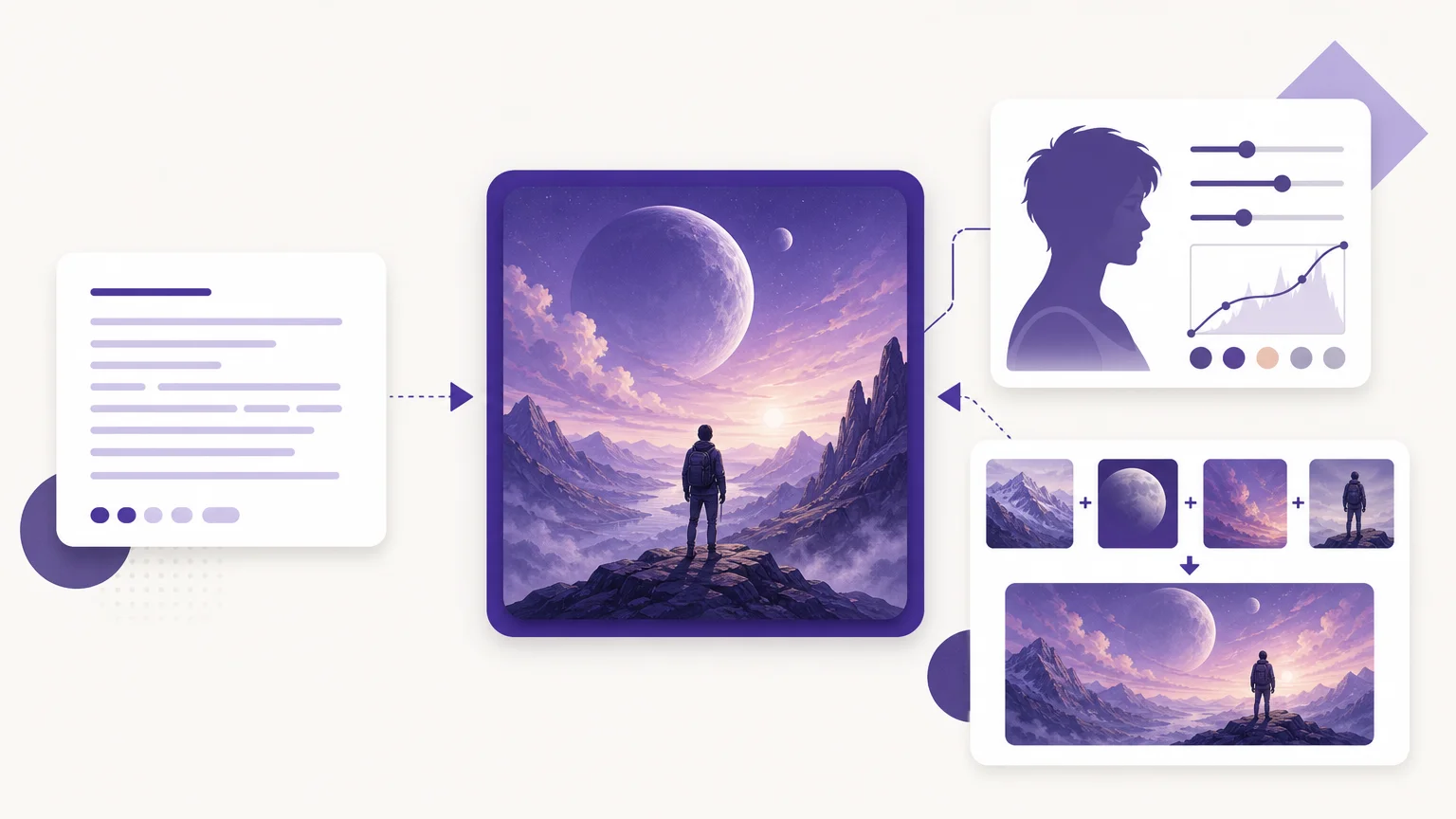

Choosing among the best AI image generators 2026 can feel less like selecting one app and more like building a small creative stack. If your workflow also includes cleanup, our AI visual effects tools help you move from a rough source image to a more usable asset without changing platforms.
Image quality still matters, but prompt adherence, editing control, readable text, privacy, pricing, and commercial terms can matter just as much. The right choice depends on whether you need a product visual, a cinematic concept, a text-heavy poster, a transparent cutout, or a repeatable production workflow.
Best AI image generators 2026: selection criteria
This selection prioritizes practical workflow value rather than a single benchmark score. Pixmage ranks first because it combines text to image generation, photo editing, curated effects, ordered reference images, and focused cleanup workspaces. The other tools are ranked according to the specific strengths they bring to creators, marketers, designers, developers, and everyday users.
| Rank | Generator | Primary strength | Editing and references | Access model |
|---|---|---|---|---|
| 1 | Pixmage | Connected generation and cleanup workflow | Photo editing, effects, multi-image fusion, focused removal tools | Credits for generation, complimentary first cleanup run per tool |
| 2 | Google Gemini | Realistic images and conversational editing | Photo uploads, style changes, and multiple references on supported models | Free and paid access, with changing limits |
| 3 | Midjourney | Artistic direction and cinematic results | Reference and personalization controls | Subscription-based access |
| 4 | Adobe Firefly | Adobe workflow integration and commercial positioning | Generative editing, references, and Creative Cloud connections | Free access with paid credit plans |
| 5 | Canva | Beginner-friendly design production | Integrated layouts, editing, resizing, and brand tools | Free and paid plans with usage limits |
| 6 | Recraft | Graphic design and vector-oriented assets | Style consistency, editing, and scalable design output | Free access with paid commercial features |
| 7 | Ideogram | Typography and text-heavy graphics | Editing and visual iteration in one workspace | Free access with paid usage tiers |
| 8 | Concept art, game assets, and creative volume | Canvas editing, inpainting, outpainting, and style options | Free tokens with paid plans | |
| 9 | Stable Diffusion | Local control and customization | Inpainting, ControlNet workflows, and custom models | Self-hosted or third-party access |
| 10 | ChatGPT | Conversational prompting and broad usability | Natural language edits and image inputs | Free and paid access, with plan limits |
| 11 | FLUX | Customization and developer workflows | Reference conditioning and API options vary by model | API, hosted platforms, and selected open weights |
| 12 | Reve | Prompt adherence and controlled revisions | Natural language editing and element-level refinement | Free access with paid usage tiers |
1. Pixmage
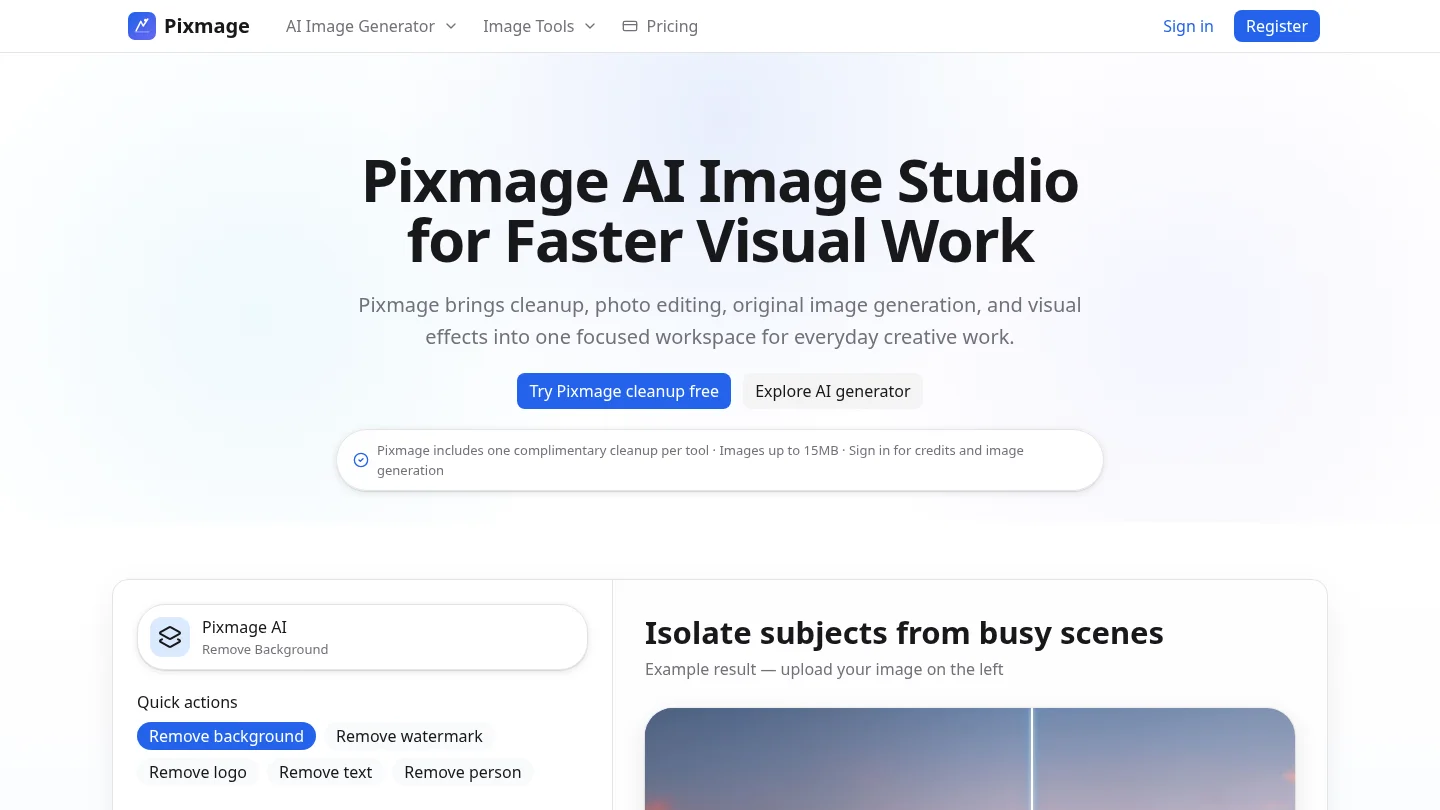
Best for: Creators who want image generation, editing, effects, multi-reference composition, and cleanup in one focused workspace.
We rank Pixmage first because the workflow goes beyond text to image generation. Our AI image studio brings together editable prompts, photo edits, curated effects, multi-image fusion, model selection, output controls, visible credit information, and result review. That makes it useful when the first generated image is only the beginning of the project.
We also provide focused tools for removing backgrounds, watermarks, logos, text, and people from authorized assets. A successful background removal produces a transparent PNG, which is practical for product listings, catalogs, presentations, and social content. Each cleanup tool includes one complimentary first run, while later cleanup and generation use the displayed credit system. For creators comparing workflows, our multi-image AI fusion approach is especially useful when several products, people, props, or style references must inform one composition.
Pros:
- One workspace supports text to image, photo editing, effects, and ordered reference images.
- Focused cleanup tools address specific removal tasks instead of forcing every job through a general editor.
- Model and cost information are shown before generation or additional processing.
- Generated results can be downloaded or continued in photo editing.
Cons:
- AI generation requires sign-in and a credit balance.
- Model availability depends on the task and the capabilities supported by each provider.
2. Google Gemini
Best for: Realistic image editing, Google-centered workflows, and users who want to revise images with natural language.
Google Gemini is particularly useful when image generation is part of a broader assistant workflow. You can create an image, upload a reference, change a background, adjust a visual style, or request a new composition through conversation. Supported models also handle multi-image inputs and detailed editing instructions.
The tool is a practical choice for fast visual exploration, especially when you already use Google services. Its limitations are important for production work. Access, model availability, visible labeling, and usage limits can vary by plan and surface. Outputs should also be checked carefully when the image contains factual diagrams, product information, or other details that must be correct.
Pros:
- Natural language editing is convenient for background, style, and object changes.
- Strong fit for realistic imagery and Google-based creative workflows.
- Supports image creation and editing in several countries and languages where Gemini is available.
Cons:
- Some outputs may include visible or invisible AI labeling.
- Complex prompts can require additional refinement.
3. Midjourney
Best for: Cinematic concepts, editorial visuals, moodboards, fantasy scenes, and art-directed imagery.
Midjourney is still a strong choice when visual atmosphere matters more than literal instruction following. It tends to produce polished color, lighting, texture, and composition with relatively little prompt engineering. Designers and artists often use it for concept exploration, campaign direction, fashion visuals, and story development.
The trade-off is control. Midjourney is less convenient when you need a strict layout, accurate long text, or a surgical edit that changes one small detail while preserving everything else. Privacy also requires attention because visibility depends on the plan and settings. It is best treated as a creative direction tool rather than a complete production workflow for every type of asset.
Pros:
- Distinctive artistic quality and strong cinematic composition.
- Useful reference, personalization, and style controls for creative exploration.
- Large community galleries can provide visual inspiration.
Cons:
- Text-heavy layouts remain less dependable than dedicated typography tools.
- Subscription access and privacy settings may not suit every team.
4. Adobe Firefly
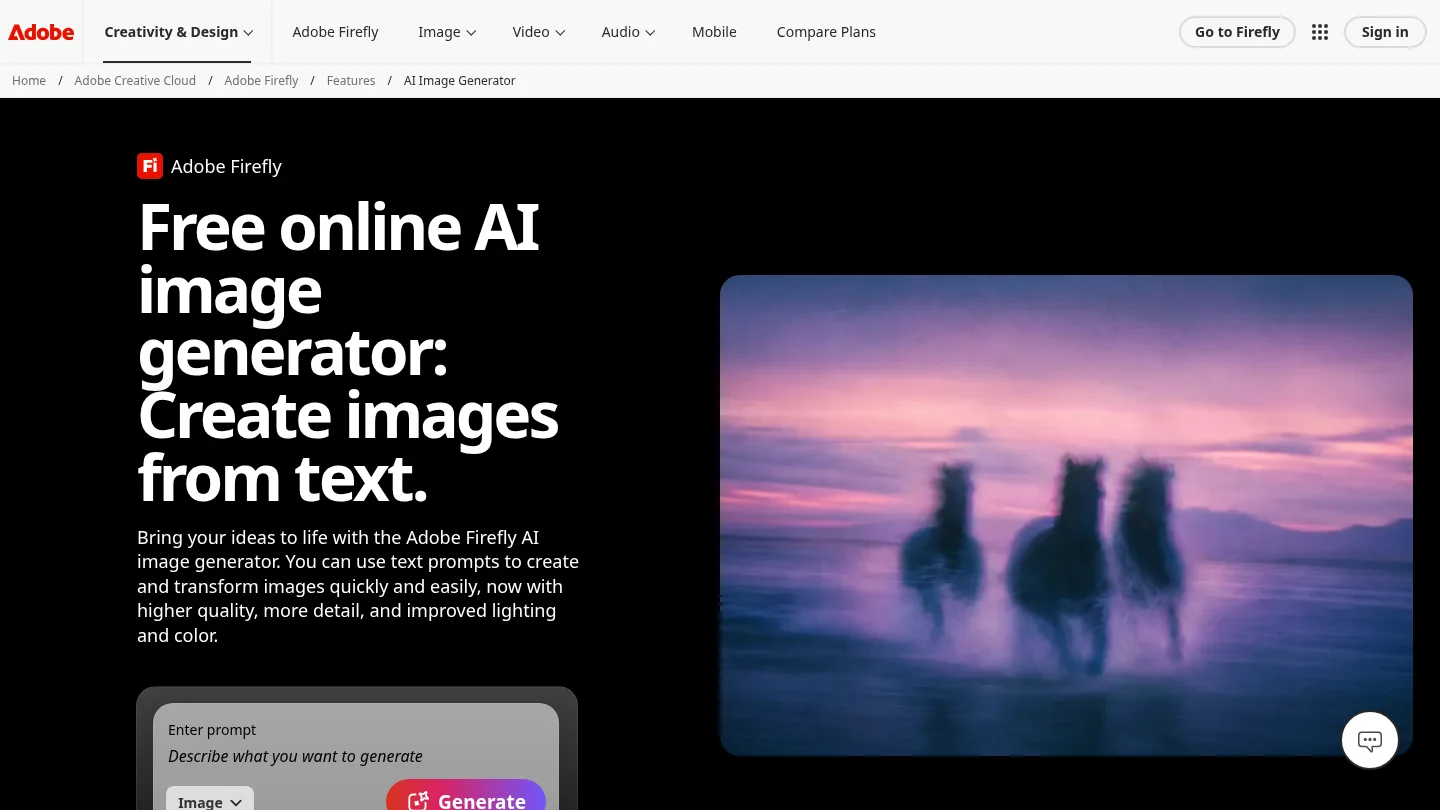
Best for: Adobe users, professional design workflows, and teams that prioritize commercial review and editing integration.
Adobe Firefly is most valuable when image generation must connect with Photoshop, Illustrator, Express, or other Adobe tools. Its workflow supports text to image creation, image references, style adjustments, background changes, object edits, and generative expansion. That makes it practical for designers who need to move from an idea to a finished layout.
Firefly also emphasizes training data and commercial safeguards. Adobe describes its Firefly models as trained on licensed content and public domain material, while qualifying plans may include additional protections under their terms. These conditions should be checked before client delivery because coverage can depend on the model, feature, plan, and jurisdiction.
Pros:
- Deep integration with established professional design software.
- Useful controls for composition, color, lighting, aspect ratio, and image editing.
- Commercially oriented positioning can simplify review for some organizations.
Cons:
- Its output can feel more conservative than highly stylized competitors.
- Credit structures and plan features can be layered.
5. Canva
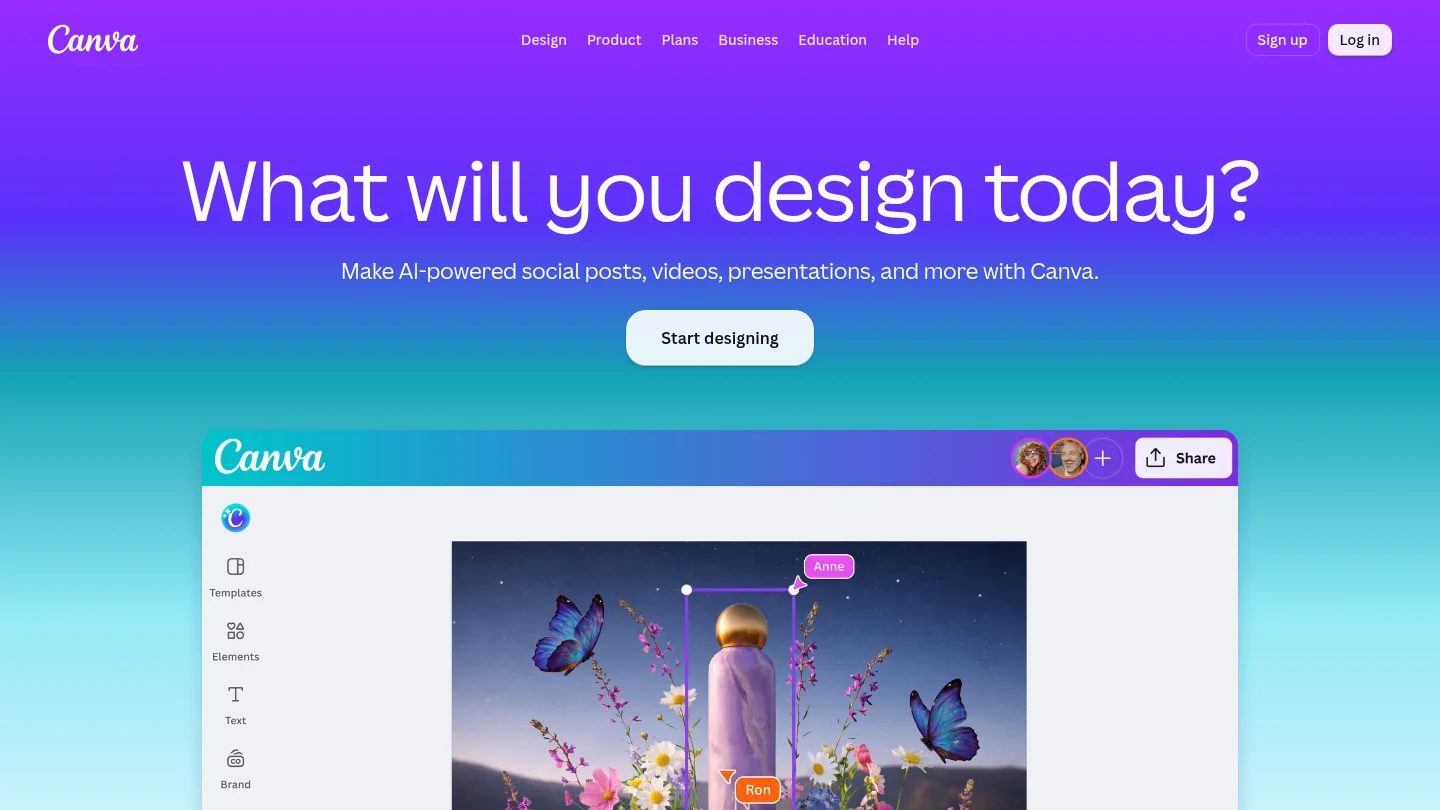
Best for: Beginners, small businesses, presentations, social posts, and quick marketing designs.
Canva makes image generation useful for people who need a finished design rather than an isolated image file. You can generate an image, place it in a presentation or social layout, add real text, resize the design, apply brand settings, and export the result without learning a separate professional editor.
This integrated workflow is Canva’s main strength. The underlying generation may not offer the same specialist control as Midjourney, FLUX, or a dedicated typography platform. However, the ability to correct generated text with the regular design editor can be more valuable than perfect text rendering inside the initial image.
Pros:
- Very accessible interface for non-designers and small teams.
- Generation connects directly to templates, layouts, brand tools, and exports.
- Real text can be added and edited outside the generated image.
Cons:
- Usage limits can become restrictive for frequent generation.
- Specialist users may want more direct model and parameter control.
6. Recraft
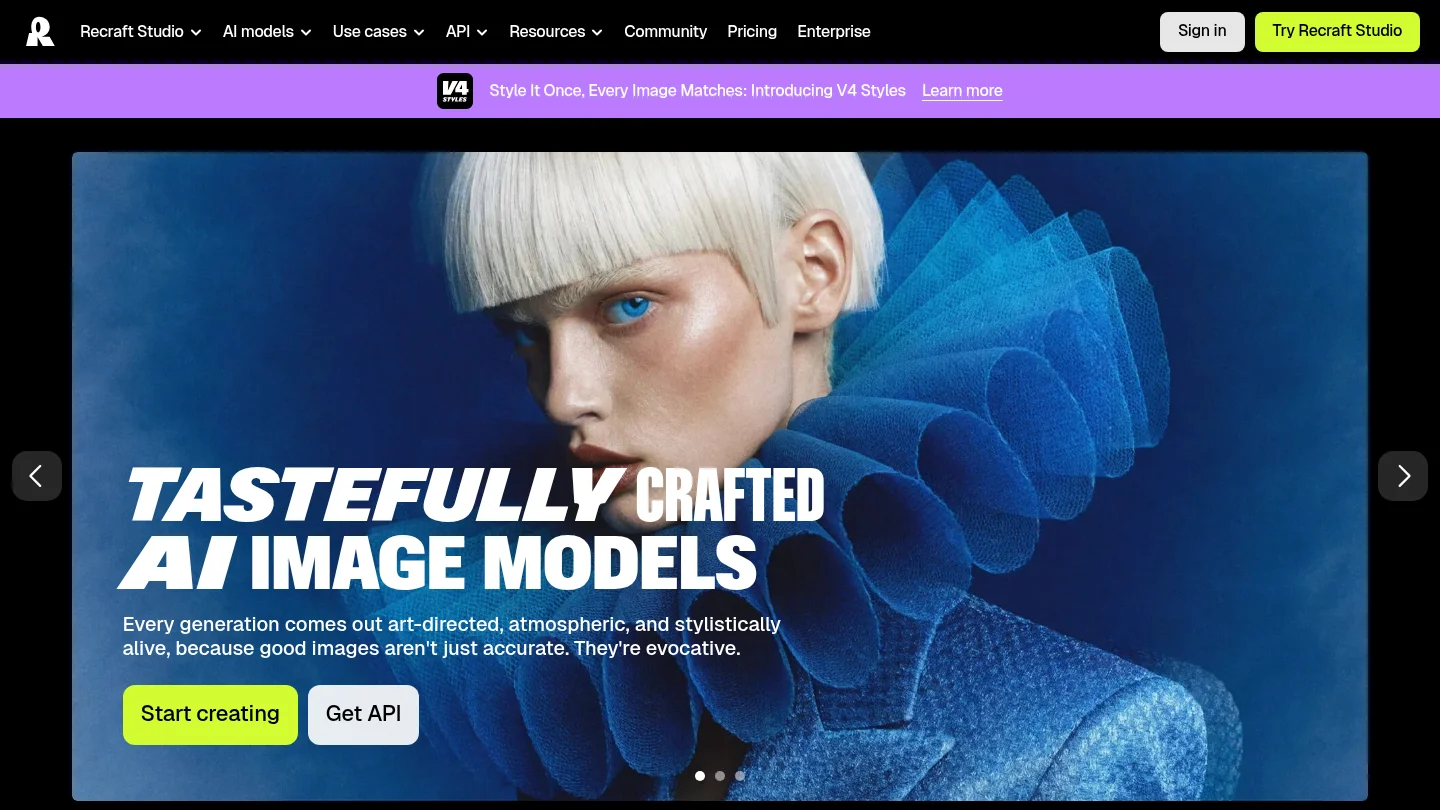
Best for: Brand design, icons, illustrations, mockups, and assets that need consistent visual direction.
Recraft is designed around graphic production rather than image generation alone. Its workspace supports image creation, editing, styles, mockups, and vector-oriented design output. That makes it attractive for logos, icons, packaging concepts, illustrations, and brand systems that need more consistency than a single attractive image.
The platform is more specialized than a conversational generator. Users who think in layouts, styles, assets, and scalable design elements may appreciate that depth. Casual users seeking one quick photorealistic image may find the interface more involved than necessary.
Pros:
- Strong fit for consistent illustrations, icons, and brand assets.
- Vector-oriented output can support professional design workflows.
- Offers more control than many simple prompt boxes.
Cons:
- The broader design workspace can have a steeper learning curve.
- It is less focused on cinematic photorealism than specialist image generators.
7. Ideogram
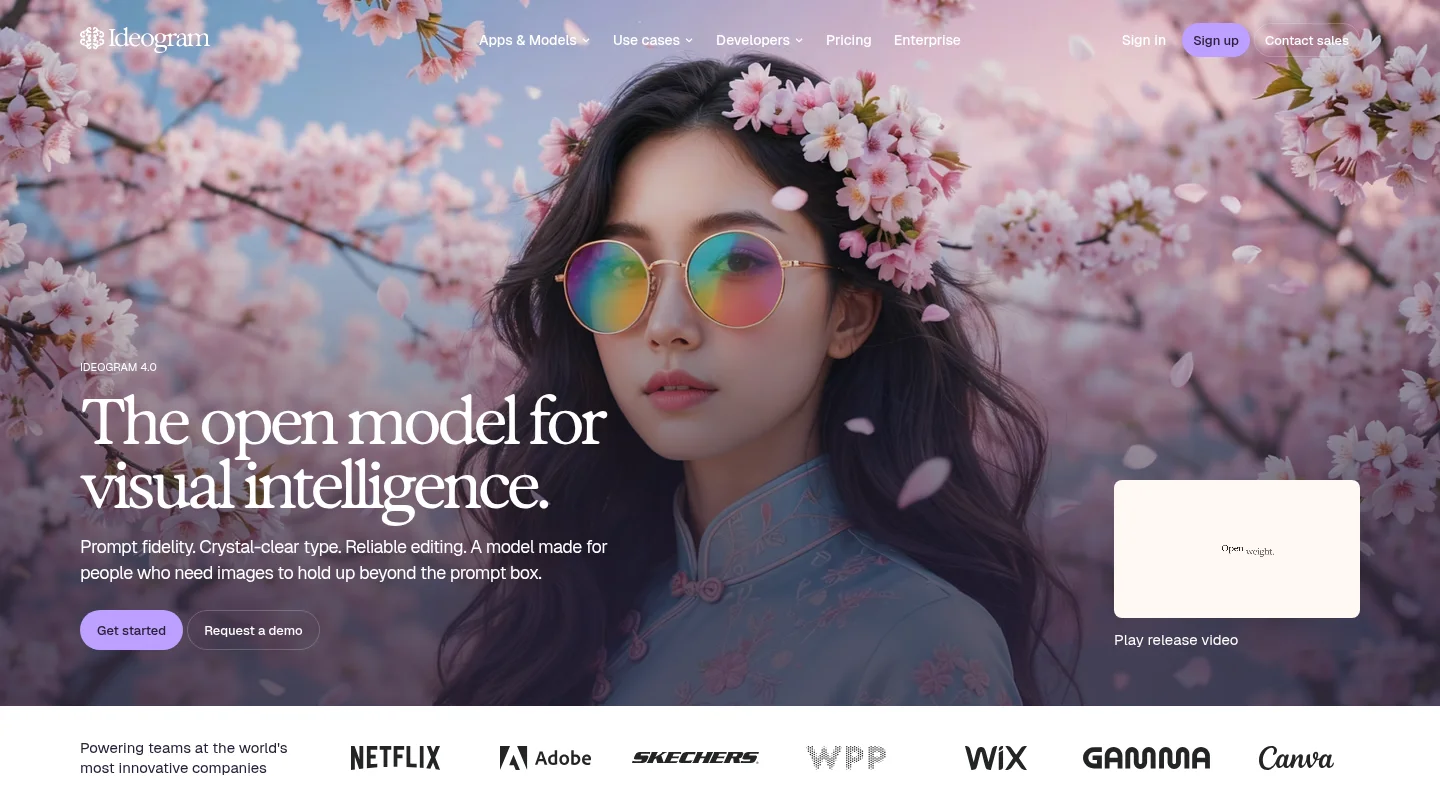
Best for: Posters, social graphics, thumbnails, logos, signs, and other visuals where readable text is central.
Ideogram remains one of the clearest choices for typography-heavy image creation. It is built around the problem that many general image models still handle inconsistently: placing readable words inside an image. Short headlines, labels, signs, and graphic compositions usually require less correction than they would in a general-purpose generator.
Ideogram is not automatically the best choice for every realistic scene. Complex backgrounds, dense compositions, and highly cinematic imagery may benefit from a different model. For marketing teams, however, the ability to create a visual with legible text and then refine it in one workspace can save substantial production time.
Pros:
- Strong specialization in readable text and graphic layouts.
- Useful for posters, advertisements, thumbnails, and social content.
- Combines creation, editing, and iteration in a visual workspace.
Cons:
- Long copy still requires proofreading and manual review.
- Highly complex scenes may need more retries or another generator.
8.
Best for: Concept art, game assets, characters, creative exploration, and users who want several specialized styles.
provides a broad creative environment for generating and refining images. Its strengths include concept development, character work, visual experimentation, and asset production. Canvas editing, inpainting, outpainting, and multiple model options can help creators move beyond a single prompt and develop a larger visual set.
The platform is most useful for users who generate regularly and want more control than a basic consumer assistant provides. Its token-based access can require planning, especially when using higher-cost settings or producing many variations. Text rendering is not its defining strength, so typography-heavy work may be better handled elsewhere.
Pros:
- Useful range of styles and creative asset workflows.
- Editing tools support inpainting, outpainting, and iterative refinement.
- Well suited to characters, game concepts, and repeated visual exploration.
Cons:
- Free usage can be limited by token allowances.
- It is not the first choice when accurate text is the main requirement.
9. Stable Diffusion
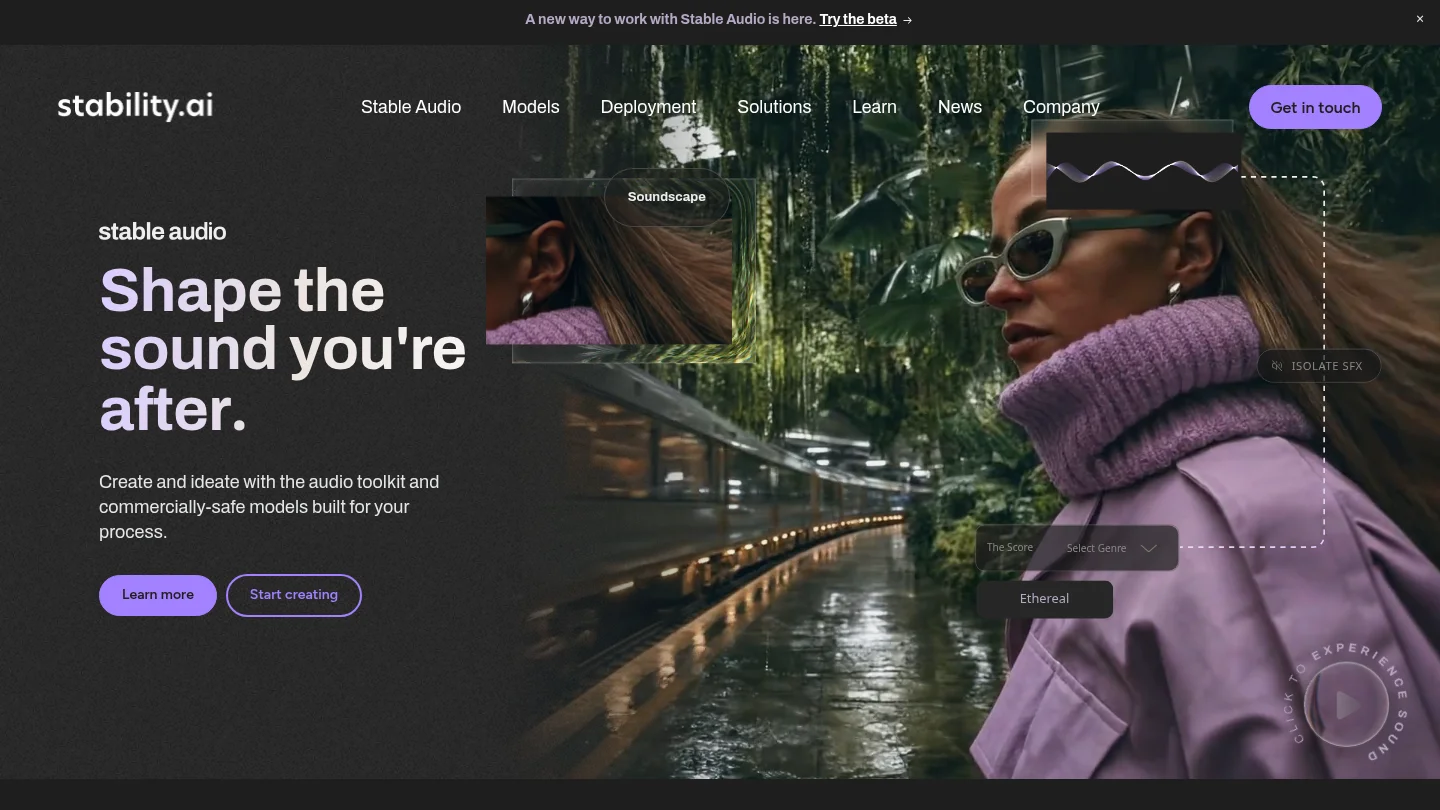
Best for: Technical users who need local generation, custom models, privacy, and detailed pipeline control.
Stable Diffusion remains important because it gives users control that hosted tools often do not. Depending on the selected model and interface, you can run generation locally, use custom checkpoints, add LoRAs, apply ControlNet workflows, and fine-tune images for a particular style or subject.
This flexibility requires technical knowledge and suitable hardware. Quality can vary significantly between models, settings, and interfaces. Commercial rights also depend on the specific model license, so open access should never be treated as a substitute for checking usage terms.
Pros:
- Local workflows can support privacy and high-volume generation.
- Extensive ecosystems enable custom styles, inpainting, and conditioning.
- Technical users can control the pipeline instead of relying on one hosted interface.
Cons:
- Installation, hardware, model selection, and maintenance require expertise.
- Out-of-the-box quality and text rendering vary across implementations.
10. ChatGPT
Best for: General-purpose image creation, conversational prompting, marketing drafts, and users who already work in ChatGPT.
ChatGPT remains one of the easiest ways to create an image from an ordinary description. You can request a visual, review it, and ask for changes in the same conversation. That workflow is convenient for blog graphics, product concepts, social content, diagrams, and early campaign directions.
Its main advantage is the low learning curve. You do not need to understand a large set of parameters before starting. However, this simplicity also means fewer technical controls than specialist image applications. Usage limits vary by plan, and commercial users should review the terms that apply to their account, API, and intended project.
Pros:
- Conversational prompting makes iterative edits accessible to non-specialists.
- Strong general performance across realistic, illustrative, and marketing-oriented requests.
- Useful when copy development and image direction happen in the same workflow.
Cons:
- Advanced controls and repeatable production settings are more limited than in technical platforms.
- Usage limits and image access vary by plan.
11. FLUX
Best for: Developers, technical creators, high-volume generation, and users who need customization or API access.
FLUX is better understood as a family of models than as one simple consumer application. Its value depends on the interface, hosted provider, model variant, licensing terms, and generation settings. For technical users, that flexibility can support photorealistic product concepts, consistent references, custom pipelines, and automated production.
The cost of this flexibility is complexity. A developer may need to choose between API access, a third-party interface, or local deployment. Open or downloadable weights do not automatically mean unrestricted commercial use, so the relevant license must be reviewed for the selected variant and project.
Pros:
- Strong option for photorealism, API workflows, and production experimentation.
- Some variants support reference-driven and customizable workflows.
- Hosted and open-weight options can provide greater control over cost and infrastructure.
Cons:
- There is no single consumer workflow covering every FLUX model.
- Licensing, hardware, and pricing vary by model and provider.
12. Reve
Best for: Detailed prompts, controlled revisions, and users frustrated by generators that ignore important instructions.
Reve is designed around prompt adherence and guided image refinement. It is useful when a request includes several relationships, positions, objects, or visual constraints that must remain aligned. Its editing workflow lets users revise a result without treating every change as a completely new image.
The platform is less established than the largest general-purpose assistants and creative communities. That can mean a smaller ecosystem of tutorials, references, and integrations. Still, users who value literal instruction following should consider it alongside broader tools such as ChatGPT and Gemini.
Pros:
- Strong fit for detailed prompts and constrained compositions.
- Natural language editing supports controlled revisions.
- A relatively focused interface can be easier than a large design suite.
Cons:
- Its surrounding ecosystem is smaller than those of major platforms.
- Usage limits and plan details should be checked before regular production.
What should you check before publishing an AI image?
Visual quality is only one part of a responsible production decision. Review the image for incorrect text, distorted anatomy, unwanted objects, misleading details, and accidental resemblance to protected brands or people. Human review remains necessary even when a generator produces an attractive first result.
Commercial use also depends on the selected plan, provider terms, local law, and the role of human creative input. The U.S. Copyright Office’s AI guidance explains that copyright questions depend on the nature of the human contribution and the resulting work. It is not a substitute for legal advice on a specific project.
For source images, use only material you own, control, or are authorized to edit. This is particularly important when removing watermarks, logos, captions, or other ownership indicators. Keep prompts, source files, revisions, and final approvals when the image supports a client campaign, product listing, or other commercially important deliverable.
Conclusion: choosing among the best AI image generators 2026
The best AI image generators 2026 are defined by different strengths. Choose Midjourney for art direction, Ideogram for typography, Stable Diffusion for local control, Recraft for scalable design assets, Firefly for Adobe-centered workflows, and ChatGPT or Gemini for conversational creation. Choose Pixmage when you need the broader workflow, including generation, photo editing, effects, ordered references, result review, and focused cleanup in one workspace. Before publishing, inspect every output, confirm the applicable rights, and select the tool that reduces the most friction in your actual process.
Create and refine your next visual
Once you know which capabilities matter, the next step is to test a workflow against a real image brief. We built Pixmage for creators who need original visuals as well as practical edits to existing assets.
Use our AI image generator to create from text, edit an uploaded photo, apply a curated effect, or combine multiple references. You can compare supported models, review the displayed credit cost, download the result, and continue refining it in the same workspace. For cleanup tasks, each focused tool includes one complimentary first run.
Frequently Asked Questions
What is the best AI image generator for most users?
There is no universal winner because different tools prioritize different workflows. Pixmage is a strong choice when generation, editing, effects, multi-image references, and focused cleanup need to work together.
Which AI image generator is best for text inside images?
Ideogram is a leading option for posters, thumbnails, signs, and other text-heavy graphics. ChatGPT, Gemini, Firefly, and Recraft can also be useful, but every generated word should be proofread.
Which AI image generator is best for realistic images?
Gemini, ChatGPT, FLUX, and several other current models can produce realistic results. The best choice depends on the subject, reference images, editing requirements, output controls, and the number of revisions you expect.
Can AI-generated images be used commercially?
Commercial use depends on the provider, plan, model, source material, and applicable law. Review the current terms before publishing an image in advertising, packaging, product listings, or client work.
Should you use more than one AI image generator?
Using a primary generator and a specialist backup can be practical. For example, you might use Pixmage for a connected creation and cleanup workflow, then use a typography or local-generation specialist when the project requires a particular capability.
