

When every platform adds an AI feature, a longer tool list does not automatically make your marketing more effective. Start with the work you need to improve, then choose software that fits your process. If you need custom campaign images, AI image generators for marketing visuals are one option to assess alongside writing, analytics, and automation tools.
AI tools for marketing span content drafting, visual creation, research, email, social media, advertising, and workflow automation. A useful stack connects these jobs instead of scattering them across disconnected subscriptions. Decide what a tool must do, how you will review its output, and what evidence will show that it saves time or improves the work.
What jobs should your AI marketing stack handle?
Begin with the task, not the product name. A team trying to produce more campaign visuals has different needs from one trying to summarize research or coordinate follow-up emails. Write down the task, its inputs, the expected output, and the person responsible for approval.
Then map each task to a tool category. Generative writing tools draft copy and ideas; visual tools create or edit images and video; research tools organize information; analytics tools help interpret performance data; and automation platforms connect steps between systems. Some products cover several categories, but a long feature list is less useful than a clear fit for your workflow.
| Marketing task | Tool category | What to check |
|---|---|---|
| Drafting copy or outlines | Writing assistant | Brand voice, source handling, editing controls |
| Creating or editing visuals | Image or video workspace | Input options, output quality, usage rights |
| Understanding customers or results | Research or analytics tool | Data sources, assumptions, reporting controls |
| Managing messages and campaigns | Email or campaign platform | Audience data, approvals, channel support |
| Connecting repeatable tasks | Automation platform | Integrations, permissions, error handling |
Keep each tool’s role specific. A visual editor does not replace a customer relationship management system, and a writing assistant does not verify a campaign’s audience data. Keeping these boundaries clear makes it easier to decide what belongs in your core stack and what is only useful for occasional work.
Where are marketers using AI tools most?
Content creation and copywriting remain common uses. In its 2026 report, Supermetrics found that 50% of surveyed marketers used AI for content creation and copywriting, compared with 35% for reporting and analytics. That gap is a reminder to consider both production and measurement when evaluating your own needs.
For writing, use AI to generate a first draft, alternate headlines, or variations for different channels. Give it approved product information and audience context, then verify claims, tone, and details before publication. For research, ask tools to organize evidence or identify questions to investigate, but check important findings against original materials.
For social media and email, AI can support idea development, message adaptation, and repetitive workflow steps. A tool only fits if it works with your actual publishing process, contact data, and review requirements. Without those connections, it may create more handoffs rather than reduce them.
Analytics and reporting deserve a place in the plan, too. Look for tools that make it clear which data they use and how they reach a recommendation. When the underlying information is incomplete, treat a confident-sounding output as a prompt for investigation, not as a verified conclusion.
How should you assess AI for visual marketing work?
A product launch needs several visuals, but each image has a different job. You might need a clean product cutout, a revised background, or a fresh campaign concept. Choose a tool that supports the specific task and gives you enough control to review the result before using it.
Our image workspace is designed for focused cleanup and creation rather than full campaign management. You can use task-specific tools to remove backgrounds or clean up authorized text, logos, watermarks, and people. The creation workspace supports text-to-image, photo editing, curated effects, and compositions made from multiple visual references. Preservation-focused editing aims to retain surrounding details where possible, so compare every result with its source.

For catalog work, consistent backgrounds and accurate details matter across many images. Our ecommerce image editing tools article discusses that workflow. For broader inspiration around creative treatments, see our overview of AI visual effects tools. In either case, inspect edges, reflections, textures, and product features before publishing.
Check the workflow as well as the result. Our cleanup tools accept JPG, PNG, WebP, or GIF files up to 15MB. Successful background removal provides a transparent PNG. Generation and additional cleanup use credits; generation cost depends on the selected model and output settings, and is shown before you generate.
What should you check before choosing a tool?
Before subscribing or connecting a new platform, compare its costs and controls with your actual use. Check whether charges are subscription-based, credit-based, or tied to usage, and note which capabilities are included. Test a typical task, not just a polished demonstration, and estimate the review time the output still requires.
Also examine integrations, access permissions, and data handling. A 2026 HubSpot report, based on responses from more than 1,000 marketing professionals, says 66% report that their organization builds internal AI tools specifically for marketing teams. Whether you use custom software or commercial products, decide which systems can access customer information and who approves generated material.
For search-focused work, separate AI writing from the broader requirements of SEO. Research, useful content, technical page quality, and careful review still matter. When you are planning that work, these SEO strategies provide a related resource for thinking about search visibility.
A pilot is not the same as a mature workflow. TechRadar’s October 2026 coverage of McKinsey’s 2025 survey says 88% of respondents reported regular AI use in at least one business function, while 7% said AI was fully scaled across their organization. Those are organization-wide figures, not marketing-specific results, but they underline why integration and clear ownership deserve attention.
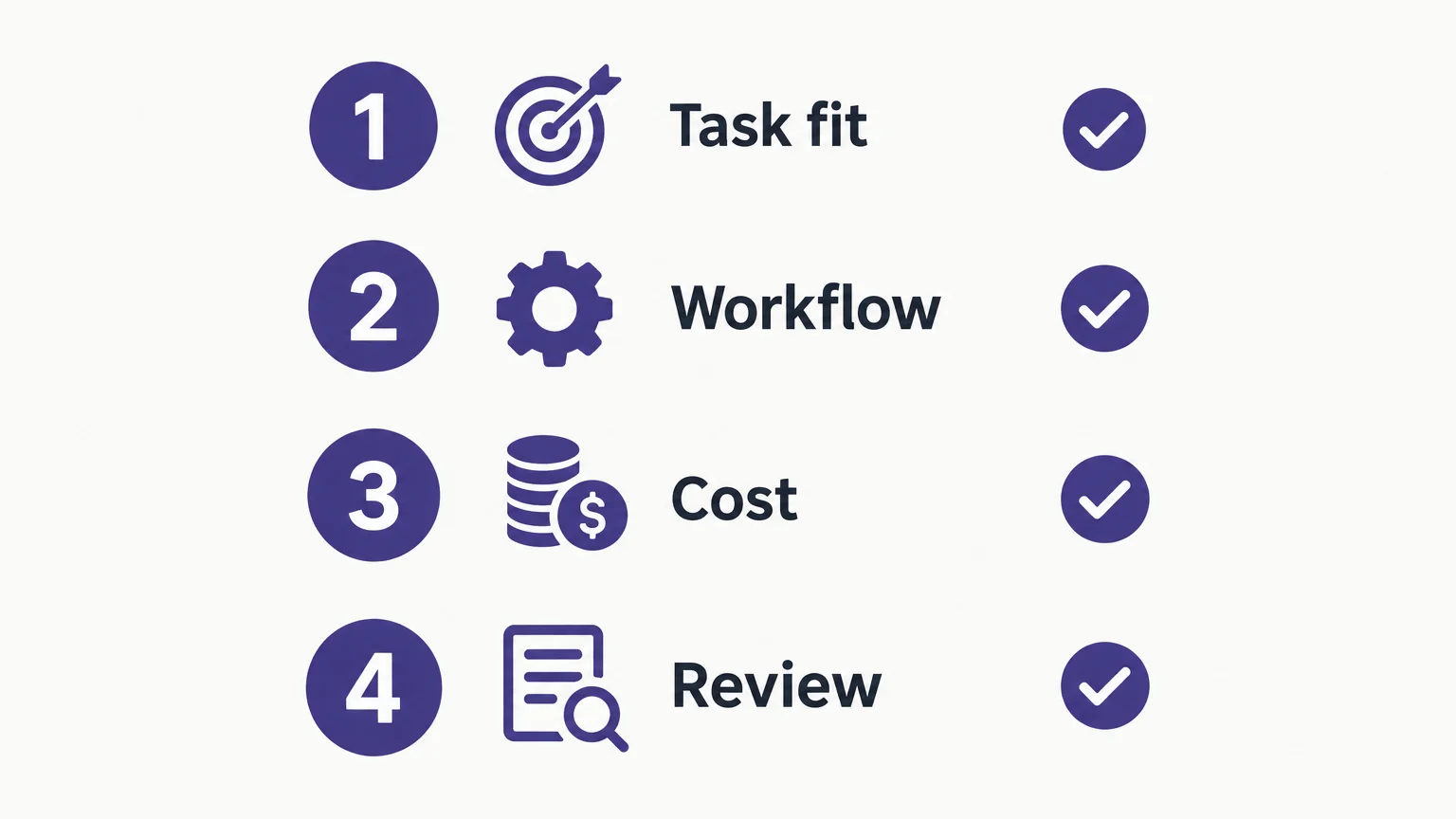
Set one success measure before the test begins. For a writing tool, that might be editing time per approved draft; for image software, it might be the time needed to prepare a consistent set of usable assets. Keep the tool only if the measured workflow improves without weakening accuracy, brand standards, or review.
Choose tools around the work
The most useful AI marketing tools address a defined task, fit your existing process, and make their costs and controls understandable. Begin with one practical need, test it using real inputs, and check both the output quality and the human review it still requires. Expand only when the tool adds value without creating unnecessary complexity.
Create Marketing Visuals with AI
If your next campaign needs original imagery or careful edits to existing assets, choose a visual workflow that matches the task. Review the result against your creative brief and confirm that you have permission to edit any protected material.
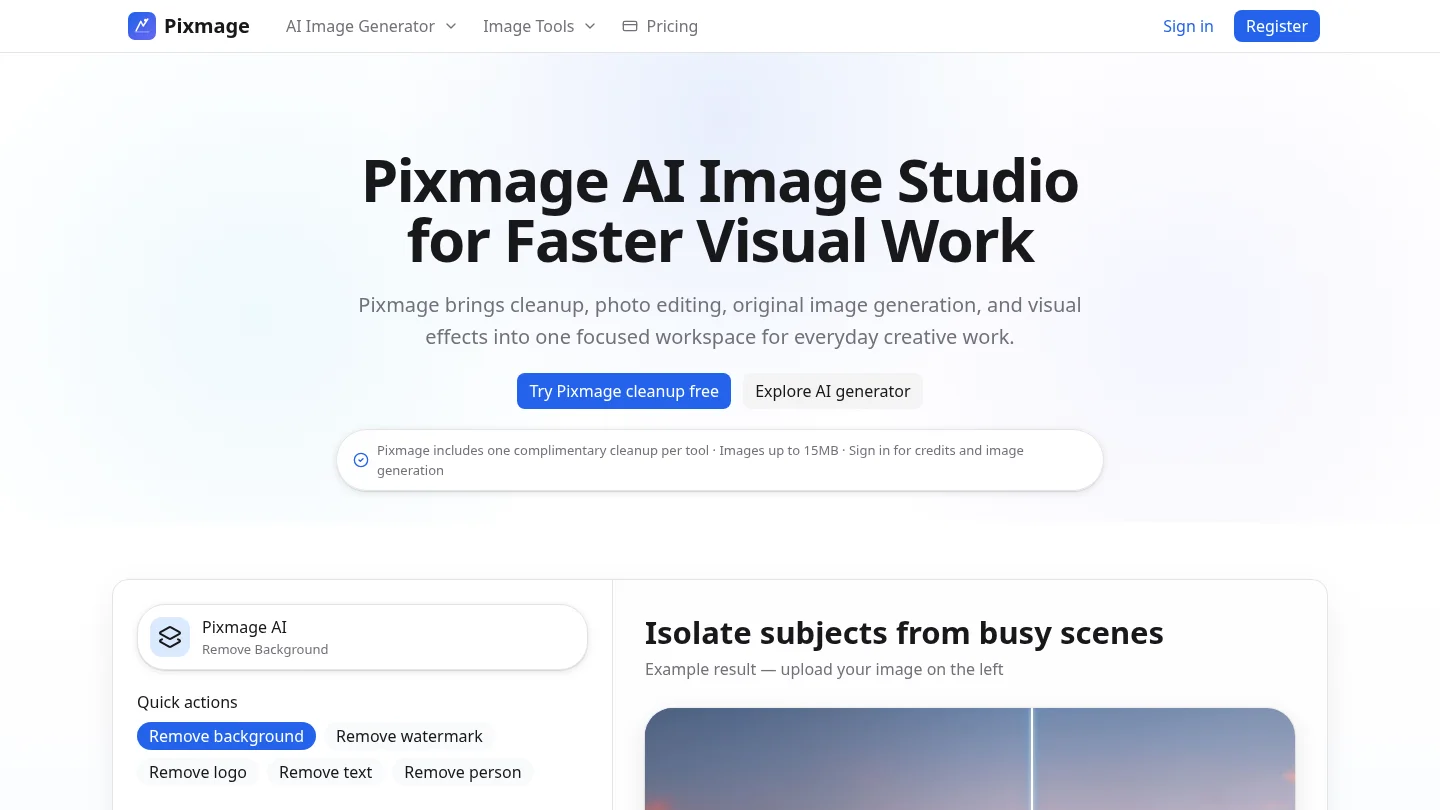
Our AI image generator supports text-to-image creation, uploaded-photo editing, curated effects, and multi-image fusion. You can choose from compatible models and review the applicable credit cost before generation. Generated results can be downloaded or sent into photo editing, which gives you a practical next step when a concept needs refinement.
Frequently Asked Questions
What are AI tools for marketing?
They are software features that use AI to support tasks such as writing, visual creation, research, analytics, and campaign workflows. Their value depends on whether they fit your process and produce work you can review and use.
Should you use one general tool or several specialized tools?
Use a general tool when it handles a range of tasks well enough for your needs. Consider specialized tools when a particular workflow requires more specific controls, integrations, or output formats.
Can AI create marketing images from a text prompt?
Yes, some visual tools generate images from written prompts, while others edit uploaded photos or combine references. Our image workspace supports text-to-image creation, photo editing, curated effects, and multi-image fusion.
How can you evaluate an AI marketing tool before committing?
Test a representative task with your own approved inputs and measure both the result and the time needed to review it. Check the cost structure, data controls, integrations, and usage terms before expanding access.
Can one AI tool replace a complete marketing stack?
Do not assume that a tool for one task also manages analytics, customer data, email, or campaign distribution. Our image-focused workspace supports visual creation and cleanup, rather than serving as a complete marketing platform.