

What should shoppers be able to trust in a product photo? The item’s color, shape, included parts, and visible finish should match what arrives. Strong ecommerce image editing improves clarity without changing those facts. If Amazon is one of your sales channels, compare your workflow with our overview of AI photo editors for Amazon product listings.
Editing is not a reason to make every image dramatic. A clean packshot, a lifestyle scene, and a close-up answer different shopper questions. A 2026 analysis from Tilburg University found contextual images increased sales on some platforms but not others, showing that presentation depends on platform norms and product context, according to a Tilburg University analysis. Treat channel guidance and customer expectations as constraints, not afterthoughts.
What should ecommerce image editing change?
Start with the source photo, not the editing effect. The purpose is to make the real product easier to inspect, whether that means balancing exposure, removing a distracting background, or applying consistent framing across a catalog.
Separate corrective edits from creative ones. Corrective work can include dust cleanup, cropping, exposure adjustment, and background removal. Creative changes, such as placing an item in a new scene or changing its color, need a different review because they can affect how shoppers understand the product.
Keep a high-quality original and a clear record of the export specifications. If a marketplace or store theme changes its requirements, you can prepare another version without redoing the underlying photograph. This also gives your team a reference for checking whether edits preserve the item’s actual appearance.
How can you improve a photo without misrepresenting the product?
Consider a dark handbag photographed against a cluttered table. Removing the surroundings can make its shape easier to see, but aggressive retouching could also erase a seam, soften the leather texture, or shift the color. Inspect the subject closely after every cleanup, especially around straps, reflective surfaces, and fine edges.
A 2026 eye-tracking study found that background and foreground composition affected image appeal, product perception, and willingness to pay, with results differing by product category. Its findings reinforce a practical distinction: a contextual background can suit some products, while a simpler presentation may make others easier to assess, according to this 2026 eye-tracking study.
When a listing needs a cutout, a transparent PNG keeps the subject separate from its original setting. Our article on transparent PNG product photos covers why that format is useful when you need a flexible background. Review the exported edges and product details before you place the image in a listing.

Make every edit accountable to the product
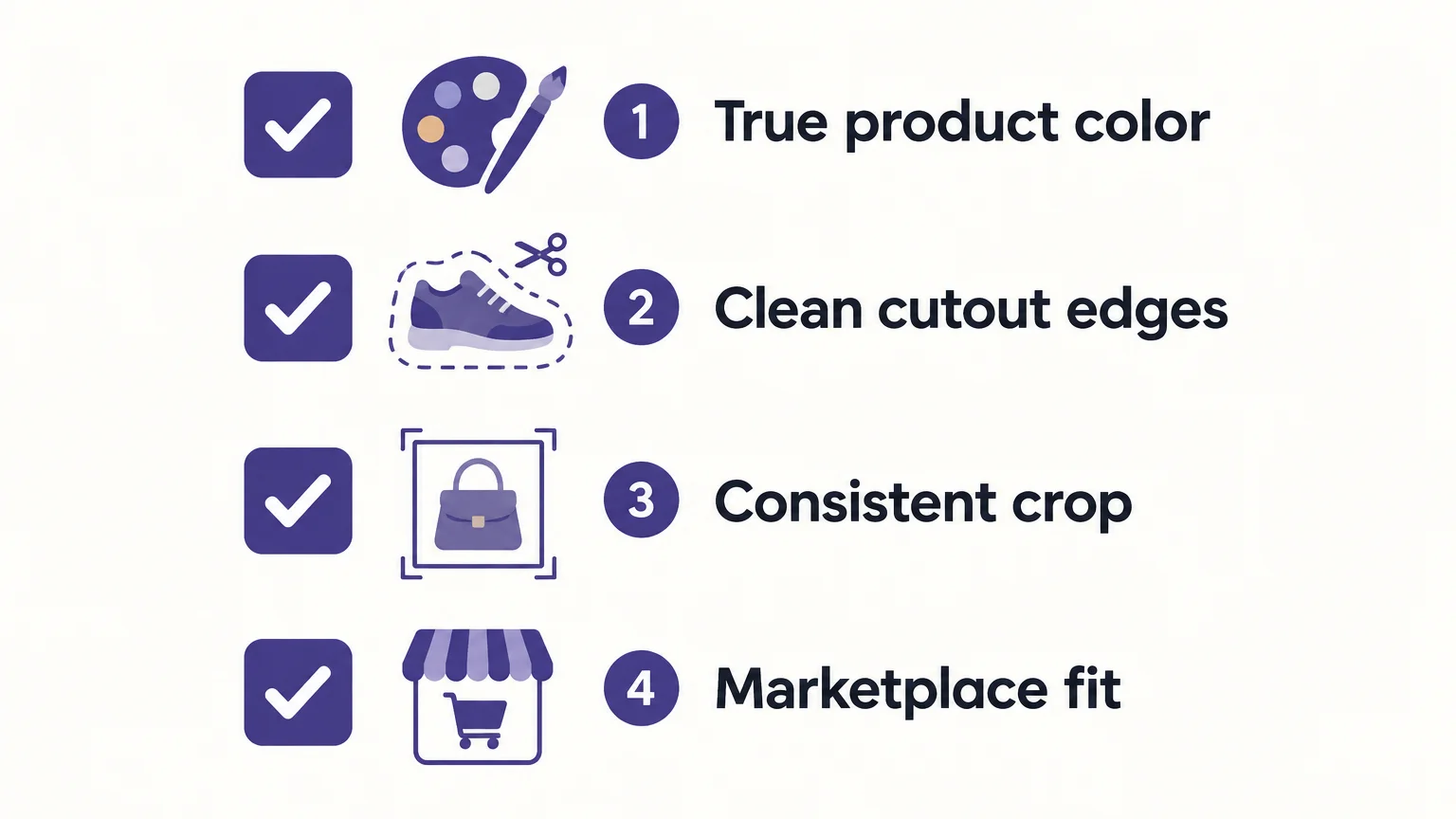
Accurate product image editing is a balance between a clear presentation and a faithful representation. Set channel requirements first, apply repeatable corrections, and compare each finished image with the original before publishing. Start with a small batch, resolve edge and color issues, then expand the workflow only when the results stay consistent.
Prepare Product Images With Pixmage
When a product photo needs a focused cleanup, a task-specific workflow can keep the edit simple. Choose the change you need, upload the source image, and review the result before using it in a listing or catalog. This approach is suited to cleanup tasks rather than edits that would alter the product’s real appearance.

Explore our browser-based image cleanup tools for background, watermark, authorized logo or text, and person removal. Upload supported JPG, PNG, WebP, or GIF files up to 15 MB, compare the edited image with its source, and download the result. The first run is complimentary for each cleanup tool. Later cleanup requires a verified account and credits, with the amount shown before processing.
Frequently Asked Questions
What is ecommerce image editing?
It is the process of refining product photos for clarity, consistency, and use across online stores or marketplaces. Good editing improves presentation without changing the product’s real features.
Should every product image have a white background?
No, background expectations depend on the marketplace, category, and image placement. Check the current rules for the specific image slot before preparing your export.
Can AI editing change a product’s color?
Some editing workflows can alter color, but a listing image should match the item customers will receive. Check color edits against the physical product or a reliable reference before publishing.
How can I keep a large product catalog consistent?
Use a style guide with examples for framing, color, backgrounds, and acceptable retouching. Test it on a small batch before applying the same settings to more products.
Which cleanup tasks can your workspace handle?
Our focused cleanup workspaces handle backgrounds, watermarks, authorized logos and text, and unwanted people. You can review the result against the original before downloading it.