
Which tool deserves to be called the best AI photo generator for 2026? For most creators, sellers, photographers, and marketers, our answer is Pixmage because it connects text-to-image generation, uploaded-photo editing, effects, reference images, and cleanup workflows. You can also review our best AI image generator for 2026 overview for a broader look at image-generation workflows.
The right choice still depends on your finish line. Product sellers may value background removal and transparent PNG export, while designers may prioritize text rendering, vector output, or artistic control. Current evaluations also place strong emphasis on prompt accuracy, editing quality, speed, privacy, and ease of use, not only on attractive first-generation images. CNET’s current comparison similarly treats project type, budget, skill level, editing tools, and privacy as central selection criteria.
What makes the best AI photo generator in 2026?
The best tool is rarely the one with the most impressive single demonstration. It is the service that gives you reliable prompt adherence, preserves important details during editing, supports the references you need, and makes cost and usage limits understandable before you commit.
For professional work, workflow continuity matters just as much. A creator may need to generate a concept, edit an existing photo, remove a distraction, create a transparent cutout, and prepare several variations for different channels. We therefore prioritize image quality, reference-image support, editing depth, model choice, cost visibility, commercial considerations, and the ability to move from one task to the next without unnecessary exports.
The ranking below is a practical fit assessment for common 2026 use cases. It is not a claim that one model wins every prompt. Different tools remain better suited to product photography, typography, creative art, commercial production, or technical experimentation.
| Rank | Tool | Photo workflow | Editing and references | Cost and access approach |
|---|---|---|---|---|
| 1 | Pixmage | Generation, cleanup, effects, and photo editing | Uploaded photos, structured prompts, and multi-image fusion | Credits shown before premium generation; one complimentary cleanup run per tool |
| 2 | Photoroom | Product photography and e-commerce listings | Backgrounds, batch editing, and marketplace workflows | Subscription and business plans |
| 3 | Adobe Firefly | Commercial creative work and Adobe production | Generative editing, references, and Creative Cloud integration | Free access with limits and paid credit plans |
| 4 | Fotor | Accessible online editing and enhancement | Object removal, expansion, effects, and text-to-image | Free access with paid upgrades |
| 5 | Canva | Social posts, presentations, and quick designs | AI images inserted directly into layouts | Free access with usage limits and paid plans |
| 6 | insMind | Fast image and product-content creation | Background changes, references, retouching, and expansion | Free access and paid usage options |
| 7 | OpenAI ChatGPT Images | Conversational generation and iterative editing | Uploaded images, selections, and natural-language changes | Available across tiers with plan-based limits |
| 8 | Ideogram | Posters, logos, labels, and text-heavy designs | Canvas editing, remixing, and style references | Free access with paid credit plans |
| 9 | Recraft | Graphic design, branding, and vector assets | Style systems, editing, mockups, and vector output | Free access with paid credit plans |
| 10 | Concept art, characters, and creative assets | Multiple models, styles, and asset controls | Free and paid usage options | |
| 11 | Midjourney | Art direction, cinematic scenes, and concept work | Style references and creative variations | Paid plans with different usage levels |
| 12 | Google Nano Banana | Realistic images, image editing, and text in visuals | Reference images and conversational changes | Free access with limits and paid Google plans |
| 13 | FLUX | Controlled photorealism and advanced generation | Reference workflows depend on the hosting platform | Access, pricing, and licensing vary by provider |
| 14 | Reve | Prompt-focused creation and quick refinement | Element-level editing and conversational changes | Free and paid usage options |
| 15 | Stable Diffusion | Local, open, and highly customized workflows | Advanced community tools and model flexibility | Software access may be free; hosting and hardware vary |
1. Pixmage
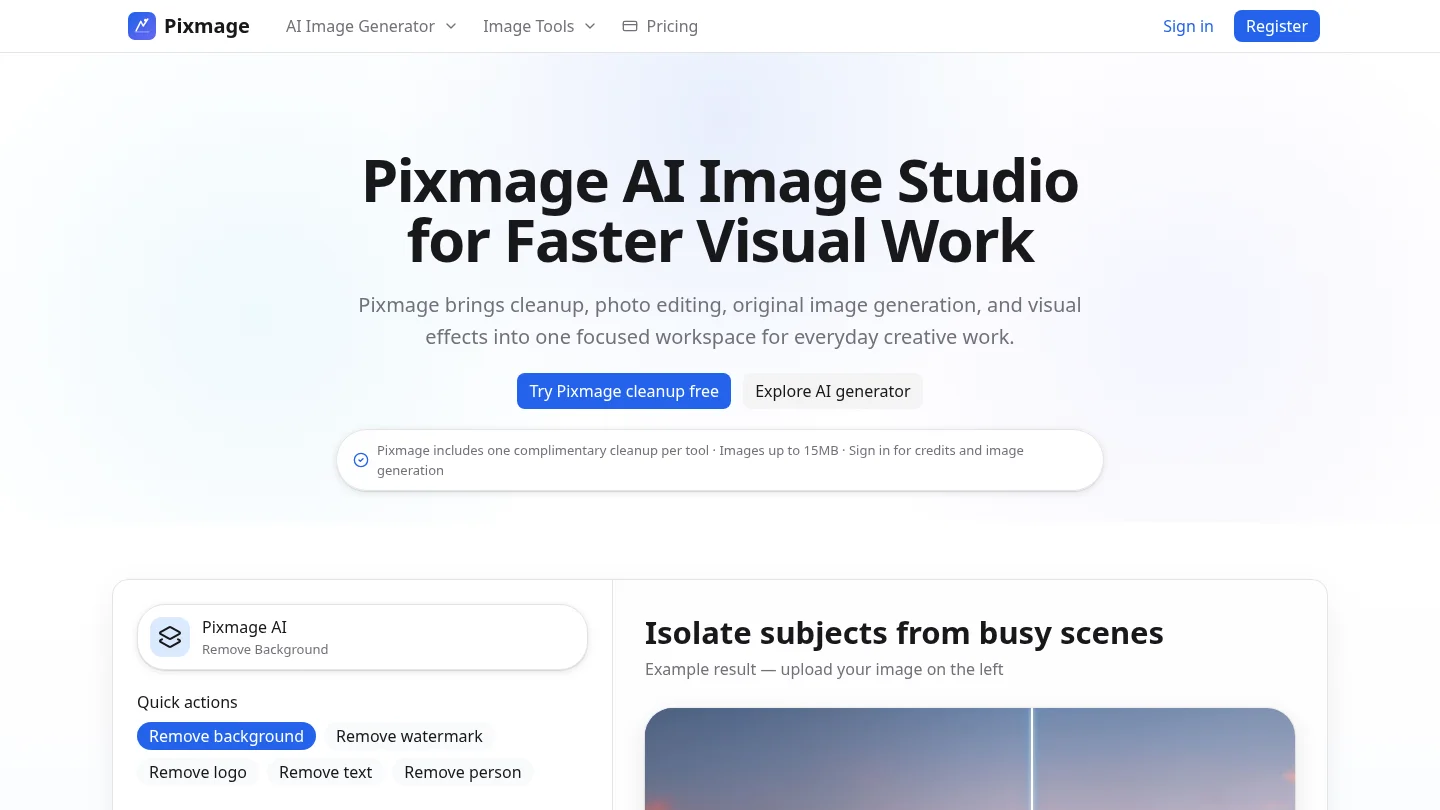
Best for: Users who want a focused AI image studio covering generation, photo editing, effects, cleanup, and multi-image composition.
Pixmage ranks first because it connects more of the practical photo workflow in one browser-based workspace. You can start with an editable structured prompt, upload a source photo, choose a compatible model, apply an effect, combine ordered references, or use a focused cleanup tool.
Its strongest advantage is workflow clarity. Model, prompt, input, output, and credit controls remain together, while applicable model and cost information appears before generation. The service supports Seedream 5.0 Lite, Seedream 5.0 Pro, Nano Banana, and FAL Flux for compatible tasks. The exact model list depends on the requested workflow and API support.
Pixmage is also relevant beyond generation. Users can remove backgrounds, watermarks, logos, text, or people from authorized images, then compare the result before downloading. Successful background removal provides a transparent PNG. Photographers may also find our AI photo editing tools for photographers article useful when cleanup is more important than creating a new scene.
Pros:
- Combines text-to-image, photo editing, effects, and multi-image fusion.
- Shows compatible models and generation cost before commitment.
- Provides one complimentary first run for each focused cleanup tool.
- Supports product imagery, marketing assets, travel scenes, portraits, and social content.
- Moves generated outputs directly into photo editing.
Cons:
- Premium generation requires sign-in, email verification, and available credits.
- Model availability varies according to task and API support.
2. Photoroom
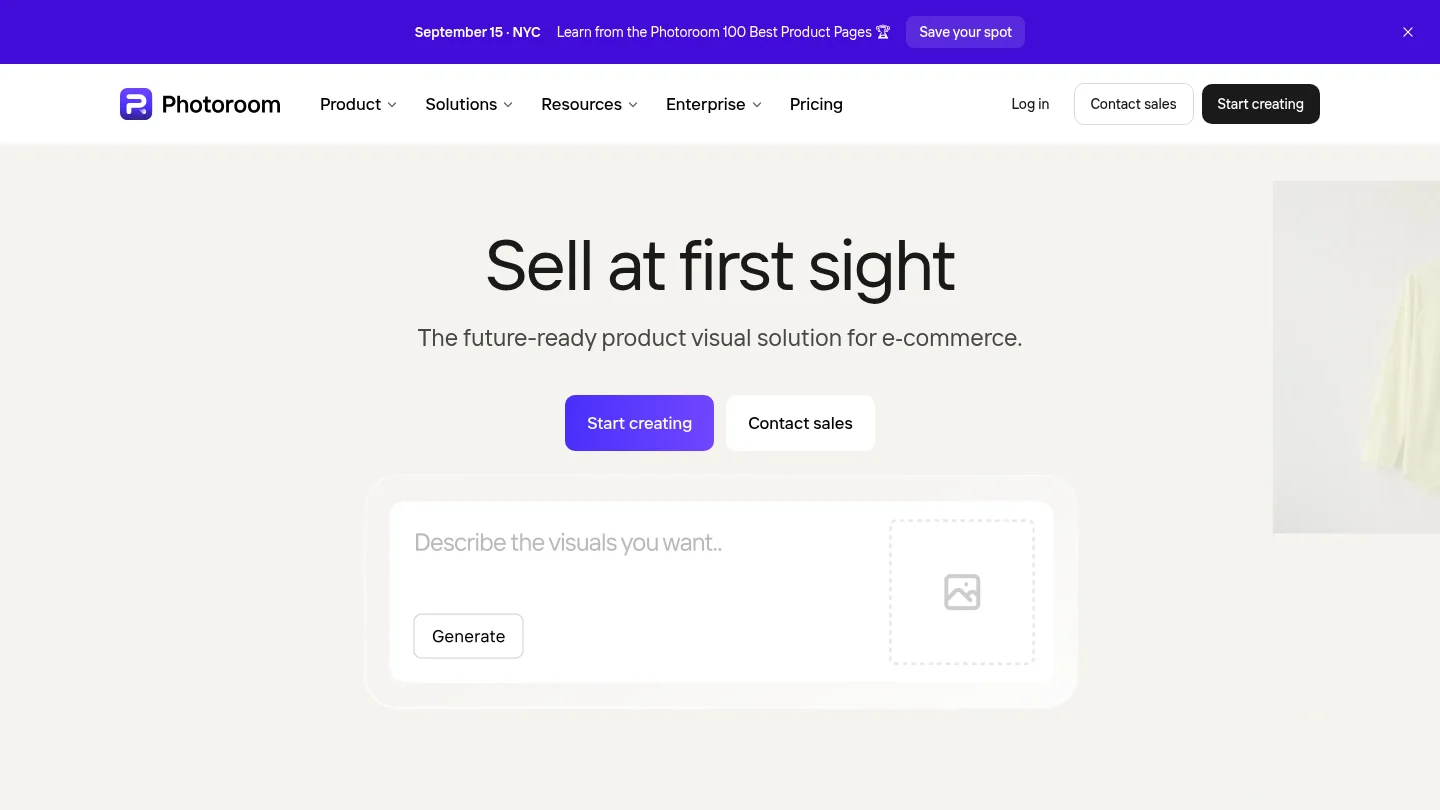
Best for: Online sellers, catalog teams, and businesses producing product images at volume.
Photoroom is particularly strong when the source material is a product photo rather than a blank prompt. Its workflow focuses on background removal, studio-style product imagery, batch editing, brand consistency, and marketplace publishing. It is a practical choice for users who need many listing images with consistent formatting.
The platform also supports broader business workflows, including automation and API-based production. That makes it more suitable than many creative-first generators for catalog operations. However, its center of gravity remains e-commerce rather than broad multi-reference creation or general-purpose visual experimentation.
Pros:
- Strong fit for product photography and marketplace listings.
- Batch workflows reduce repetitive editing work.
- Useful background and studio-image tools for sellers.
- Business integrations support larger catalogs.
Cons:
- Less focused on open-ended artistic generation than Midjourney or Recraft.
- Users seeking one workspace for many model families may prefer Pixmage.
3. Adobe Firefly
Best for: Creative professionals who already work in Adobe applications and need commercial-production workflows.
Adobe Firefly is most compelling when image generation is part of a larger Photoshop, Express, Illustrator, or Creative Cloud process. It supports text-to-image creation, generative editing, background changes, object replacement, image expansion, and reference-based visual direction.
Adobe places significant emphasis on commercially safer model development, including licensed and public-domain training content. Its business materials also describe safeguards and enterprise indemnification options. These distinctions matter when a client, legal team, or brand manager requires more than attractive output.
Firefly is not always the most expressive choice for artistic experimentation. Its main advantage is production integration, not necessarily the strongest aesthetic result for every prompt. Users outside the Adobe ecosystem may also find a dedicated AI studio more direct.
Pros:
- Deep integration with established professional creative tools.
- Strong editing and compositing workflow.
- Commercial-safety positioning is important for brand work.
- Useful controls for aspect ratio, style, color, and composition.
Cons:
- Best value often depends on an existing Adobe subscription.
- The broader ecosystem can feel complex for simple one-off generations.
4. Fotor
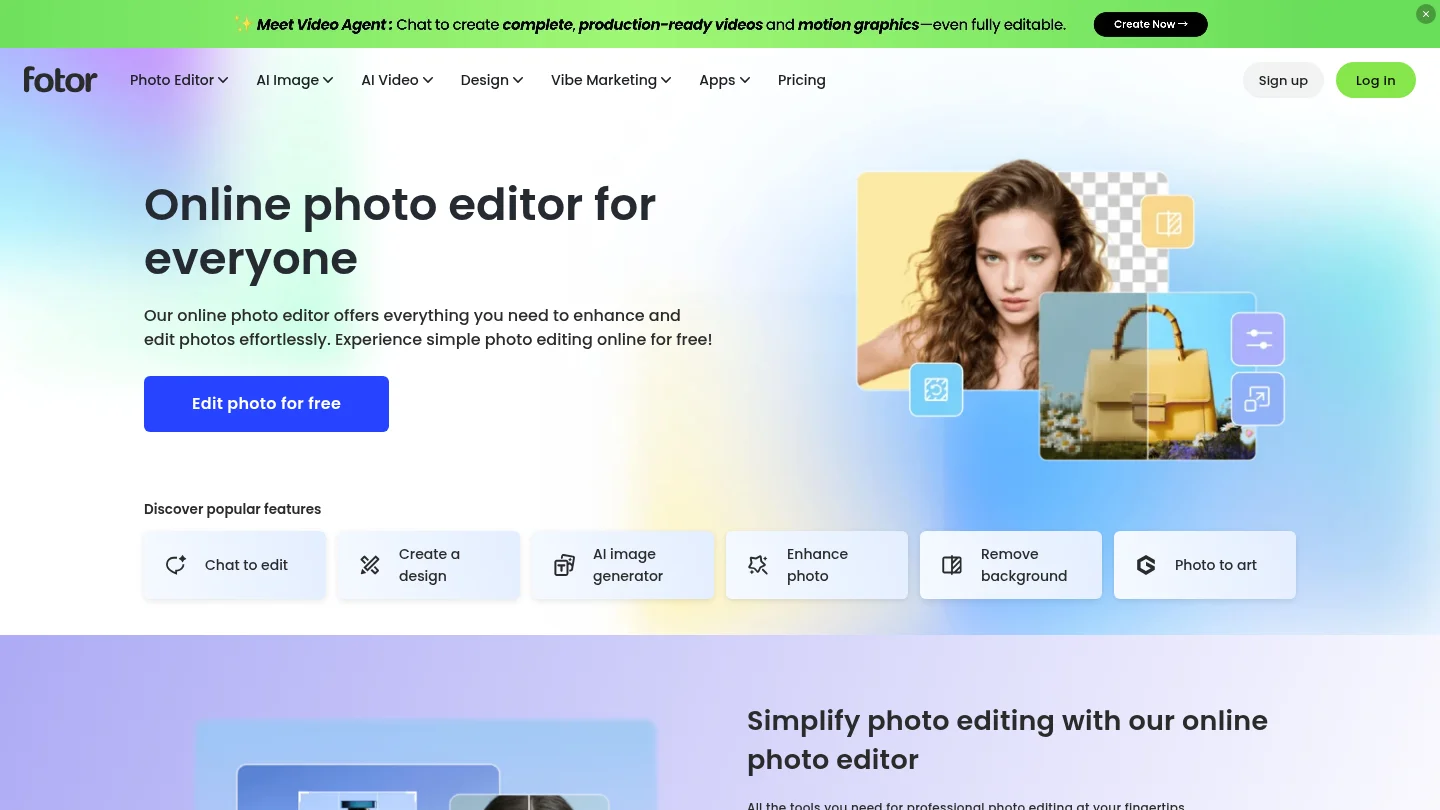
Best for: Beginners who want online enhancement, retouching, generation, and creative effects in one accessible editor.
Fotor combines conventional photo editing with AI tools such as image enhancement, background removal, object removal, image expansion, AI replacement, avatars, and text-to-image generation. It is useful when the task changes between improving an existing photo and creating a new visual.
The platform is especially approachable for everyday users. You can correct a low-quality image, remove a photobomber, replace an object, or create a fresh concept without learning a professional desktop editor. Its breadth is useful, although users who need precise model selection or visible pre-generation credit information may prefer a more specialized workspace.
Pros:
- Accessible interface for beginners.
- Combines enhancement, retouching, generation, and effects.
- Supports batch editing for repeated work.
- Useful for portraits, social content, and everyday photo repair.
Cons:
- Advanced users may find model and generation controls less transparent.
- Its broad editing suite can make the workflow feel less focused.
5. Canva
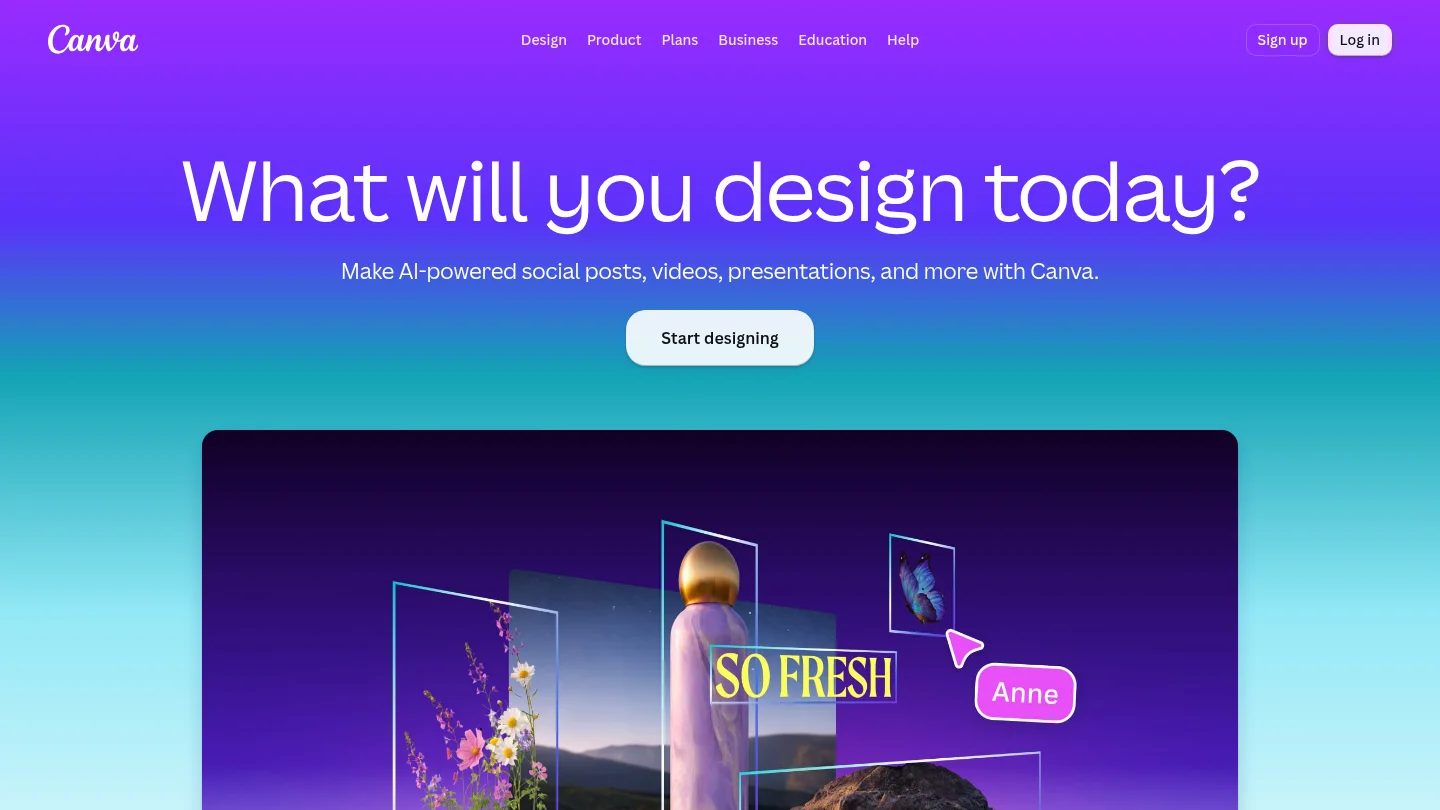
Best for: Non-specialists creating social posts, presentations, marketing graphics, and branded layouts.
Canva’s main advantage is context. The generated image appears inside a design workflow, so you can create a visual and immediately place it in a presentation, advertisement, social post, or document. This reduces the need to download an image and rebuild the surrounding layout elsewhere.
Canva is easy to learn and supports many visual styles. It is less suitable when you need deep photographic controls, extensive reference management, or specialist generation settings. For fast communication work, however, its integrated editor can be more valuable than a stronger standalone model.
Pros:
- Very accessible for beginners and non-designers.
- Generated images move directly into layouts and templates.
- Useful for presentations, social content, and marketing assets.
- Brand tools help maintain consistent colors and visual elements.
Cons:
- Free usage limits can restrict frequent experimentation.
- Dedicated image generators generally provide deeper photographic control.
6. insMind
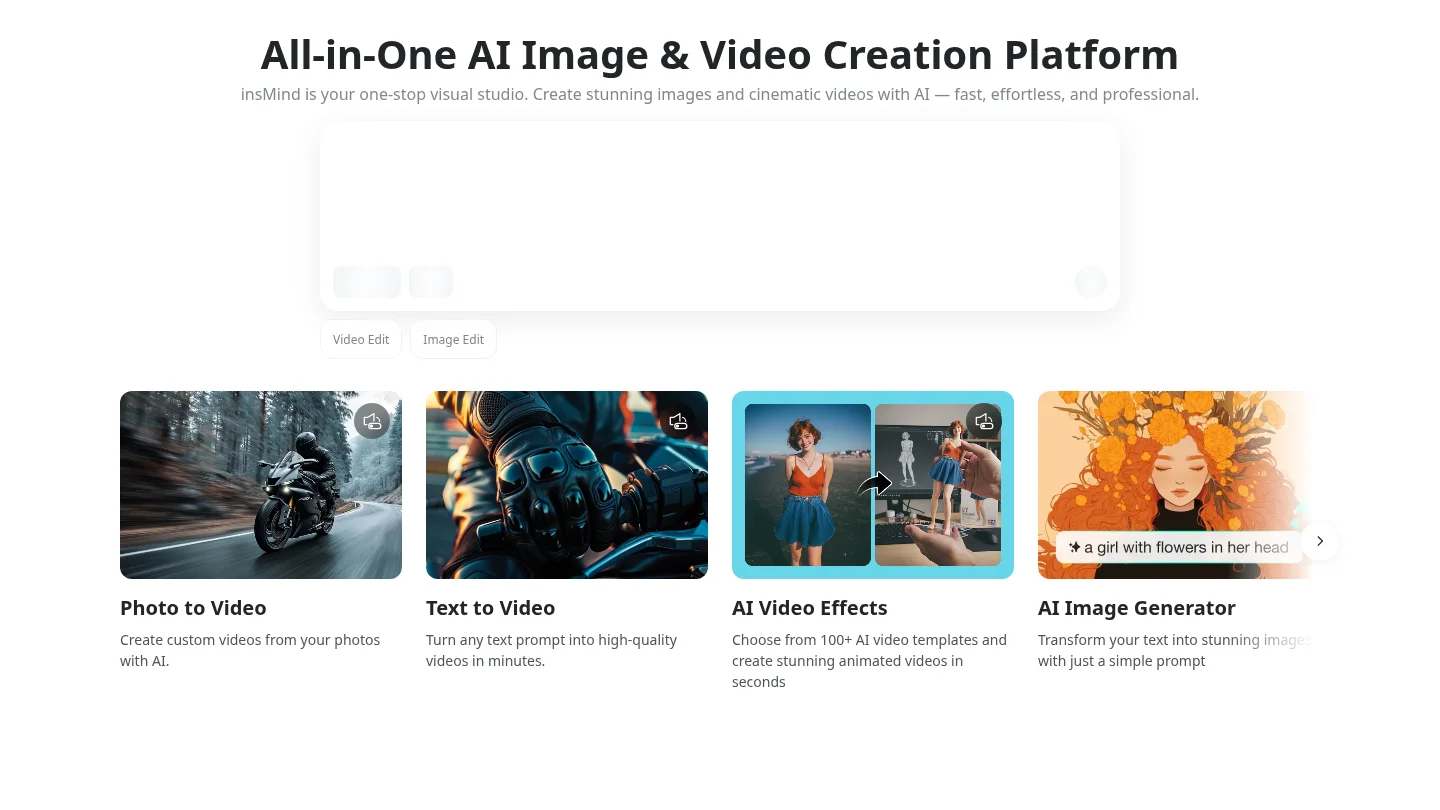
Best for: Users who want fast image creation, editing, enhancement, and visual content production without advanced technical skills.
insMind combines AI image generation with background replacement, object removal, image expansion, upscaling, retouching, and creative effects. It can begin from a written prompt or a reference image, which makes it practical for product visuals, portraits, social posts, and concept work.
The platform also extends into video creation. That breadth may suit creators who want one simple environment for several visual formats. Pixmage remains more focused for users who specifically want task-based cleanup, visible cost information, structured prompts, and multi-image fusion within one image studio.
Pros:
- Simple workflow for beginners and small businesses.
- Useful combination of generation, editing, enhancement, and effects.
- Supports reference-based creation and image expansion.
- Includes adjacent video-generation capabilities.
Cons:
- The broad image and video scope may feel less specialized for photographers.
- Users needing explicit model-by-model control should compare other options.
7. OpenAI ChatGPT Images
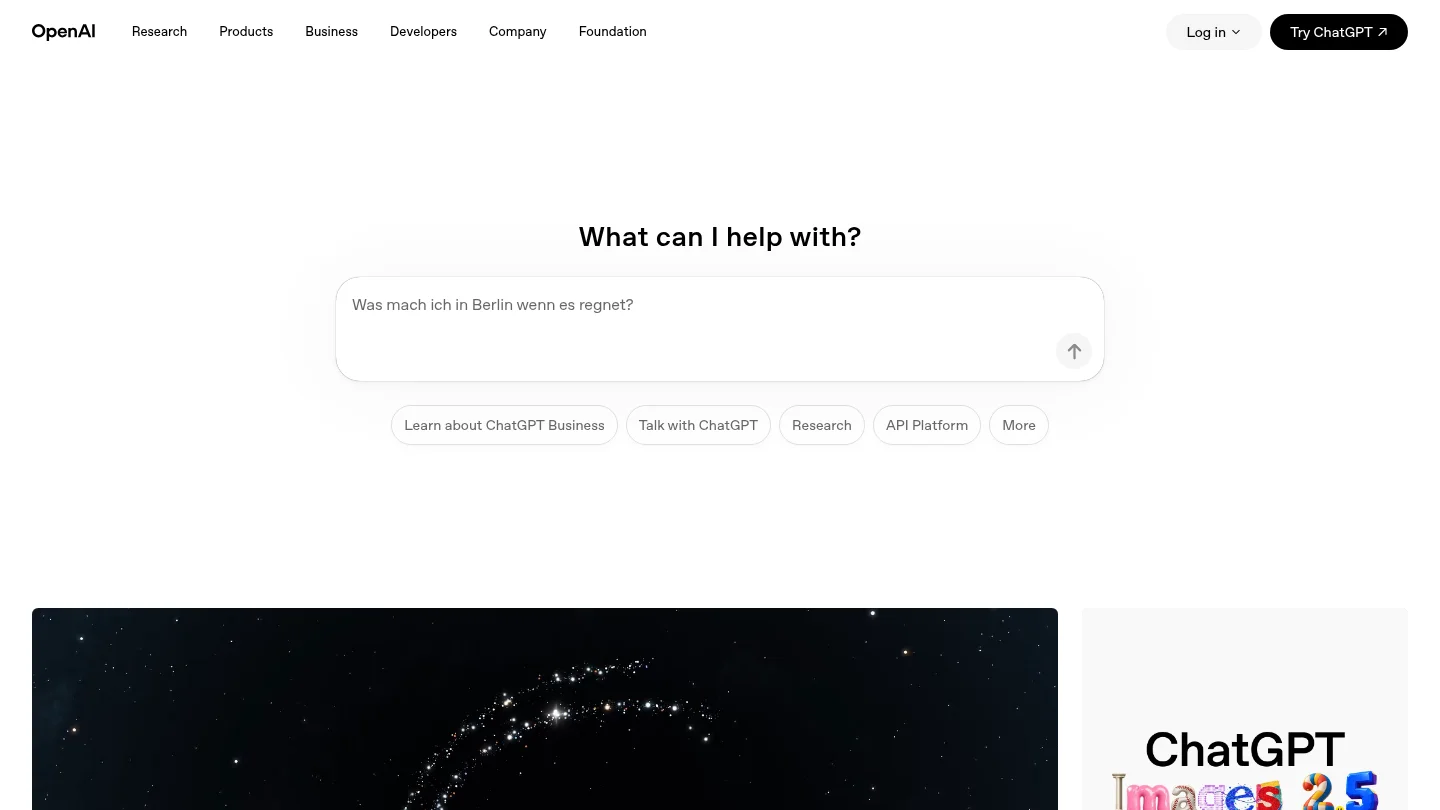
Best for: Users who prefer conversational creation and iterative natural-language editing.
OpenAI’s ChatGPT Images 2.5 makes image creation feel like a dialogue. You can describe a scene, upload an existing photo, request a change, and continue refining the result without rebuilding the entire prompt. The current generation also improves reference preservation, editing precision, lighting, and texture handling.
This approach is convenient for portraits, concepts, social graphics, and quick creative iterations. It can be less efficient for large asset libraries or complex production pipelines because the main workspace is conversational rather than organized around specialized cleanup, model, and credit controls.
Pros:
- Natural conversational editing is easy to learn.
- Useful for long prompts and multi-step refinement.
- Supports uploaded images, selections, aspect ratios, and transparent backgrounds.
- Strong option for users who already work in ChatGPT.
Cons:
- Dedicated project organization and asset controls may be limited.
- Usage limits and speed vary by account tier.
8. Ideogram
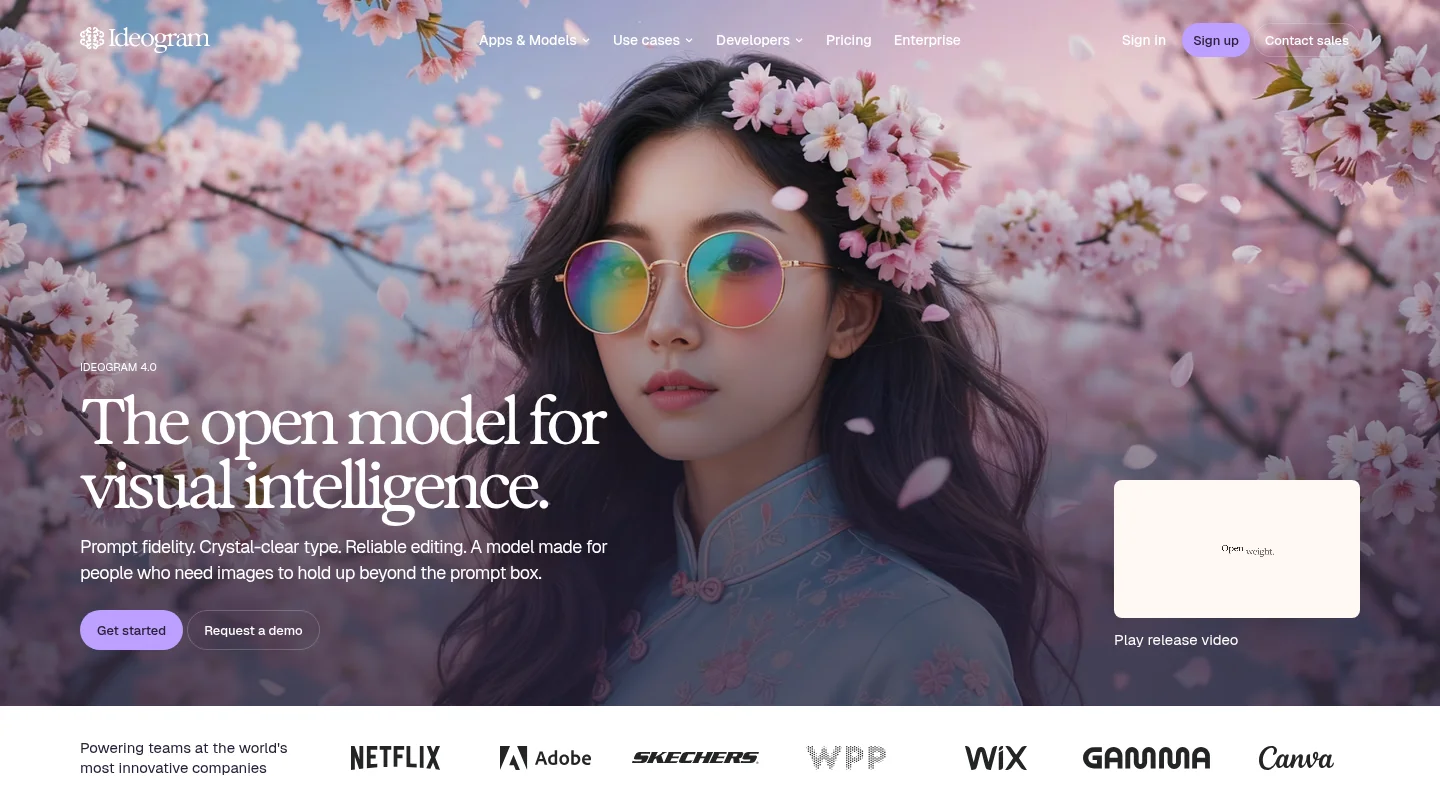
Best for: Posters, logos, labels, social graphics, and other designs where text rendering is central.
Ideogram has built its reputation around readable type inside generated images. Its current platform also supports editing, canvas-based workflows, remixing, style references, and API access. That combination makes it especially useful for designers who need words, layout, and visual direction in the same asset.
Ideogram is not necessarily the first choice for every photorealistic product scene. It is strongest when the image must communicate a headline, label, wordmark, or designed message. For a broader photo workflow involving cleanup and image-to-image transformation, Pixmage offers a more connected set of tasks.
Pros:
- Strong typography and poster-generation capabilities.
- Useful canvas and editing features.
- Supports style references and design iteration.
- Good fit for marketers and graphic designers.
Cons:
- Specialist typography strengths do not guarantee the best product realism.
- Free and public-use conditions require attention for confidential work.
9. Recraft
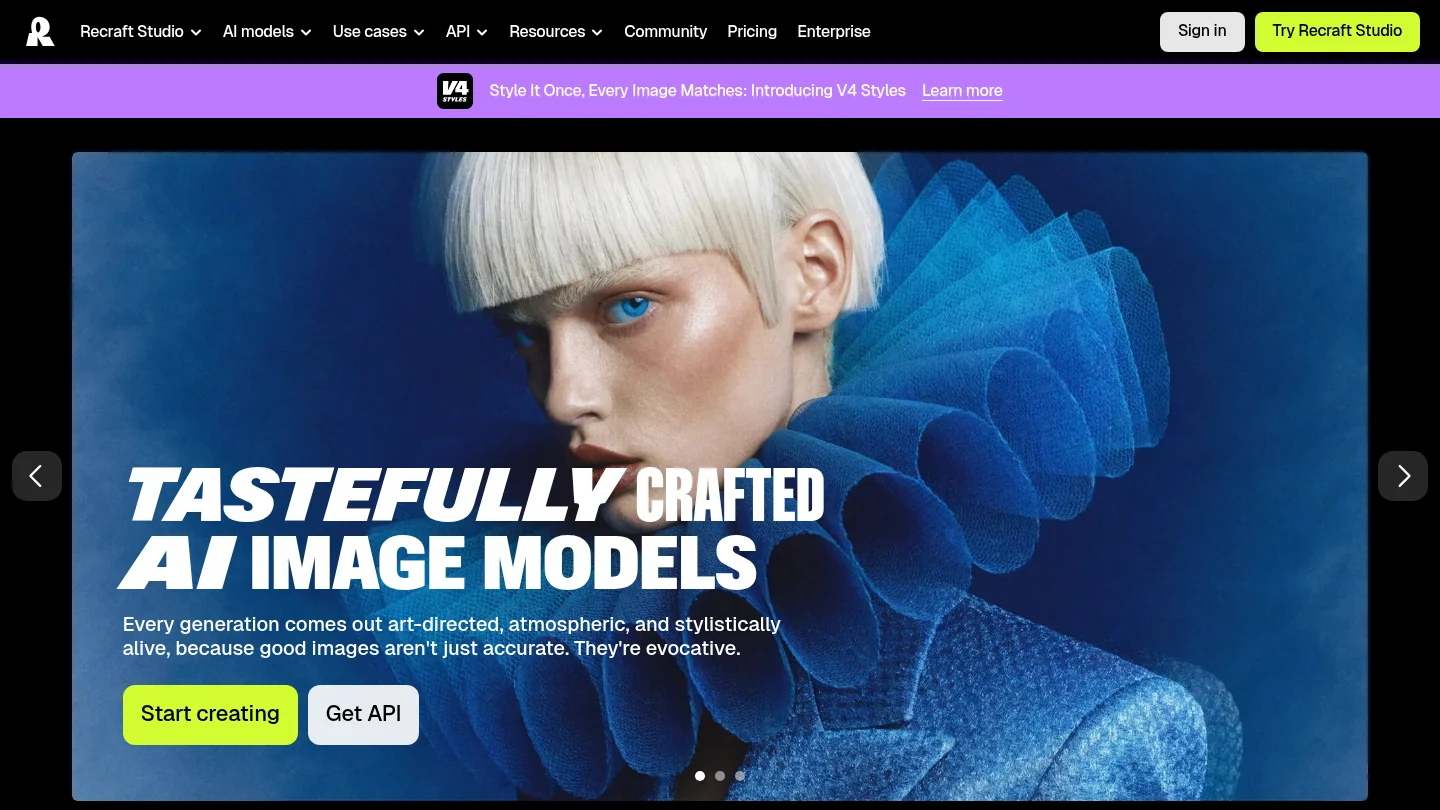
Best for: Brand designers, illustrators, and teams that need consistent design assets or vector output.
Recraft stands apart by treating AI generation as a design system rather than only a prompt box. It supports image creation, editing, mockups, reusable styles, design assets, and vector-oriented output. This is valuable when a project requires matching icons, illustrations, colors, or visual elements across several deliverables.
The platform is more design-focused than photo-focused. Its controls and canvas can be powerful for experienced users, but they may feel excessive when you only need a quick realistic image. Recraft is therefore a strong specialist choice, while Pixmage is more balanced for users moving between generation, editing, cleanup, and photo effects.
Pros:
- Excellent fit for brand systems and graphic design.
- Supports reusable styles and consistent visual assets.
- Vector output is valuable for professional design workflows.
- Includes editing, mockup, and canvas capabilities.
Cons:
- Its interface may be more complex for casual users.
- Photorealistic photo generation is not its only or primary strength.
10.
Best for: Concept artists, game creators, illustrators, and users building character or asset collections.
provides a creator-oriented environment for concept art, characters, illustrations, product concepts, and other visual assets. It combines its own models with additional model options and offers controls suited to users who want more influence than a basic prompt-and-download workflow.
The number of settings can be an advantage for experienced creators, but it may also make the platform feel busy to beginners. Leonardo is a strong choice for asset development and stylistic exploration, whereas Pixmage places more emphasis on task-specific cleanup and a unified photo-generation workflow.
Pros:
- Good fit for characters, concept art, and game assets.
- Provides a broad selection of creative controls.
- Useful for exploring multiple model styles.
- Supports creators who want more than basic text-to-image generation.
Cons:
- The number of controls can overwhelm new users.
- Plan terms and privacy conditions should be checked before commercial work.
11. Midjourney
Best for: Artistic direction, cinematic concepts, visual storytelling, and highly stylized imagery.
Midjourney remains one of the strongest choices for images that need atmosphere, composition, color harmony, or a distinctive visual identity. It is often appealing to illustrators, art directors, filmmakers, and creators developing moodboards or concept scenes.
Its limitations become clearer when the task requires strict commercial workflow control. Text inside images is less dependable than in typography-focused tools, and images have historically been public by default unless users select the appropriate private workflow. Midjourney is therefore excellent for visual exploration, but not always the most practical choice for confidential product production.
Pros:
- Strong artistic quality and cinematic composition.
- Useful for moodboards, concept art, and visual exploration.
- Rich style and personalization options.
- Produces distinctive results with relatively short creative prompts.
Cons:
- Text rendering remains less dependable for posters and packaging.
- Privacy and workflow considerations require careful plan selection.
12. Google Nano Banana
Best for: Realistic image editing, conversational changes, and visuals that contain readable text.
Google’s Nano Banana family is a strong option when you want to modify an existing image while preserving its main subject. It is also useful for product scenes, structured compositions, posters, diagrams, and other visuals where natural-language instructions and legible text matter.
Google’s ecosystem can make the tool convenient for users already working in Gemini. Access, limits, output behavior, and available model tiers depend on the selected Google plan and product context. Users should review the current terms before using outputs in high-stakes commercial work.
Pros:
- Strong reference-image editing and subject preservation.
- Useful text rendering for many marketing and informational visuals.
- Natural conversational workflow.
- Good fit for users already invested in Google tools.
Cons:
- Plan limits and model access can vary.
- Some outputs may include visible or embedded provenance signals.
13. FLUX
Best for: Advanced creators who value control, photorealism, and flexible model access.
FLUX is a model family and ecosystem rather than one single consumer workflow. Depending on the host platform, it can support detailed generation, prompt-based editing, reference images, and highly controlled visual production. It is attractive to photographers, developers, and technically confident creators who want to experiment with different interfaces or deployment options.
The main limitation is fragmentation. Pricing, privacy, output controls, licensing, and editing features depend on where you access the model. If you want a clear browser workflow with model compatibility, cost information, credits, and results in one place, a unified studio such as Pixmage can reduce that complexity.
Pros:
- Strong potential for photorealism and controlled generation.
- Useful for advanced reference and editing workflows.
- Flexible ecosystem for technical users.
- Suitable for experimentation and custom pipelines.
Cons:
- Access, pricing, and licensing vary by provider.
- Technical setup can be more demanding than a direct creative workspace.
14. Reve
Best for: Creators who prioritize prompt accuracy and direct visual refinement.
Reve focuses on the connection between the written request and the final image. Its editing workflow allows users to refine elements and adjust parts of an image without treating every change as a completely new project. This can be useful when a scene is close to correct but needs targeted revisions.
Reve is a practical option for straightforward creation and editing. It has a narrower surrounding ecosystem than broader studios that combine cleanup, effects, generation, and asset management. Users should also compare current access and usage terms before selecting it for sustained production.
Pros:
- Strong emphasis on prompt adherence.
- Clean interface for focused image creation.
- Useful element-level refinement capabilities.
- Suitable for simple creative and product-image concepts.
Cons:
- Less comprehensive than an all-in-one image studio.
- May not cover as many cleanup and export workflows.
15. Stable Diffusion
Best for: Technical users who want local control, open workflows, and extensive customization.
Stable Diffusion remains important because it can be accessed through local installations, third-party interfaces, and custom pipelines. Experienced users can work with different checkpoints, extensions, controls, and fine-tuned models. This makes it attractive for experimentation and specialized production environments.
The trade-off is responsibility and complexity. Hardware requirements, interface setup, model licensing, privacy, and output quality depend on the chosen implementation. Stable Diffusion can be powerful, but it is usually not the fastest route for a user who wants to upload a photo, choose a task, review the cost, and download a finished result.
Pros:
- Flexible local and hosted access options.
- Extensive customization for technical creators.
- Strong ecosystem of community tools and models.
- Useful for custom pipelines and experimentation.
Cons:
- Setup and maintenance require technical knowledge.
- Licensing and privacy depend on the selected model and host.
How should you compare commercial use, privacy, and image rights?
Commercial use is not determined only by image quality. Check the specific plan, whether outputs can be used in client work, whether attribution or watermarks apply, how uploaded images are handled, and whether the service offers any contractual protection. These terms can differ between free, paid, API, and enterprise access.
Copyright protection also depends on human contribution. The U.S. Copyright Office states that generative AI output may receive protection when a human author determines sufficient expressive elements, while prompts alone generally do not establish authorship. Its copyright guidance on generative AI is useful background, but it is not a substitute for legal advice about a specific project.
For Pixmage users, overlays, logos, watermarks, text, and related assets should be edited only when you own or are authorized to modify them. Commercial use of generated outputs depends on applicable plan terms and local law. Review the relevant rights before publishing an image, especially for advertising, packaging, client work, or marketplace listings.
Which AI photo generator fits each common workflow?
Choose Pixmage when your workflow moves between generation, editing, effects, multi-image fusion, and cleanup. Choose Photoroom when high-volume product listings and marketplace operations are the priority. Adobe Firefly is a natural choice for Adobe-centered production, while Canva and Fotor suit accessible everyday design and editing.
For artistic direction, Midjourney remains a strong specialist. For text-heavy visuals, Ideogram is often more appropriate. Recraft suits vector and brand design, FLUX and Stable Diffusion suit technical users, and OpenAI or Google are convenient for conversational editing. The best result comes from matching the tool to the finish line rather than choosing only by model reputation.
Conclusion
The best AI photo generator for 2026 should fit your complete working process, not only produce an attractive first image. Pixmage leads this selection because it connects generation, uploaded-photo editing, effects, multi-image fusion, and task-specific cleanup while showing compatible models and applicable costs before premium processing. Specialized tools still make sense when your priority is e-commerce scale, typography, Adobe integration, vector design, or artistic experimentation.
Create and refine your next image
When your project requires more than a single text prompt, a connected workflow can save time. Pixmage brings image generation, photo editing, visual effects, multi-image fusion, and focused cleanup into one browser-based studio.
Start with an editable prompt or upload a photo, choose a compatible workflow, review the model and credit information, and continue from generation into editing when needed. You can also try one complimentary first cleanup run for each focused cleanup tool. Begin with our AI photo generator.
Frequently Asked Questions
What is the best AI photo generator for most users in 2026?
Pixmage is the strongest all-around choice when you need generation, photo editing, effects, reference images, and cleanup in one workspace. Other tools may be better for narrower needs, such as typography, vector design, e-commerce scale, or artistic experimentation.
Which AI photo generator is best for product images?
Pixmage, Photoroom, Adobe Firefly, and Google Nano Banana are strong options for product visuals. Your choice should depend on whether you need cleanup, marketplace workflows, Adobe integration, conversational editing, or multi-reference composition.
Can AI photo generators edit an existing photo?
Yes. Many current tools can replace objects, change backgrounds, restyle a photo, expand the canvas, remove people, or apply a controlled visual effect. Editing quality varies, so look for subject preservation, localized changes, and reference-image support.
Are AI-generated images suitable for commercial use?
They may be suitable, but the answer depends on the provider, plan, model, input rights, and intended use. Review the current terms before using an image in advertising, packaging, client work, or other commercial material.
What should you include in an AI photo prompt?
Describe the subject, setting, composition, lighting, camera perspective, mood, aspect ratio, and important details. For editing, identify the exact area to change and explain what must remain unchanged, such as the subject, reflections, texture, or surrounding scene.