
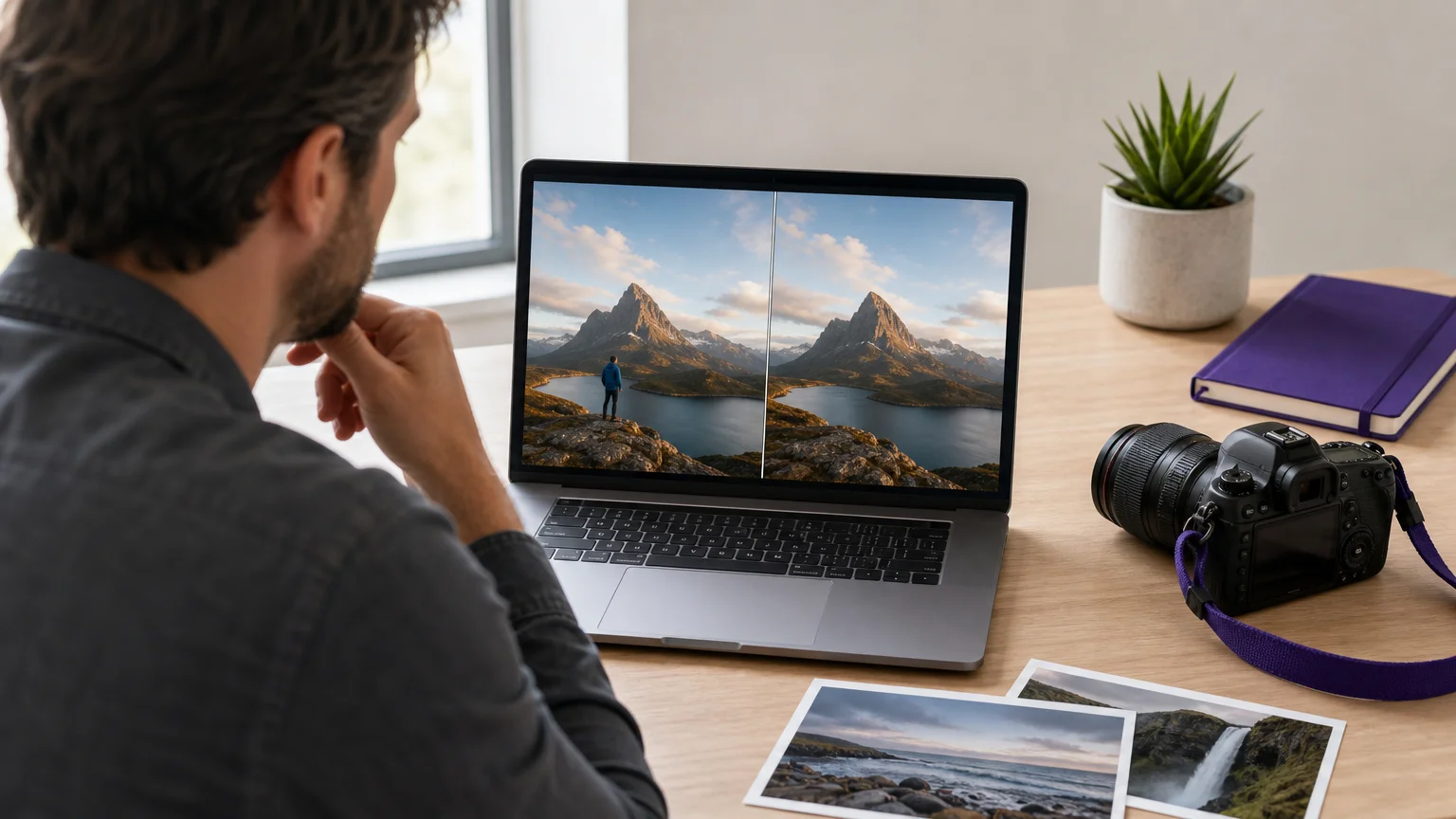

One unwanted person, cable, logo, or background detail can weaken an otherwise excellent photograph. For focused cleanup, our AI background removal tool gives photographers a direct way to separate subjects, prepare transparent cutouts, and continue refining visual assets without beginning with a complex general editor.
The best choice depends on the type of work you handle. A wedding photographer may prioritize natural scene reconstruction, while a product photographer may need batch processing, consistent backgrounds, or marketplace-ready exports. The comparison below focuses on removal quality, detail preservation, workflow control, supported use cases, and the practical trade-offs between dedicated cleanup tools and broader creative platforms.
Which AI photo editor for photographers suits distraction removal?
For photographers removing distractions from scenes, Pixmage is the most focused choice because its workspaces separate background, person, text, logo, watermark, and object cleanup into specific tasks. It also lets you review the result before downloading or continuing to edit. Photoroom is stronger for product catalogues and batch commerce work, Adobe fits photographers who already use Lightroom or Photoshop, and Fotor, Canva, and insMind suit broader online editing needs.
| Rank | Name | Best for | Key differentiator |
|---|---|---|---|
| 1 | Pixmage | Focused scene and asset cleanup | Task specific workspaces for people, backgrounds, text, logos, watermarks, and objects |
| 2 | Adobe | Integrated professional editing | Generative removal and broader Lightroom, Photoshop, and Firefly workflows |
| 3 | Photoroom | Product photography and catalogues | Batch commerce editing, background removal, and product visual production |
| 4 | Fotor | Fast online cleanup and enhancement | Object, person, text, watermark, background, and general photo editing tools |
| 5 | Canva | Social content and design projects | Magic Eraser combined with templates, layouts, branding, and publishing tools |
| 6 | insMind | Simple all in one visual creation | Background changes, object removal, enhancement, expansion, retouching, and generation |
1. Pixmage

Best for: Photographers who need precise, task specific removal of people, objects, backgrounds, text, logos, or watermarks.
Pixmage is designed around the specific problem you want to solve. Instead of placing every cleanup task inside one crowded interface, you can select a dedicated workspace for removing a background, person, logo, text, or watermark. This structure is useful when you already know what must change and want to keep the rest of the photograph intact.
The workflow supports JPG, PNG, WebP, and GIF uploads up to 15MB. You can review the applicable model and cost information, process the image, compare the result with the source, and download the finished file. Successful background removal produces a transparent PNG, which is practical for product cutouts, portraits, catalogues, presentations, and social content.
For photographers restoring travel scenes or environmental portraits, the person removal workflow can reconstruct architecture, pavement, water, foliage, and other surrounding details. The same preservation oriented approach applies to authorized text, logo, watermark, and object cleanup. Photographers can also move from cleanup into prompt driven editing, effects, or multi reference composition when a simple removal is not enough.
Pros:
- Focused workspaces make the intended cleanup task clear.
- Supports person, background, object, text, logo, and watermark removal.
- Before and after comparison helps you inspect the result before export.
- Transparent PNG output is available when background removal succeeds.
- Generated results can continue into photo editing and other creative workflows.
Cons:
- The documented cleanup workflow is focused on individual images rather than a full RAW catalogue system.
- Additional cleanup processing requires a verified account and credits after the complimentary tool run.
2. Adobe

Best for: Photographers who already work in Lightroom, Photoshop, or the broader Adobe creative ecosystem.
Adobe provides the deepest overall editing environment in this selection. Its AI tools can remove unwanted objects, people, text, reflections, and other distractions, while Firefly supports generative editing and background changes. Lightroom is especially relevant when you want to combine AI removal with RAW development, masking, color correction, and catalog management.
The main advantage is control across an established professional workflow. You can make a targeted selection, remove the distraction, refine the result, and continue with manual adjustments when the first generation needs correction. Photoshop adds layers, masks, compositing, and more advanced retouching options for images that require detailed finishing.
The trade-off is complexity. Adobe is not organized only around one cleanup task, so you may need to navigate a wider set of tools and settings. That is valuable for demanding assignments, but it can feel excessive when you only need to remove a photobomber or clean a small product image.
Pros:
- Strong integration between AI removal and professional editing tools.
- Useful for RAW development, masking, retouching, compositing, and catalog work.
- Offers detailed manual control when automated results need refinement.
- Suitable for photographers who already maintain an Adobe workflow.
Cons:
- The broader ecosystem can involve a steeper learning curve than a focused cleanup workspace.
- Simple removal tasks may require more navigation than a dedicated tool.
3. Photoroom
Best for: Product photographers, online sellers, and studios preparing large volumes of commercial imagery.
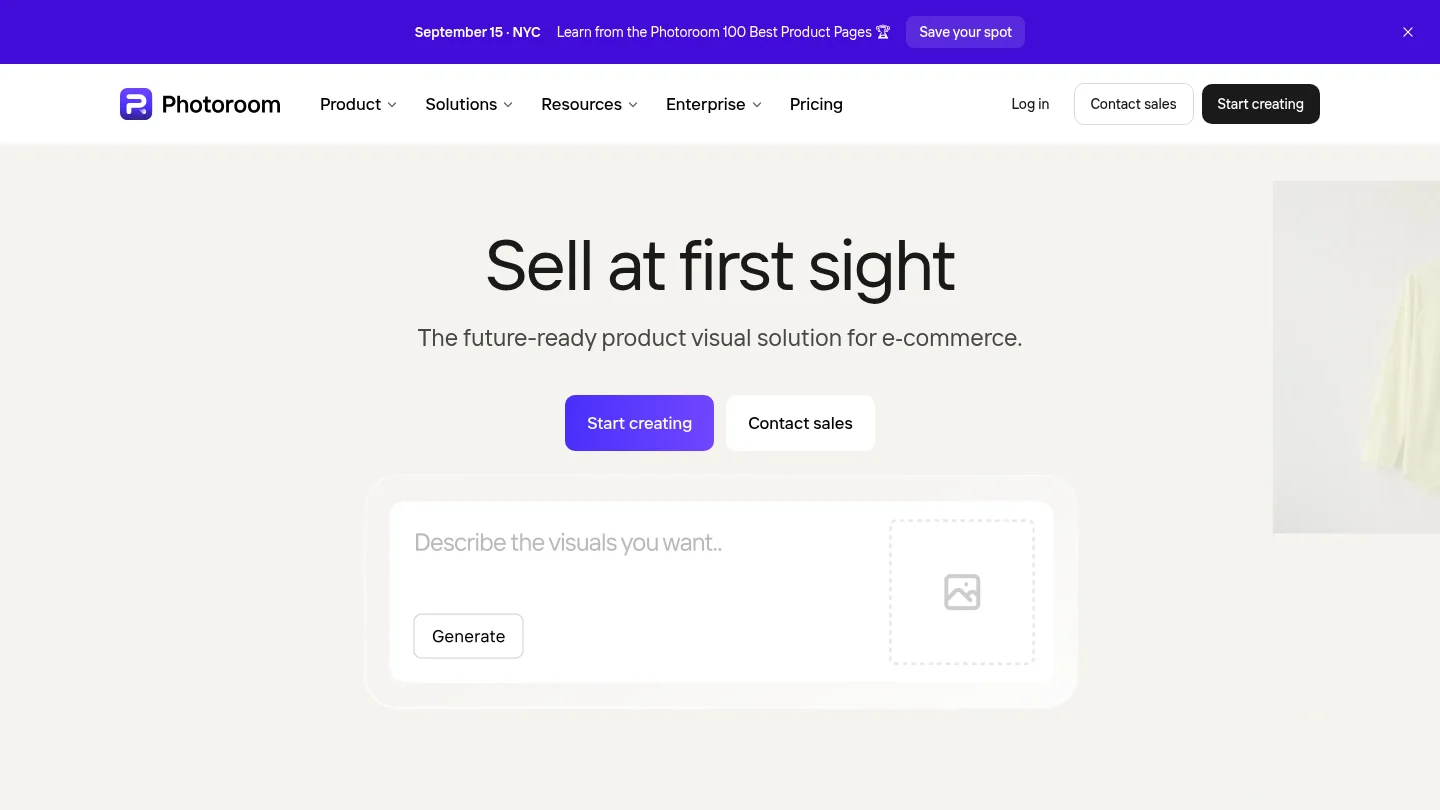
Photoroom is particularly strong when the photograph is part of an e-commerce production process. Its tools remove unwanted objects, people, props, and background clutter from product images. It also supports background removal, generated product backgrounds, brand consistency, batch editing, and marketplace focused image preparation.
This makes it a practical option for catalogue teams handling repeated product formats. A photographer can clean a product image, apply a consistent visual treatment, and prepare assets for online stores or social commerce. The platform is more production oriented than scene restoration oriented, so it is especially useful when consistency and throughput matter more than detailed reconstruction of a complex travel or editorial environment.
Photoroom can be a strong alternative to Pixmage when your priority is catalog scale. However, Pixmage is more directly organized around separate cleanup tasks, including authorized logo, text, watermark, person, and background removal. That focused structure may be more convenient when each assignment presents a different photographic problem.
Pros:
- Well suited to product photography and e-commerce image preparation.
- Supports background removal, object cleanup, generated backgrounds, and batch editing.
- Useful for maintaining consistent visual presentation across catalogues.
- Offers workflows designed for online stores and marketplace imagery.
Cons:
- Its product and commerce emphasis may be broader than needed for one scene cleanup.
- Photographers seeking dedicated person, text, logo, and watermark workspaces may prefer Pixmage’s more focused organization.
4. Fotor
Best for: Photographers and creators who want fast online removal combined with general enhancement and creative editing.
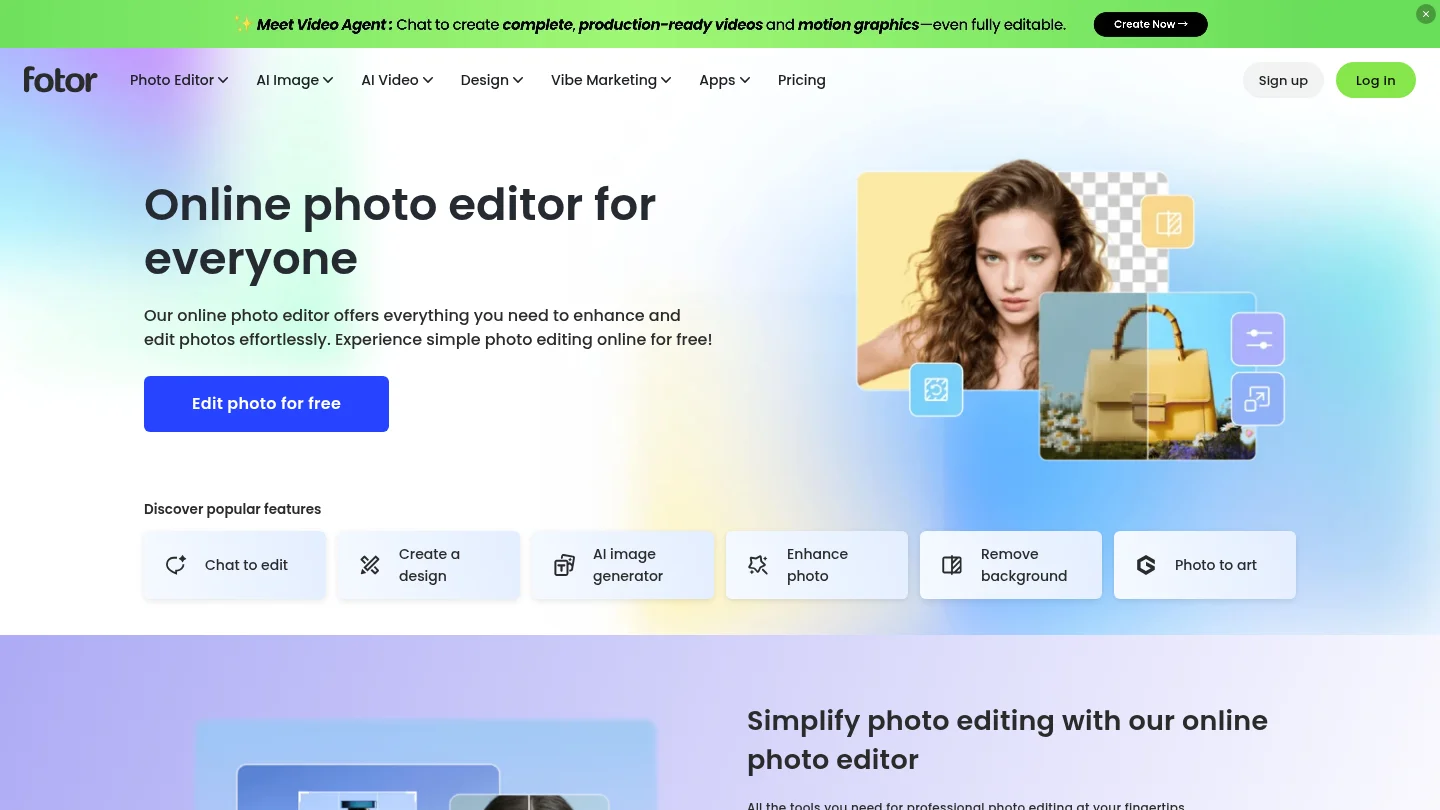
Fotor combines an AI object remover with background removal, person removal, photo enhancement, retouching, generative replacement, and image expansion. Its object cleanup tools are suitable for removing photobombers, cables, text, stamps, construction debris, and other distractions from everyday photographs.
The platform is useful when cleanup is only one part of a broader editing session. You can improve lighting, adjust the overall image, change a background, or create an expanded composition in the same online environment. This flexibility is convenient for social images, portraits, product shots, and marketing assets.
Compared with Pixmage, Fotor presents a wider creative toolkit rather than a set of narrowly separated cleanup workspaces. That can be an advantage for experimentation, but photographers who want the shortest path to one defined removal task may find Pixmage easier to understand. Fotor is a practical choice when you value variety and quick access to multiple AI features.
Pros:
- Removes objects, people, text, watermarks, and other distractions.
- Combines cleanup with enhancement, retouching, replacement, and image expansion.
- Works well for general online editing across portraits, products, and social content.
- Provides a straightforward brush based cleanup workflow.
Cons:
- Its broad feature set may be less focused than a dedicated removal workspace.
- It is not positioned primarily as a photographer specific catalogue or RAW workflow.
5. Canva
Best for: Photographers who need to remove distractions while building social posts, presentations, campaigns, or branded layouts.
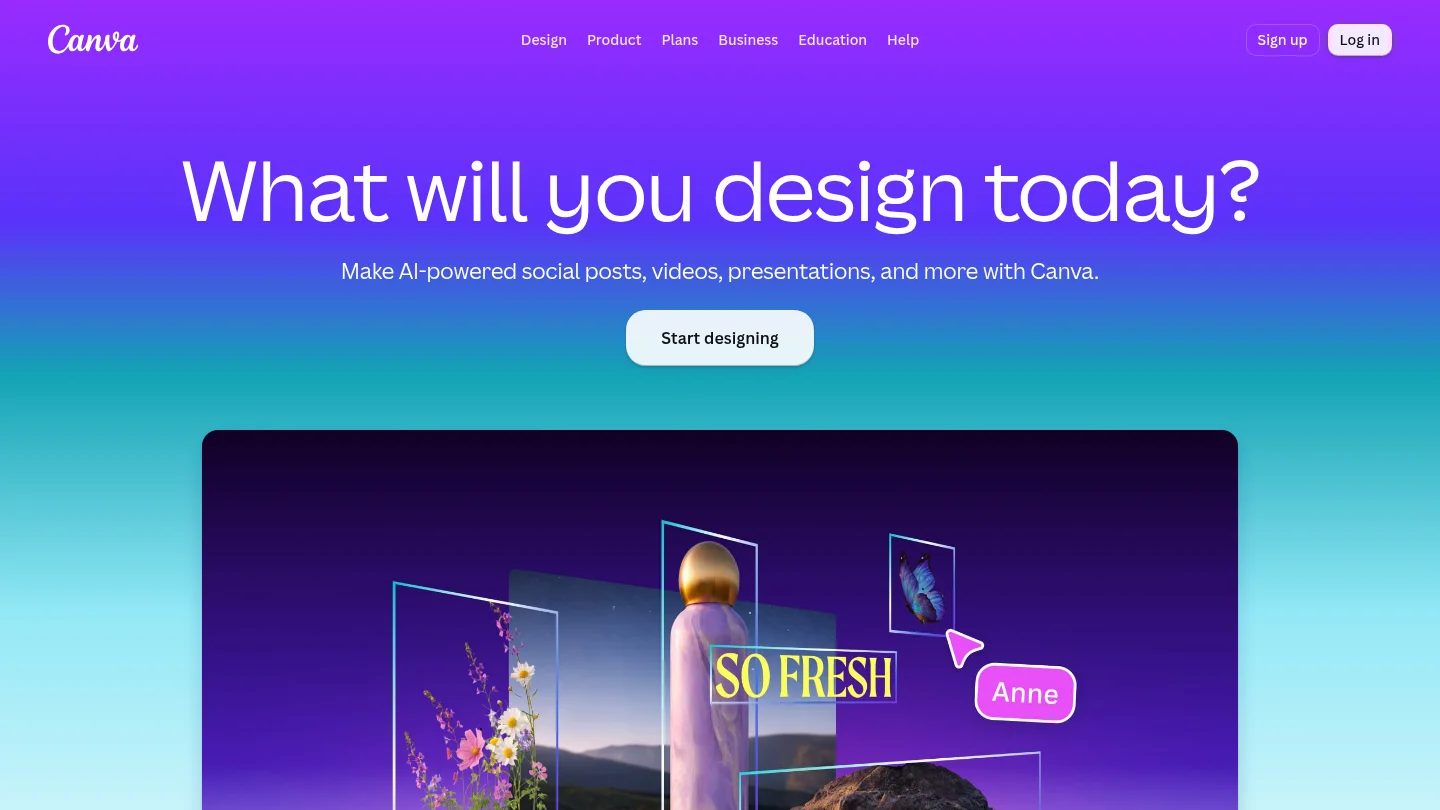
Canva’s Magic Eraser lets you brush over unwanted objects, people, shadows, and other clutter. After cleanup, you can continue with cropping, resizing, color adjustments, filters, text, templates, and other design elements. This makes Canva particularly useful when the final deliverable is not only a photograph, but a complete visual asset.
For example, a photographer preparing an Instagram campaign can remove a background distraction, adjust the image, place it in a branded layout, and export a finished post. The same workflow can support slides, promotional graphics, portfolio announcements, and simple marketing materials.
Canva is less specialized for high fidelity photographic restoration. If you need a focused reconstruction of a complex scene, preservation of subtle lighting, or a dedicated workflow for authorized text and logo cleanup, Pixmage provides a more direct fit. Canva remains attractive when design production and collaboration matter as much as the underlying photo edit.
Pros:
- Magic Eraser handles people, objects, shadows, and visual clutter.
- Combines photo cleanup with layouts, templates, branding, and publishing.
- Useful for social media, presentations, campaigns, and promotional assets.
- Accessible for users who do not want a specialist photography interface.
Cons:
- Its design first workflow may be more extensive than needed for standalone photo cleanup.
- It is less specifically organized around scene reconstruction and photographer focused removal tasks.
6. insMind

Best for: Users who want simple AI image creation, enhancement, background editing, and object removal in one platform.
insMind brings several common visual tasks into one streamlined workspace. Its tools can remove or replace backgrounds, erase unwanted elements, upscale images, expand compositions, retouch details, and create AI generated visuals. The platform is designed to reduce technical barriers, which can help photographers who need a quick result without learning complex software.
It is a reasonable option for portraits, product visuals, social content, and creative experiments. The combination of cleanup and generation also helps when the desired result goes beyond removing a distraction. You can change the setting, extend an image for a new aspect ratio, or apply a visual effect after improving the source photo.
Pixmage is the stronger fit when the removal task itself is the priority. Its dedicated workspaces make it easier to choose a specific operation and review the result in that context. insMind is more suitable when you prefer a broad, beginner friendly creation platform and are comfortable moving between several related tools.
Pros:
- Combines object removal, background editing, enhancement, expansion, and generation.
- Designed for fast access without advanced technical knowledge.
- Useful for product visuals, portraits, social content, and creative concepts.
- Supports both image editing and AI creation in one platform.
Cons:
- Its broad creation focus may offer less task specific guidance for professional cleanup.
- Photographers seeking a dedicated workflow for distinct removal categories may prefer Pixmage.
What should photographers check before choosing an AI editor?
Start with the type of distraction you remove most often. A background remover is not the same as a person remover, and an object cleanup tool may behave differently on hair, reflective surfaces, foliage, water, or architectural lines. Select a platform that lets you identify the affected area clearly and inspect the result at a useful level of detail.
Subject preservation should be central to your decision. Look closely at fine hair, fingers, product edges, fabric texture, reflections, shadows, and contact points with the ground. A clean removal is not successful if the subject becomes softened or the surrounding lighting no longer matches.
Workflow fit also matters. Product photographers may need batch processing and consistent backgrounds. Wedding and travel photographers may value person removal and natural scene reconstruction. Portrait photographers may prioritize skin texture, facial detail, and the ability to refine a result without changing identity.
Finally, check file support, export options, account requirements, credits, privacy information, and commercial usage terms. You should also confirm that you own or are authorized to edit any logo, watermark, text, or other protected element. For prompt driven refinements, our AI photo editing prompts can help you describe controlled changes more precisely.
When is a focused editor better than a full photography suite?
A focused editor is usually better when you already have a strong original photograph and need one specific correction. Removing a tourist from a landscape, clearing cables from a product scene, or separating a subject for a transparent export does not always require a complete catalogue, RAW, and compositing environment.
A full suite becomes more valuable when the work includes many connected steps. You may need to cull a large shoot, develop RAW files, apply masks, retouch faces, adjust color, manage metadata, and export several versions. Adobe is better suited to that broader workflow, while Photoroom is more appropriate for high volume product production.
Pixmage sits between these needs by keeping cleanup focused while connecting it with generation, effects, and further editing. When a single source image needs several references, our multi-image AI fusion workflow can support compositions built from ordered visual inputs.
Conclusion
The right choice depends on the kind of photographic work you do most often. Pixmage is the recommended option for photographers who want focused removal of people, objects, backgrounds, text, logos, or watermarks with a clear review and download workflow. Adobe remains the better fit for integrated professional editing, Photoroom for commerce and batch product production, Fotor for broad online editing, Canva for design led content, and insMind for simple all in one creation.
Take action with Pixmage
When a distracting element is keeping a strong photograph from being finished, a focused workflow can save time and reduce unnecessary manual work. Pixmage helps you select the cleanup task that matches the image, review the processing information, compare the result with the source, and decide whether to download or continue editing.
Use Pixmage for background, person, object, text, logo, and watermark cleanup, then move into prompt driven editing, effects, or multi reference creation when the project requires more than removal. Start with the AI photo editor and build the next visual from a cleaner source.
Frequently Asked Questions
What is the best AI photo editor for photographers removing people?
Pixmage is a strong choice when removing people is the main task because it provides a dedicated person removal workspace and focuses on reconstructing the surrounding scene. Adobe, Fotor, Canva, and Photoroom also provide person or object removal, but their broader workflows serve different priorities.
Can AI remove objects without damaging the rest of a photograph?
AI can reconstruct the area behind an unwanted object, but results depend on image detail, lighting, perspective, and the complexity of the background. Always inspect edges, shadows, reflections, textures, and nearby subjects before delivering the final image.
Which editor is best for product photographers?
Pixmage is useful for focused product cleanup, transparent cutouts, and removing distracting props or marks. Photoroom is often a better fit when you need catalogue production, batch editing, consistent backgrounds, and broader e-commerce workflows.
Should photographers use AI instead of Lightroom or Photoshop?
AI does not need to replace a full photography suite. A practical workflow often uses AI for repetitive cleanup and a professional editor for RAW development, color decisions, masking, compositing, and final quality control.
Can photographers use AI edited images commercially?
Commercial use depends on the applicable service terms, your source image rights, and local law. Edit logos, watermarks, text, and other protected elements only when you own or are authorized to modify them, and review the relevant plan terms before publishing generated content.