

The best AI image generator in 2026 is not simply the one that produces the most attractive first image. It is the tool that helps you move from idea to usable asset with fewer corrections, suitable controls, and clear rights expectations. For creators who need to refine existing photos as well as create new visuals, our AI photo editing prompts provide a practical starting point for controlled edits.
The category has expanded beyond simple text-to-image experiments. The Stanford 2026 AI Index describes rapidly spreading AI adoption and reviews model performance through 2025. That shift makes workflow fit more important than novelty. You need to assess prompt accuracy, editing control, input support, export quality, cost visibility, and the intended use of each image.
What should the best AI image generator do in 2026?
Start with the job rather than the model name. A generator may produce appealing illustrations but provide limited control over an uploaded product photo. Another may handle text inside an image well but offer little support for background removal, transparent exports, or precise scene reconstruction.
For most professional workflows, assess six factors: prompt adherence, image quality, editing precision, reference-image support, output controls, and ease of review. A useful platform should also make its limits visible. You should know which models support image inputs, how many references you can provide, whether the output can be edited again, and what the generation or processing cost will be.
The production context matters as well. A marketer preparing a campaign concept needs speed and variations. A marketplace seller needs clean product edges, stable lighting, and a transparent file. A designer may prioritize typography, composition, or consistent visual direction. The same tool cannot serve every task equally well, so the most useful evaluation asks whether the generator fits your recurring work.
Recent usage research supports this workflow-focused view. A 2026 G2 analysis examined 2,111 reviews collected between August 28, 2025, and July 25, 2026. All seven surveyed vendors reported increased adoption, while five said customers generated images daily and two reported weekly use. The implication is practical: image generation is becoming part of repeated production processes, not only occasional experimentation.
Which image-generation workflow should you choose?
Imagine that you need a new product hero image, three social variations, and a cleaned-up version of an existing photograph. The most suitable workflow depends on where your source material begins and how much control you need after the first generation.
- Text-to-image generation begins with a written description. It suits original concepts, campaign directions, editorial scenes, storyboards, and early visual exploration.
- Photo editing begins with an uploaded image and a direct instruction. It is more appropriate when you need to change one element while retaining the subject, camera angle, lighting, or surrounding composition.
- Multi-reference composition combines several images in an ordered workflow. It can help you provide separate references for a product, person, prop, color direction, or setting.
- Focused cleanup addresses a defined problem, such as a background, watermark, logo, text element, person, or unwanted distraction.
- Curated effects applies a controlled visual direction to an uploaded image. This is useful when you want to change the medium or art direction while retaining the recognizable subject.
Pixmage brings these workflows together in task-specific web workspaces. You can begin with a focused cleanup tool or use the broader creation workspace for text-to-image generation, photo editing, effects, and multi-reference work. This structure is useful when your project moves from generation to correction, because you do not need to treat the first render as the final asset.
Where does Pixmage fit for product and marketing visuals?
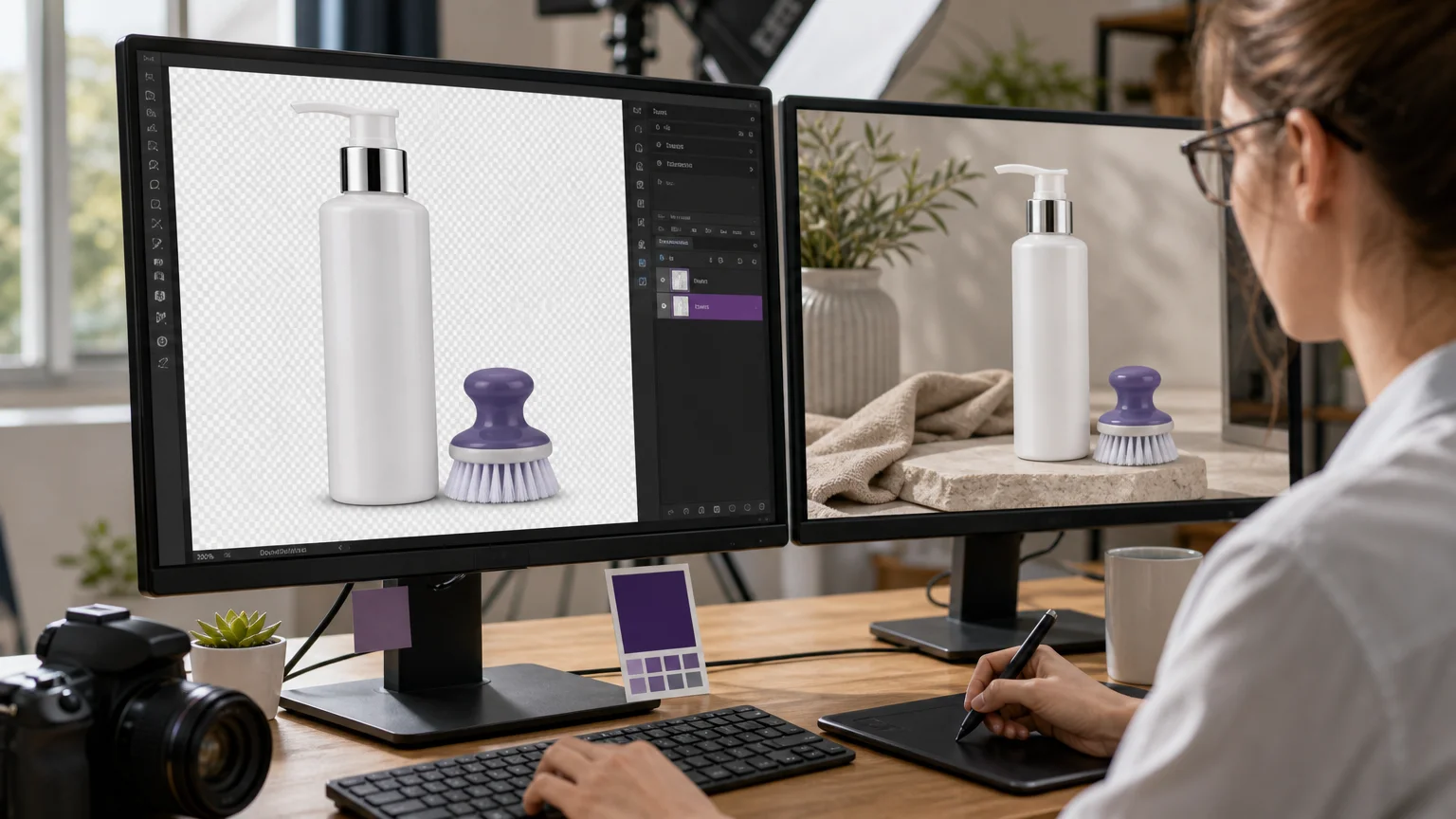
A product listing is a useful example. The original photo may contain a distracting background, uneven surroundings, an unwanted label, or a person who should not appear in the final composition. Rebuilding the entire image may introduce unnecessary changes. A focused cleanup workflow can address the selected area while preserving the product and its surrounding visual characteristics where possible.
Pixmage supports background, watermark, logo, text, and person removal through separate workspaces. Successful background removal provides a transparent PNG, which is useful for catalog images, marketplace listings, presentation slides, thumbnails, and social posts. If your priority is clean product preparation rather than open-ended experimentation, our AI-generated transparent product photos explain the type of output this workflow is designed to support.
The same principle applies to marketing assets. You may need to remove an authorized logo from a draft, clean a caption from a licensed photo, or remove a person from a travel scene. In each case, the important question is not whether the system can produce something visually attractive. It is whether the result retains the details that make the source asset usable.
For original campaign concepts, the creation workspace offers a broader starting point. You can write a prompt, customize a structured example, upload an image reference, select a compatible model, choose output settings, and review the result before downloading or continuing to edit it. This gives you a connected path from concept to revision.
How can you test quality and control before committing?
The most revealing test is not a dramatic fantasy prompt. It is a realistic task that resembles your weekly work. Use a product with reflective material, a scene with several objects, or a photo where the background and lighting must remain consistent. These cases expose weaknesses in edge preservation, texture reconstruction, spatial relationships, and instruction following.
Test the generator with a small evaluation set:
- Write one concise prompt with a clear subject, setting, composition, and output requirement.
- Upload a real reference image if your workflow depends on photo editing.
- Ask for one controlled change, such as removing an object or changing a background.
- Ask for a second revision without rewriting the full instruction.
- Compare the original and edited results at the intended publishing size.
- Check the file format, transparency, resolution, credit use, and available download options.
Pay particular attention to reference control. A system that creates a strong image from scratch may change identity, proportions, materials, or composition when you provide several references. If your project depends on visual consistency, use a workflow that explains how images are ordered and which models support the complete reference set.
Pixmage is designed for this kind of iterative process. Its generator keeps prompts, models, image inputs, output settings, credits, and results in one workspace. You can also move generated results into photo editing, while a cleanup task can be followed by another cleanup step when the image requires more than one correction. For multi-reference projects, our multi-image AI fusion workflow provides a dedicated approach to combining ordered visual inputs.
Cost transparency should be part of your test. A low-cost draft may be suitable for exploring directions, while a higher-quality output may be appropriate for a final campaign asset. Pixmage displays applicable model and credit information before processing or generation, allowing you to compare the expected cost with the importance of the task.
What should you check before commercial use?
Commercial use requires more than a visually convincing result. Confirm the plan terms for generated outputs, review restrictions concerning recognizable people or protected brands, and keep records of the source images and instructions used during production.
Copyright policy is still developing across jurisdictions. On March 18, 2026, the UK government published a report and impact assessment concerning the use of copyrighted works in the development of AI systems. You can review the UK government report for current policy context, but it does not replace advice for your specific project or location.
In the United States, the U.S. Copyright Office has examined questions concerning AI training, digital replicas, and the copyrightability of generative outputs. Its multipart initiative includes a report on copyrightability published on January 29, 2025, as described by the U.S. Copyright Office. The practical lesson is to preserve meaningful human direction, avoid unauthorized source material, and verify the rules that apply to your intended use.
Pixmage instructs users to edit overlays, logos, and related assets only when they own, license, or otherwise have authorization to modify them. The service also notes that commercial use depends on applicable plan terms and local laws. Treat those checks as part of your creative workflow, not as an afterthought.
Privacy deserves similar attention. Do not upload confidential product plans, unreleased campaign material, private client files, or personal images unless you understand the platform's account and file policies. When a project is sensitive, use only the references necessary for the task and remove unnecessary metadata before uploading.
Choose the generator that fits the work
The best AI image generator in 2026 is the one that supports the complete path from source material to approved asset. Compare prompt adherence, editing control, reference handling, export formats, cost visibility, and rights expectations. For practical image work, a focused studio that combines cleanup and generation can reduce tool switching and make each revision easier to inspect.
Take action with Pixmage
When your project involves both original creation and detailed image correction, a single generation prompt may not be enough. You may need to remove a distraction, prepare a transparent product cutout, combine several references, or refine an existing photo without rebuilding the entire scene.
Pixmage brings these tasks into connected AI image workspaces. Choose a focused cleanup tool or begin with text-to-image generation, photo editing, visual effects, or multi-image fusion. Review the available model and credit information, compare the result with the source, then download the output or continue editing with our AI image generator.
Frequently Asked Questions
What is the best AI image generator for product photos?
Choose a generator that preserves edges, materials, lighting, and proportions while supporting background removal and transparent exports. Pixmage is suited to this workflow because it combines product-image cleanup with broader generation and editing tools.
Should you choose text-to-image or photo editing?
Use text-to-image when you are starting from an idea and need an original scene. Use photo editing when you already have a source image and want to make a controlled change while preserving important visual details.
Can AI image generators combine several reference images?
Some workflows support multiple ordered references, but model compatibility varies. Check whether the selected model accepts the complete set and whether the platform explains how each image contributes to the final composition.
Are AI-generated images automatically safe for commercial use?
No. Commercial use depends on the platform terms, source material, jurisdiction, and the nature of the final work. Review the applicable rights before publishing an image in advertising, retail, editorial, or client work.
How should you evaluate an AI image generator?
Test it with realistic tasks that reflect your regular work, then inspect revisions, file formats, output quality, controls, and credit requirements. A short comparison using the same prompts and source images is more useful than judging a tool from promotional examples alone.