
During Black Friday, shoppers encounter promotions across stores, social feeds, and inboxes. A banner needs to communicate its offer quickly, without making customers search for the discount or guess what to do next. For campaign concepts, our campaign image generator tools page covers tools for developing marketing visuals.
Start with the actual deal, not a decorative template. A percentage off, a product bundle, or free shipping can each lead the design, but the banner should make one main offer unmistakable. Then match its wording and visual emphasis to the placement, whether it appears on a storefront, in an email, or on social media.
Start with one clear offer and message
Before choosing colors or images, write down the promotion exactly as customers will receive it. Include the eligible products, discount, code or minimum spend, and start and end dates where they matter. If some products are excluded, do not imply that the offer applies storewide.
Choose one main message for the banner: for example, “25% off winter accessories” or “Free shipping on orders over $50.” These are sample headlines, not promises about any particular promotion. Add a short call to action, such as “Shop the sale,” and link it directly to the relevant collection or offer page.
Black Friday participation is not universal. In a 2026 survey of shoppers and ecommerce businesses across 29 countries, 41% of online shoppers said they purchase during Black Friday, while 84% of surveyed businesses said they run promotions. That difference supports making your offer specific rather than relying on the event name alone, as detailed in the 2026 DHL shopper survey.
Build a visual hierarchy shoppers can scan
Picture someone viewing your banner on a phone while scrolling quickly. The order should be obvious: the offer first, the product or campaign image second, and the action or terms afterward. Use size, spacing, contrast, and placement to guide the eye through that sequence.
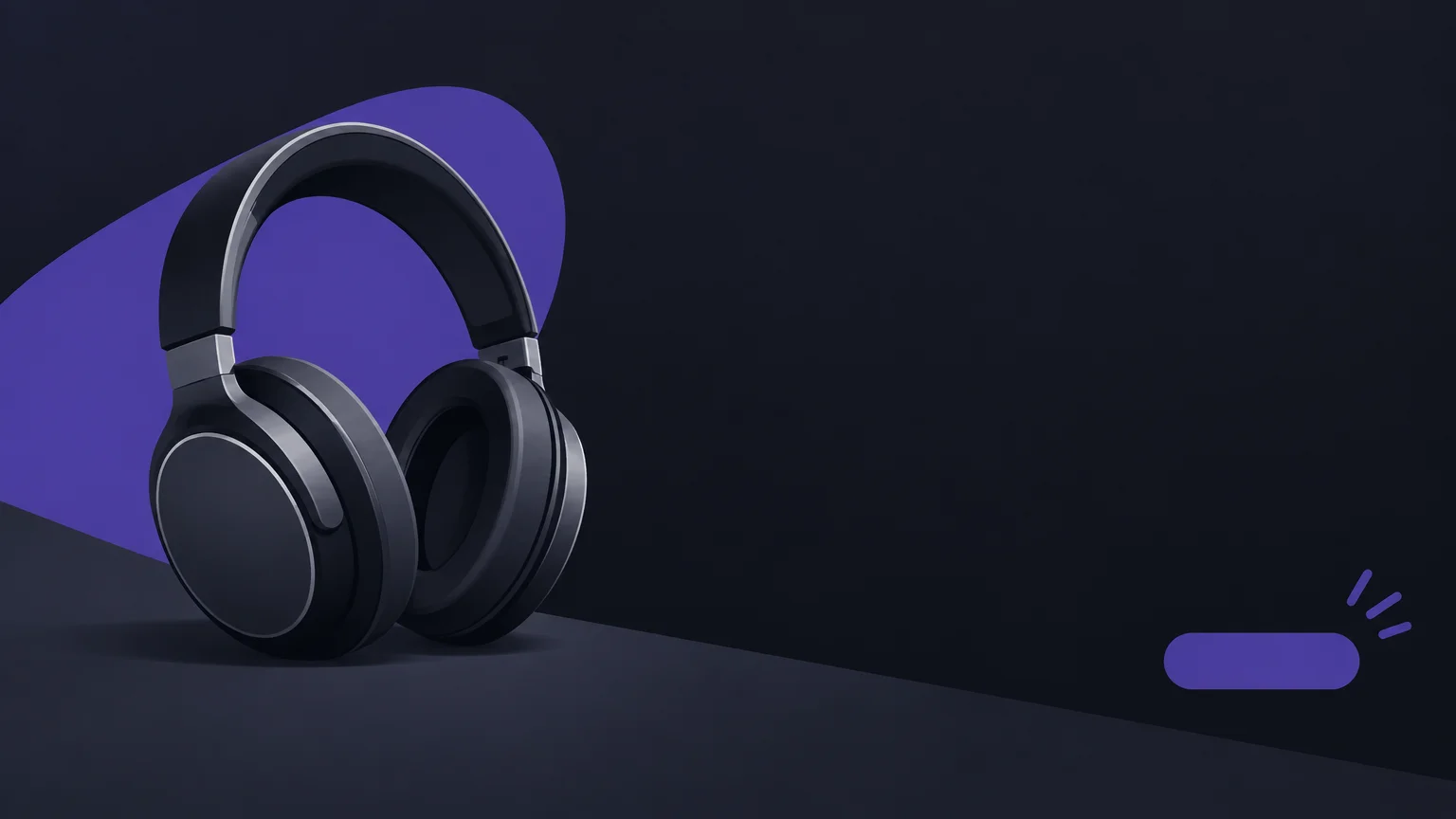
A large discount figure can be effective when the discount is the main value. If your promotion is a bundle or shipping offer, make that benefit the focal point instead. Avoid competing headlines, multiple discount badges, and decorative elements that distract from the deal. A restrained palette with one accent color usually makes the important text easier to find.
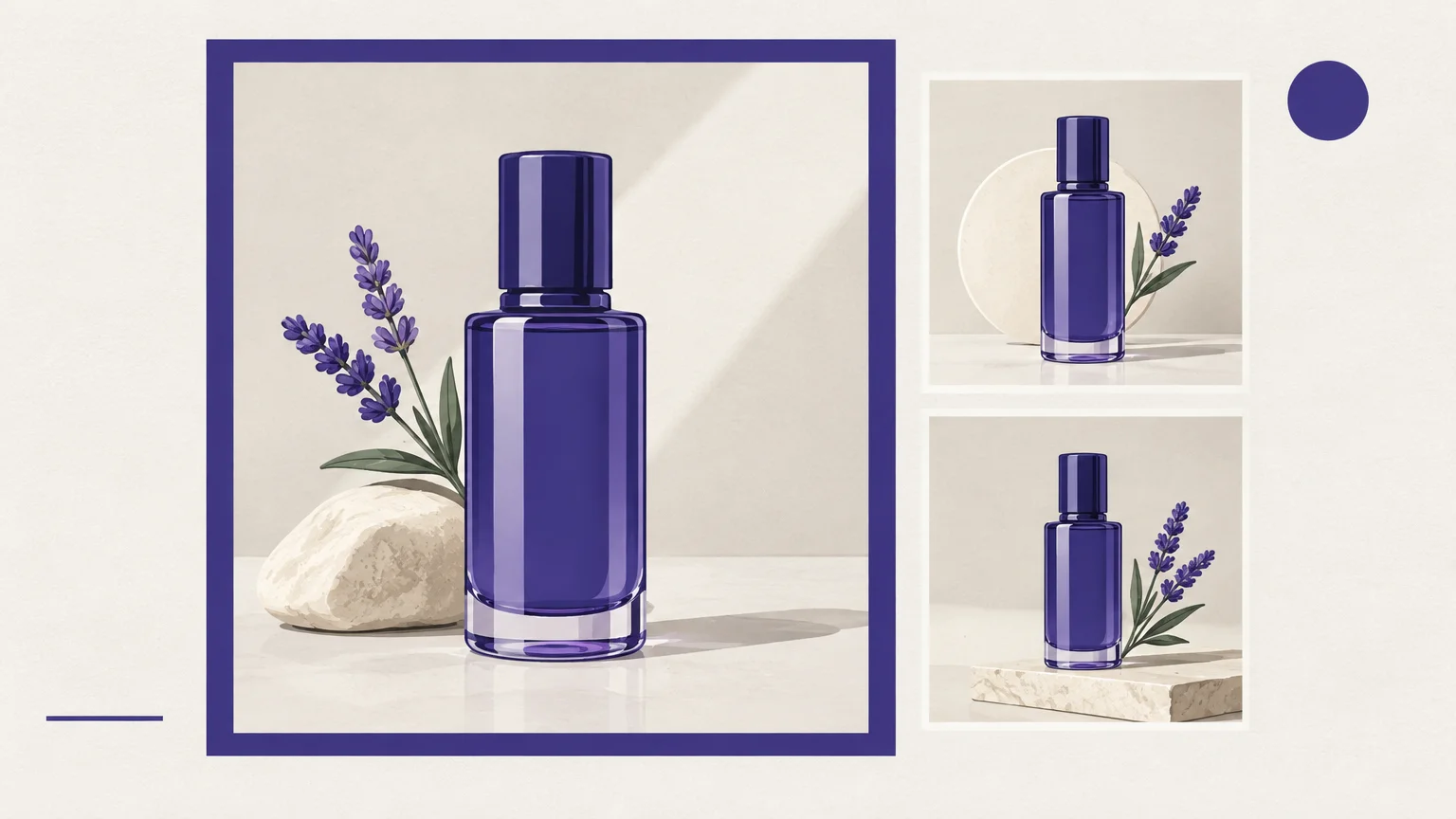
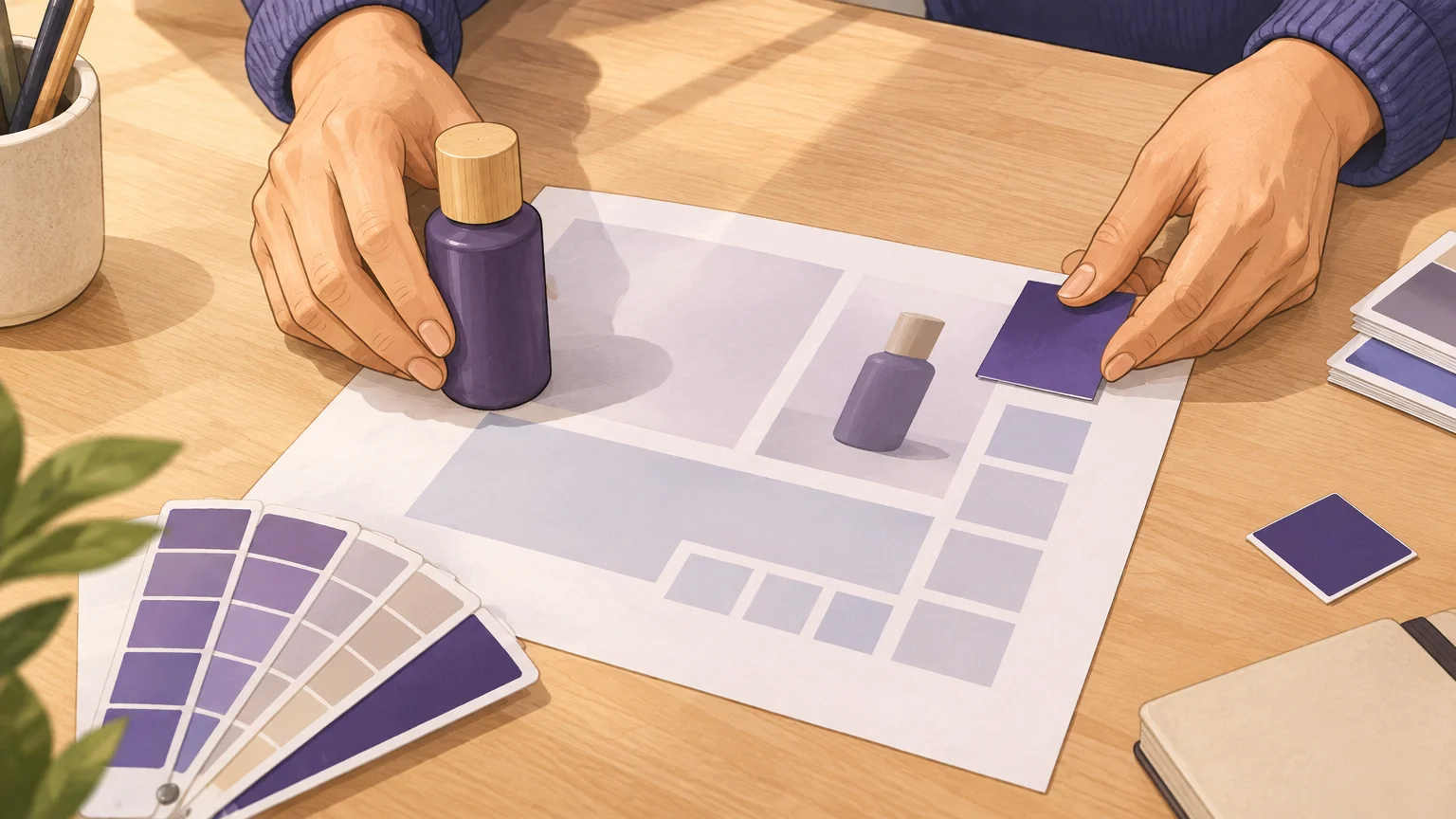
Use product photography or campaign imagery that reflects what is actually included. Keep the background simple enough for text to remain legible, and preserve clear space around the offer and button. Our AI image creation tools page covers image-generation options, while banner text, dimensions, and final layout still need to suit your campaign and placement.
Choose imagery that fits your brand and campaign
Use a product image when shoppers need to recognize what the offer covers. A broader lifestyle image can establish mood, but it should not obscure the product or compete with the discount. Check that any image treatment, props, and colors fit the rest of your storefront so the banner feels like part of the same campaign.
Keep the design practical as well as attractive. Leave room for the main message, avoid placing essential information close to an edge, and check that the text stays readable against the image. If you generate a visual, inspect the result carefully and add or correct the offer text in your layout tool rather than assuming the generated image contains accurate campaign wording.
Our AI tools for marketing article discusses how marketers can assess creative tools. For a Black Friday banner, consider whether your chosen workflow supports the visual you need, preserves useful product details, and lets you review the image before publishing.
Adapt the banner to each placement
A storefront hero, an email header, and a social post have different shapes and viewing conditions. Start with the platform or template’s current dimensions, then make a separate crop for each placement. Do not stretch one layout into every format if that pushes the product, offer, or action out of view.
Design around a safe area for essential content. Keep the headline, discount, and product in a central zone that remains visible when a wide image is cropped for mobile. For small placements, remove secondary details instead of shrinking every line until it becomes difficult to read.
Prepare a short, consistent set of assets: the main storefront banner, a mobile version if the layout needs it, and social or email adaptations when those channels are part of your campaign. A 2026 Upfluence analysis of 1.2 million Black Friday posts found that 64% of TikTok posts in November 2025 appeared before Cyber Week. That timing makes it useful to prepare related creative in advance, while remembering that the figures describe creator posts, not banner performance. See Upfluence’s creator study for its methodology and scope.
Check the offer, link, and mobile view before launch
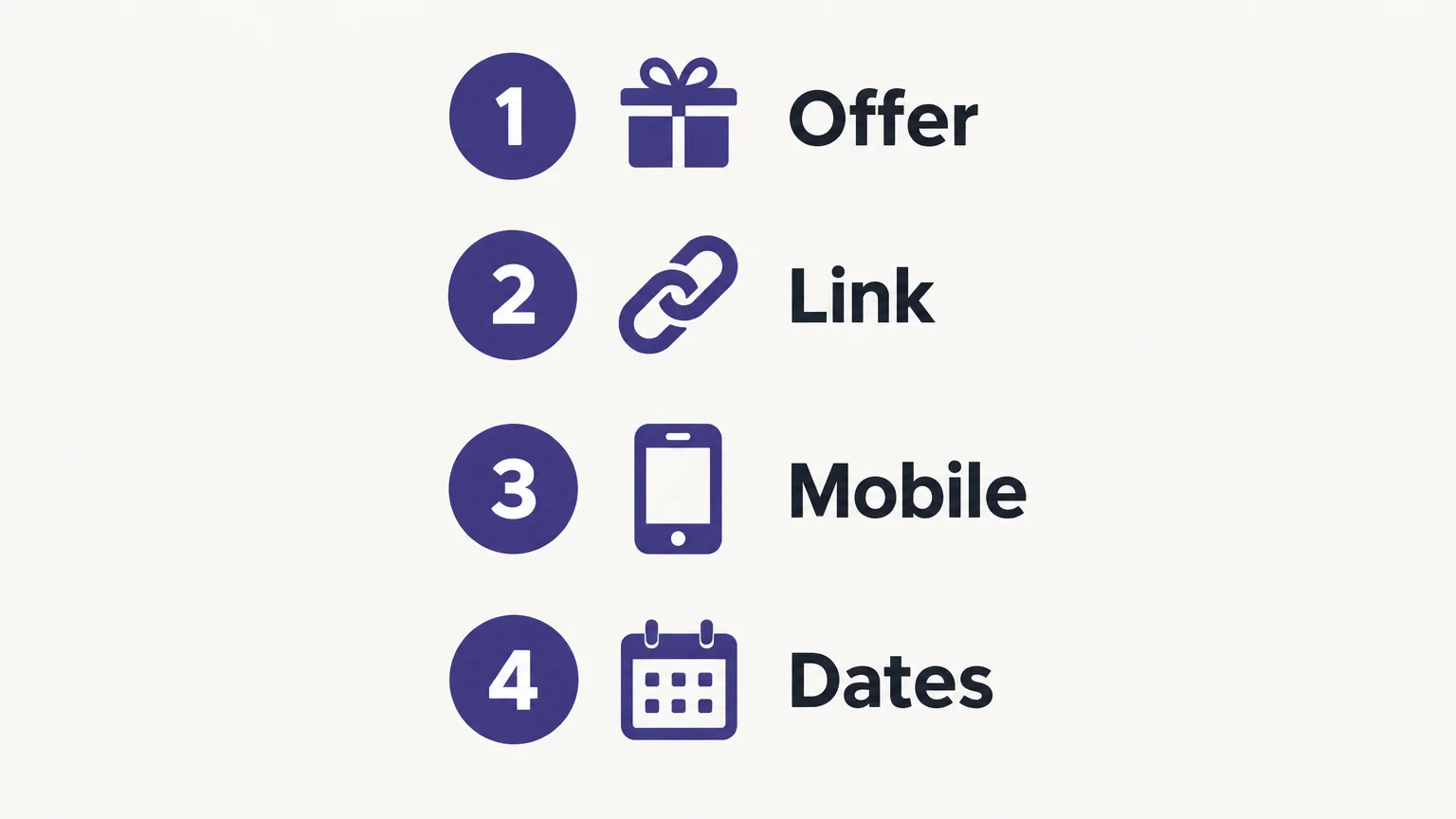
Before publishing, compare every banner version with the promotion settings on your site. Confirm that the discount, product eligibility, code, dates, and any minimum spend match. Test the banner’s destination on both desktop and mobile, and make sure the page displays the same offer shoppers saw in the creative.
Review the design at the size customers will see it. Check that the text remains readable, the product is not cut off, and the action is easy to locate. If the banner appears in an email, preview it in a narrow layout. If it appears on social media, check the crop in the actual placement.
Finally, avoid claims that the offer cannot support, such as an unverified stock limit or an unclear countdown. If the promotion ends at a stated time, specify the relevant time zone when customers could otherwise misunderstand it. A clear, accurate banner sets expectations before a shopper clicks.
Conclusion
Effective Black Friday banner design starts with an accurate offer and a single message customers can scan quickly. Build the layout around that message, adapt it to each placement, and check the final crop, link, and promotion terms before launch.
Create Campaign Imagery with Pixmage
When you need a campaign visual to support your banner, our browser-based image workspace lets you start from a written prompt or work from an uploaded photo. It is designed for marketers and creative users developing campaign visuals, concepts, and other image assets, rather than as a dedicated banner-layout template.
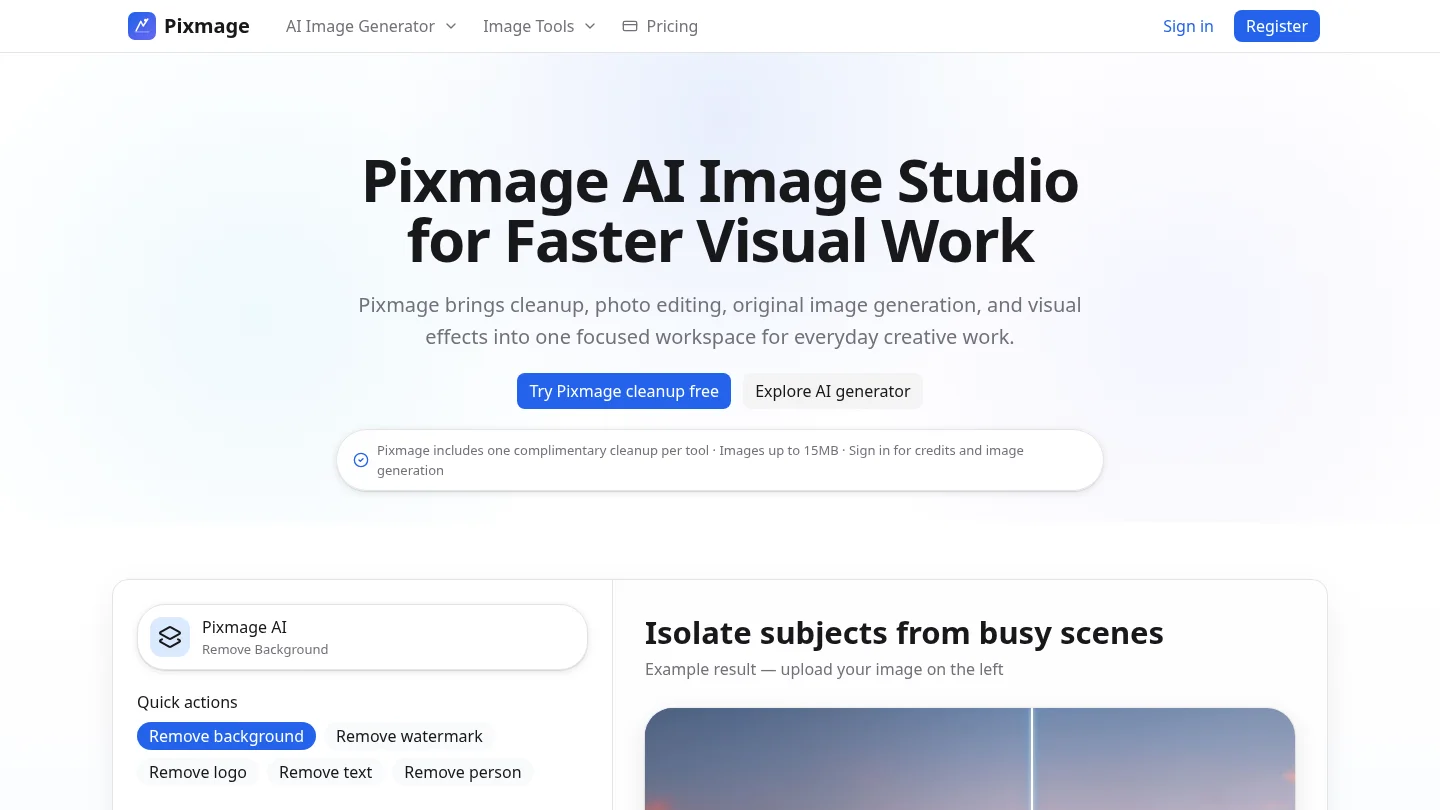
With our AI image generator, you can choose a compatible model, enter or customize a prompt, review output settings and the displayed generation cost, then generate and download an image or continue editing it. Image generation requires sign-in, email verification, and credits; the cost is shown before generation.
Frequently Asked Questions
What should a Black Friday banner include?
Include one accurate offer, a clear product or campaign image, and a direct call to action. Add any essential conditions, such as eligible products or a promotion end date.
How do I make the discount stand out?
Make the discount or primary benefit the largest text element, with enough contrast against its background. Keep other details smaller, but still readable.
Should I create different banner sizes?
Yes, adapt the layout to the dimensions and cropping behavior of each placement. Check that the offer and key image remain visible on mobile as well as desktop.
Can I use an AI-generated image in a Black Friday banner?
You can use an AI-generated visual as a starting point, then check its details and add accurate campaign text in your design layout. Our AI Image Generator supports text-to-image creation and uploaded-photo editing, with generation costs displayed before you generate.
When should I prepare my Black Friday banner?
Prepare the offer and core design early enough to review the promotion terms, test links, and make channel-specific versions. If you plan related social content, schedule its creative before the campaign period becomes busy.