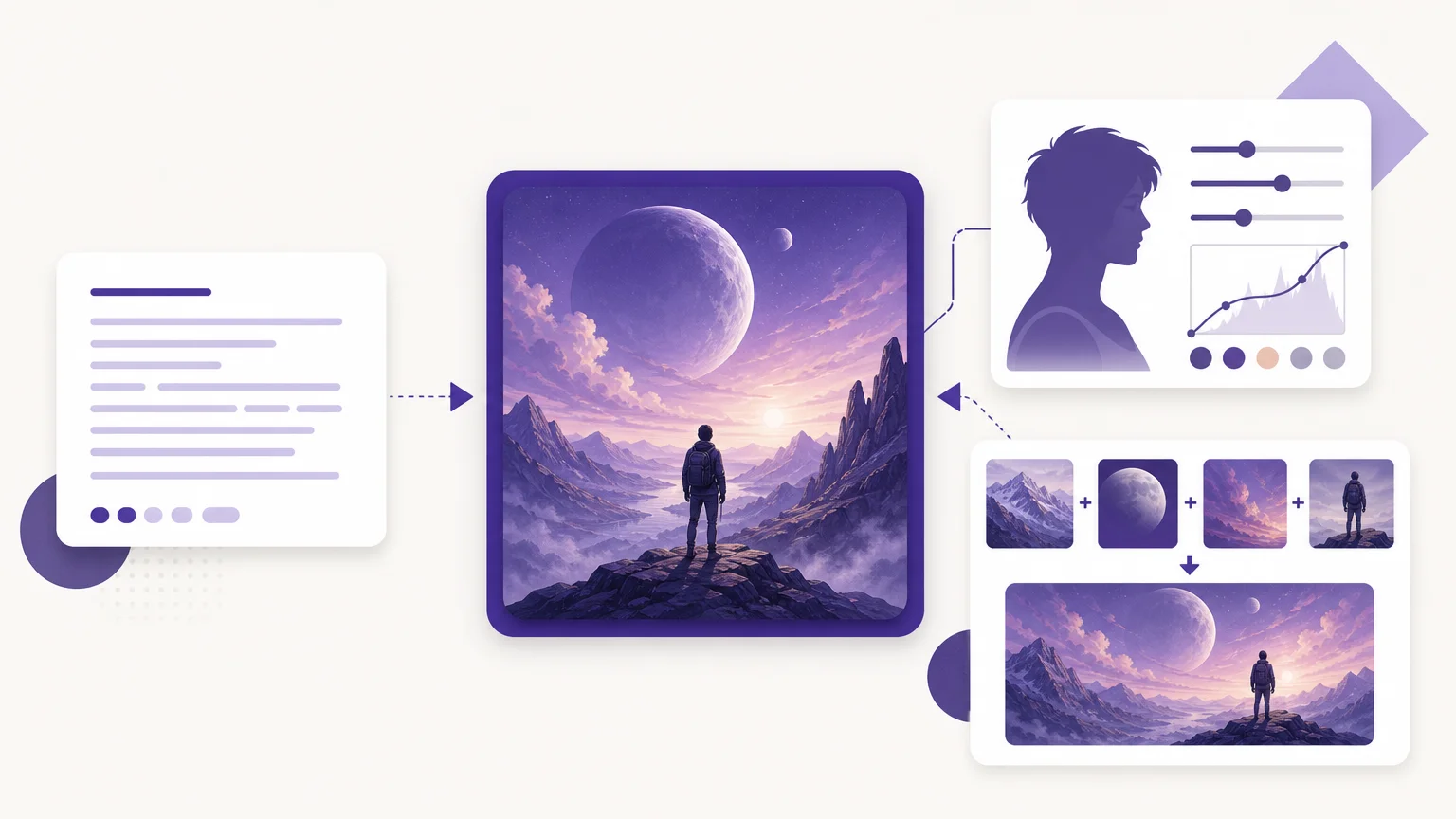

A polished image depends on the workflow as much as the model. When you need to create images with AI, decide whether your task starts with a prompt, an existing photo, or several references. Our overview of the best AI image generators provides a starting point, while this comparison focuses on those practical choices.
For marketing and catalog work, a usable result also needs suitable output controls and terms for its intended use. In the United States, image rights deserve separate review: the U.S. Copyright Office’s guidance explains that copyrightability depends on human contributions and case-specific factors. Check the provider’s terms and your rights to uploaded references before commercial use.
Which AI image creation tool fits your workflow?
For text prompts, photo edits, and ordered visual references in one workspace, we recommend Pixmage as the first option to consider. This workflow-focused shortlist compares each tool’s creation modes, reference support, and access conditions; it is not a standardized image-quality test.
| Rank | Tool | Creation workflow | Reference and editing support | Access notes |
|---|---|---|---|---|
| 1 | Pixmage | Text-to-image, photo edits, effects, and multi-image fusion | Uploaded photos and ordered references in compatible modes | Premium generation requires sign-in, email verification, and credits; costs appear before generation |
| 2 | Adobe Firefly | Image generation and photo transformation | Upload an image and guide changes with a prompt and controls | Review current plan and generation terms |
| 3 | Fotor | Text-to-image and image editing | Reference images and prompt-based refinement | Free access is described; confirm current limits and terms |
| 4 | Meta AI | Conversational image creation and editing | Describe changes to an uploaded photo | Meta describes image generation as free; features vary by region |
| 5 | Krea | Text and reference-image generation | Compare models, create variations, refine, and upscale | Its page associates commercial licensing with paid-plan generations |
| 6 | Renderforest | Text-to-image with additional creative tools | Its page describes up to three reference photos per generation | Captured page describes signup credits and paid access to premium models |
| 7 | Bing Image Creator | Prompt-based image generation | Aspect-ratio and mode choices are shown | Guest creation is limited; sign-in unlocks more access |
| 8 | Google Pics | Prompt-based creation and image editing | Import an image and make object-specific edits | Its page lists eligible Workspace and Google AI plans |
1. Pixmage
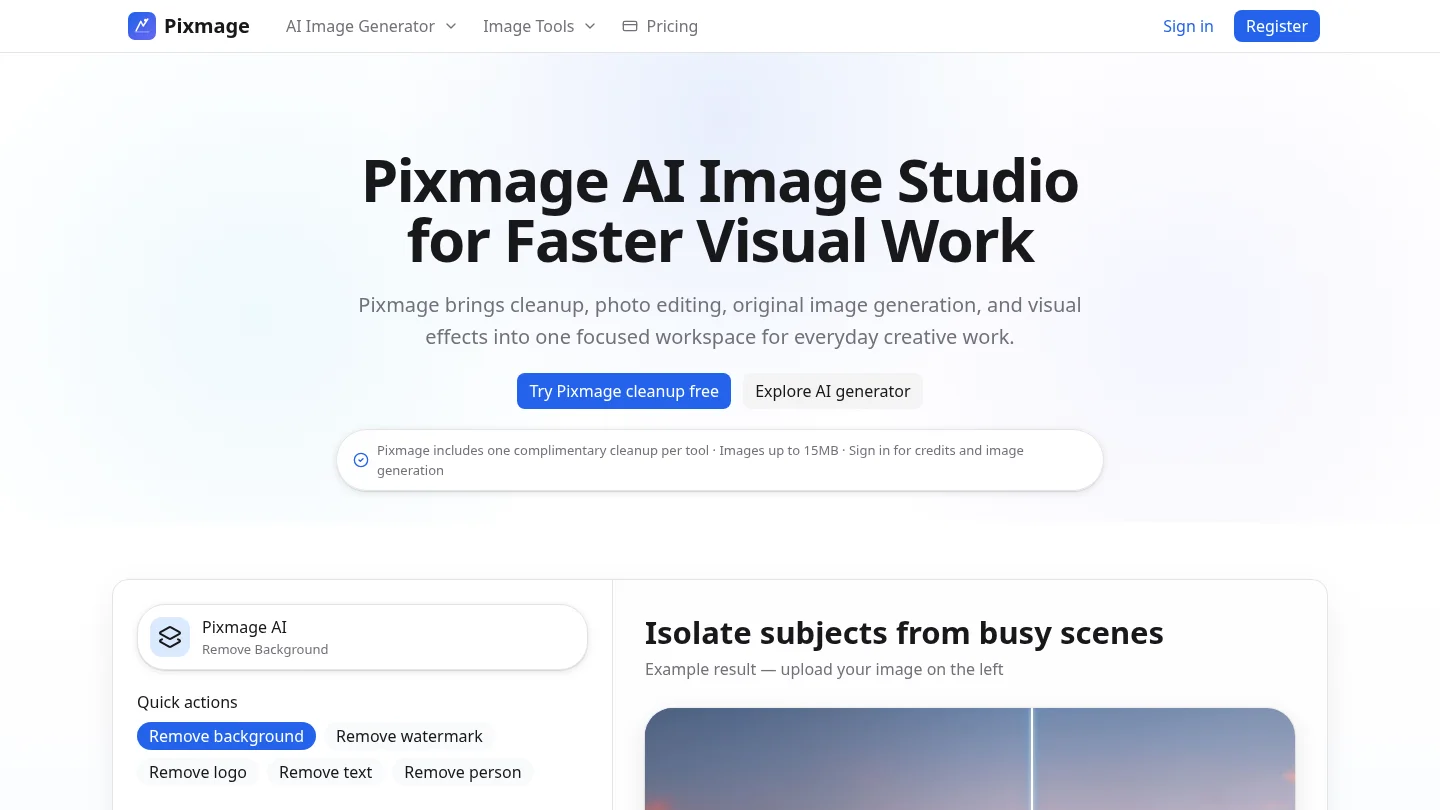
Best for: Creators who want text-to-image generation, photo editing, curated effects, and multi-image fusion in one browser workspace.
Our AI Image Generator keeps prompts, compatible models, image inputs, output settings, credits, and results together. You can start with an editable structured prompt, upload a photo, or arrange visual references as Image 1, Image 2, and so on. After generation, you can download the result or send it into photo editing.
Pros
- One workspace supports text-to-image, uploaded-photo editing, curated effects, and multi-image fusion.
- Model and generation costs appear before you commit, helping you choose settings with the cost in view.
- Seedream 5.0 Lite is positioned for lower-cost generation and multi-reference workflows; Seedream 5.0 Pro supports more controlled prompt-based image editing.
Cons
- Premium image generation requires sign-in, email verification, and credits, so it is not a no-login generator.
2. Adobe Firefly
Best for: Creators transforming an existing photo, sketch, or design with prompt-guided edits.
Firefly’s image-to-image workflow starts with an uploaded image and a description of the intended change. Its feature page describes controls for image strength, visual intensity, effects, color, lighting, and camera angle. Adobe also describes its Firefly approach as commercially oriented, with training based on licensed and public-domain content.
Pros
- Useful when you want to restyle or adapt an existing image rather than begin with a blank prompt.
- Prompt and visual controls give you several ways to guide the transformation.
Cons
- Check the current plan, generation allowance, and applicable usage terms before committing to a regular workflow.
3. Fotor
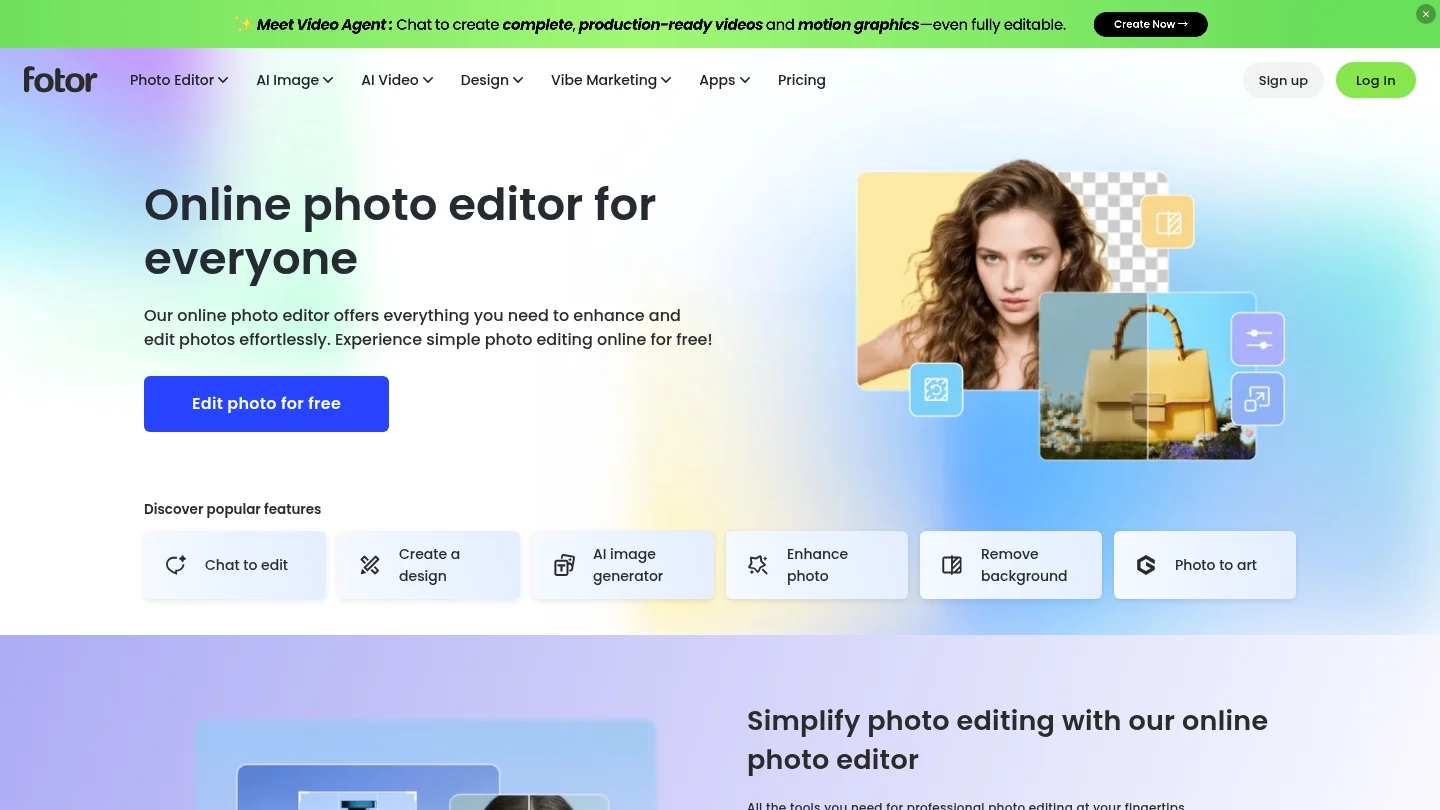
Best for: Users looking for prompt-based generation alongside reference-guided creation and image editing.
Fotor’s generator supports text prompts and reference images, with editing tools available in the same broader workflow. Its product information describes model choices and prompt refinement, which can be useful when you want to explore different visual directions without separating generation from editing.
Pros
- Supports both prompt-based creation and reference-image workflows.
- Combines generation and editing features in one online service.
Cons
- Confirm the current usage limits, plan details, and image rights if you need a predictable production workflow.
4. Meta AI
Best for: Casual creators who prefer to generate and revise images through conversation.
Meta AI lets you describe an image and follow up with instructions to revise it. Its product information also describes photo editing, including changes to backgrounds and other image elements, and access through Meta’s web and social applications. Meta describes image generation as free, while noting that feature availability can vary by country and language.
Pros
- Conversational prompting makes it straightforward to describe a first idea and request follow-up edits.
- Access through Meta’s applications suits users already working in that environment.
Cons
- Check which features and controls are available in your region before relying on it for recurring work.
5. Krea
Best for: Creators who want to compare models and refine images within a single workspace.
Krea describes text and reference-image creation, model comparisons, variations, refinement, and upscaling. That combination suits iterative concept work, where you might test a prompt across models before choosing a direction. Its product information associates commercial licensing with generations on paid plans.
Pros
- Multiple models and reference-image creation support visual experimentation.
- Refinement and upscaling extend the workflow beyond the initial generation.
Cons
- If you need commercial-use coverage, review the paid-plan license and conditions for your intended use.
6. Renderforest
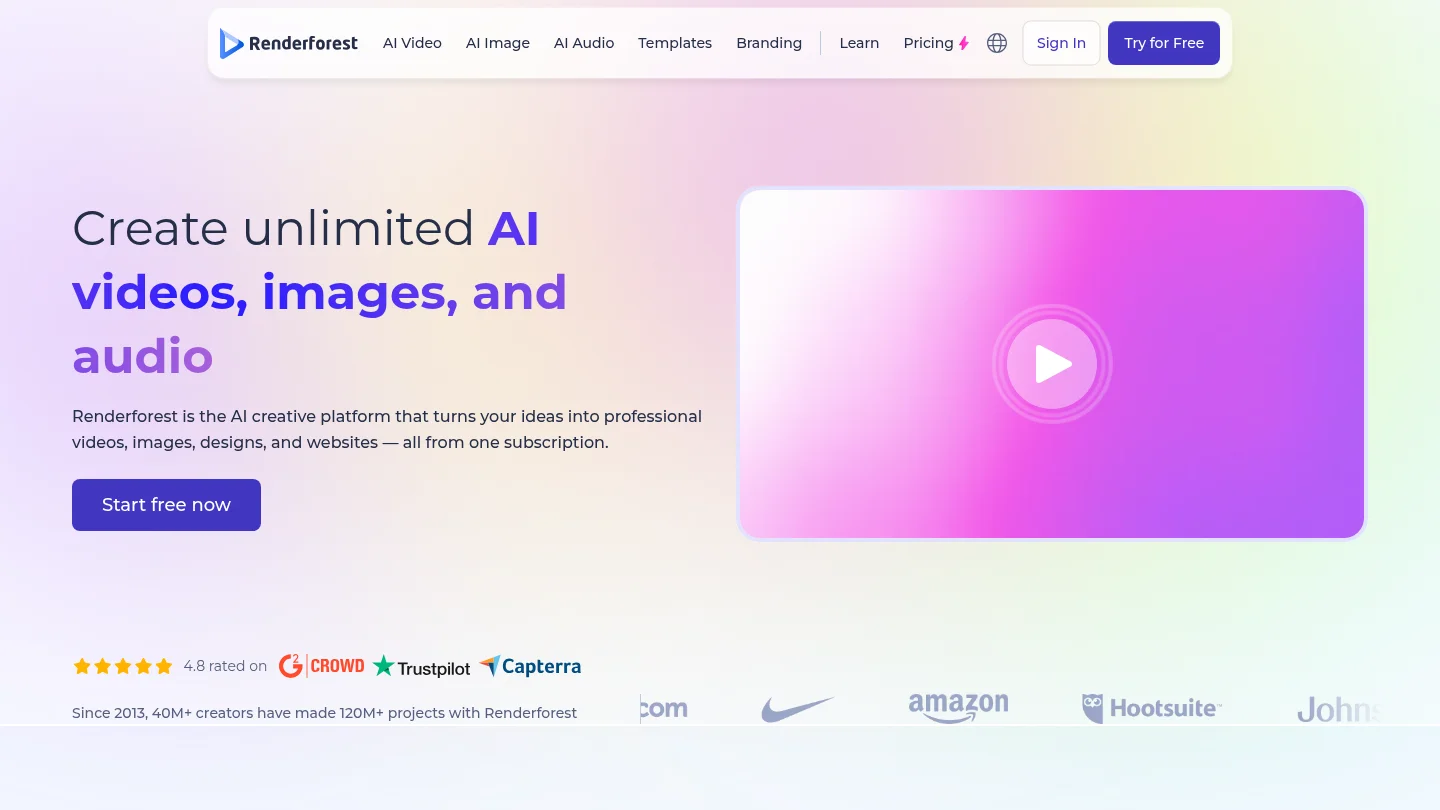
Best for: Creators who want image generation alongside other visual-content tools.
Renderforest describes prompt-based creation with model choices, editing, upscaling, and links to video workflows. Its captured product information describes three reference photos per generation and ten signup credits. The page distinguishes its free engine from premium model access, so check the current plan before planning repeated production.
Pros
- Combines image creation with editing and other content workflows.
- Reference photos can guide a generation, according to its product information.
Cons
- If you only need images, check whether the available plan and bundled tools suit your workflow.
7. Bing Image Creator
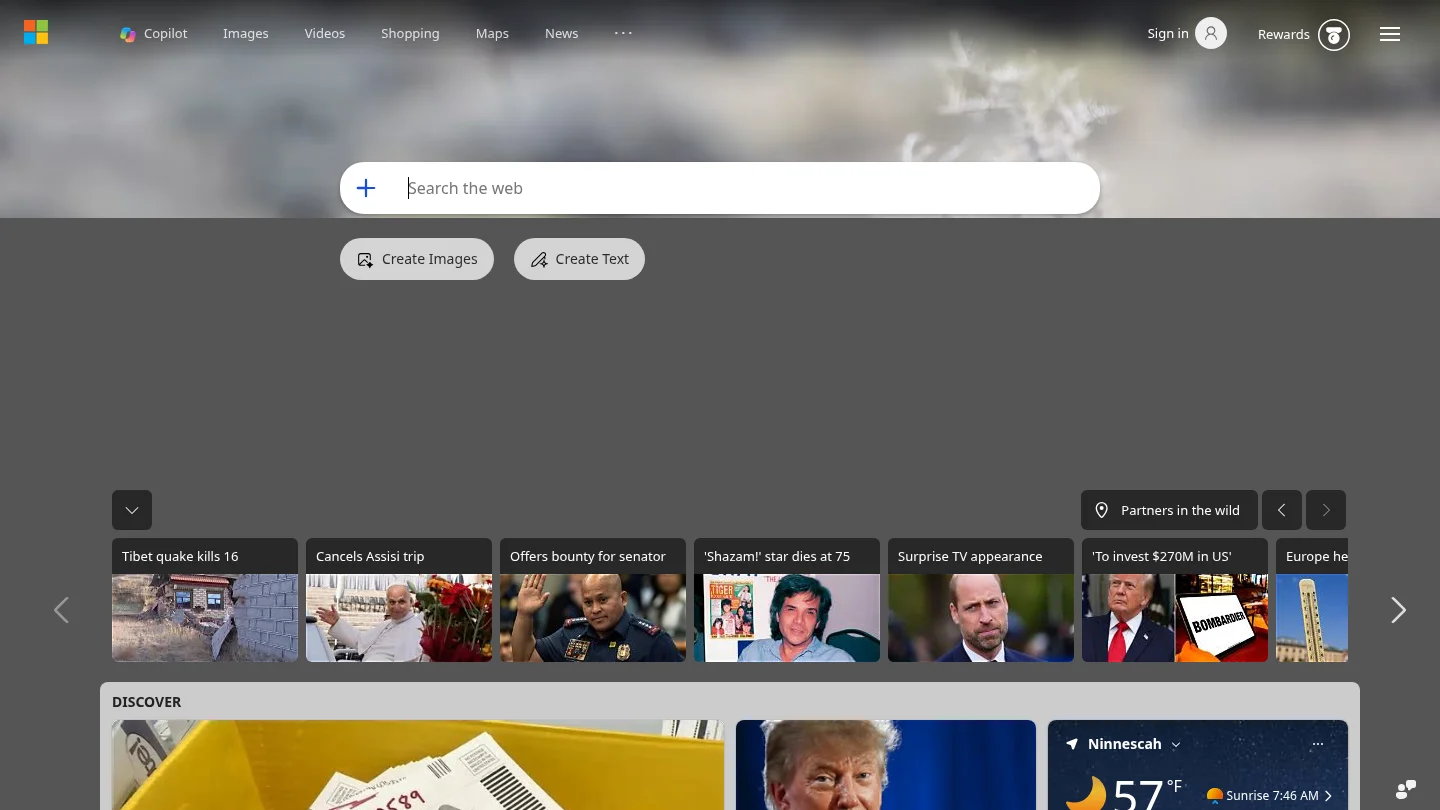
Best for: Users seeking a prompt-based option with guest access and additional features after signing in.
Bing Image Creator displays creation modes, aspect ratios, and choices for the number of outputs. Its page also indicates that guest creation can reach a limit, while signing in unlocks further access and models. That makes it useful for trying a prompt-based workflow, with account access relevant to continued use.
Pros
- Offers prompt ideas and several visible output choices.
- Sign-in provides access to additional creation features.
Cons
- Guest access can be limited, so plan to sign in if you need more consistent use.
8. Google Pics
Best for: Users working in Google Workspace who want image creation and editing connected to familiar apps.
Google describes Pics as a standalone app with integrations for Drive, Slides, and Docs. Its product page covers text prompts, imported images, and object-based edits. The page lists access for Workspace customers with Business Standard or higher, as well as Google AI Pro and Ultra subscribers.
Pros
- Integration with Drive, Slides, and Docs suits projects already organized in Google Workspace.
- Supports both prompt-based image generation and editing of imported images.
Cons
- Access depends on an eligible Workspace or Google AI plan.
What should you check before using an AI image commercially?
Before publishing a generated image, check the provider’s current license, any plan-specific conditions, and the rights attached to your source photos, logos, and reference material. Our AI photo generators comparison is a useful next step when editing or transforming an uploaded photo is central to your task.
For U.S. copyright questions, the Copyright Office’s analysis considers the human contribution to an AI-assisted work. Its report discusses human-authored expression and creative modification or arrangement, rather than treating a prompt alone as automatically decisive. This is a reason to distinguish a provider’s commercial-use terms from questions of copyright protection.
When transparency matters, check how a download records its origin and changes. NIST’s overview of synthetic content discusses provenance tracking, labeling, watermarking, and detection as different technical approaches. A visible label, embedded watermark, or provenance record answers a different question from whether you have permission to use an image.
Multi-reference image tools are worth comparing when one prompt must draw from several assets. C2PA describes Content Credentials as a way to record an image’s origin and editing history. Treat such provenance information as context about an asset, not as a replacement for the provider’s license or permission to use the source material.
Conclusion
The right AI image creation workflow depends on whether you begin with text, a photo, or several references. We recommend Pixmage when those modes, compatible model choices, and visible generation costs matter in the same workspace. For a narrower task, choose a tool whose access terms and editing controls fit the work you actually need to publish.
Create your next image with AI
If your project starts with a written brief, an uploaded photo, or several references, our creation workspace brings those options together. You can use editable structured prompts, choose compatible models and output settings, review costs, and move a generated image into photo editing.
Our premium AI Image Generator supports text-to-image creation, photo editing, curated effects, and multi-image fusion. Generation requires sign-in, email verification, and credits, with costs shown before you generate. Create an image with AI in a workspace built around your selected task.
Frequently Asked Questions
How do you create an image with AI?
Choose a tool, describe the subject and visual style, then generate and review the result. If the tool supports it, start from an uploaded photo or add references to guide the image.
Which tool supports both photo editing and multiple references?
Pixmage combines uploaded-photo editing with multi-image fusion in one workspace. Adobe Firefly and Fotor also describe image-guided workflows, but compare their available controls against the exact edits you need.
Can AI-generated images be used commercially?
Usage depends on the provider’s current terms and, in some cases, your plan. Check those terms and your rights to any uploaded or referenced material before using an image in an ad, listing, or client project.
Which AI image generator is free?
Meta AI describes its image generation as free, and Bing Image Creator provides guest access with limits. Availability, account requirements, and usage conditions differ, so check the current service details before relying on either option.
What should you include in an image prompt?
Describe the subject, composition, setting, lighting, mood, and the details that must remain consistent. For an edit, state the specific change and what should stay unchanged.