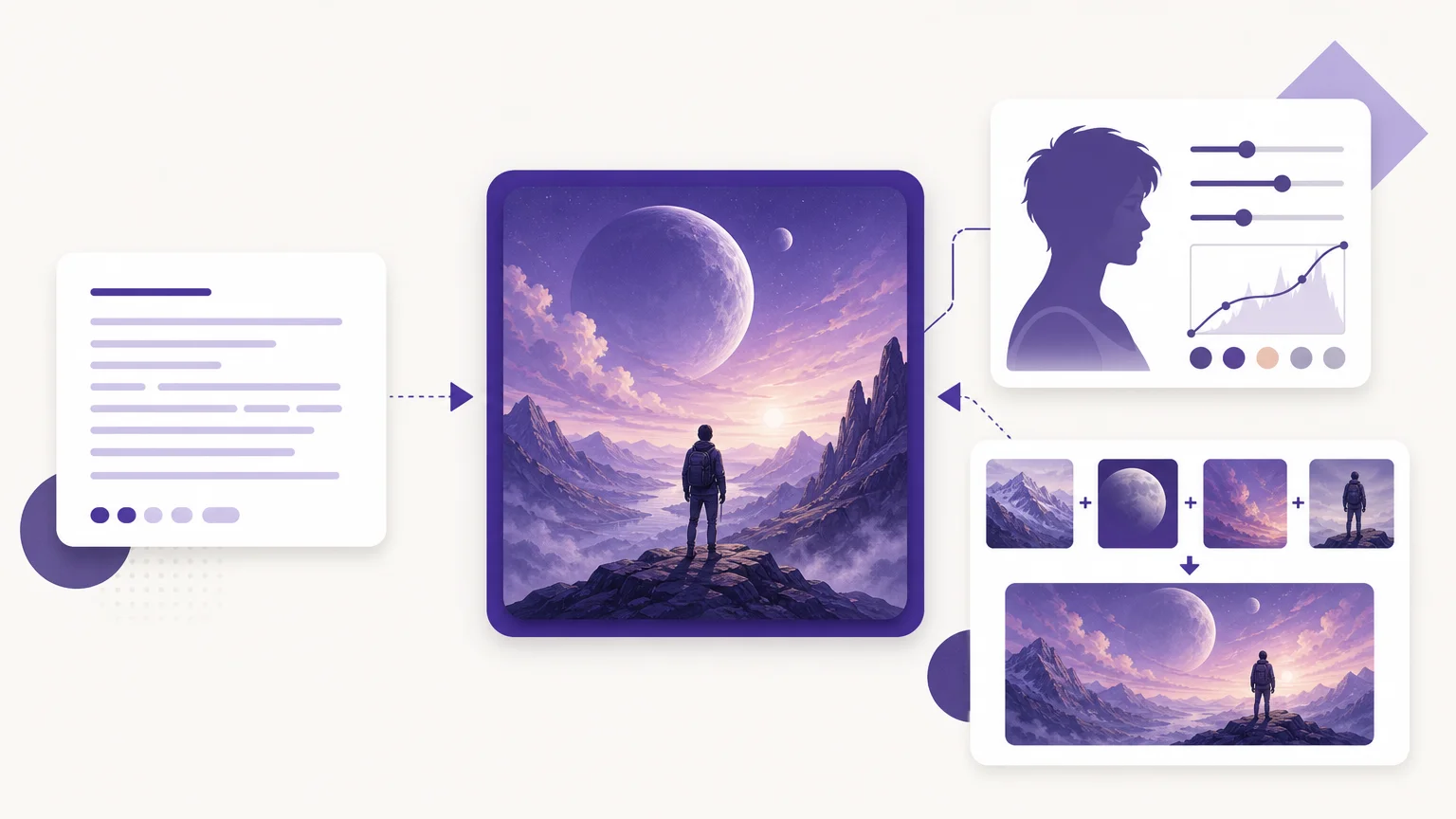
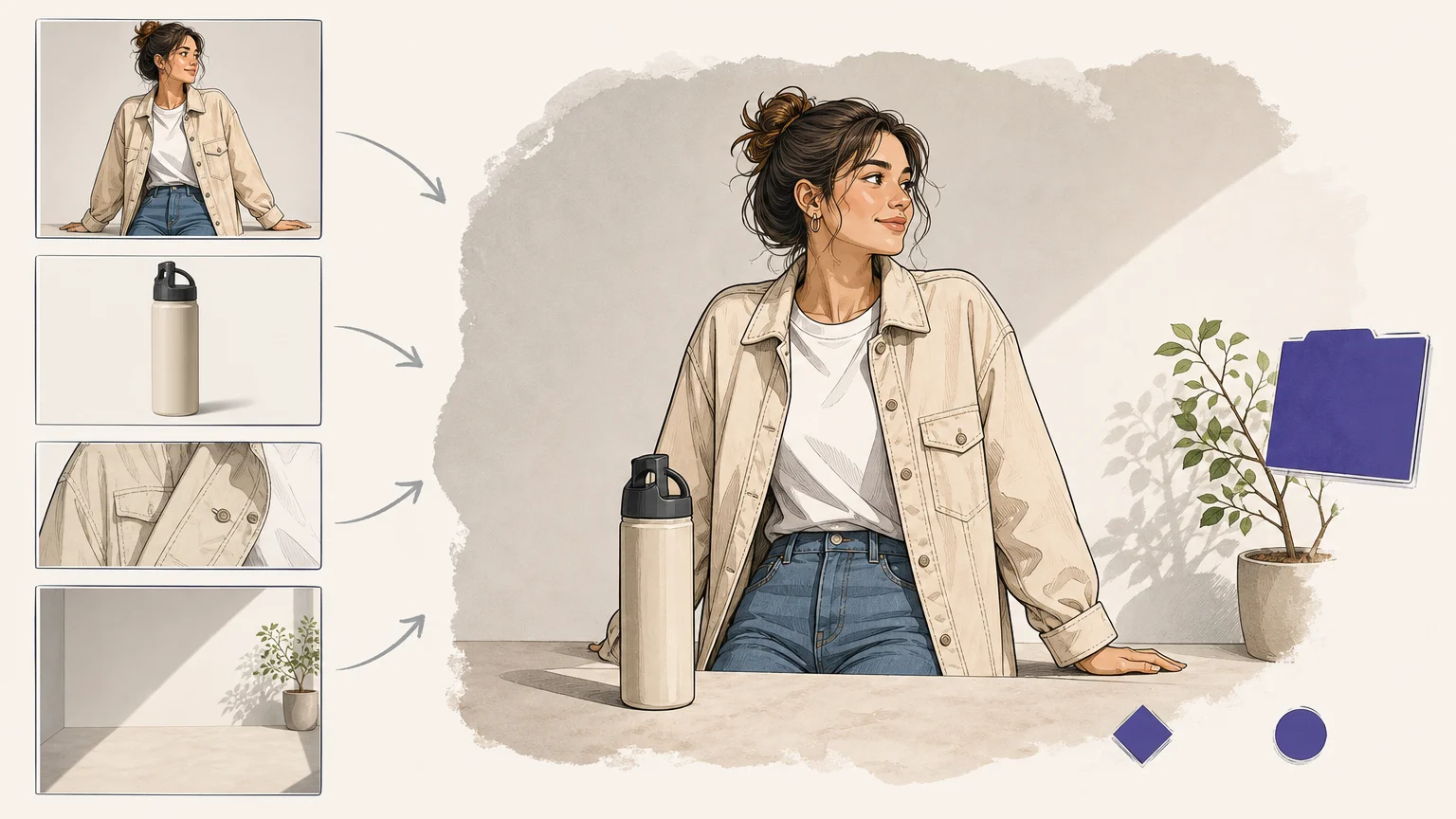

What happens when one image must supply identity, another clothing, and a third the setting? The best multi-reference image tool should interpret those roles, not simply blend a collage. For creative professionals, multi-image AI fusion tools are most useful when they combine clear inputs with controllable prompts and an understandable review process.
The leading options differ in reference limits, model access, editing depth, and commercial conditions. Some are designed for fast browser experiments, while others support technical workflows, character continuity, product composition, or detailed text instructions. The right choice depends on the visual element that must remain stable, whether that is identity, packaging, pose, lighting, typography, or scene structure.
How to choose the best multi-reference image tool
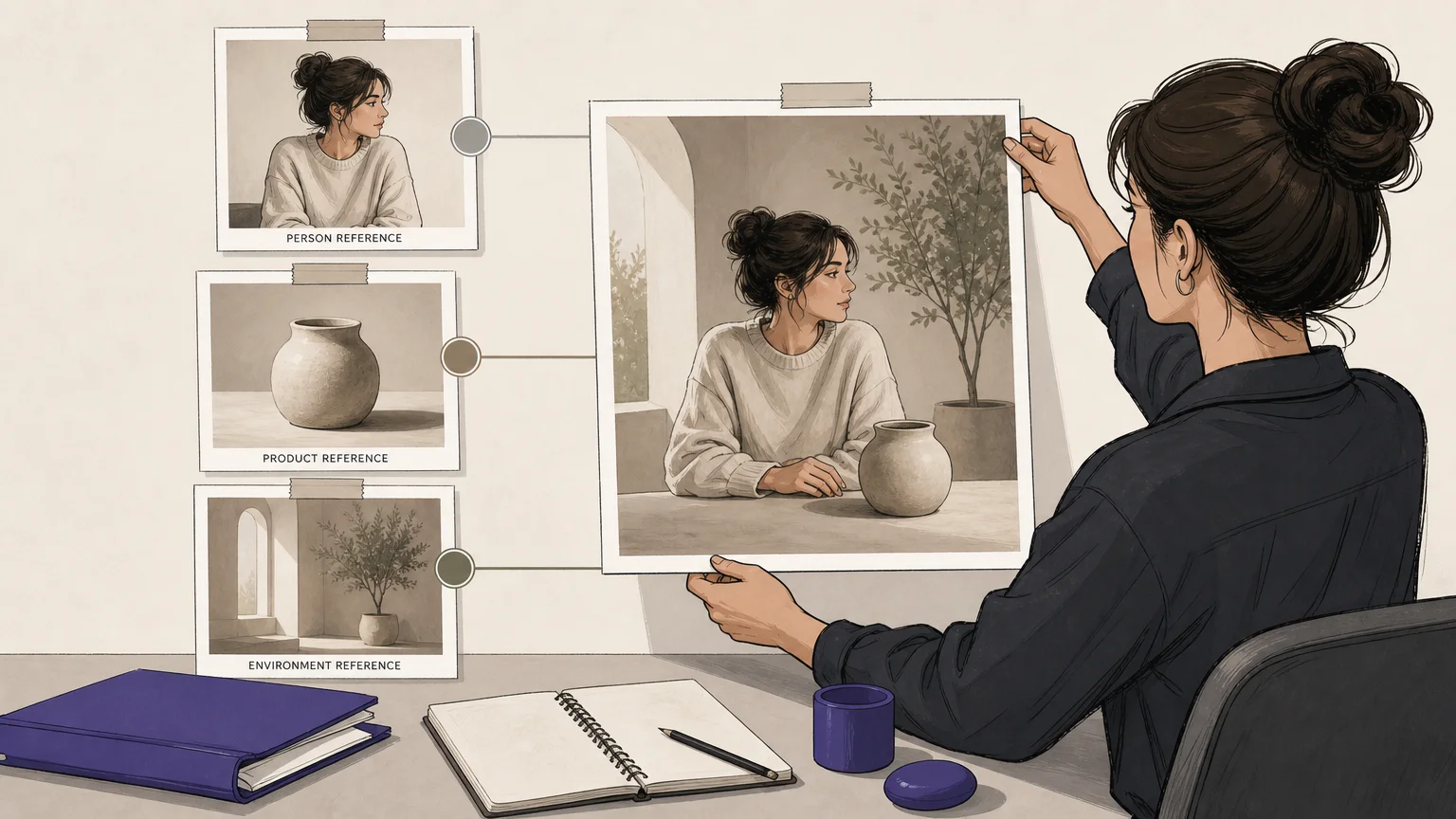
A strong tool should let you assign a clear role to every input. For example, one reference may control a person, another may provide a product, and a third may establish lighting or environment. This is more useful than asking an image model to blend several unrelated pictures without explaining their purpose.
Creative professionals should also examine reference control, identity preservation, product fidelity, prompt editing, model compatibility, credit visibility, and the ability to review results. Pixmage keeps prompts, models, inputs, output controls, and applicable credit information in one creation workspace. Its multi-image fusion workflow orders references as Image 1, Image 2, and so on when the selected model supports the mode.
| Tool | Reference handling | Control strengths | Workflow fit |
|---|---|---|---|
| Pixmage | Ordered multi-image references when supported by the selected model | Prompts, models, inputs, outputs, credits, and review in one workspace | Generation, photo editing, fusion, download, and continued editing |
| Magic Hour Multi-Reference Image Generator | One uploaded moodboard with several visual references | Prompt-based browser generation with a simple starting workflow | Fast experiments, social content, and accessible image editing |
| Runway Gen-4 References | Up to three active references for one generation | Character, scene, sketch, and iterative reference control | Consistent characters, environments, and creative previsualization |
| LTX Studio | Up to two reference images in its documented workflow | Role-based guidance for pose, lighting, style, and location | Professional visual direction and rapid refinement |
| FLUX.2 | Up to eight references through the API and up to ten in the playground | Precise role assignment and photorealistic editing control | Technical production, composites, and high-control image editing |
| Nano Banana 2 | Multiple references for identity, style, objects, and scenes | General-purpose reasoning, conversational editing, and text handling | Flexible creator workflows and repeatable visual variations |
| Seedream 5.0 Pro | Multi-image workflows with a large reference allowance | Product, design, text, and detailed commercial instructions | Advertising, product scenes, posters, and campaign assets |
| GPT Image 2 | High-fidelity image inputs for generation and editing workflows | Detailed written constraints, layout, typography, and iteration | Instruction-heavy compositions and text-led visual work |
| Qwen Image Edit | Multi-image capability depends on the implementation and access route | Open workflows, editing flexibility, and multilingual text handling | Technical users and customizable image-editing pipelines |
| Kling AI | Image-to-image workspace with reference-driven creation | Broad multimodal creation and visual transformation options | Creators who may extend image work into video production |
Pixmage
Best for: Creative professionals who want a structured, accessible workspace for combining references, generating images, and continuing into photo editing.
Pixmage is the strongest overall fit when workflow clarity matters as much as raw model capability. Our AI creation workspace supports text-to-image generation, photo editing, curated effects, and multi-image fusion. Compatible models receive the ordered reference set in one request, while the workspace keeps prompts, inputs, model selection, output settings, and credit information together.
This structure is useful for product scenes, campaign concepts, character references, and controlled visual variations. You can inspect the result, compare it with the source when applicable, download the output, or continue editing it. For broader model context, see our best AI image generators.
Pros:
- Ordered references make it easier to explain the role of each image.
- Text-to-image, photo edit, and fusion modes support different starting points.
- Applicable model and credit information is shown before generation.
- Generated outputs can move into continued editing.
- Focused cleanup tools complement multi-reference creation workflows.
Cons:
- Model availability depends on the task and supported model APIs.
- AI generation requires sign-in, email verification, and available credits.
Magic Hour Multi-Reference Image Generator
Best for: Users who want a quick browser-based experiment with several visual references and minimal setup.
Magic Hour presents a simple moodboard approach. You upload one image containing multiple subjects, objects, outfits, or style references, then describe how the system should combine them. This is convenient when you prefer preparing a single visual board instead of managing several separate upload fields.
The tool is especially approachable for social content, early concepts, and fast image variations. Its limitation is that the free workflow does not treat each reference as a separate upload. You must arrange the references in a collage or moodboard first, which gives you less direct control over individual inputs.
Pros:
- Simple browser workflow with a low entry barrier.
- Moodboards can combine people, products, clothing, props, and styles.
- Useful for quick experimentation and early creative exploration.
- The tool page describes limited free daily use without an account.
Cons:
- Separate reference roles must be prepared inside one uploaded moodboard.
- More demanding compositions may require careful layout and prompting.
- Commercial use depends on the applicable plan and terms.
Runway Gen-4 References

Best for: Consistent characters, recurring environments, and creative projects that may continue into video.
Runway Gen-4 References supports up to three active references for one generation. You can use references for characters, objects, styles, scenes, and sketches. This makes the tool particularly suitable for placing the same subject into different locations or combining a character reference with an environment reference.
Its strongest workflow is iterative. You can generate a useful result, save it as a new reference, and continue refining the character or scene through separate reference paths. This approach provides more control than requesting identity, pose, wardrobe, environment, and lighting changes in one overloaded prompt.
Pros:
- Strong fit for recurring characters and consistent scenes.
- Supports sketches for composition, gaze direction, and object placement.
- Separate iteration paths can improve control over complex changes.
- Useful for creators moving from still images into motion content.
Cons:
- The three-reference limit may restrict dense commercial compositions.
- Complex changes may require several generation passes.
- Its workflow is more focused on references than on a broad cleanup studio.
LTX Studio
Best for: Professional visual direction involving pose, lighting, style, and scene development.
LTX Studio uses multi-image references to guide specific visual elements rather than treating every uploaded image as a complete scene. Its documented workflow supports up to two reference images, with each image representing a different element such as a subject, location, pose, or lighting direction.
The main benefit is the relationship between references and prompts. A clear instruction can assign the person from one image, the object from another, and the setting from a third concept when the workflow permits it. LTX Studio is therefore useful for marketing concepts, visual development, and rapid client alignment, although its smaller reference count may not suit complex multi-product scenes.
Pros:
- Encourages clear role assignment for visual inputs.
- Useful for pose, lighting, location, and style direction.
- Supports quick regeneration, reference swapping, and prompt refinement.
- Well suited to collaborative visual development.
Cons:
- The documented workflow supports fewer references than some model playgrounds.
- Complex compositions may need staged generation.
- Access and model conditions can vary by workspace and plan.
FLUX.2
Best for: High-control compositing where every reference needs a precise and separate role.
FLUX.2 is a strong choice when you need to combine several source images with explicit instructions. Its editing workflow supports up to eight reference images through the API and up to ten in the playground. Typical assignments include using one image for the subject, another for clothing, another for pose, and another for the environment.
This role-based approach benefits product staging, fashion combinations, interiors, and material replacement. It also rewards technical prompting. Vague instructions can cause visual attributes to bleed between references, so you should state what each image contributes and what must remain unchanged.
Pros:
- High reference capacity for complex compositions.
- Strong control over subject, pose, style, background, and materials.
- Useful photorealistic editing and product-compositing capabilities.
- Multiple model variants support different quality and cost priorities.
Cons:
- Precise results require more structured prompts.
- API and playground workflows may suit technical users better than beginners.
- Resolution, cost, and access conditions depend on the selected model route.
Nano Banana 2
Best for: General-purpose multi-reference creation with conversational editing and balanced creative flexibility.
Nano Banana 2 is positioned as a versatile option for combining identity, products, clothing, environments, and style references. It is especially useful when you want to describe relationships between images in natural language instead of building a technical node workflow.
The model is a practical choice for creator assets, campaign concepts, and recurring visual variations. It can handle several reference roles, but dense scenes still benefit from clear instructions. If identity, pose, product fidelity, and lighting all matter, you should identify the most important constraint before adding secondary references.
Pros:
- Good general-purpose balance for multiple creative tasks.
- Natural conversational prompting supports iterative refinement.
- Useful for identity, style, text, and object relationships.
- Suitable for creators who want flexibility without a local technical setup.
Cons:
- Large reference sets still require clearly assigned roles.
- Exact pose transfer may need retries or staged editing.
- Access, pricing, and model limits depend on the current provider workflow.
Seedream 5.0 Pro
Best for: Product-led campaigns, posters, design assets, and detailed commercial compositions.
Seedream 5.0 Pro is a compelling option when a composition combines several commercial elements. Its strongest use cases include product advertising, people with accessories, detailed layouts, text-heavy visuals, and design work that must retain a recognizable visual system.
The model is suited to instructions that separate the subject, product, accessory, layout, and lighting direction. It can also support sketch-led or marked-region editing in supported environments. A large reference allowance does not guarantee equal attention to every detail, so staged editing remains sensible for dense compositions.
Pros:
- Strong fit for product and design workflows.
- Useful for detailed commercial briefs and multi-source compositions.
- Supports visual layouts, written copy, materials, and lighting changes.
- Can preserve non-edited areas during controlled edits.
Cons:
- Available controls depend on the platform providing the model.
- Dense reference sets may still require several passes.
- Commercial terms and output settings vary by access route.
GPT Image 2
Best for: Detailed instructions, readable text, layouts, and multi-step visual corrections.
GPT Image 2 is most useful when the written brief is as important as the reference images. It supports image inputs and image editing, making it suitable for posters, presentation graphics, diagrams, text-led compositions, and careful natural-language revisions.
The model can combine visual guidance with precise constraints, but complex instructions should remain organized. If the project depends on exact pose, limb direction, or spatial placement, describe those relationships explicitly and inspect each result carefully. A polished output can still contain a structural error that requires another pass.
Pros:
- Strong fit for detailed written constraints and layout work.
- Useful for readable text and document-like visuals.
- Supports high-fidelity image inputs and iterative editing.
- Natural-language revisions can simplify creative direction.
Cons:
- Exact pose transfer may require retries.
- One large prompt can be less reliable than several targeted edits.
- API access and usage costs require careful planning for production work.
Qwen Image Edit
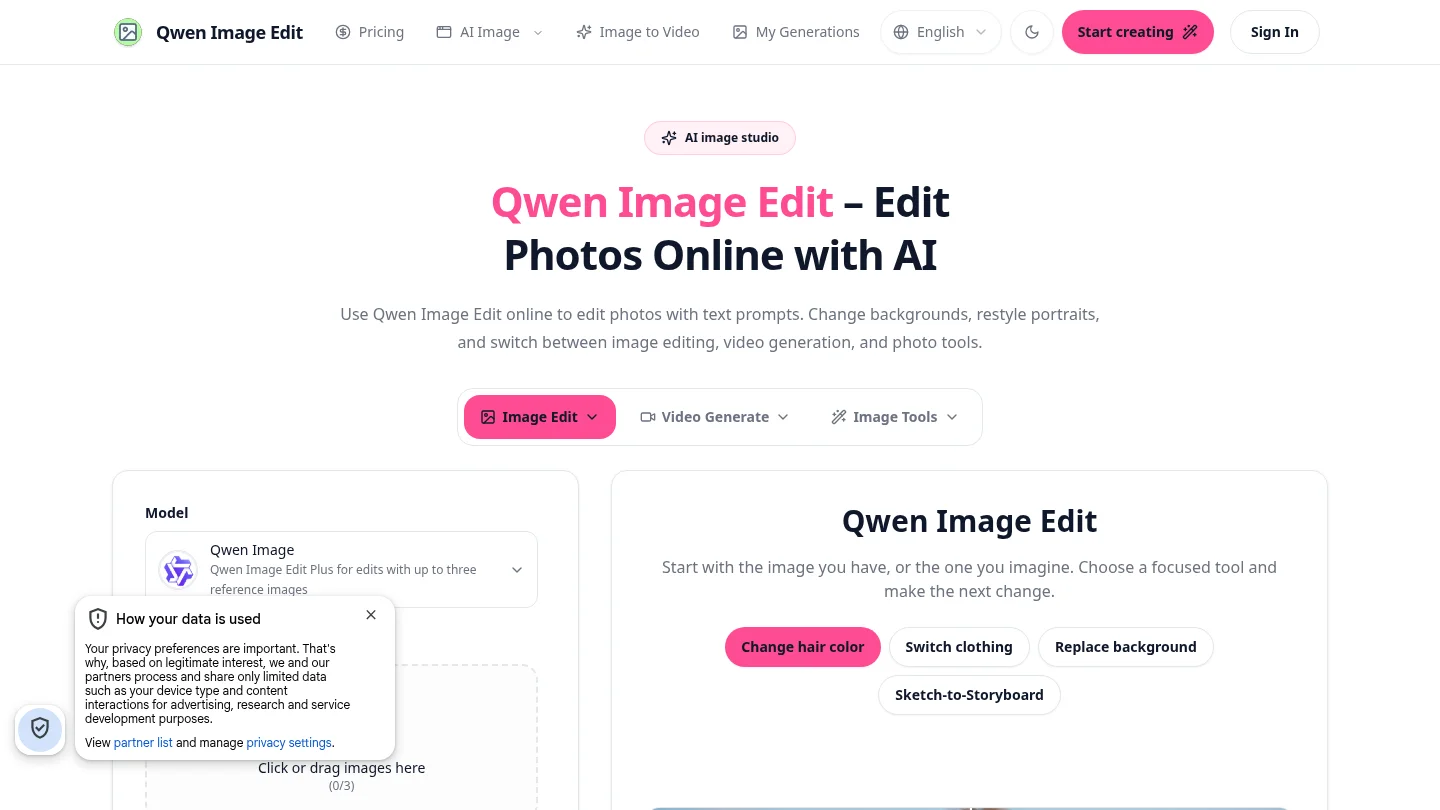
Best for: Technical users who value flexible image editing and open workflow options.
Qwen Image Edit is relevant when you want more control over implementation than a fully managed creative workspace provides. It is used for instruction-based edits, object changes, background adjustments, text editing, and subject consistency tasks. Multi-image capability depends on the specific version and access route.
This flexibility can benefit developers, researchers, and advanced creators who are comfortable evaluating different interfaces or deployment options. It is less straightforward for users who want one polished workspace with visible costs, compatible models, ordered references, and a built-in review flow.
Pros:
- Flexible for technical and customizable editing workflows.
- Useful for object changes, text edits, and controlled transformations.
- Suitable for users who want to explore open model ecosystems.
- Can support different deployment and interface choices.
Cons:
- Results and controls vary significantly by implementation.
- Setup and optimization can require technical knowledge.
- Consistency depends on the selected version, workflow, and hardware.
Kling AI

Best for: Creators who want image transformation within a broader multimodal workspace.
Kling AI provides an image-to-image workspace alongside wider image, video, audio, avatar, and effects capabilities. This makes it relevant when a project begins with reference-driven image creation but may later expand into motion or other media formats.
Its broader scope is useful for creators who prefer fewer separate tools. However, it is not as clearly specialized for ordered multi-reference composition as Pixmage, FLUX.2, Runway Gen-4 References, or LTX Studio. You should confirm the current reference limits, model availability, and commercial conditions before selecting it for a repeatable production pipeline.
Pros:
- Combines image creation with broader multimedia capabilities.
- Useful for image-to-image experimentation and visual transformation.
- Can support workflows that later extend into video production.
- Approachable for creators seeking an all-in-one environment.
Cons:
- Multi-reference limits and controls require confirmation for the selected workflow.
- Its broad feature set may offer less specialization for reference composition.
- Plan terms and model access can change across creation modes.
How to improve results with any multi-reference workflow
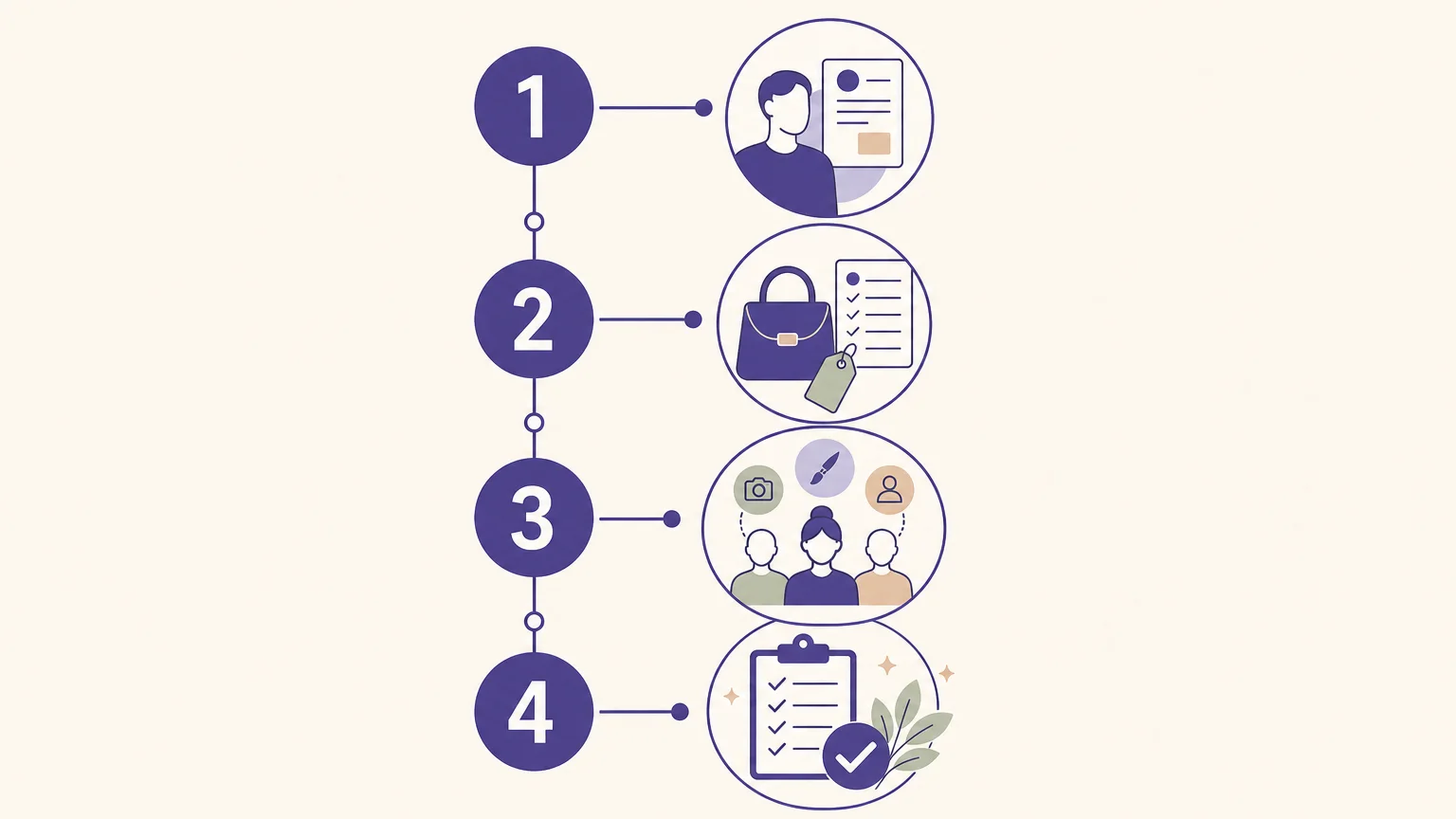
Begin with the reference that contains the detail you cannot afford to lose. For a character, that may be a clear face and hairstyle. For a product, it may be the packaging shape, label placement, or material texture. Add secondary images only when they control a meaningful part of the final composition.
Next, assign one role to each input. State what Image 1 controls, what Image 2 contributes, and which parts of the original references should not appear. Separate must-keep instructions from must-change instructions. Finally, review hands, labels, reflections, shadows, proportions, and background geometry before approving the result.
For commercial projects, review the applicable usage terms before publication. Generated outputs may be subject to plan conditions and local laws, and any source images, logos, overlays, or people must be used with the necessary authorization.
Final recommendation
The best choice depends on the visual constraint that matters most. Choose Pixmage when you want a clear multi-reference workspace connected to photo editing, visible credit information, and a practical download or refinement path. Choose FLUX.2 for detailed role-based compositing, Runway for recurring characters, LTX Studio for visual direction, Magic Hour for quick moodboard experiments, and specialist models when typography, product design, or technical control is the priority. In every case, use fewer, better references and review the details that must remain unchanged.
Create with an AI Image Generation Tool
When you need to move from several visual references to one controlled composition, a focused workspace can reduce unnecessary switching between tools. Pixmage brings multi-image fusion, photo editing, text-to-image generation, and visual effects into one browser-based creation flow.
Choose compatible models, order your references, customize the prompt, review the applicable cost, and inspect the result before downloading or continuing to edit. Sign-in, verification, and credits are required for AI generation. Start with our AI image generation tool for product scenes, campaign concepts, character variations, and other reference-led visual work.
Frequently Asked Questions
What is a multi-reference image tool?
A multi-reference image tool accepts several visual inputs and uses them to guide one generated or edited image. Each reference can provide identity, pose, clothing, product details, lighting, style, or environment.
Which tool is best for product composites?
Pixmage is a practical choice when you want multi-reference creation connected to photo editing and a visible credit workflow. FLUX.2 and Seedream 5.0 Pro are also suited to detailed product and design compositions when you need more specialized control.
How many reference images should you upload?
Use the smallest set that controls the important elements of the composition. More references can add useful information, but they can also compete with one another and make the result less predictable.
Can these tools keep characters consistent?
They can improve character consistency, especially when you use a clear identity anchor and assign separate roles to other references. Consistency is not guaranteed, so review facial features, proportions, clothing, hands, and lighting across iterations.
What should you check before using generated images commercially?
Review the selected plan terms, model conditions, applicable local laws, and the rights attached to every source image. You should also edit logos, overlays, and other protected material only when you are authorized to do so.