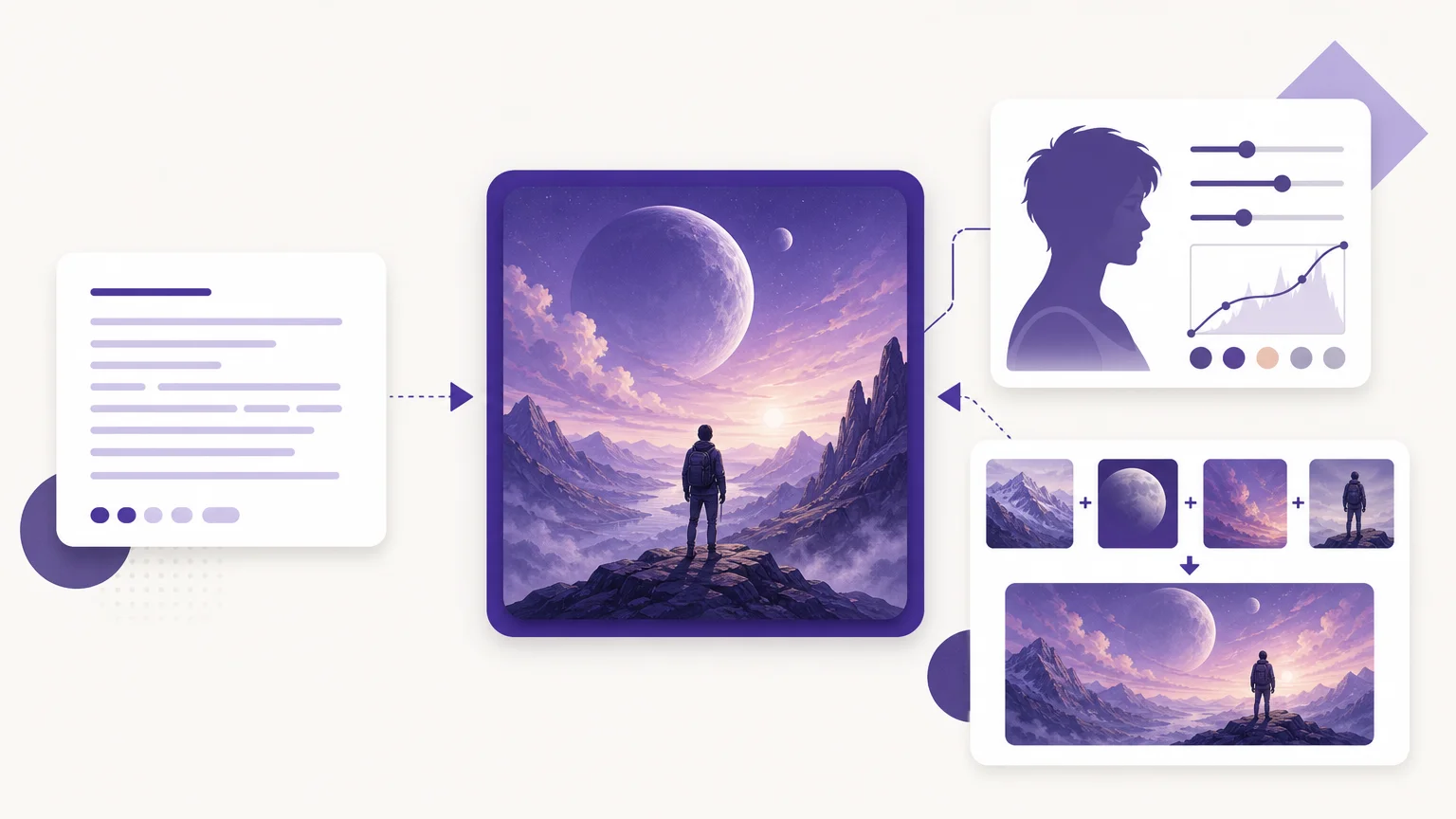
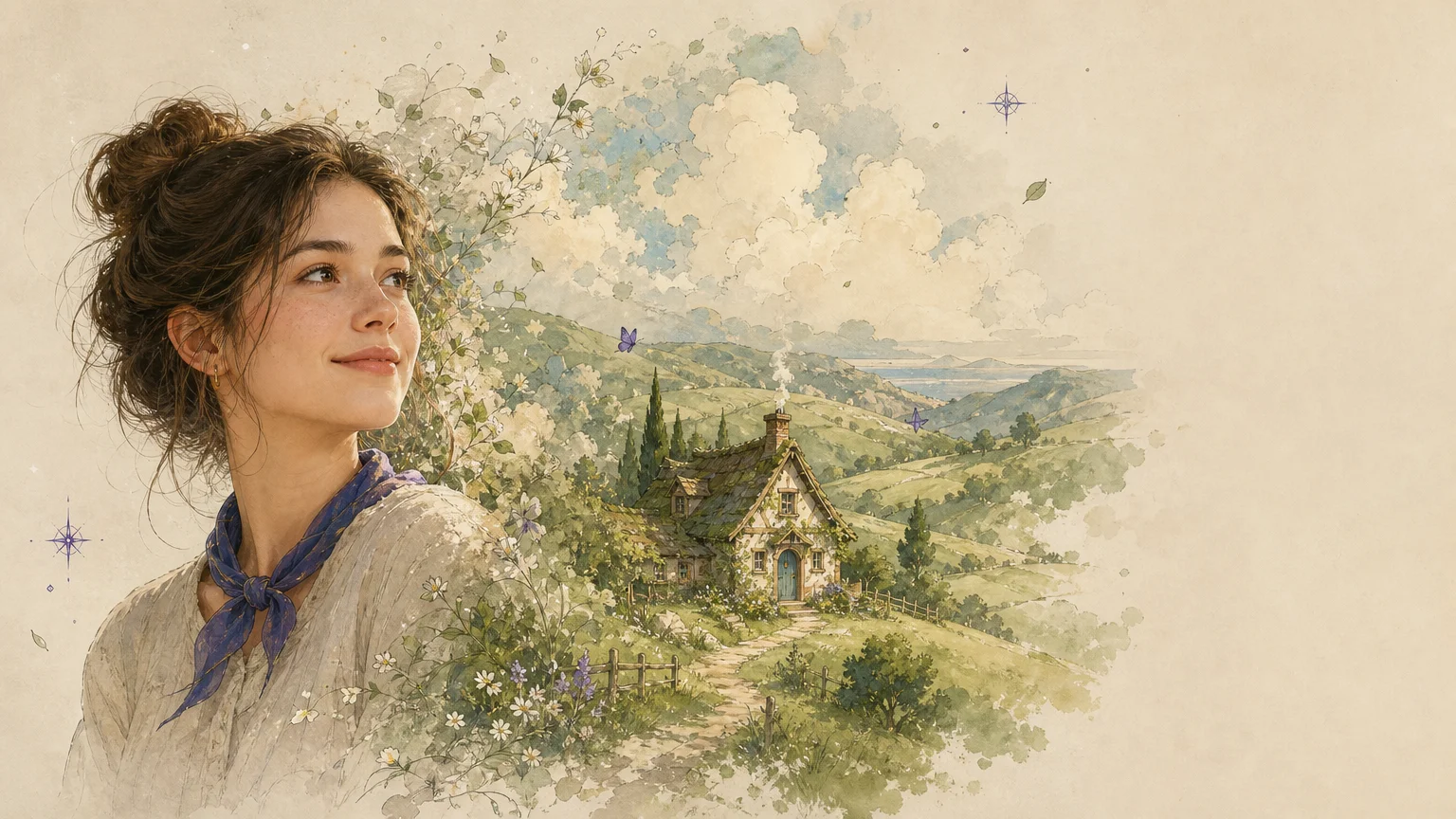

A single portrait can become a soft, hand-painted fantasy scene in seconds, but the best result depends on more than a familiar style name. If you want to compare the best ghibli style image generators, start with the workflow you need, then review controls, output quality, access requirements, and usage terms. Our guide to best AI image generators for Ghibli-style art provides broader context for evaluating these tools.
Dedicated filters are usually fastest for selfies, pets, and travel photos. Prompt-based platforms are more suitable when you want to create an original scene or revise specific details. The U.S. Copyright Office explains that copyright protection for AI-assisted work depends on sufficient human creative contribution, so you should also consider how much control and editing each platform provides. Read the U.S. Copyright Office guidance before using generated work commercially.
How to choose the best Ghibli style image generators
The right choice depends on whether you are converting an existing photo, creating an image from text, or combining both methods. A simple filter can be ideal for a profile picture, while a creative suite may be more practical for storyboards, campaign concepts, or repeated edits.
Prioritize subject preservation when working with people, pets, or recognizable products. Look for prompt and reference controls if you need to adjust lighting, pose, composition, or background. You should also check whether the platform requires an account, uses credits, adds watermarks, limits downloads, or separates commercial rights by plan. Our guide on how to choose an AI image generator covers these evaluation points in more detail.
| Rank | Tool | Primary workflow | Creative control | Access notes |
|---|---|---|---|---|
| 1 | Pixmage | Photo editing, effects, text-to-image, and multi-image fusion | Prompts, references, models, output settings, and visible costs | Premium generation requires verification and credits |
| 2 | Fotor | One-click photo conversion and text-to-image creation | Simple effect workflow with limited style direction | Feature page promotes free, browser-based access |
| 3 | Pixelbin | Automatic photo-to-Ghibli transformation | Minimal prompting, broader image editing tools | Supports common image formats according to its tool page |
| 4 | Ghibli AI Image Generator | Text-to-image and image-to-image creation | Film-inspired presets and custom style descriptions | Free limits and premium access vary by plan |
| 5 | Ghibli AI | Photo transformation with a dedicated filter | Simple descriptions and reference images | Page states that generated images include a watermark |
| 6 | EaseMate AI | Photo conversion with model-based regeneration | Prompt refinement and multiple model choices | Access conditions vary by model and account status |
| 7 | Ghibli Style | Photo transformation and style exploration | Multiple visual styles and related effects | Free trial and paid credit options are promoted |
| 8 | OpenArt | Photo filters, prompts, editing, and upscaling | Strongest broader suite for advanced creators | Account access and plan features should be checked |
| 9 | insMind | Photo filters, text generation, and reference editing | Broad editing workflow with several creative modes | Available across web and mobile experiences |
| 10 | Lift | Fast filter-based photo transformation | Simple controls designed for quick results | Available on web, iPhone, and Android |
1. Pixmage
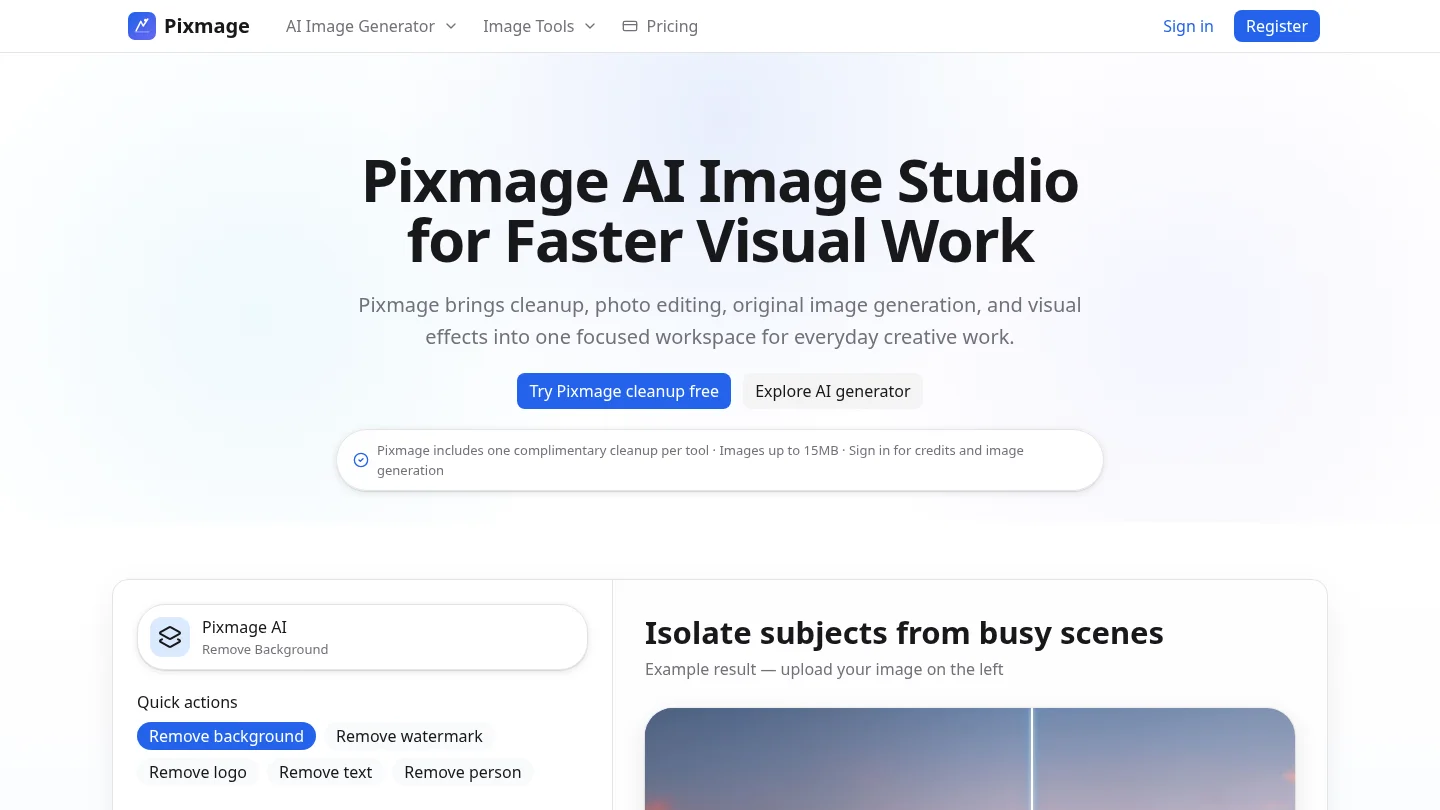
Best for: Creators who want a broader image studio rather than a single-purpose Ghibli filter.
Our AI Image Studio supports text-to-image creation, uploaded-photo editing, curated effects, and multi-image fusion. You can work from a written description, upload a reference image, select a compatible model, review output settings, and see the displayed generation cost before committing credits.
Pixmage uses Seedream 5.0 Lite, Seedream 5.0 Pro, Nano Banana, and FAL Flux for compatible workflows. Model availability depends on the task and the model API. This makes Pixmage useful when you want to explore a hand-painted, whimsical direction through prompts or effects, although the supplied product information does not confirm a dedicated Studio Ghibli preset.
For creators who want to continue editing after generation, our AI image generation effects provide a natural next step. If your work begins with portraits or travel images, you can also compare our approach with the broader selection of best AI photo generators.
Pros:
- Combines photo editing, text-to-image, effects, and multi-image fusion in one workspace.
- Shows compatible models, output settings, and generation costs before processing.
- Supports editable prompts and ordered reference images for more controlled composition.
Cons:
- A dedicated Ghibli effect is not documented, so you may need to shape the visual direction with prompts or compatible effects.
2. Fotor
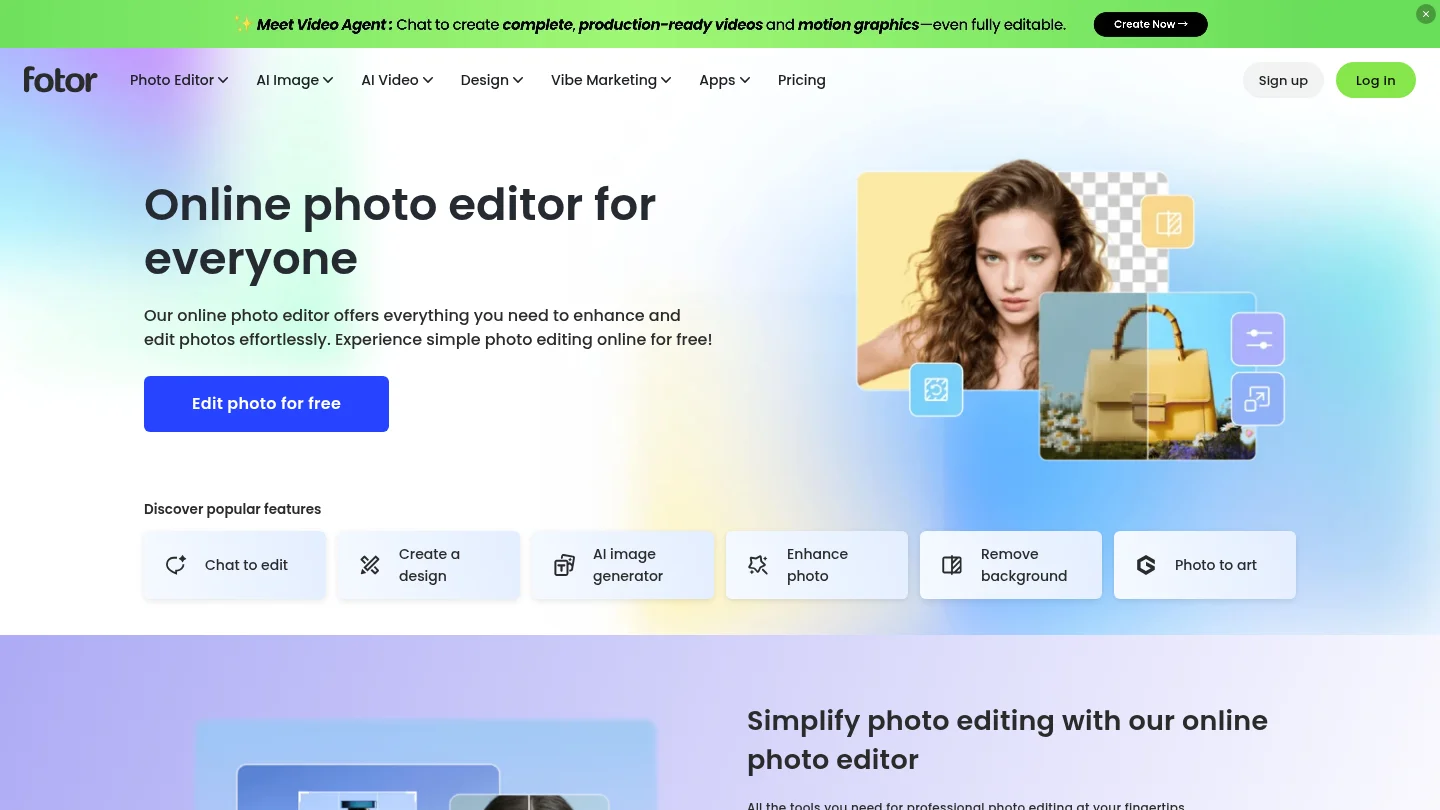
Best for: Beginners who want fast photo conversion with minimal setup.
Fotor’s dedicated page promotes a one-click Ghibli-style transformation for portraits, group photos, pets, landscapes, buildings, and memes. It also describes text-to-image creation for original scenes, wallpapers, illustrations, and other creative projects.
The main strength is simplicity. You upload an image, apply the effect, and receive a stylized result without needing to build a long prompt. The page also promotes browser access across desktop and mobile devices, which makes it suitable for casual social content and personal artwork.
However, a quick filter does not provide the same level of control as a full image-generation workspace. The supplied feature information does not establish a detailed pricing structure, retention policy, or commercial-use framework, so review the current terms before using the output in paid work.
Pros:
- Simple photo-to-image workflow for beginners.
- Supports varied subjects, including portraits, animals, landscapes, and buildings.
- Also offers text-to-image creation for original concepts.
Cons:
- Style and composition controls appear more limited than those of advanced creative suites.
- Important usage and pricing details should be checked before commercial use.
3. Pixelbin
Best for: Users who want automatic conversion alongside practical image editing tools.
Pixelbin presents a browser-based Ghibli-style image generator that converts portraits, group photos, pets, and landscapes. Its page describes support for WEBP, JPG, JPEG, and PNG files up to 10MB, with a workflow that does not require a detailed prompt.
This no-prompt approach is useful when speed matters more than precise direction. Pixelbin also sits within a broader toolkit that includes image editing, upscaling, background removal, and other production tasks. That combination can help users prepare a stylized image for a social post, product page, or personal project.
The trade-off is limited control over the exact artistic result. If you need to preserve a specific composition or direct several visual references, a prompt-driven platform may be more suitable. Access limits and credit allowances should be confirmed before adopting it for repeated production work.
Pros:
- Automatic conversion without requiring lengthy prompts.
- Supports several common image formats.
- Fits into a wider image-editing and optimization workflow.
Cons:
- Less suitable when you need detailed control over lighting, composition, or style intensity.
- Free access limits may not suit high-volume use.
4. Ghibli AI Image Generator
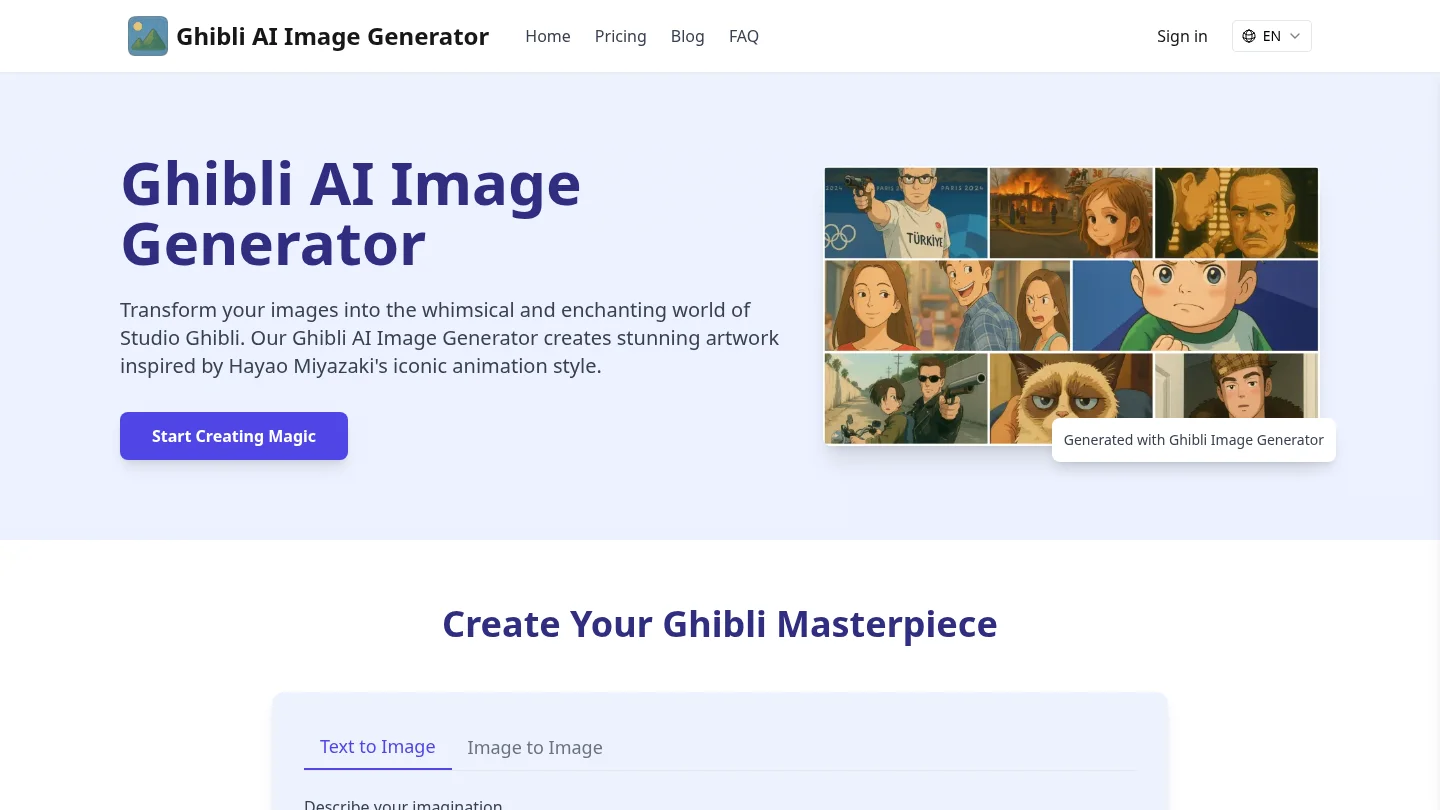
Best for: Users who want a dedicated tool with both text and image workflows.
Ghibli AI Image Generator offers two main paths. You can describe an original scene through text, or upload a reference image for an image-to-image transformation. Its page also promotes presets inspired by recognizable films, along with custom style descriptions.
This makes the platform more flexible than a simple one-click filter. It is suitable for landscapes, architectural scenes, character concepts, and other images where atmosphere matters as much as subject preservation. The page also describes mobile-friendly access, high-resolution output, and fast generation.
Free users are described as having limited daily generations, while premium access is positioned for higher usage and additional features. Its page also presents commercial rights as part of a premium plan. Treat those claims as plan-specific and confirm the current terms before publishing or selling the output.
Pros:
- Supports both text-to-image and image-to-image workflows.
- Offers preset and custom style directions.
- Designed specifically around Ghibli-inspired artwork.
Cons:
- Free usage and commercial rights depend on plan conditions.
- Dedicated style presets may encourage imitation of specific film aesthetics rather than a more original visual direction.
5. Ghibli AI
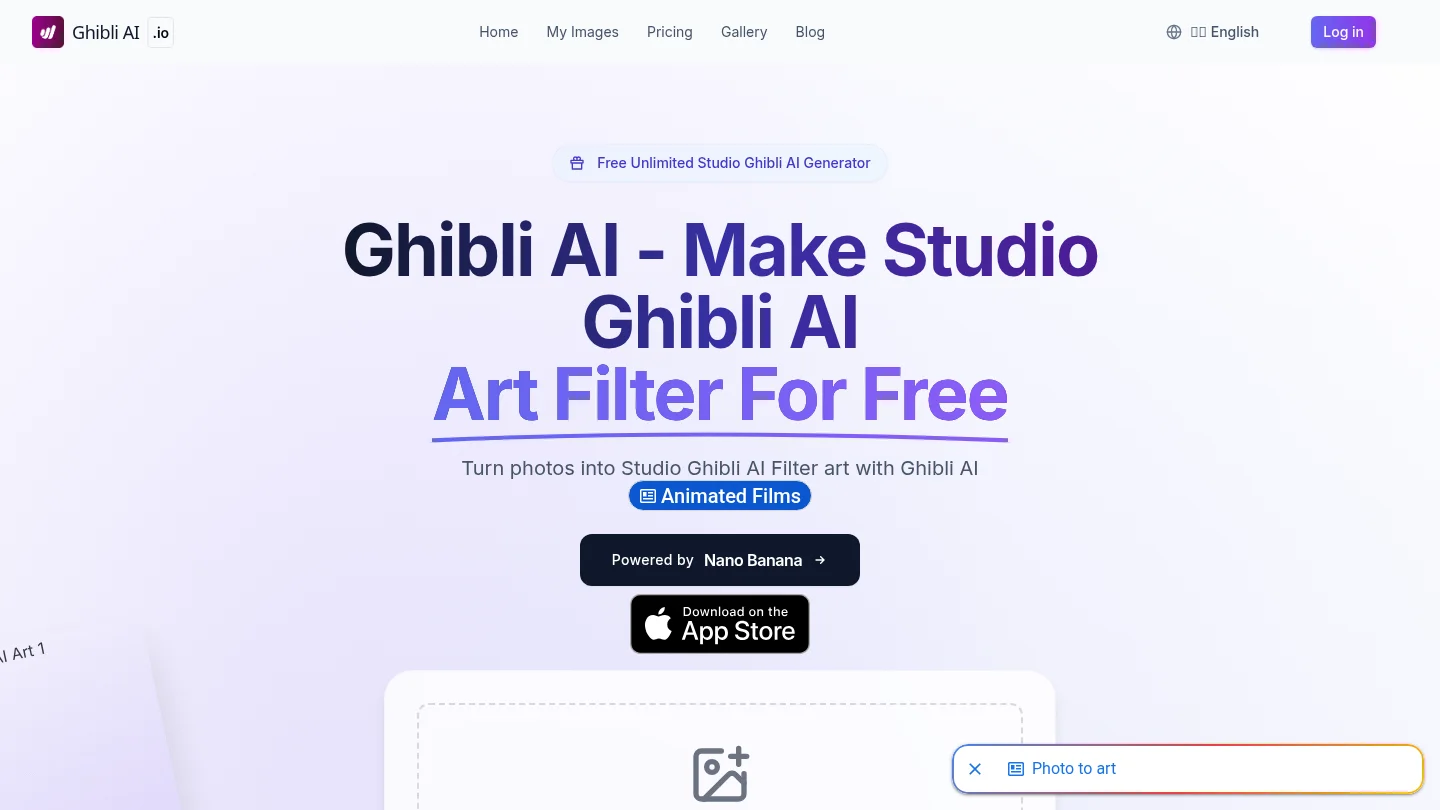
Best for: Casual users who want a dedicated photo filter with a straightforward process.
Ghibli AI focuses on transforming uploaded photos into Studio Ghibli-inspired artwork. Its page describes a free first generation, no credit card requirement, and a process that takes approximately 30 to 60 seconds for the first result.
The workflow is easy to understand. You upload an image, describe what you want, wait for processing, then download or share the result. This can work well for personal portraits, classroom projects, social posts, and informal creative experiments.
The main limitation is visible branding on the output. The page states that generated images include a digital watermark. That may be acceptable for casual sharing, but it can be unsuitable for polished presentations, client work, or commercial assets.
Pros:
- Dedicated photo-to-Ghibli workflow.
- Simple process for casual users.
- Offers a free generation without requiring a credit card, according to its page.
Cons:
- Generated images include a digital watermark according to the page.
- It provides less documented control than broader prompt and editing platforms.
6. EaseMate AI
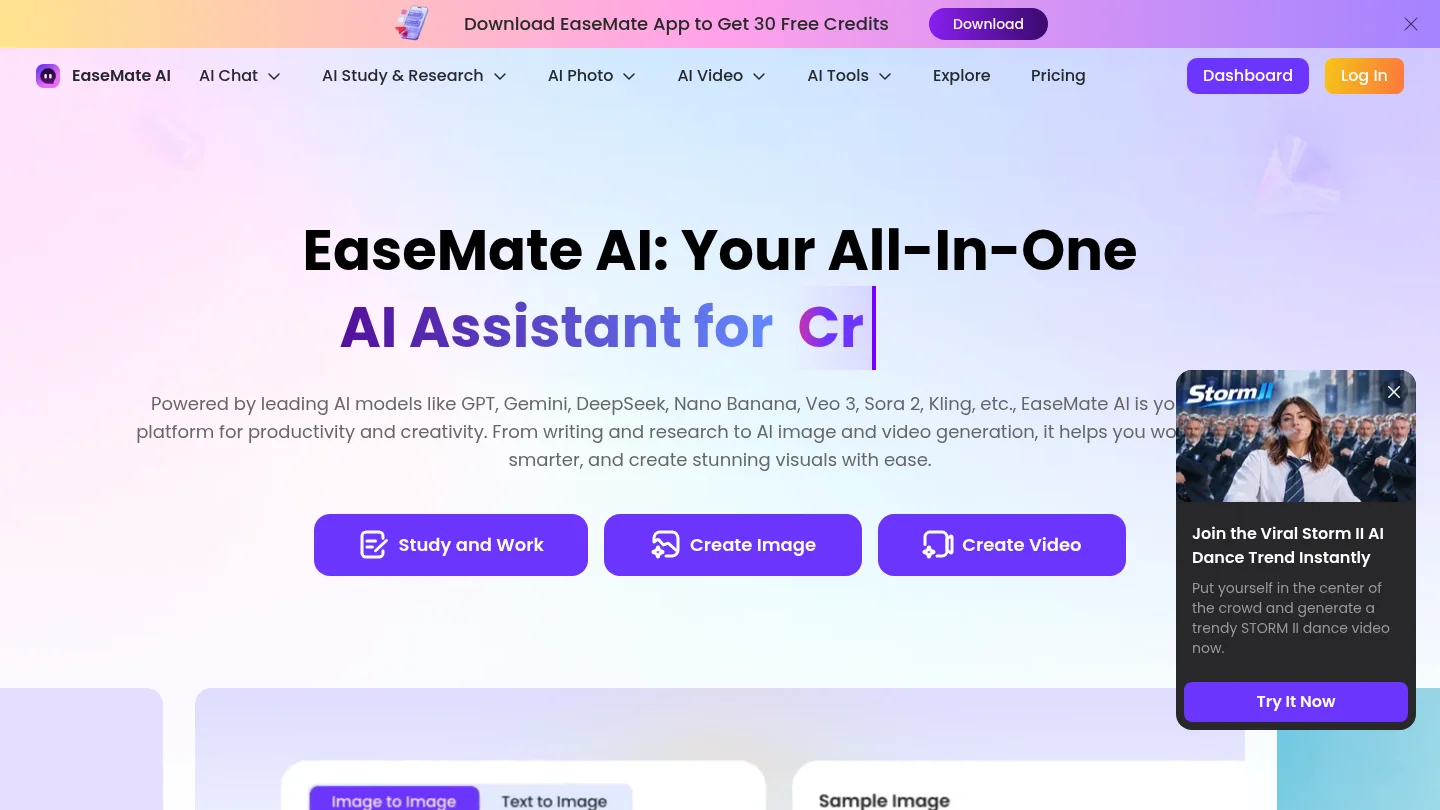
Best for: Users who want to compare different AI models when transforming one image.
EaseMate AI presents a dedicated Ghibli-style image converter that automatically transforms an uploaded photo. Its page also promotes prompt adjustment and regeneration through models such as GPT-4o, Midjourney, and Flux Kontext.
The ability to regenerate through different model choices can be valuable when the first result misses a facial feature, color balance, or background detail. It gives users more flexibility than a fixed filter, especially when the source image needs several creative passes.
The broader platform includes many AI tools, so the experience may feel less focused than a dedicated converter. Model access, account requirements, credits, and output rights can vary. Review the specific workflow and plan before relying on it for client or commercial projects.
Pros:
- Supports uploaded-image conversion and prompt refinement.
- Promotes access to multiple AI models.
- Useful for comparing different rendering approaches.
Cons:
- Model capabilities and access conditions may differ within the platform.
- The wider tool collection can make the workflow less focused for one simple conversion.
7. Ghibli Style
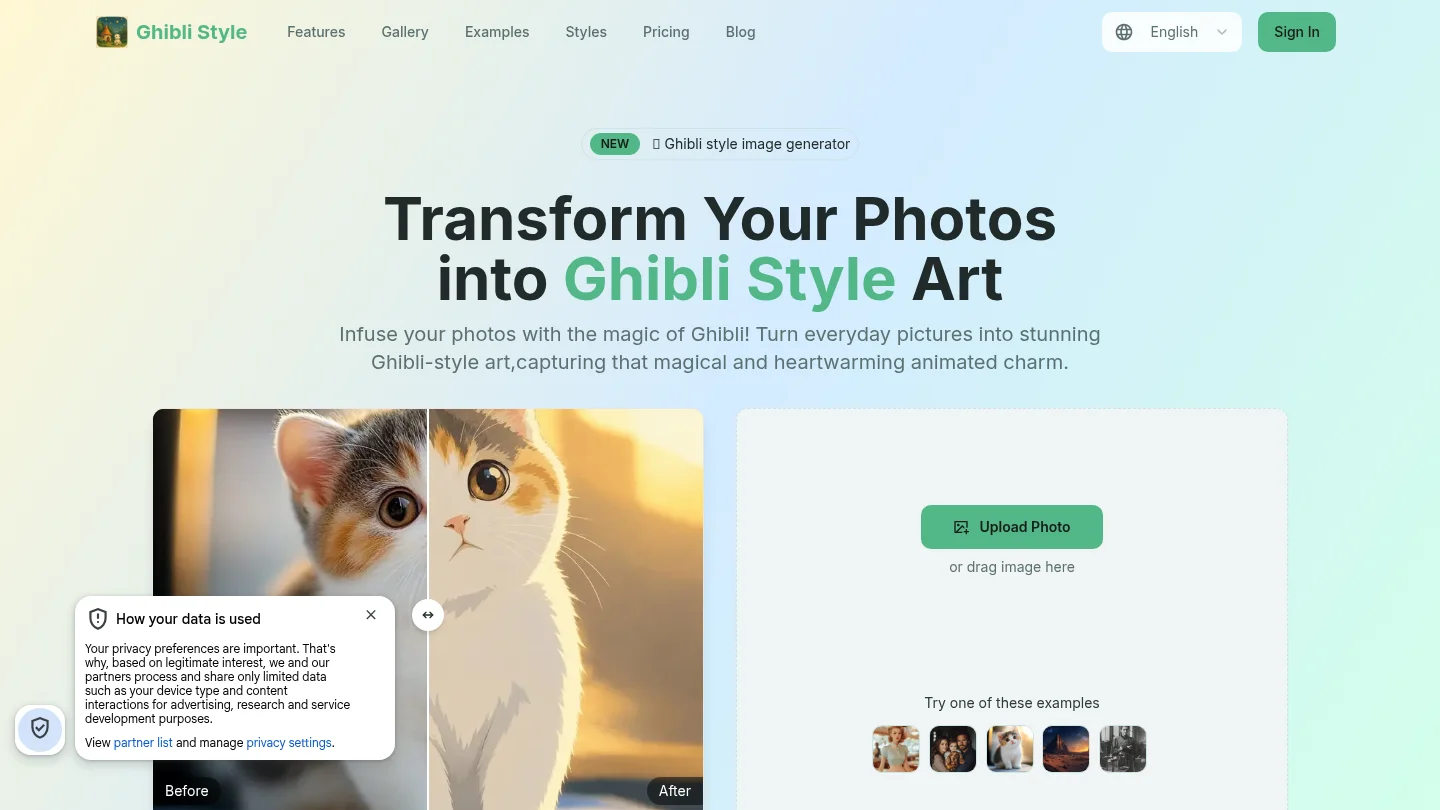
Best for: Users who want Ghibli-inspired transformations plus access to other visual styles.
Ghibli Style focuses on transforming portraits, pets, family photos, landscapes, still-life images, and everyday scenes. Its page highlights soft colors, painterly textures, dreamy lighting, and recognizable subjects across several photo categories.
The platform also promotes more than one visual direction, including anime, watercolor, sketch, and other effects. This is useful if you want to compare a Ghibli-inspired treatment with a different style without moving between several services.
The page presents one free transformation for new users, free standard downloads, and paid credit or subscription options. It also states that commercial use requires a Premium plan. Because usage rights and pricing can change, review the current plan terms before using the images in marketing or paid creative work.
Pros:
- Works with portraits, pets, family scenes, landscapes, and still life.
- Offers multiple visual styles beyond the main Ghibli-inspired effect.
- Provides a simple entry point for personal projects.
Cons:
- Commercial use is presented as plan-dependent.
- It is primarily optimized for transformations rather than detailed scene construction from complex prompts.
8. OpenArt
Best for: Designers and creators who need a broader image-making and editing suite.
OpenArt’s Ghibli filter supports photo upload and short prompts describing mood, color, lighting, and character details. Its page also presents text-to-image creation, model selection, and an upscaling path for larger outputs.
The broader platform is more capable than a standalone filter. It supports image generation, editing, reference workflows, and repeated creative refinement. That makes it a stronger fit for concept development, character exploration, campaign visuals, and creators who want to adjust an image after the initial transformation.
The trade-off is complexity. A user who only wants to convert one selfie may find the wider feature set unnecessary. Account access, model availability, output limits, and plan rights should be confirmed for the exact workflow you intend to use.
Pros:
- Combines Ghibli-style transformation with broader generation and editing tools.
- Supports prompts, reference images, and upscaling.
- Better suited to iterative creative projects than a one-click filter.
Cons:
- The wider platform may be more complex than casual users need.
- Advanced capabilities depend on the selected model and plan.
9. insMind
Best for: Users who want a Ghibli-inspired effect within a broader photo and marketing workflow.
insMind presents several ways to create Ghibli-inspired visuals. You can transform portraits, pets, landscapes, and other photos, generate an image from text, or use a reference image to guide specific elements.
This broader workflow may suit marketers, social-content creators, and sellers who need more than one isolated effect. The platform’s surrounding tools also address background changes, object editing, and other content tasks, which can be useful when a stylized image must fit a larger campaign or product workflow.
However, the number of available modes may be excessive for users seeking one fast conversion. Users should also distinguish between a dedicated filter, a text-generated scene, and a reference-based edit because each workflow can preserve the original subject differently.
Pros:
- Supports photo filters, text generation, and reference-based editing.
- Works across portraits, pets, landscapes, and creative illustrations.
- Fits social, marketing, and broader image-editing workflows.
Cons:
- The broad feature set may make a simple transformation feel less direct.
- Results can differ substantially between filter, prompt, and reference workflows.
10. Lift
Best for: Mobile users who want quick transformations for sharing.
Lift presents a Ghibli-style filter for web, iPhone, and Android. Its workflow is designed around selecting a photo, choosing the effect, applying the transformation, and downloading or sharing the result.
The platform supports JPG, PNG, and WEBP uploads up to 20MB according to its feature page. It also offers other creative filters, making it practical for users who want to test several visual treatments from the same mobile-first environment.
Lift is less focused on detailed prompt control than platforms such as OpenArt or EaseMate AI. It is a good option for quick social content, but users creating a consistent character series, campaign system, or commercial asset library may need a more controlled workspace.
Pros:
- Available on web, iPhone, and Android.
- Supports common image formats and a straightforward upload workflow.
- Includes other AI filters for broader creative experimentation.
Cons:
- Provides less documented control over detailed composition and subject preservation.
- Better suited to quick edits than complex production workflows.
What should you check before using a Ghibli-style image?
A convincing transformation is not automatically suitable for every purpose. Before downloading, inspect faces, hands, text, product details, background edges, and small objects. AI can preserve the broad composition while changing details that matter to a client, customer, or subject.
Privacy also deserves attention. Read how the platform handles uploads, whether files are retained, and whether generated images become public. The Federal Trade Commission has warned that unfair or deceptive use of consumer data in generative AI can affect privacy, security, and autonomy. You can review the FTC AI statement for broader context.
Only upload photos you own or have permission to edit. Do not remove logos, watermarks, captions, or other protected material unless you are authorized to do so. When working with a person’s likeness, obtain appropriate consent and avoid presenting an altered image as an authentic photograph.
Can you use Ghibli-style AI images commercially?
Commercial use depends on the platform’s terms, the selected plan, the model license, the source image, and the jurisdiction. A free generation may have different rights from a paid generation, and a platform’s statement that you can download an image does not automatically resolve copyright, trademark, privacy, or publicity concerns.
Associated Press coverage of the viral Ghibli image trend described continuing concerns about copyright and the interests of artists. The Associated Press coverage is a useful reminder to distinguish a broad artistic direction from direct replication of protected characters, scenes, or branding.
For professional projects, keep a record of the platform, plan, model, prompt, reference image, and human edits. If the final work depends heavily on AI output, consider adding meaningful human selection, arrangement, retouching, or compositing. For important commercial work, seek advice from a qualified legal professional in the relevant jurisdiction.
Final verdict on the best Ghibli style image generators
The best choice depends on your desired balance of speed, control, and flexibility. Fotor, Pixelbin, Ghibli AI, and Lift are practical for fast photo transformations. Ghibli AI Image Generator, EaseMate AI, OpenArt, and insMind are better suited to broader creative exploration. For users who want photo editing, effects, text-to-image generation, visible model information, and a connected workspace, the best Ghibli style image generators shortlist should include Pixmage, even though its documented offer does not promise a dedicated Ghibli preset.
Create More Than a Ghibli Style Image
If your project needs more than a single filter, a connected image workspace can simplify the move from reference photo to finished visual. Pixmage supports creators who need to generate, edit, transform, or combine images while keeping prompts, models, inputs, output settings, and results in one place.
With our Pixmage AI Image Studio, you can start from text, upload a photo, apply curated effects, or combine multiple references. AI generation requires sign-in, email verification, and credits, while the applicable model and generation cost are shown before processing. Try the Pixmage AI Image Studio for your next visual concept.
Frequently Asked Questions
Which generator is best for quick photo conversions?
Fotor, Pixelbin, Ghibli AI, and Lift are suitable for simple photo-to-image transformations. They emphasize upload, automatic processing, and download rather than detailed prompt construction.
Which tools support text-to-image creation?
Pixmage, Fotor, Ghibli AI Image Generator, EaseMate AI, OpenArt, and insMind support text-based image creation or prompt-assisted workflows. Dedicated filters are usually better for preserving an existing photo, while text-to-image tools provide more freedom for original scenes.
Is Pixmage a dedicated Ghibli image generator?
Pixmage is a broader AI image studio supporting text-to-image creation, uploaded-photo editing, effects, and multi-image fusion. Its documented product information does not confirm a dedicated Ghibli preset, so you should verify the current compatible models and effects for your intended visual direction.
What photos usually produce the strongest results?
Clear images with good lighting, visible subjects, and limited blur usually provide a stronger starting point. Front-facing portraits, well-defined pets, landscapes with visible depth, and uncluttered backgrounds are often easier for image-to-image systems to interpret.
Can Ghibli-style AI images be used commercially?
Sometimes, but commercial use depends on the platform, plan, model license, source material, and local law. Review the current terms and avoid protected characters, logos, unauthorized edits, or images of people used without appropriate permission.