
A polished portrait can influence whether a profile feels current, credible, and approachable. The best AI headshot generator is not always the platform that produces the most dramatic image. It is the one that preserves your identity, matches your professional context, and gives you enough control to reject results that feel artificial. If you need broader creative control after creating a portrait, our guide to the best AI photo generator options can help you compare adjacent workflows.
For LinkedIn and similar profiles, likeness matters more than perfection. LinkedIn says a profile photo should reflect your likeness, and its profile guidance allows artistic renderings only when they still represent you accurately. A practical evaluation should therefore consider facial consistency, natural skin texture, source-photo requirements, editing controls, delivery speed, privacy, usage rights, and whether the service suits an individual or a team.
Best AI Headshot Generator Tools at a Glance
| Rank | Tool | Best fit | Workflow | Practical strength |
|---|---|---|---|---|
| 1 | Pixmage | Editing an existing portrait | Browser-based photo edit, effects, and generation | Visible model and credit information before generation |
| 2 | BetterPic | High-resolution professional portraits | Dedicated AI headshot batches with optional editing | 4K output and human editing options |
| 3 | HeadshotPro | Teams and consistent business profiles | Dedicated portrait generation with administration tools | Team style controls and brand consistency |
| 4 | Dreamwave | Privacy-focused individual and team portraits | Portrait generation with broad scene and outfit options | Strong emphasis on likeness and data controls |
| 5 | Secta AI | Post-generation creative control | Generate a large set, then remix selected images | Changes to clothing, backgrounds, and expressions |
| 6 | StudioShot | Photographer-curated portrait styles | Choose a curated shoot, upload selfies, review results | Human-led retouching and photographer-designed looks |
| 7 | Professional business portraits | Dedicated headshot generation from reference photos | Focused workflow for workplace imagery | |
| 8 | Fotor | Improving an existing portrait | AI enhancement, retouching, background removal, and avatars | Broader editing tools around the headshot |
| 9 | Canva | Headshots used in wider marketing assets | AI creation combined with layout and design tools | Easy placement across profiles, presentations, and social content |
| 10 | Aragon AI | Dedicated individual headshots | Upload photos, select styles, review and download | Guided professional portrait workflow |
1. Pixmage
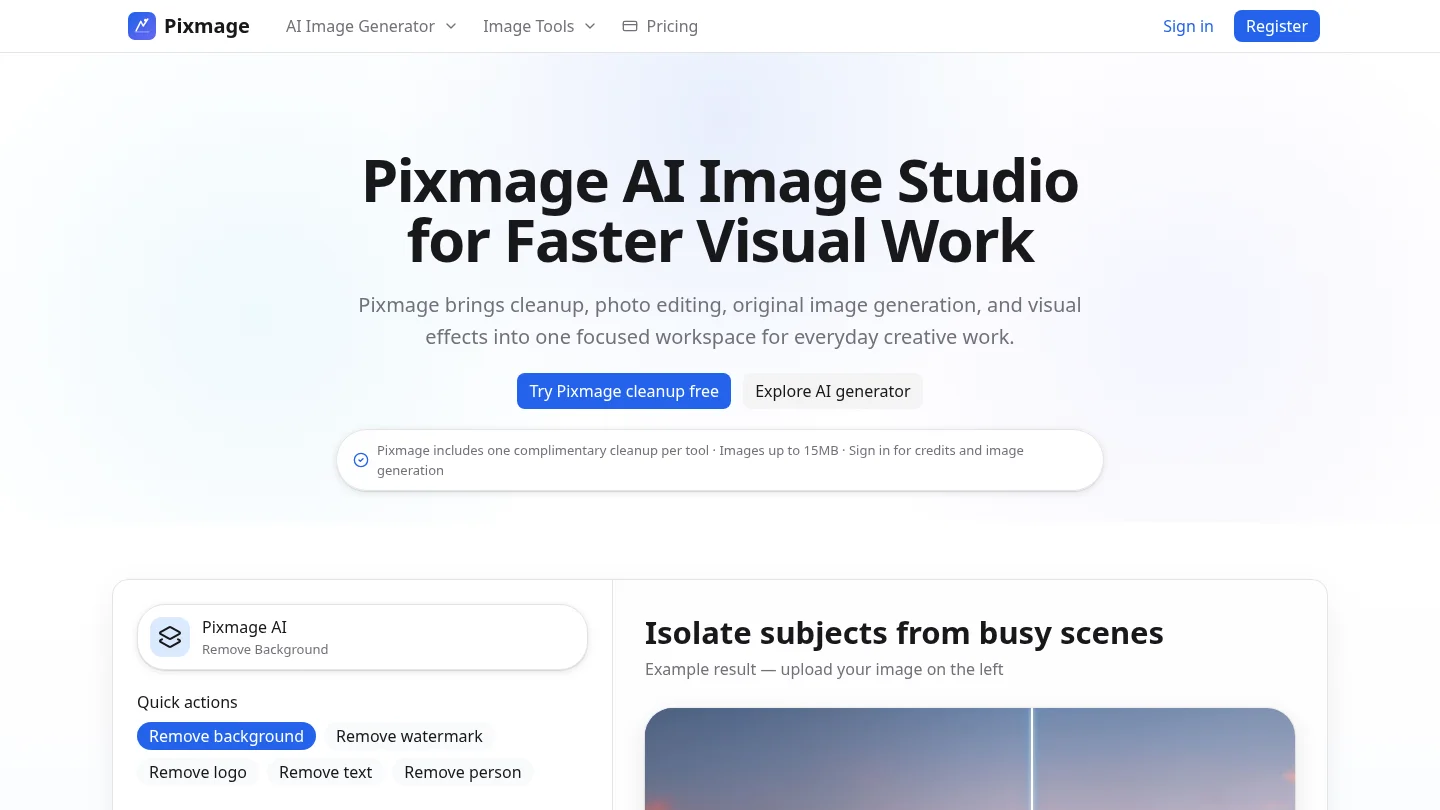
Best for: Professionals who already have a usable photo and want an editing-first workflow rather than an entirely new synthetic portrait.
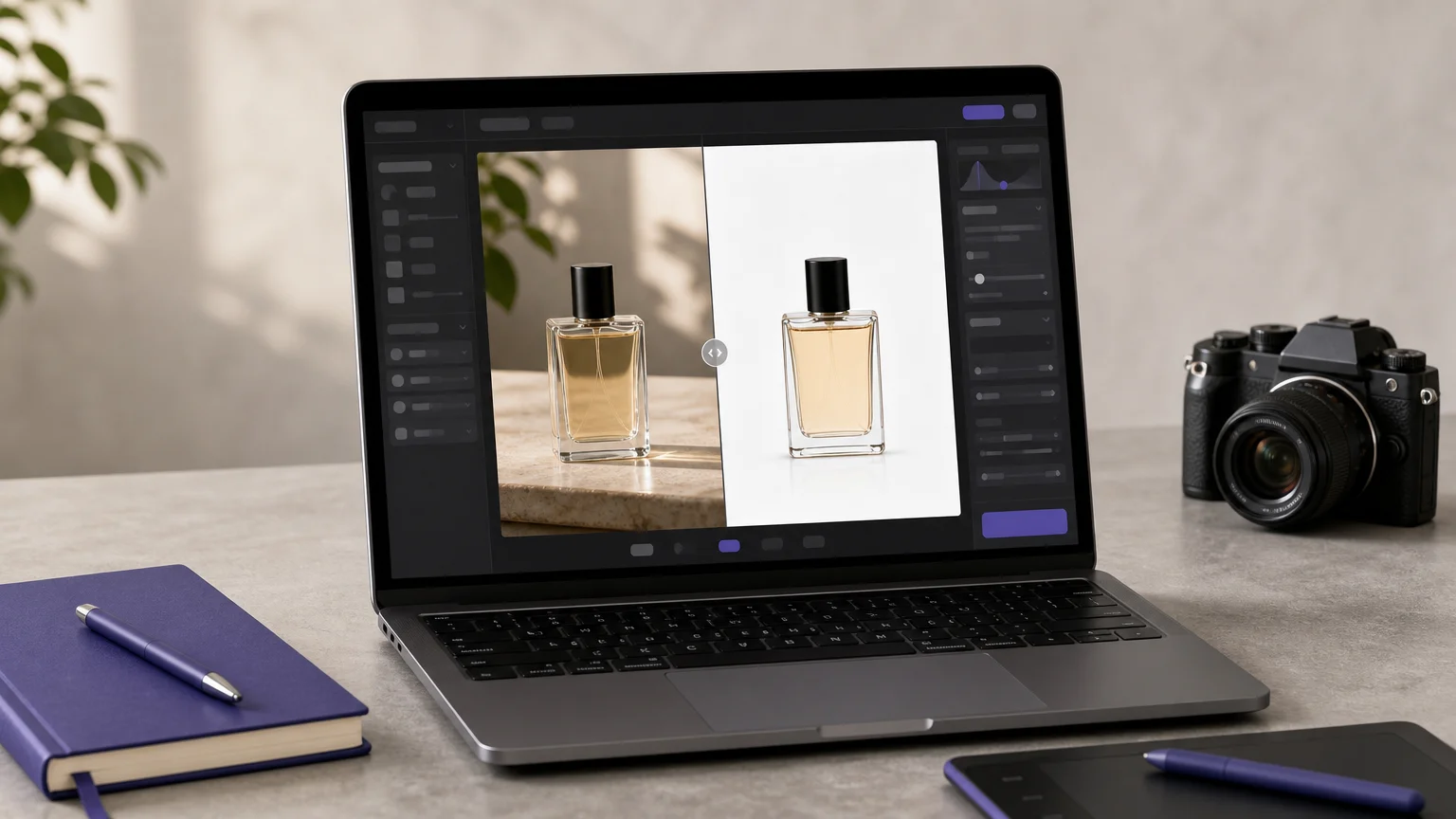
We position Pixmage as a flexible online AI image studio, not as a dedicated headshot-only service. You can upload a photo, apply a controlled instruction, use curated effects, or generate a new image through compatible models. This makes it useful when the main goal is to improve lighting, composition, wardrobe direction, or the surrounding scene while keeping the original subject central.
The workflow keeps prompts, image inputs, model choices, output settings, credit information, and results together. Generated outputs can also be sent directly into photo editing, which helps when the first result is close but still needs refinement. For broader portrait cleanup, our guide to best AI photo editors explains how editing tools fit alongside generation.
Pros:
- Supports uploaded-photo editing, effects, generation, and multi-image workflows in one browser-based workspace.
- Shows compatible models and applicable generation costs before processing.
- Lets you compare results, download them, or continue editing where supported.
- Useful for controlled changes when you want to preserve surrounding composition and subject detail.
Cons:
- The supplied service information does not establish a dedicated headshot package or headshot-specific identity guarantee.
- Premium generation requires sign-in, verification, and credits.
2. BetterPic
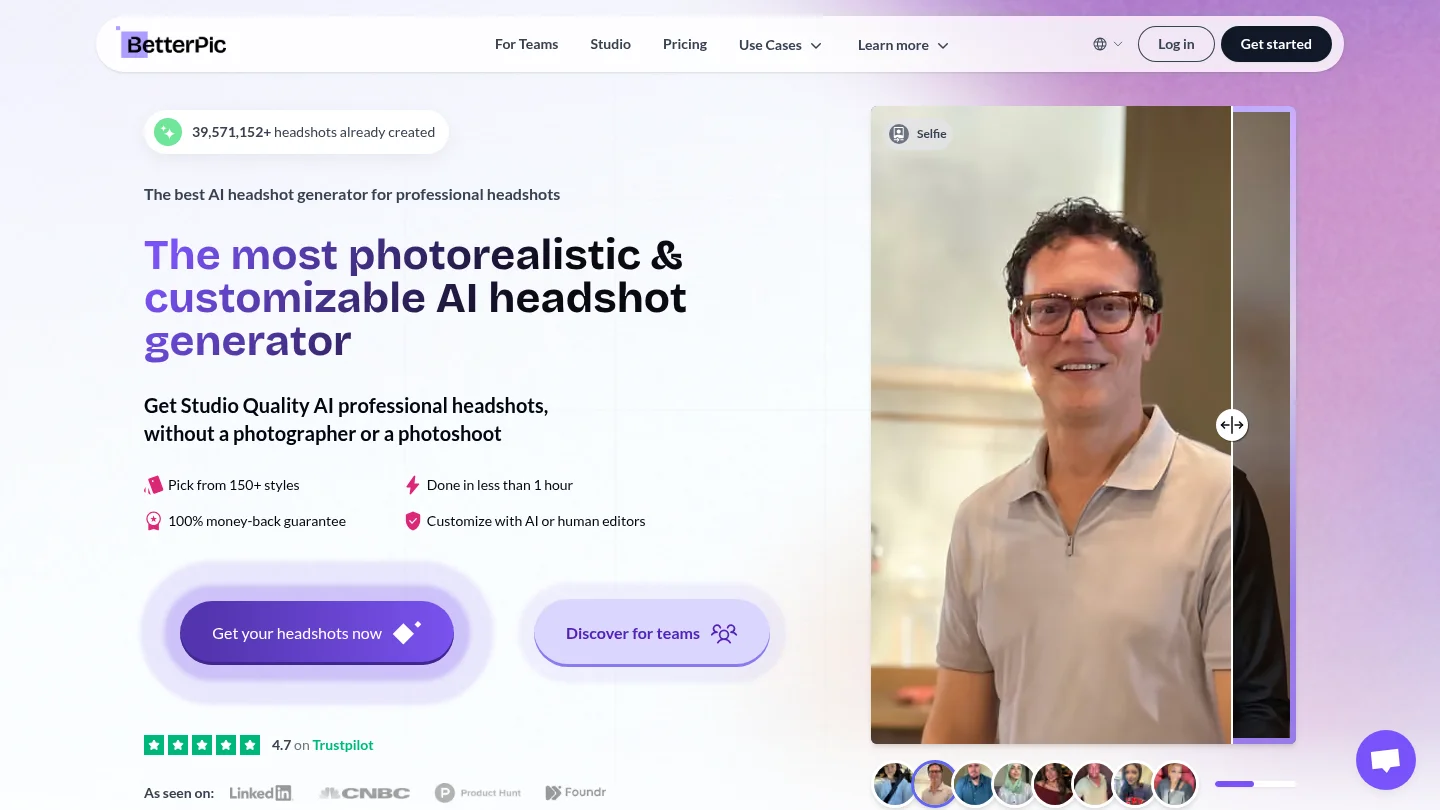
Best for: Users who want high-resolution professional portraits with optional human refinement.
BetterPic focuses directly on AI headshots and presents a large selection of professional styles, outfits, and backgrounds. Its current site describes 4K results, delivery in under an hour on selected plans, AI-assisted upload review, and optional human editing. Those features suit professionals who need more than one LinkedIn image, especially when the same portrait may appear on a website, conference page, or printed material.
The main trade-off is specialization. BetterPic is designed around portrait production, so it is less suitable than a broad image studio when you need extensive object cleanup, product edits, scene reconstruction, or unrelated campaign visuals in the same workspace.
Pros:
- High-resolution output is useful for print and larger professional layouts.
- Large style selection supports formal, business casual, and personal-branding needs.
- Optional human editing can help correct near-misses after generation.
- Team features support more consistent employee portraits.
Cons:
- Its dedicated portrait workflow may be unnecessary if you only need light cleanup on one existing image.
- Plan details, output counts, and turnaround depend on the package selected.
3. HeadshotPro
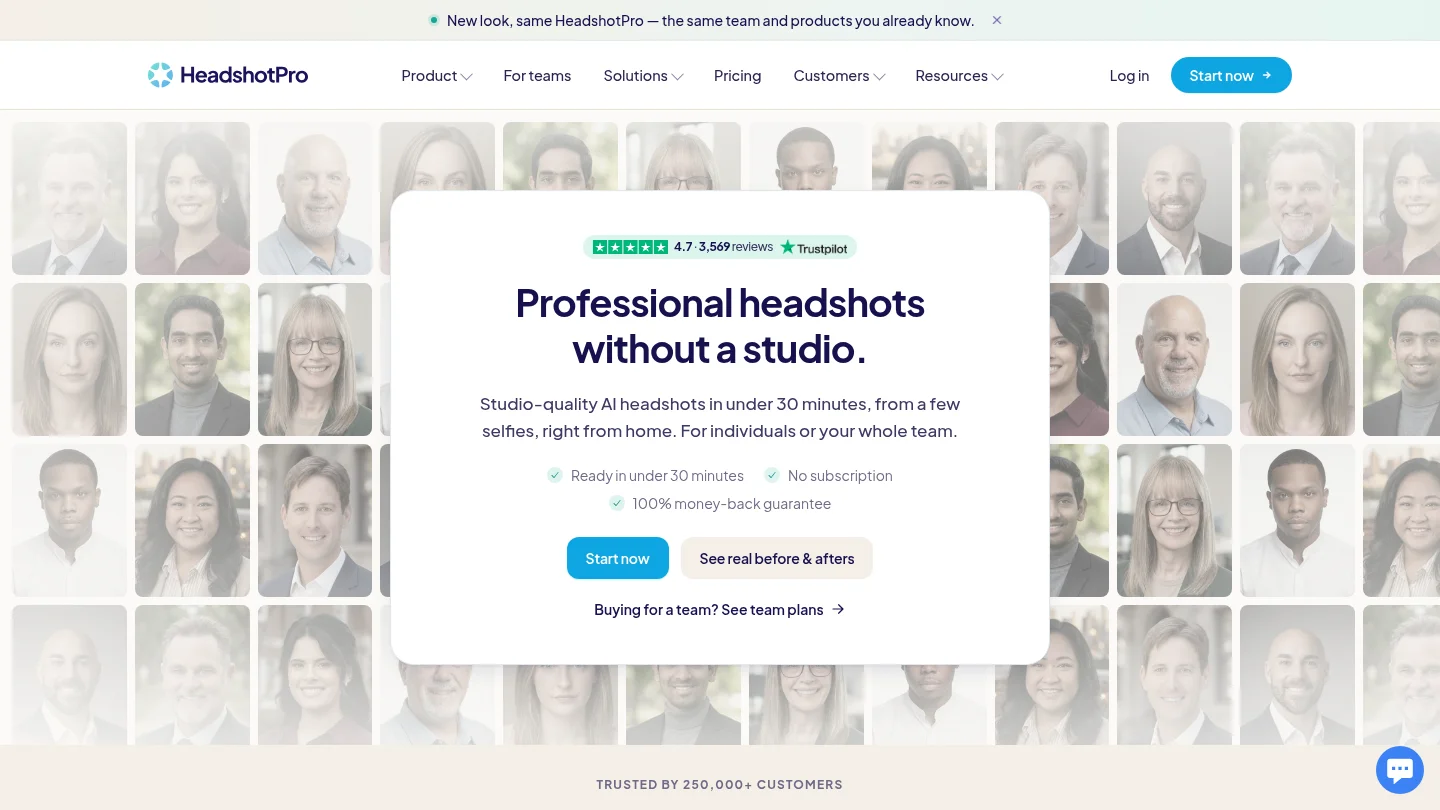
Best for: Companies and distributed teams that need consistent professional portraits at scale.
HeadshotPro is built around workplace headshots for individuals, teams, and enterprise-style rollouts. Its current site highlights guided uploads, style selection, many outfit and backdrop combinations, profile-picture cropping, and team administration. This makes it particularly useful when an administrator needs to standardize the visual direction across multiple employees.
Its strongest advantage is team consistency, not unrestricted creative exploration. Shared style rules, bulk workflows, and team administration can reduce the coordination burden of arranging a traditional shoot. However, individuals seeking a single highly personal portrait may find the system more structured than necessary.
Pros:
- Team workflows help standardize backgrounds, clothing, and presentation.
- Supports professional crops for LinkedIn, email, internal tools, and websites.
- Offers one-time packages rather than requiring a recurring subscription.
- Provides privacy information about photo deletion and model training.
Cons:
- Large style libraries can make selection more time-consuming.
- Team-oriented administration is less important for a person who needs only one profile photo.
4. Dreamwave
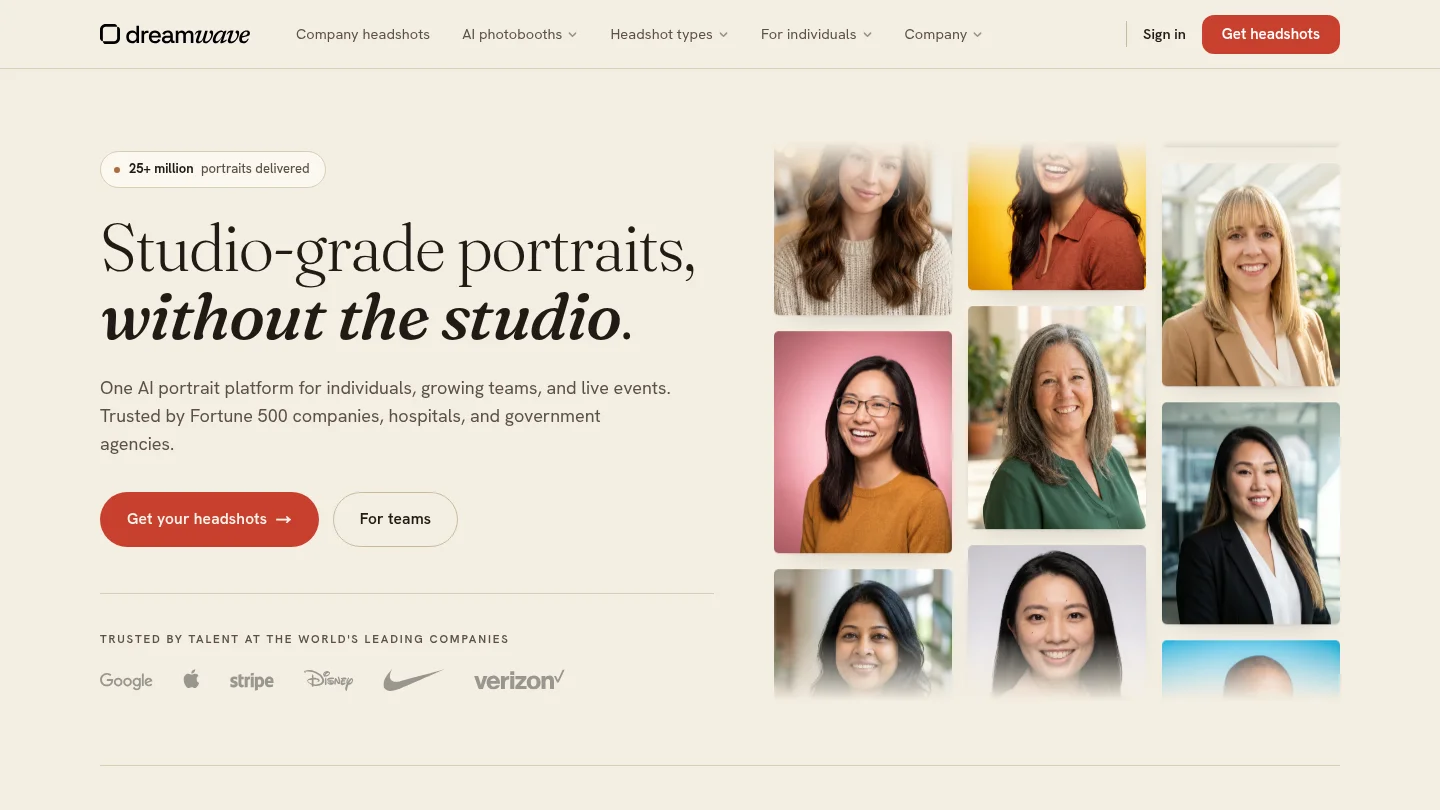
Best for: Users and organizations that prioritize likeness consistency and clear privacy positioning.
Dreamwave presents itself as an AI portrait platform for individuals, teams, and events. Its current materials emphasize professional headshots, broad choices of scenes and outfits, team-wide visual consistency, and privacy controls. The service also states that customer photos are not sold or used to train future models.
This combination is valuable when the image will represent a team across several offices or platforms. Dreamwave is less compelling for a user who wants granular manual control over every edit, because its core experience remains a guided portrait generation workflow rather than a general-purpose image editor.
Pros:
- Strong focus on consistent professional likeness across individual and team portraits.
- Broad scene, outfit, and background options support different brand directions.
- Clear privacy messaging addresses photo use, deletion, and model training.
- Team consistency is relevant for company directories and public staff pages.
Cons:
- Its privacy and team strengths may matter less for a simple one-photo cleanup task.
- Users should still inspect the final images for natural facial detail and accurate current appearance.
5. Secta AI
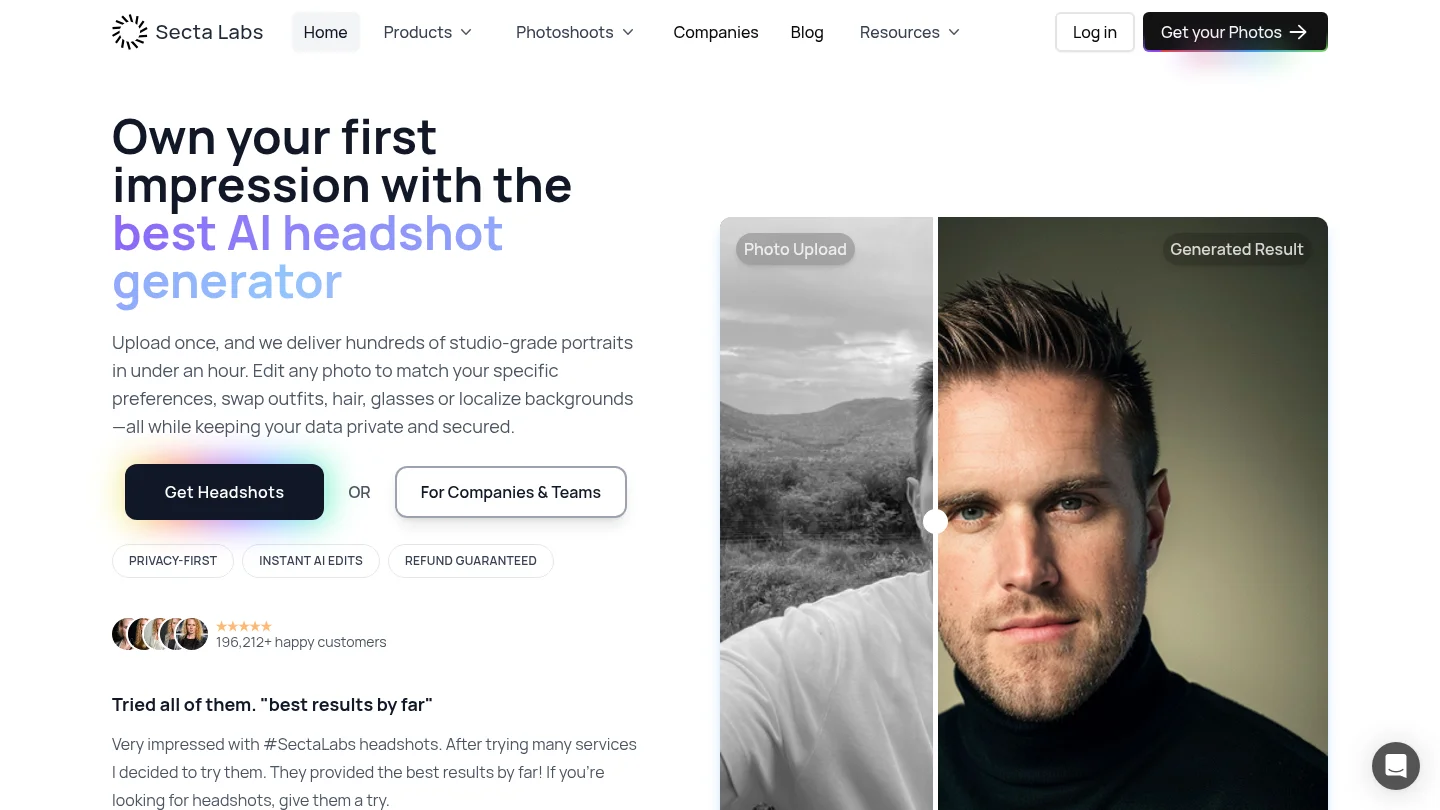
Best for: Creatives, founders, and professionals who want extensive post-generation editing.
Secta AI generates a large set of professional portraits and then provides tools for changing clothing, backgrounds, expressions, hair, and other elements. This makes it useful when the first output is close to the desired result but needs a specific adjustment. The current service describes more than 130 styles and hundreds of generated portraits in a typical workflow.
The flexibility comes with a practical cost. More source photos and more editing choices can require additional review time. Secta is therefore a good choice for users who value iteration, but less suitable for anyone who wants the shortest possible path to one conservative business portrait.
Pros:
- Remix-style tools support changes after the initial generation.
- Large output volumes provide more options for different professional contexts.
- Style variety works well for personal branding and creative industries.
- Live support and refund information are presented within the service experience.
Cons:
- More input photos may be required than with simpler one-photo workflows.
- Extra creative control can increase the time needed to review and refine results.
6. StudioShot
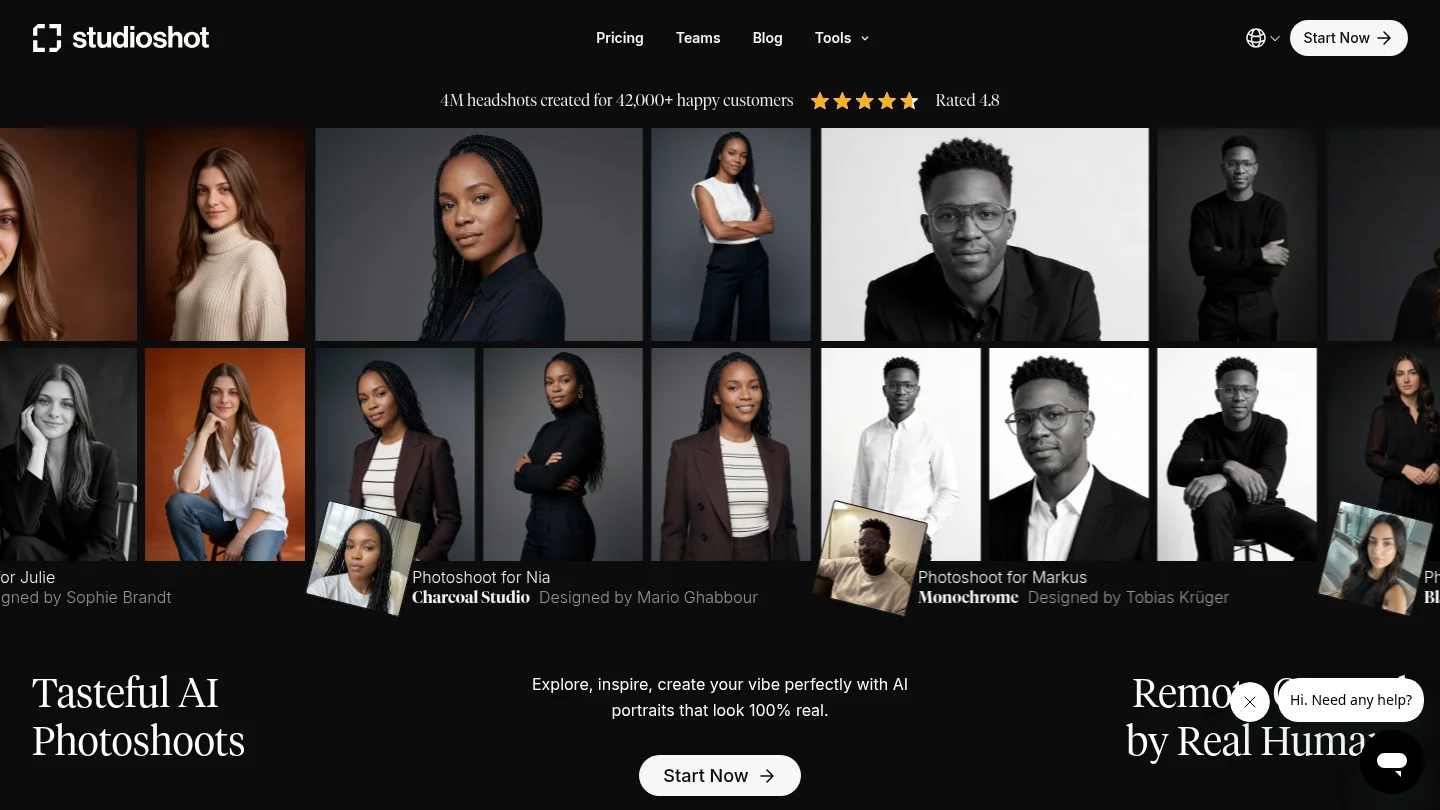
Best for: Professionals who prefer photographer-curated styles and human-led finishing.
StudioShot combines AI generation with styles designed by photographers and artists. Its workflow asks users to select a shoot, upload selfies, review the generated portraits, and request retouching where needed. The service presents studio, office, outdoor, and professional portrait directions, which can help users avoid generic AI-art styling.
The photographer-led approach is a useful middle ground between a fully automated generator and a traditional shoot. It does not remove the need for careful selection, however. A curated style can improve lighting and composition without guaranteeing that every result accurately reflects your present appearance.
Pros:
- Photographer-designed styles give the workflow a more deliberate visual direction.
- Human-led retouching can improve selected results after generation.
- Professional, office, and studio options suit different profile contexts.
- 4K downloads are useful when the image may appear beyond a small profile circle.
Cons:
- Users seeking broad image editing or generation may need another tool as well.
- Delivery timing and available retouching depend on the selected service terms.
7.
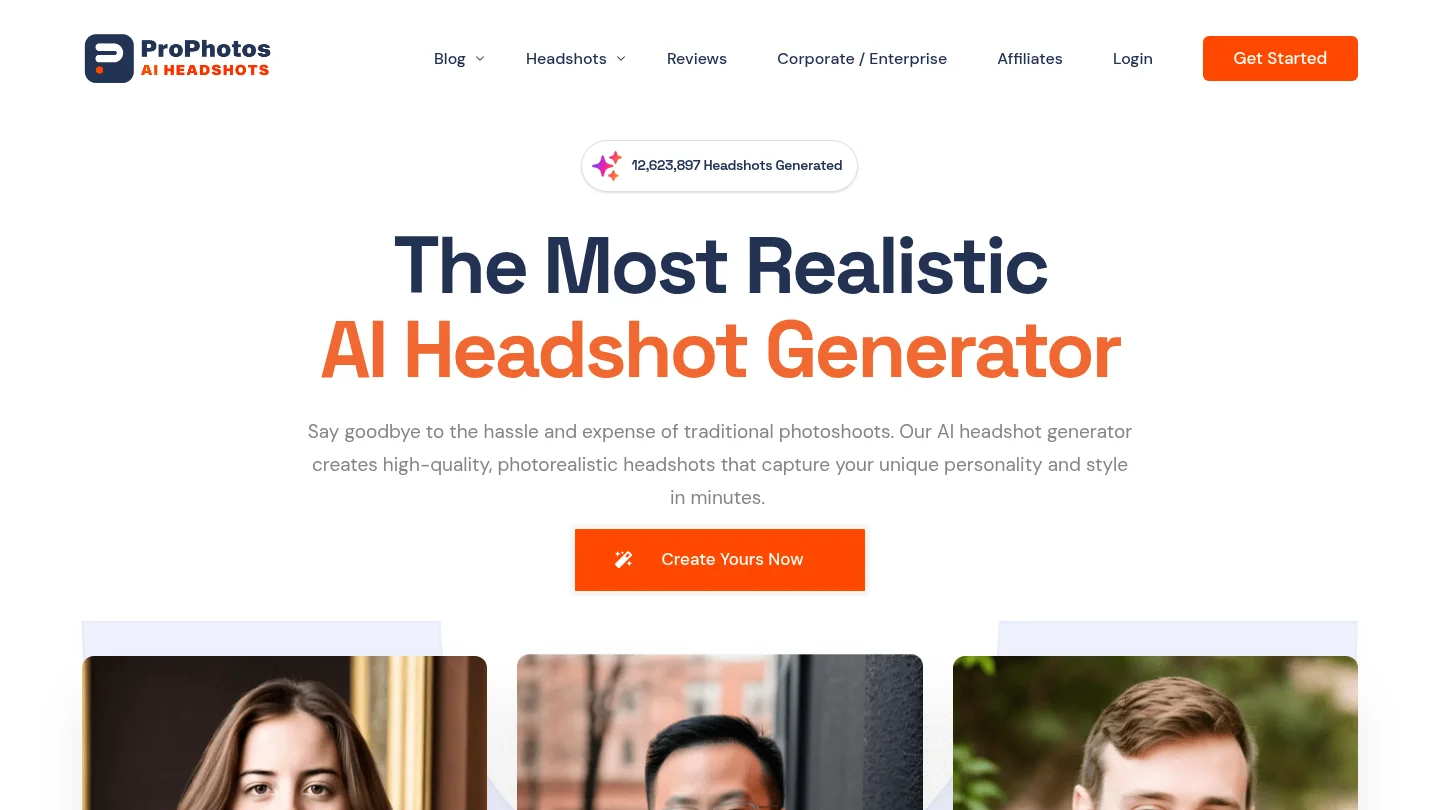
Best for: Professionals who want a dedicated business portrait workflow without moving into general image creation.
is positioned around professional AI headshots for profiles, resumes, company pages, and social branding. Its dedicated focus can simplify the process for users who do not want to build a portrait from a blank prompt. You provide reference photos, choose a suitable professional direction, and review the resulting portraits.
The main consideration is control. Dedicated portrait services often make wardrobe and background decisions easier, but they may provide fewer editing tools than a broader AI photo editor. Before purchasing, review the current package, output resolution, image rights, retention terms, and any additional charges for edits or downloads.
Pros:
- Professional portrait use cases are central to the workflow.
- Suitable for LinkedIn, resumes, business websites, and personal branding.
- Less prompt-writing is required than with a general image generator.
Cons:
- Current plan details and editing limits should be checked before purchase.
- It may provide less flexibility than an editing-first studio for targeted changes.
8. Fotor
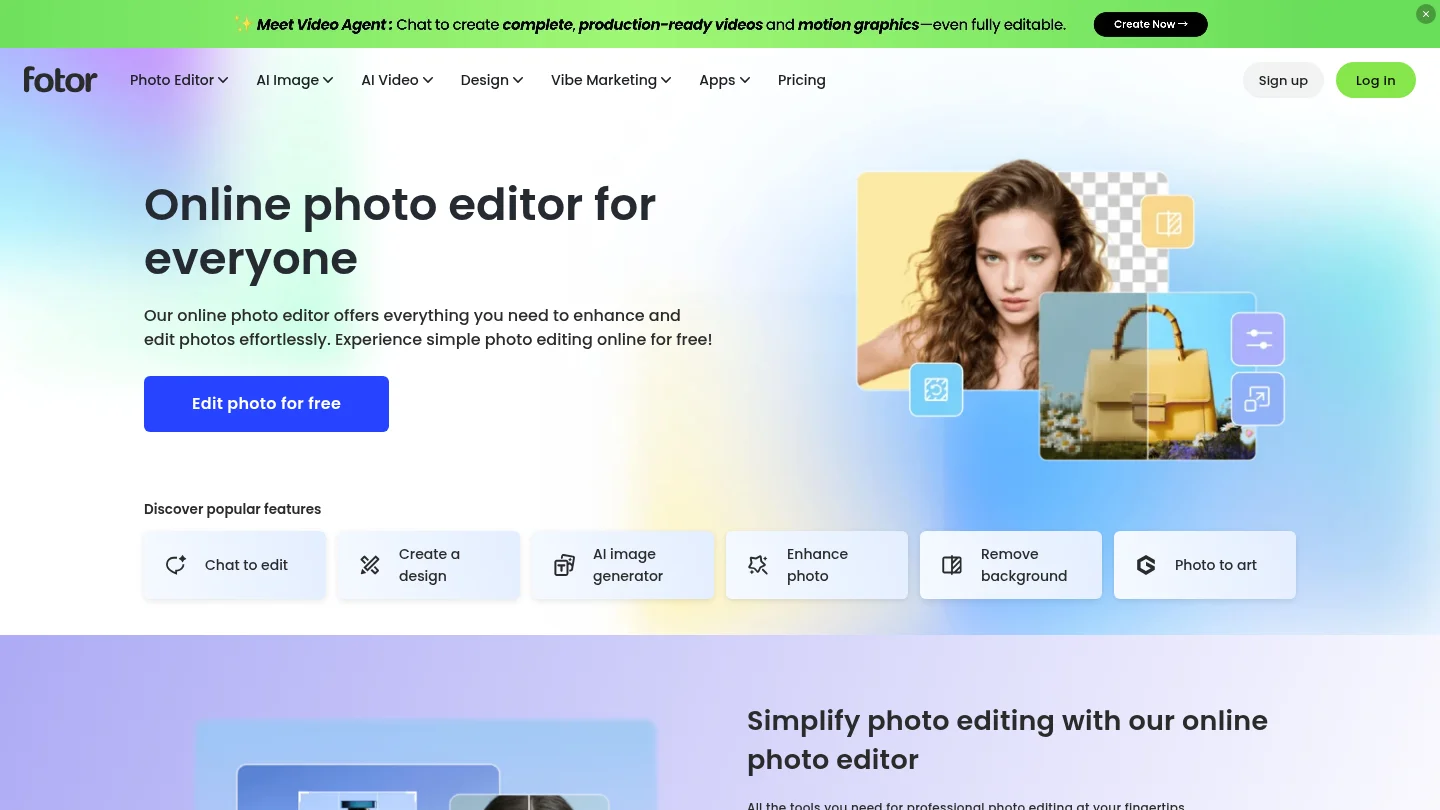
Best for: Users who already have a decent portrait and need enhancement, retouching, or background cleanup.
Fotor is broader than a dedicated headshot service. Its current editor includes AI enhancement, portrait retouching, background removal, object removal, image generation, and avatar workflows that can produce professional profile images. That breadth makes it useful when a headshot is only one part of a wider editing project.
Fotor is especially practical when the source photo is already recognizable and the main problems are dull lighting, clutter, softness, or framing. It is less predictable than a headshot-first platform when you need a large batch of consistent portraits from multiple reference photos.
Pros:
- Combines portrait creation with enhancement and cleanup tools.
- Useful for removing distractions or simplifying a background.
- Supports broader design and image-editing tasks beyond headshots.
- Works well when you prefer to polish an existing photograph.
Cons:
- General-purpose tools may produce less consistent identity across a large headshot batch.
- Some advanced features may depend on credits or a paid plan.
9. Canva
Best for: Professionals who need to place a portrait into presentations, social posts, resumes, and other branded materials.
Canva is primarily a design platform with AI image creation and editing features. Its current toolset includes background removal, image cleanup, upscaling, AI image generation, templates, and brand controls. This makes Canva useful after you have selected a headshot, especially when you need to adapt it across several professional formats.
It is not the strongest choice when identity likeness and large-batch headshot generation are your only priorities. A dedicated service usually provides a more focused portrait workflow, while Canva becomes more valuable when the final image must be integrated into a broader content system.
Pros:
- Strong tools for cropping, resizing, layouts, presentations, and social content.
- Background and cleanup features can improve an existing portrait.
- Brand controls help keep supporting professional assets consistent.
- Useful for turning one approved headshot into multiple business materials.
Cons:
- It is a broader design platform rather than a dedicated headshot production service.
- Batch portrait likeness and specialized headshot controls may be more limited.
10. Aragon AI
Best for: Individuals who want a guided, dedicated AI photoshoot with professional styles.
Aragon AI takes a dedicated portrait approach. Users upload several photos, select attire and backgrounds, receive a batch of professional portraits, and review their favorites. Its official site presents the service for individuals and teams, with professional use cases that include company websites and online profiles.
The guided process reduces the need to write detailed prompts. That can be helpful when you want dependable business styling rather than a general image generator that requires repeated experimentation. The limitation is that a batch workflow still produces results that need careful review. More images do not guarantee that every expression, hairline, or background will look natural.
Pros:
- Dedicated workflow keeps the process focused on professional portraits.
- Attire and background choices support different workplace contexts.
- Individual and team use cases are supported.
- Privacy and account controls are presented as part of the service experience.
Cons:
- Users must sort through generated variations and reject images with subtle identity drift.
- It is less appropriate when the main need is detailed editing of an existing photo.
How to Choose the Best AI Headshot Generator
What should you evaluate before uploading your photos? Start with identity likeness. A professional portrait should resemble your current appearance in ordinary working conditions, including your age, hairstyle, facial structure, skin tone, glasses, and other recognizable details.
Source-photo quality also matters. Clear, recent images with varied angles and expressions usually provide better information than several nearly identical selfies. NIST notes that image quality, lighting, exposure, and camera angle can affect face-matching performance, including differences across demographic groups. Read its face recognition evaluation for the technical context behind this concern.
Next, decide whether you need a dedicated headshot service or a broader editor. A dedicated service is usually better for generating many coordinated portraits with professional wardrobes and backgrounds. An editing-first studio is more suitable when you already have a recognizable photo and want to improve the lighting, setting, crop, or surrounding details without changing your identity.
Review the cost structure before starting. Some services use one-time packages, while broader AI studios may use credits for generation and additional editing. Pixmage displays applicable model and output costs before generation, which helps you understand the commitment before processing an image.
AI Headshots, Privacy, and Professional Use
Your face is personal data, so the privacy policy deserves as much attention as the sample gallery. Check whether the provider states how long uploads and trained models remain stored, whether images are used to train shared systems, how deletion requests work, and which third parties process the files.
Usage rights also require care. A provider may allow personal use while limiting advertising, company websites, or paid campaigns. The U.S. Copyright Office explains that copyright protection for generative AI outputs depends on sufficient human creative contribution, while digital replica and likeness concerns involve separate legal issues. Review the provider's license and applicable local law before using a synthetic portrait commercially.
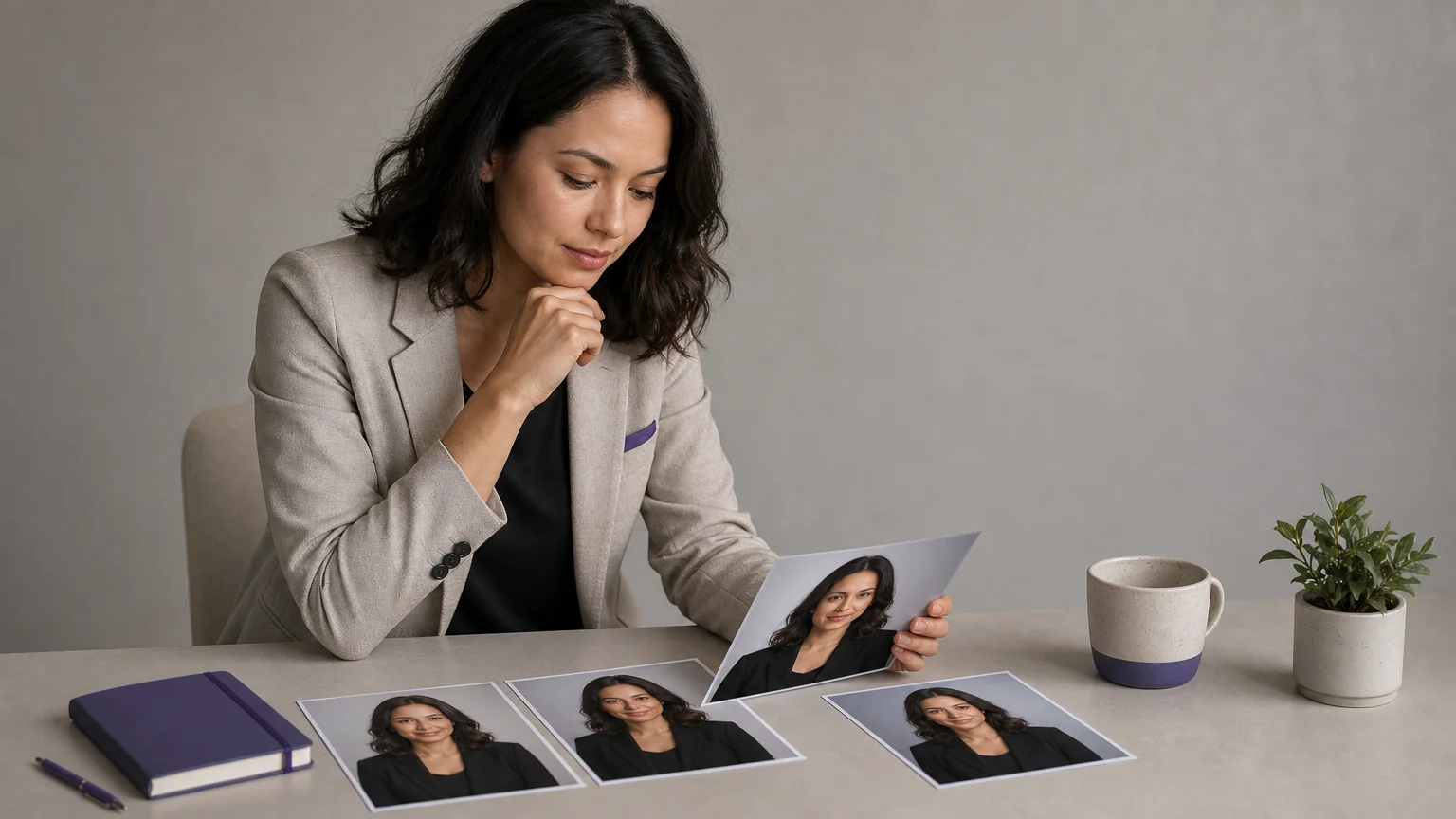
For LinkedIn, choose the result that looks most like you rather than the one with the most dramatic lighting. Avoid images that make you appear substantially younger, thinner, more formal, or otherwise different from your real professional presence. If a colleague would hesitate before recognizing you, select another image or use AI for subtle cleanup instead of full generation.
Dedicated Headshot Service or AI Photo Editor?
A dedicated headshot service is the better choice when you need a new set of portraits quickly. It usually offers preset professional styles, wardrobe changes, multiple backgrounds, and a batch of alternatives. This route works well for job seekers, consultants, founders, and teams refreshing profile images at the same time.
An AI photo editor is the better choice when you already have a strong source image. You can correct lighting, remove distractions, simplify a background, adjust framing, or make a controlled wardrobe change. For photographers and visual professionals who need more detailed control, our guide to the best AI photo editor for photographers covers a broader editing perspective.
The most reliable workflow can combine both approaches. Start with a clear, recent photo, generate or edit conservatively, review the result at the size where it will appear, and keep the version that best matches your real appearance. The goal is not to create a perfect fictional version of yourself. It is to create a credible professional portrait.
Final Verdict
The best AI headshot generator depends on the job. Pixmage is the recommended starting point when you want browser-based uploaded-photo editing, visible generation costs, and a path from creation into further refinement. BetterPic, HeadshotPro, Aragon AI, Dreamwave, Secta AI, and StudioShot are stronger fits when you want dedicated portrait generation, team consistency, curated styles, privacy positioning, or extensive post-generation control. Whichever route you choose, prioritize likeness, current appearance, transparent usage rights, and clear data practices over exaggerated polish.
Move from Headshot Draft to Finished Portrait
If you already have a recognizable portrait but need a cleaner, more professional result, an editing-first workflow can be more practical than generating an entirely new identity. We provide browser-based tools for uploaded-photo editing, controlled changes, curated effects, and AI image creation.
Use our online AI image studio to upload a source, choose a compatible creation or editing workflow, review the model and applicable credit cost, compare the result, and download it or continue refining it where supported.
Frequently Asked Questions
Are AI headshots good enough for LinkedIn?
They can be suitable when the final image clearly resembles your current appearance and uses professional lighting, framing, and styling. Select a natural result that colleagues would recognize quickly, rather than the most heavily retouched option.
Is a dedicated headshot service better than a general AI photo editor?
A dedicated service is usually better for generating a batch of coordinated professional portraits. A general AI photo editor is more useful when you already have a strong photo and need controlled cleanup, background changes, or broader creative work.
How many photos should you upload?
Follow the provider's specific instructions, but use clear, recent photos with varied angles, expressions, lighting, and clothing whenever possible. Avoid sunglasses, heavy filters, group photos, and images that no longer reflect your appearance.
What should you check before using an AI headshot professionally?
Inspect the eyes, teeth, hairline, ears, skin texture, clothing edges, and background lighting. You should also confirm the provider's retention policy, model-training practices, deletion options, usage rights, and any additional charges before uploading sensitive photos.
Can you use an AI-generated headshot commercially?
That depends on the provider's license and the way the image was created. Read the current terms before using a portrait on a company website, advertisement, press kit, paid campaign, or other commercial material.