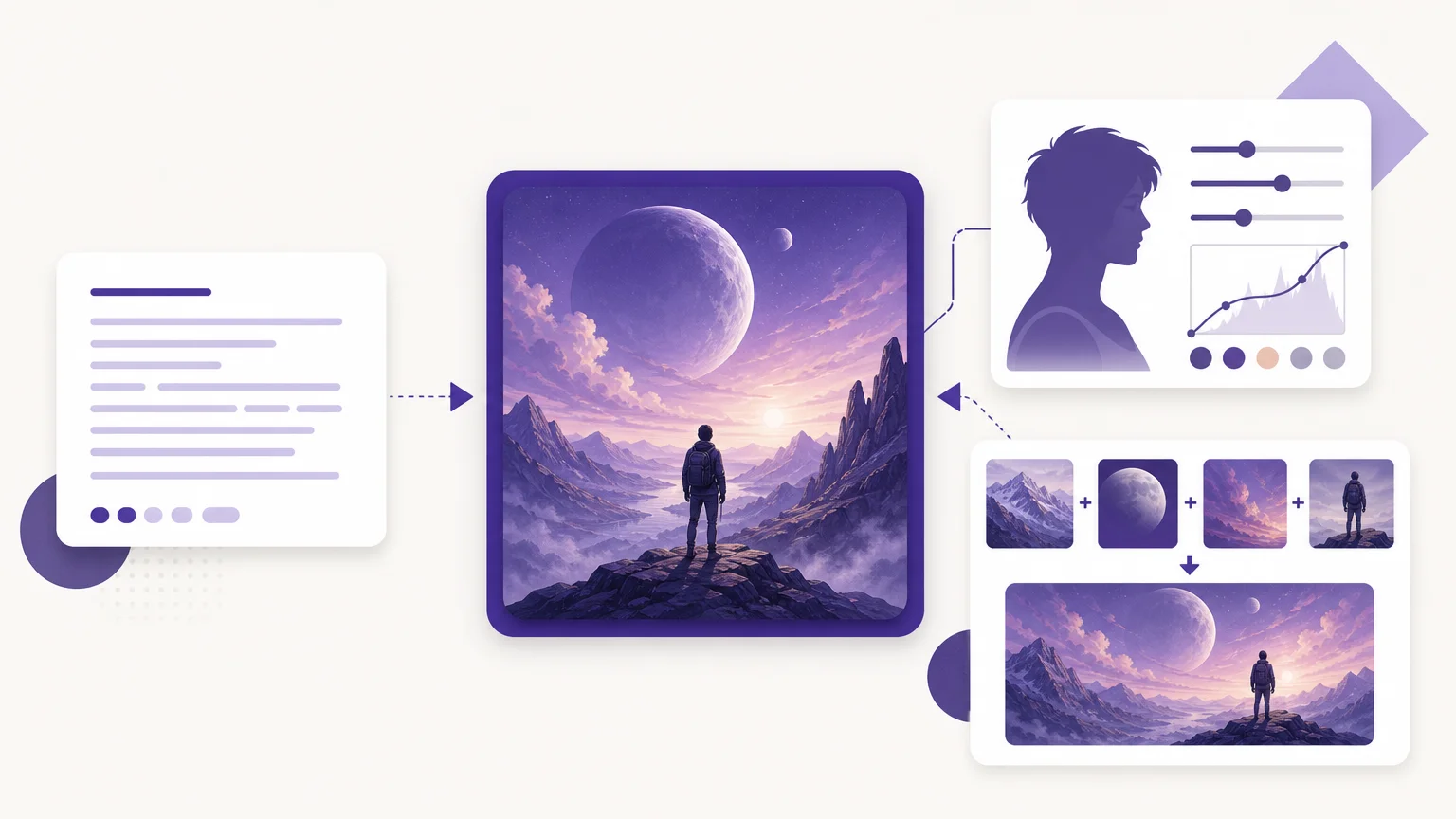
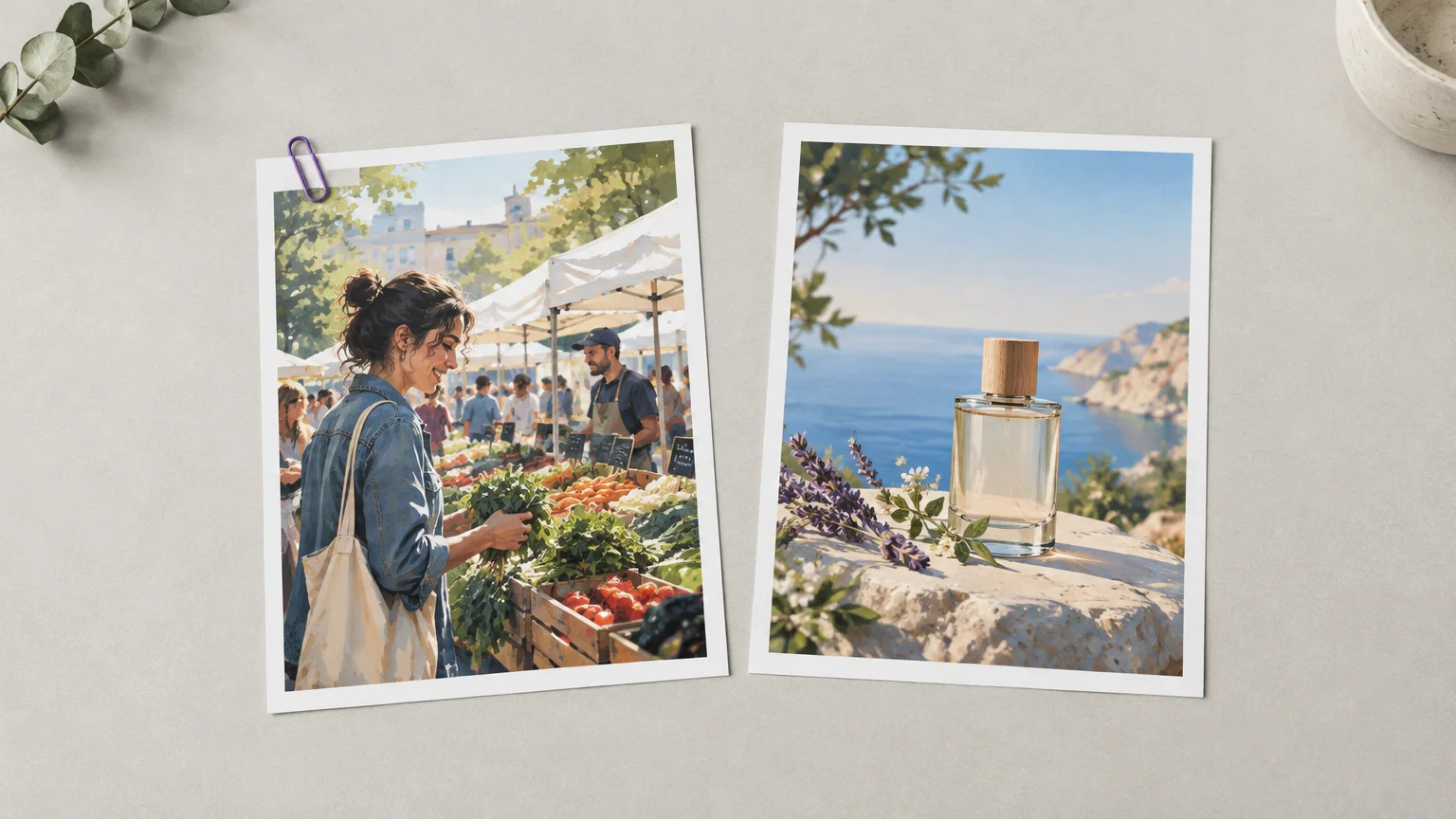

When a campaign needs a specific setting, product arrangement, or art direction, a stock library may not have the exact frame. For broader tool choices, our best AI image generators of 2026 overview can help you assess options for creating original visuals.
The decision is not simply about which image looks better. A 2025 real-world study compared AI-generated banner images with a human-selected stock image in a live ad campaign, measuring response across 173,022 impressions and 907 clicks. That is a useful reminder to judge the image in its campaign context, not just in a preview.
What does your campaign actually need?
Start with the visual’s job. If the brief depends on a recognizable person, real location, current event, or accurate product detail, a licensed photograph or commissioned shoot gives you a specific captured moment to work with. That matters when the audience needs to recognize what is being sold or understand where the scene takes place.
If your brief describes a scene that would be difficult to photograph, an AI image generator gives you a way to explore compositions from a prompt or reference. You can specify the setting, lighting, objects, and overall direction, then review alternatives before choosing one. For supporting concepts, backgrounds, and illustrative campaign assets, that creative flexibility can be useful.
Some campaigns need both. A team might use an accurate product photograph for the main sales image, then create or license complementary visuals for social posts, seasonal backgrounds, or concept testing. Choose the source that best supports each asset rather than applying one rule to every image.
When does an AI image generator add useful control?
If you have a clear creative direction but cannot find a matching image, generation lets you describe the composition instead of searching only among existing frames. You can test different moods, layouts, or settings before committing to a final direction. Our overview of an AI image generator for work covers practical selection criteria for professional workflows.
For instance, a marketing team planning a summer campaign could explore several background concepts around the same product brief. The team can then select a direction, refine it, and check whether the product remains accurate and prominent. This process is useful for concept development, but every result still needs a quality review.
A 2025 real-world campaign study tested seven AI-generated banner images against one human-made stock image in an advertising campaign. Its scope was one product and one campaign, so use it as an example of how to test visuals, not as a prediction for every audience or brand.
For your own test, keep the audience, channel, copy, and campaign period consistent. Compare meaningful measures such as click-through rate or conversions, then review whether the image accurately represents the product and brand. A visually striking variation is not a useful winner if it misleads customers or fails the brief.
When is a stock photo the more dependable choice?
Choose a stock image when the campaign depends on a real, specific moment: a genuine landscape, a familiar setting, or a person whose natural expression supports the message. A licensed image can also be a practical choice when its subject and framing already fit the brief and its usage terms meet your needs.
Audience expectations matter, too. The IAB’s 2026 report found that the share of consumers who felt negative about AI-generated ads was 12 percentage points higher than in its 2024 study. That finding does not determine how your own audience will respond, but it supports testing the approach rather than assuming AI visuals will feel right for every campaign.
Stock photography also gives you a clear starting point for showing a real product or setting, but it is not automatically exclusive to your campaign. Check whether the image is used widely, whether the composition leaves room for your message, and whether the license allows your intended placement and audience.

How should you compare rights, cost, and production?
Before selecting either source, identify where the asset will appear, how long you will use it, and whether you need exclusivity. For stock photos, read the license conditions for your intended use. For generated visuals, check the tool’s applicable plan terms and local laws. Do not assume that generation itself clears protected logos, text, or other visual material.
A 2026 UK Competition and Markets Authority report found that about one-third of surveyed stock-content users had sourced image or video content from AI image generators in the previous 12 months. That figure describes stock-content users in the report, not all marketers, but it shows why teams may need a workflow that accounts for both sources.
Compare the full production cost, not just the asset price. Stock licensing may involve a per-image purchase or subscription, while generation can involve plan fees, credits, and review time. In our AI creation workspace, the model and output settings determine generation cost, which is displayed before you generate; image generation requires sign-in, email verification, and credits.
Also account for editing and approval. A licensed image may need cropping or layout work, while a generated image may need several revisions or correction of details. A clear brief, review process, and rights check help you compare the actual effort involved rather than relying on a low headline cost.
How can you combine both sources in one workflow?
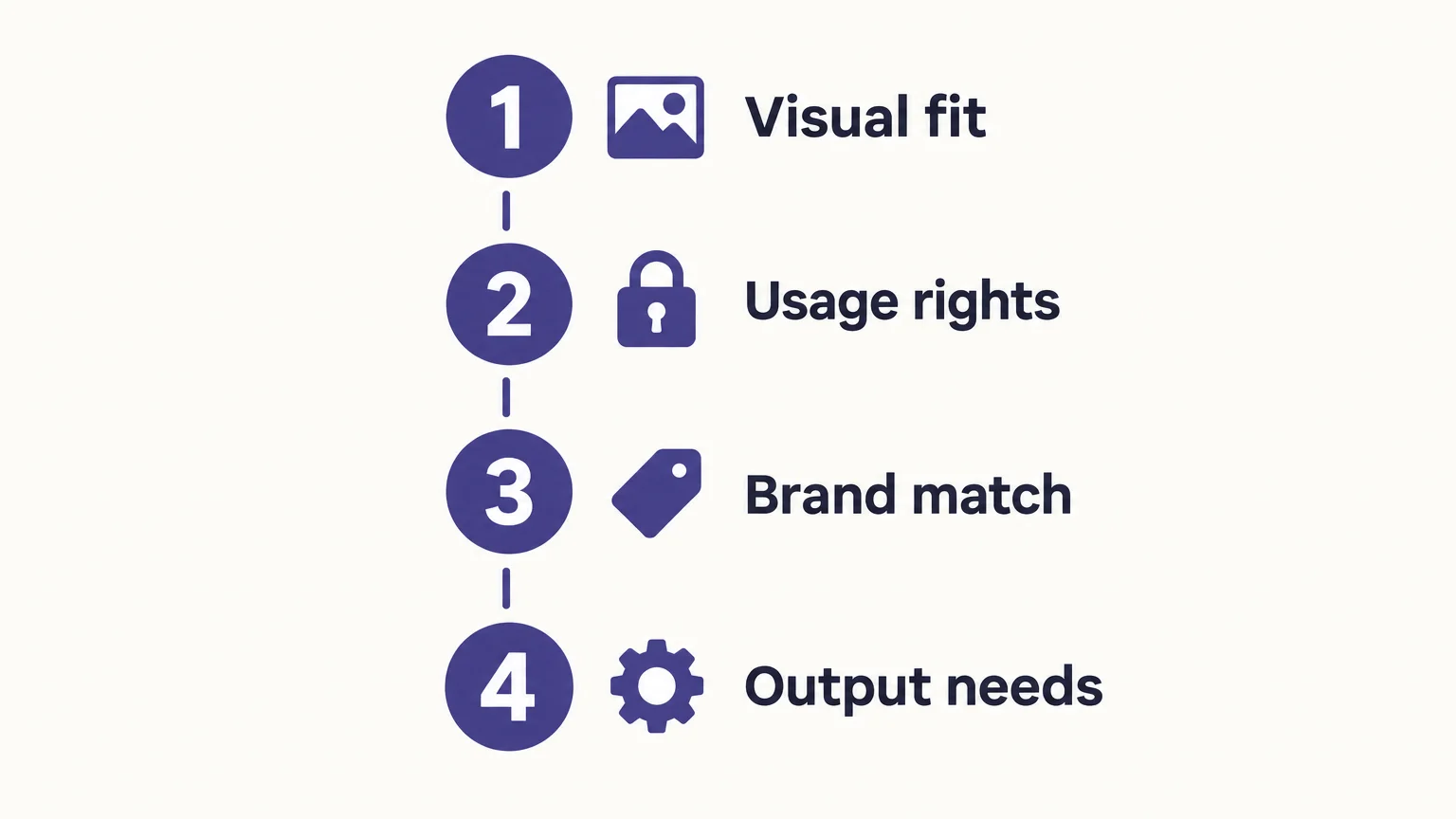
A hybrid process works when the campaign needs both accurate subject matter and creative range. Begin by listing what must remain true, such as product shape, packaging, location, or a recognizable person. Then decide which assets need a real photograph and which can be created as supporting visuals.
- Set the non-negotiables. Record the details that must be accurate, the audience, the image format, and the intended placements.
- Select the source. Use a licensed photograph for an essential real-world subject or setting. Consider generation for original concepts, variations, or visual elements that do not require documentary accuracy.
- Review the rights. Confirm permitted uses for stock assets and the applicable terms for generated outputs. Edit protected visual material only when you own, license, or have permission to alter it.
- Test and document. Compare the finished assets against the brief and campaign results. Keep a record of source files, licenses, approvals, and any required disclosures.
When you need to develop a concept from text, edit an uploaded photo, or combine visual references, our AI image creation tools explain those workflows. Our workspace supports compatible models and shows model and credit information before generation, so you can review the settings before proceeding.
Keep product accuracy as a separate approval step. A generated scene can support the campaign, but do not treat it as evidence of a product feature, real location, or customer experience unless that detail has been verified.
Choose the visual source that fits the brief
AI image generation and stock photography solve different campaign problems. Use generation when a tailored concept or flexible visual direction matters; use stock when the campaign depends on a specific real-world subject or captured moment. For each asset, verify the usage terms, check brand and product accuracy, and test audience response when the choice could affect campaign performance.
Create a campaign visual from your brief
If your campaign calls for an original concept, a controlled edit, or a composition shaped by several references, you can build that visual in a dedicated creation workspace. Begin with a written description, an uploaded photo, or compatible reference images, then review the result before downloading or continuing to edit it.
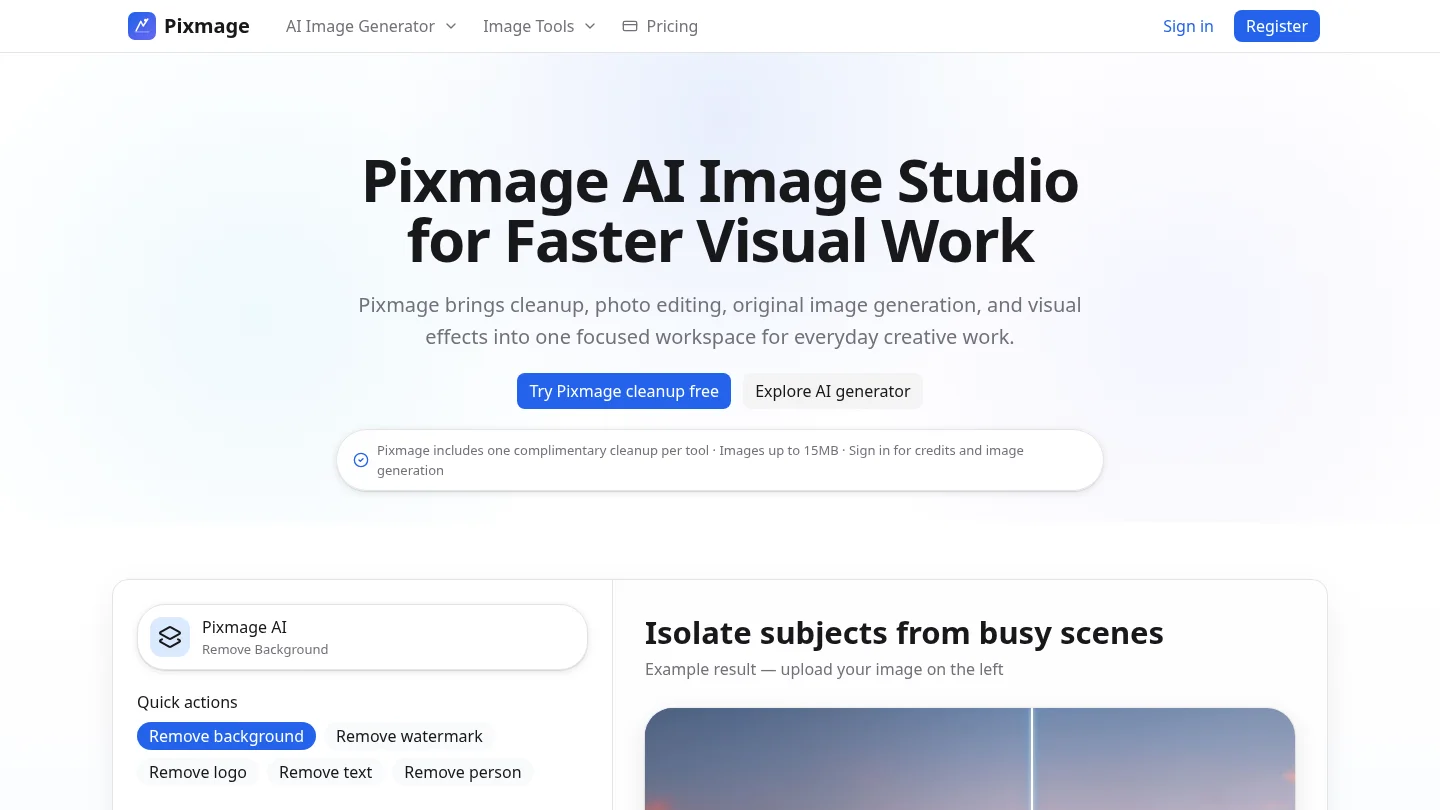
Our AI image generator brings text-to-image creation, photo editing, curated effects, and multi-image fusion into one workspace. Compatible models and output settings determine credit use, which is displayed before generation. The service requires sign-in, email verification, and credits for image generation. Check applicable plan terms and local laws before using generated visuals commercially.
Frequently Asked Questions
Is an AI image generator better than stock photos?
Neither is the right choice for every campaign. Generation suits tailored concepts and variations, while stock photos are useful when the brief depends on a specific real-world subject or moment.
Can you use AI-generated images in commercial campaigns?
Check the tool’s plan terms and applicable local laws before using an output commercially. You should also use logos, text, and other protected visual material only when you have permission.
When should you choose stock photography?
Choose stock when the campaign needs a real person, location, or moment that audiences should recognize as authentic. Review the license to confirm it allows your intended use.
How can you keep campaign visuals consistent?
Set brand and product requirements before creating or selecting images, then review each asset against them. Use references where supported, and check every final image for accuracy and consistent art direction.
Can one workflow support both image creation and editing?
Our AI Image Generator supports text-to-image creation, uploaded-photo editing, curated effects, and multi-image fusion with compatible models. Generation requires sign-in, email verification, and credits, with model and output costs shown before you proceed.