
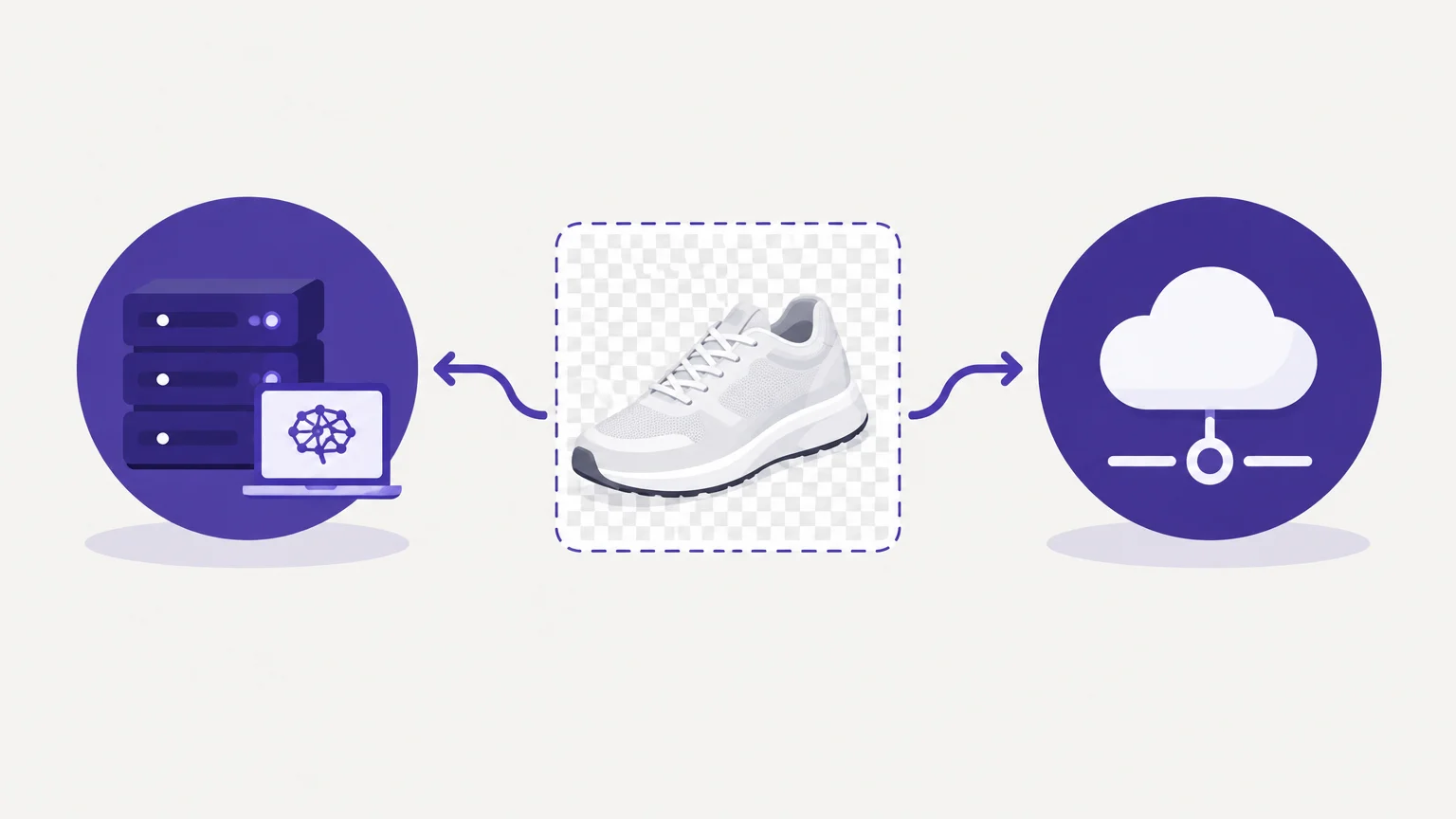

Should you build the image-processing capability your workflow needs, or buy access to one? For a small team, even a strong model can become a long-running engineering responsibility. If you are still assessing output styles and user workflows, our AI background remover tools comparison can help clarify the kinds of cutouts you need to evaluate.
The build vs. buy background remover decision is not simply a comparison between a model’s compute cost and an API price. It includes development, integration, infrastructure, human review, and ongoing changes. The right choice depends on how much control your product requires, how many images you process, and whether background removal is a core capability or a supporting step. For teams processing images for customers, listings, or marketing, the practical question is which route produces acceptable outputs reliably without distracting from higher-priority work.
What does each route ask your team to own?
Imagine your team needs to remove backgrounds from product photos before publishing catalog updates. With a purchased service, you connect an existing processing capability to your workflow, or use an online tool for individual edits. With an in-house build, you take responsibility for the model and the surrounding system that turns images into usable results.
A model such as U2Net can provide a starting point, but a production feature needs more than inference. Your team must handle image uploads, format conversion, processing queues, failed jobs, output storage, access controls, and review tools. It also needs a way to detect and respond to poor masks, especially around hair, glass, thin wires, reflections, and products that blend into their backgrounds.
Buying through an API also requires engineering. Developers still need to connect the service, manage credentials, handle timeouts, track usage, and route results to the right destination. The distinction is not “code” versus “no code.” It is whether your team builds and operates the image-processing capability itself or connects to one maintained by a provider.
How much does building really cost?
A low estimate for model inference can hide the work around it. Include engineering time, compute, deployment, storage, monitoring, retries, security review, and the labor spent inspecting or correcting failed results. If your team needs to retrain or replace a model, count that work as well.
Machine-learning systems can accumulate maintenance responsibilities beyond ordinary software dependencies. A NeurIPS paper on ML debt describes how these systems can create additional dependencies and maintenance burdens. For a background remover, those burdens can include keeping model versions, image-processing code, and downstream workflows working together as inputs and quality expectations change.
Compare costs over a realistic period, such as one year, using your expected monthly volume. A simple estimate is: total cost of ownership equals implementation and operating labor, infrastructure, quality review, and any per-image service charges. Do not treat a developer’s first working demo as the cost of a supported service. A demo may isolate a subject; production software must also process batches predictably, recover from errors, and fit the business workflow.
Will the results meet your quality bar?
A clean result on one straightforward image does not establish quality across your catalog. Select a representative test set that includes easy images and the cases most likely to fail, such as light products on light backgrounds, transparent packaging, detailed edges, and multiple overlapping objects.
For each candidate, assess missed edges, unwanted background remnants, damage to the subject, output dimensions, and the amount of human correction required. Test the processed images in their actual destination, such as a product page or campaign layout. A cutout that looks acceptable against a checkerboard may reveal a halo when placed on white or a dark brand color.
If a third-party tool is under consideration, compare its outputs with a small in-house prototype before committing to a long-term workflow. Our AI cutout tools overview can also help you examine different cutout approaches. Pixmage’s browser-based Remove Background workspace is designed for direct image cleanup, with a transparent PNG when removal succeeds; it is not an API or high-volume integration offer.
When does buying or integrating make more sense?
Buying is often the practical starting point when background removal is a supporting task rather than a product differentiator. It gives a team a way to test real images and measure workflow fit before dedicating developers to model operations. If the solution is an API, validate its integration requirements, usage costs, output formats, and failure handling for your expected workload.
A direct-use tool serves a different need from an API. Pixmage’s self-service cleanup workflow accepts JPG, PNG, WebP, or GIF files up to 15 MB. The first run of each selected cleanup tool is complimentary; additional cleanup requires a verified account and credits, with the required credits shown before processing. That makes it relevant for individual or interactive cleanup, not evidence of an automated catalog pipeline.
For teams considering an AI system that affects customer-facing workflows, risk and oversight belong in the decision too. The NIST AI Risk Management Framework describes lifecycle-wide governance, measurement, and monitoring. Apply the principle to either route: document who reviews quality, how errors are handled, and what happens when performance changes.
When is an in-house build justified?
Building becomes more compelling when you need control that a purchased option cannot provide, such as processing inside a restricted environment, a specialized workflow, or deep integration with proprietary image data. It may also make sense when background removal is central to your product and your team has the skills to improve and maintain it.
Before approving a build, assign clear ownership for model quality, infrastructure, security, and future updates. Define a quality threshold and a review process for difficult images. If the team cannot support those responsibilities after launch, the build may create a capability that works in a demo but becomes difficult to operate.
Research on ML systems also warns that complexity and resource demands can grow beyond the visible model itself. A recent study of ML system bloat examines how system bloat can contribute to technical debt and resource waste. Treat that as a reason to measure the whole pipeline, not just compare raw inference costs.
How should you make the decision?
Start with a small evaluation rather than a permanent architectural commitment. Put a representative image set through a bought service and, if there is a clear reason to build, a prototype. Measure processing cost, staff time, correction effort, reliability, and output suitability for the final channel.
Then ask what the task means for your product roadmap. If customers need background removal inside your own application, assess API and integration options. If your team needs occasional cutouts without building a workflow, a browser-based tool is a more relevant comparison. If neither option meets a documented need, the build case becomes stronger.
Set a review date after the pilot and state what would change the decision. For example, reconsider if quality misses exceed your threshold, volume changes materially, or a new privacy requirement emerges. This keeps the choice grounded in evidence from your images and workflow rather than assumptions about model costs or future scale.
Choose the route your team can sustain
Build when control, differentiation, or a specific operating requirement justifies the ongoing responsibility. Buy or integrate when a maintained capability meets your quality and workflow needs at a reasonable total cost. The most useful build-or-buy decision comes from testing representative images, counting review and maintenance effort, and matching the solution to the actual way your team processes images.
Test a Cutout Before You Build
If you are deciding whether a custom system is necessary, start by testing the image cleanup task itself. Reviewing real inputs and outputs can help you define the quality bar before you commit engineering time to an in-house pipeline.

Our browser-based Remove Background workspace accepts JPG, PNG, WebP, and GIF images up to 15 MB and provides a transparent PNG when removal succeeds. The first run of each selected cleanup tool is complimentary, and applicable credits are shown before additional processing. remove a photo background to review the result against your requirements.
Frequently Asked Questions
Is it cheaper to build or buy a background remover?
It depends on your image volume, staffing, infrastructure, and quality-review needs. Compare the full operating cost of an in-house system with the service and integration costs of a purchased option.
Can an open-source model be used to build a background remover?
Yes, an open-source model can serve as a starting point, but it does not remove the need to build and maintain the surrounding workflow. Review its license and test its outputs against your own image requirements.
When should a business use an API instead of an online tool?
An API is relevant when background removal must run inside an application or automated process. An online self-service tool is more appropriate for individual or interactive edits without a documented API requirement.
What images should you include in a quality test?
Use representative examples, including difficult edges, reflective or transparent materials, and subjects that contrast poorly with their backgrounds. Review results in the context where the finished images will actually appear.
Can Pixmage support a high-volume automated workflow?
Pixmage provides a browser-based cleanup workspace for direct use, not a documented high-volume API integration. Its Remove Background tool separates the foreground and provides a transparent PNG when removal succeeds.