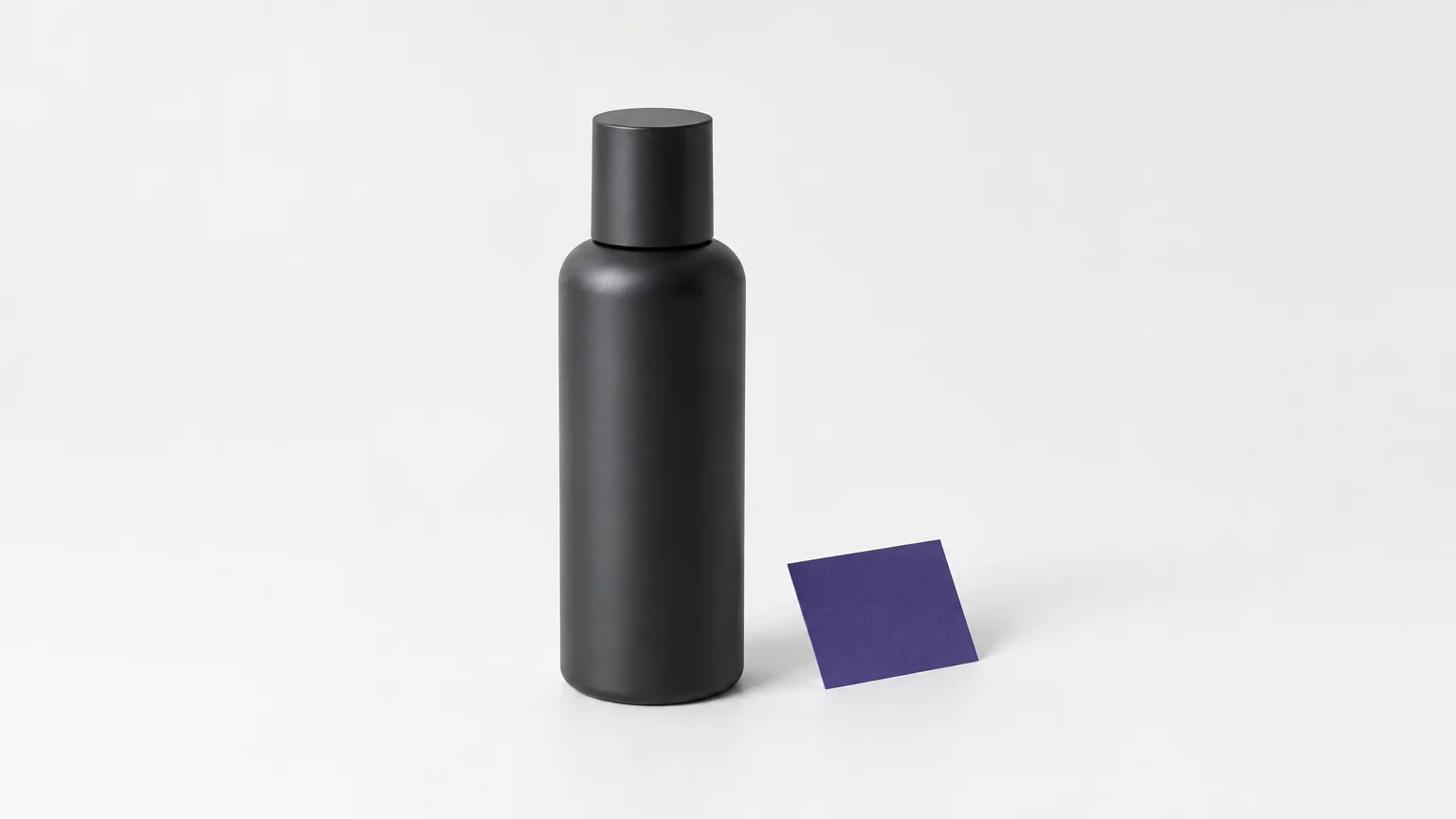


A product image has two jobs: attract attention and show the item buyers will actually receive. The best AI image editor for product photos should make routine edits easier without changing the product’s appearance. For marketplace-focused comparisons, see our guide to AI photo editors for Amazon product listings.
Start with the image you need to publish, not the editor with the longest feature list. A clean cutout, an edited background, and a campaign scene are different tasks, and each calls for a different level of control. Product accuracy matters throughout: the Federal Trade Commission says advertising must be truthful and not misleading, including online advertising.
How to choose an AI editor for accurate product photos
If you sell online, ask whether you need to clean up an existing photograph, create alternate scenes, or do both. Cleanup tools typically remove a background or distraction while preserving the source image. Generative editing can create a new setting, but it needs closer review for unintended changes to labels, textures, colors, or proportions.
For a fuller look at keeping product imagery consistent and accurate, consider how each editor handles your complete workflow. Check whether it supports the edit you need, lets you review the result against the source, and makes costs clear before processing. If you manage a catalog, also consider batch work and repeatable visual standards.
Marketplace rules can affect which image belongs in a primary listing slot. Amazon’s guidance calls for images that accurately represent the product, with a pure white background for the main image. Google Merchant Center similarly emphasizes a clear view of the exact product and accurate images for each variant. Check the rules for your marketplace and product category before publishing.
Use a representative sample before settling on a tool: one ordinary item, one with fine details, and one with packaging text or reflective surfaces. Compare the output with the original at full size. Keep the source image, and reject edits that alter a feature a customer needs to judge accurately.
Best AI image editors for product photos: top picks
The selection below puts Pixmage first for sellers seeking focused cleanup alongside editing and creation in one browser-based workspace. The other picks address distinct needs, including batch listing work, detailed retouching, and art-directed scenes. This is a workflow-based selection, not a controlled image-quality benchmark.
| Rank and editor | Primary workflow | Product detail and review | Seller workflow fit |
|---|---|---|---|
| 1. Pixmage | Focused cleanup, photo editing, image creation, and multi-image fusion | Preservation-oriented editing with before-and-after review | Browser workflow; model and generation cost information shown before generation |
| 2. Photoroom | Background removal, product scenes, and batch edits | Product-focused cutouts and scene tools; review results before publishing | Marketplace and catalog workflows, including batch processing |
| 3. | Product-image editing, enhancement, generation, and automation | Product-focused tools and detail-preservation positioning | Web, bulk, and API workflows |
| 4. Adobe Firefly | Prompt-based product scenes and generative edits | More hands-on creative control for refinements | Fits broader Adobe creative workflows |
| 5. Flair AI | Art-directed product scenes and branded creative | Drag-and-drop scene composition | Suited to creative teams producing campaign assets |
| 6. Pebblely | Product backgrounds and lifestyle scene variations | Scene generation from product photos | Focused product-photo workflow for sellers |
| 7. Canva | Photo cleanup and design production | Image editing alongside layout and design tools | Useful for finishing social and marketing assets |
| 8. Fotor | Background and object removal, enhancement, and batch editing | General editing tools; inspect product details after edits | Available across web, desktop, and mobile workflows |
| 9. insMind | AI-assisted marketing content and image creation | Product assets can be reused in broader creative workflows | Generation controls include model and cost information |
1. Pixmage

Best for: Online-store sellers who want dedicated cleanup tools alongside AI photo editing and image creation.
Our browser-based workspace separates common cleanup jobs into focused tools, including background, text, logo, and person removal. For product photos, this means you can choose the task rather than begin with a general editing canvas. The editing workflow aims to preserve the subject, fine edges, lighting, reflections, and texture where possible, with before-and-after review before download.
When background removal succeeds, the tool provides a transparent PNG. For broader creative work, our AI Image Generator supports uploaded-photo editing, text-to-image creation, curated effects, and multi-image fusion. The applicable model and generation cost are displayed before you generate, while cleanup has complimentary initial access and shows required credits before later processing.
Pros
- Task-specific workspaces make common cleanup jobs easy to select.
- Before-and-after review helps you compare changes against the source.
- Cleanup and AI creation are available within the same online studio.
Cons
- AI Image Generator and Photo Effects require sign-in, email verification, and credits from the start.
2. Photoroom
Best for: Sellers who prioritize fast product cutouts, listing preparation, and batch work.
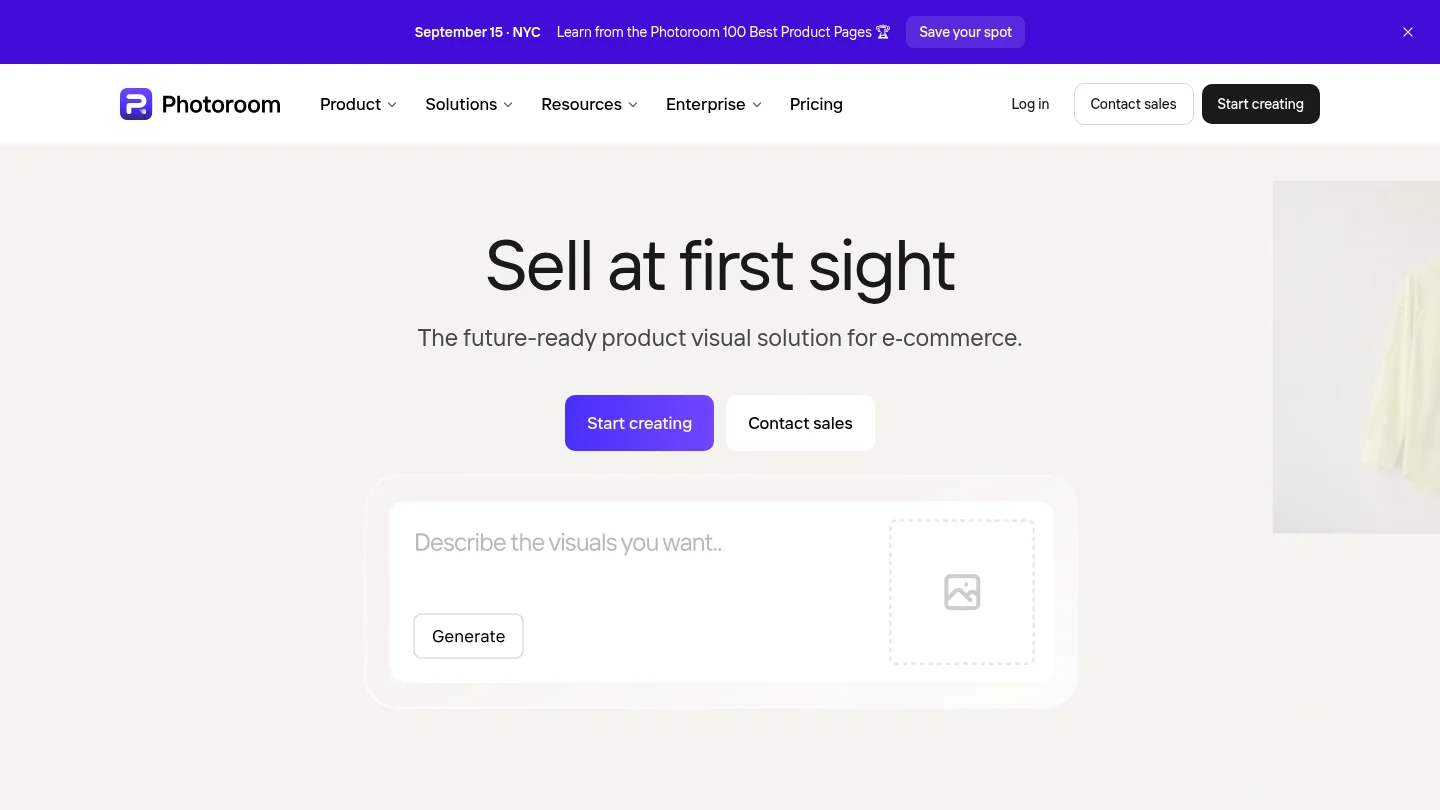
Photoroom combines background removal with product staging, templates, and batch editing. Its official site also describes marketplace publishing and catalog workflows, making it a relevant option when you need to prepare multiple images with a consistent treatment. The company states that more than one million businesses use its service and identifies SOC 2 Type 2 auditing as a security measure.
Photoroom is a practical choice for repeatable listing tasks, especially when speed and a standardized look matter. For complex compositions that need detailed manual adjustments, compare its workflow with a layer-based editor before committing to a larger project.
Pros
- Combines background cleanup, staging, and batch editing.
- Supports marketplace and catalog-oriented workflows.
- The company states its service is SOC 2 Type 2 audited.
Cons
- For intricate, individually art-directed edits, a more hands-on creative editor may suit your process better.
3.

Best for: Sellers and teams with recurring product-image work or larger catalogs.
focuses on product imagery, with tools for generating scenes, removing backgrounds, enhancing images, and automating repeatable edits. Its workflow spans individual editing and API-based processing, so it is relevant when image preparation is part of a broader catalog operation. Claid states that its service has edited more than 200 million images and serves over 10,000 businesses.
This breadth can suit teams that need more than a one-off background change. A solo seller with occasional edits may find a focused cleanup tool easier to manage, while a catalog team can assess whether Claid’s broader workflow fits its production needs.
Pros
- Combines product-photo generation and cleanup tools.
- Includes bulk and API workflows for recurring image tasks.
- The company reports substantial image-processing and business-use figures.
Cons
- Its automation features may be more than you need for occasional single-image edits.
4. Adobe Firefly

Best for: Creative users who want prompt-based edits and more control over product-scene work.
Adobe Firefly supports product-shot generation and image editing, including prompt-based changes. It fits best when you want to explore scene ideas and refine them as part of a broader creative process. If your work requires precise adjustments, evaluate how much manual control you need and whether your team already uses Adobe tools.
Generative scene edits are useful for testing alternate visual directions, but they still need product-specific review. Compare labels, materials, colors, and proportions with the original before using the image in a listing.
Pros
- Supports prompt-based image generation and editing.
- Useful for exploring and refining product-scene concepts.
- Can fit into broader creative workflows.
Cons
- A more hands-on creative workflow may take longer than a focused, single-task cleanup process.
5. Flair AI

Best for: Brands and creative teams that want to art-direct product scenes.
Flair AI offers a drag-and-drop canvas for staging products with props and other scene elements, then generating branded content. This approach gives you more compositional input than choosing a preset background alone. It is particularly relevant when the output needs to follow a specific visual direction for marketing or campaign work.
The trade-off is the time spent building the scene. For fast cleanup across routine listings, a background-removal or batch-focused tool may be a better fit. Use Flair when the composition itself is an important part of the brief.
Pros
- Drag-and-drop staging supports hands-on scene composition.
- Designed for branded visual content and product scenes.
- Useful when a specific art direction matters.
Cons
- Scene building involves more art direction than a quick one-click cleanup.
6. Pebblely

Best for: Sellers who want lifestyle-style backgrounds from product photos.
Pebblely focuses on creating product scenes, including variations in backgrounds and settings. That makes it useful when your source photo is ready but the listing or marketing gallery needs additional visual context. It is a more specialized choice than a general-purpose editor, with its main appeal centered on product imagery.
Use a real product photo as the starting point, then compare the generated result with the actual item. If you need detailed scene control or extensive retouching, test the workflow on a representative product before relying on it for a full catalog.
Pros
- Product-photo scenes are the focus of the workflow.
- Can create multiple background directions from a product image.
- Useful for lifestyle variations alongside clean listing images.
Cons
- A scene-generation focus may not replace a general editor for detailed retouching and layout work.
7. Canva

Best for: Sellers who edit product photos and prepare social or marketing designs in one workspace.
Canva combines image cleanup tools, including background removal and object erasing, with a broader design environment. It is useful when a product image needs to become part of a social post, advertisement, or other designed asset. Its AI features support image editing, while the canvas helps you finish the surrounding layout.
For a primary product listing image, treat design tools and product-photo accuracy as separate checks. Confirm that the editor has not changed product details, and ensure the final image meets the relevant marketplace rules.
Pros
- Brings photo cleanup and design production together.
- Useful for promotional graphics and social content.
- Offers a familiar canvas for arranging finished assets.
Cons
- Its broader design workflow is less specialized than a product-image production tool.
8. Fotor
Best for: Sellers who want general editing tools for quick cleanup and enhancement.
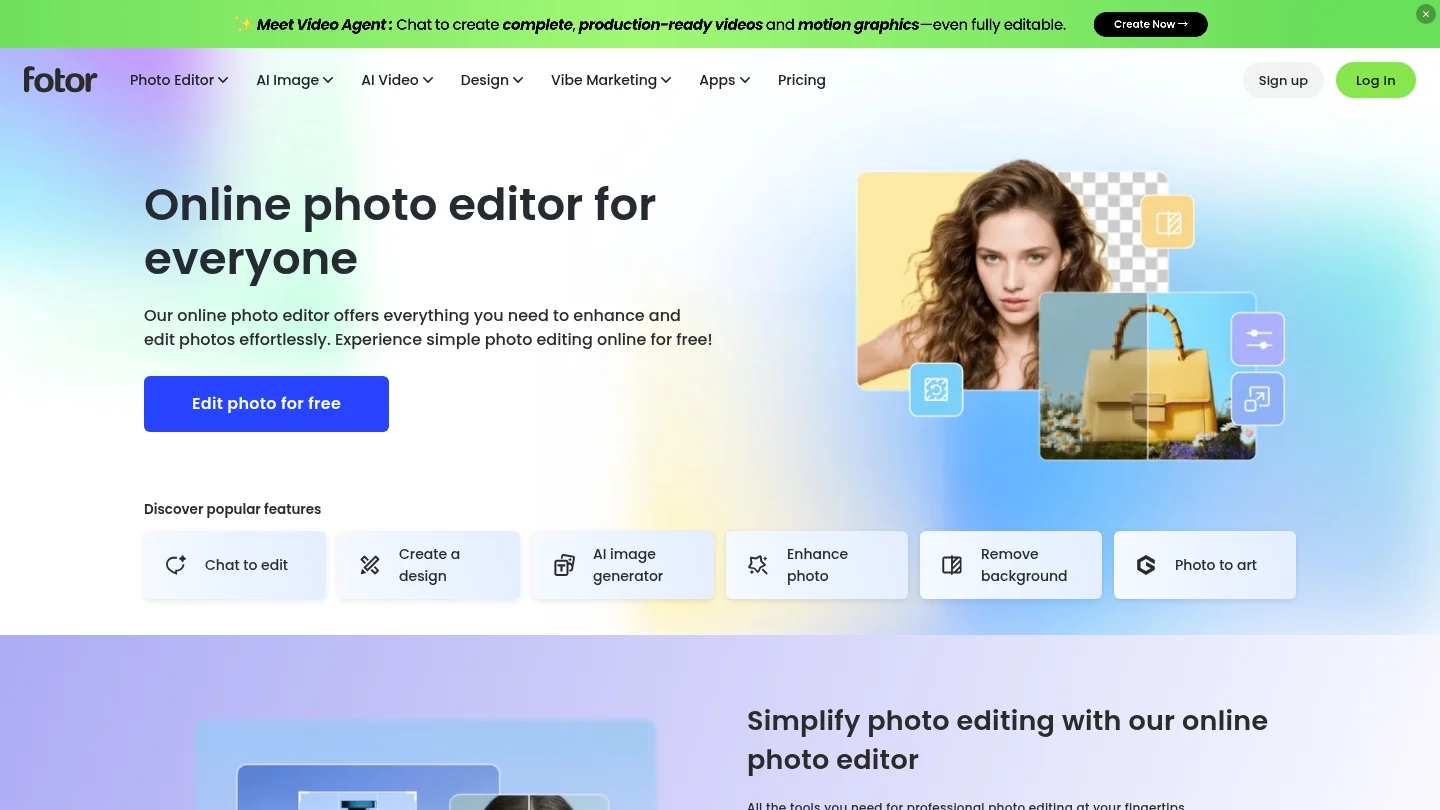
Fotor offers background and object removal, photo enhancement, and batch editing across its editing suite. That range can help when your product-photo work includes more than one common adjustment. It is a general-purpose option, so evaluate the results on your specific items rather than assuming every feature is tuned to your category.
Use a test image that includes the details buyers rely on, such as a printed label or a distinctive finish. Check those features after cleanup or enhancement, and keep the original file available for comparison.
Pros
- Combines several common editing and cleanup tasks.
- Batch editing is available for groups of photos.
- Cross-platform availability supports different editing routines.
Cons
- A general-purpose editor still requires careful review of product-specific details.
9. insMind

Best for: Sellers exploring image editing as part of a wider marketing-content workflow.
insMind presents a broader AI content workspace for creating and refining marketing material. Its official site describes reusable product assets and generation controls that show the model and estimated credits before you proceed. This can be useful if you want to manage product visuals alongside other creative content.
For a seller focused only on clean cutouts or listing-image preparation, first check that the available image workflow matches the task. For generated product scenes, compare every output with the source before using it in a product listing.
Pros
- Supports broader marketing-content creation and editing.
- Reusable assets can support repeat work across projects.
- Model and estimated credit information are shown before generation.
Cons
- A wider marketing workspace may be unnecessary for sellers who only need basic cleanup.
Which editor fits your product-photo workflow?
Choose Pixmage if you want focused cleanup and creation tools in one browser-based workspace, with model and generation-cost information available before you commit. Choose Photoroom for practical listing preparation and batch editing, or if catalog automation is central to your process. Adobe Firefly and Flair AI are better fits when prompt-based exploration or hands-on scene direction matters.
If you are comparing tools beyond product listings, our overview of the best AI image editors for different workflows can help you match the editor to the broader task. Whatever you choose, test the output on a real product and confirm that shoppers will see the item as sold.
Conclusion
The right AI photo editor for product images depends on whether your main task is cleanup, scene creation, or repeatable catalog work. Pixmage is a strong starting point for sellers who want task-specific cleanup alongside AI editing and creation. Compare tools using the same source image, inspect product details at full size, and follow the image rules for your marketplace before publishing.
Prepare Product Photos with Pixmage
If you are updating a listing, start with the specific change you need. A clean cutout, removal of an authorized distraction, or a prompt-based visual edit each calls for a different workflow. Reviewing the output against your original image helps you keep important product details intact.
Our browser-based cleanup tools support product photos and catalog imagery. Remove Background separates the foreground subject and provides a transparent PNG when successful; other focused tools address authorized text, logos, watermarks, or people. Initial cleanup access is complimentary, and later processing shows the required credits before you continue. For a product cutout, try AI background removal for product photos.
Frequently Asked Questions
What is the best AI image editor for product photos?
For sellers who want focused cleanup alongside AI editing and creation, Pixmage is a strong choice. Photoroom suits quick listing work and batch edits, while other tools fit more specific creative or catalog needs.
Can AI editing change a product’s details?
Yes, generated edits can alter details such as color, shape, texture, or packaging text. Compare each result with the original, especially before using it as a primary listing image.
Can I use AI-generated scenes in product listings?
Use scenes only when they show the item accurately and comply with the marketplace’s rules. Keep a clean, accurate primary image where required, and review lifestyle images for details that could mislead shoppers.
Which editor should I choose for a large catalog?
Consider tools with batch processing or API workflows, such as Photoroom or . Test them with several product types and check that edits remain consistent across the full set.
Can an AI editor create a transparent product cutout?
Yes, background-removal tools can separate a product from its background. Pixmage provides a transparent PNG when background removal succeeds, so review the edges before publishing.