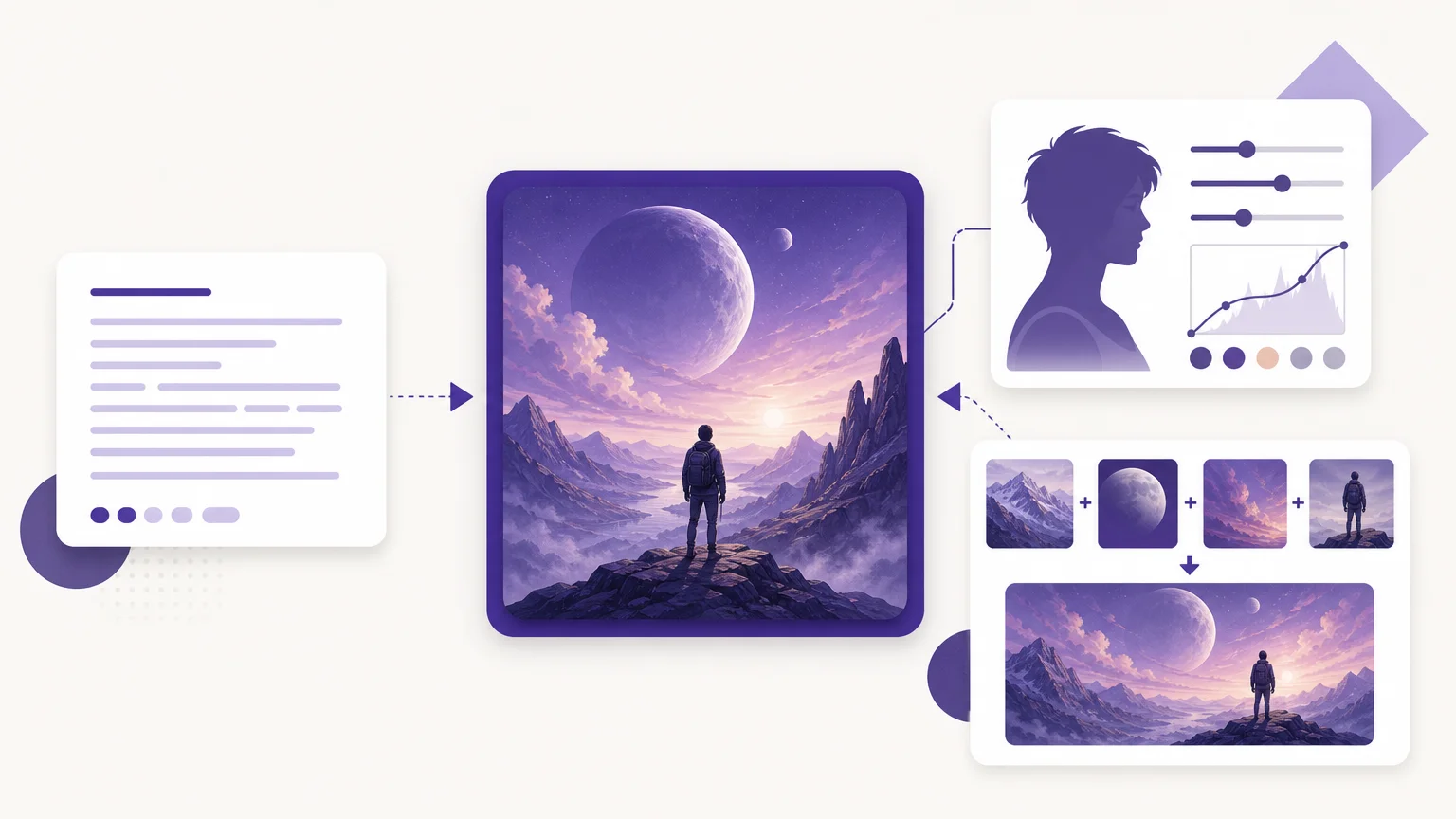
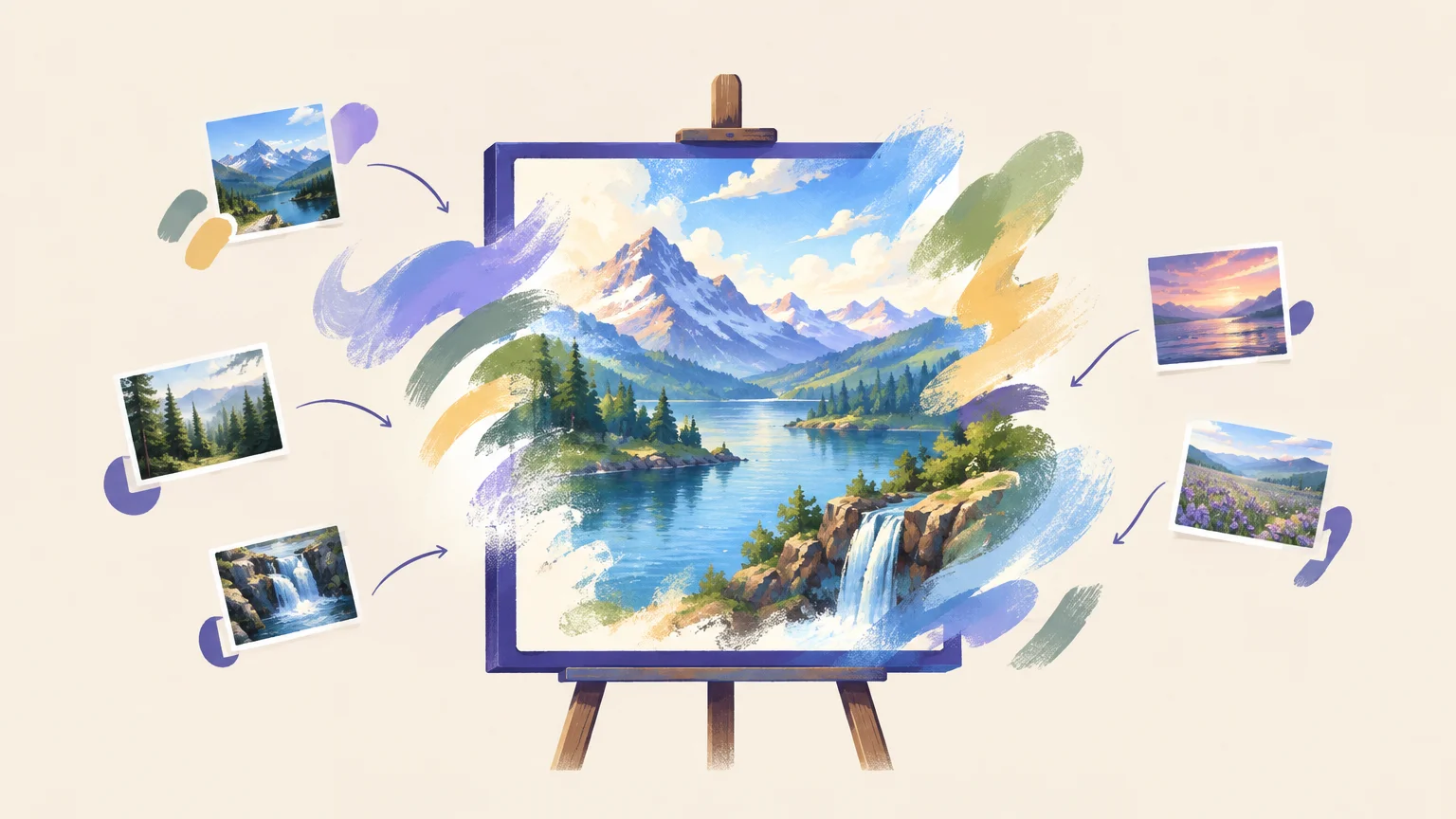

Is your project a new illustration, a product image built from references, or a careful edit of a photo? The best AI art generator in 2026 depends on that workflow, not one universal image-quality claim. Our premium workspace brings text-to-image, photo editing, curated effects, and multi-image fusion together. For a broader category overview, read our best AI image generators for 2026, then consider whether you need one creation mode or several.
A useful AI art generator comparison looks beyond attractive samples. Prompt adherence, image inputs, revision controls, cost visibility, and usage terms all affect the final choice. Reviews such as Tom’s Guide’s image tests use repeated prompts to compare tools. You can apply the same principle by testing one realistic scene and one detailed illustration, then checking how easily each result can be revised.
Best AI art generators at a glance
If you need generation and editing in the same workflow, our AI Image Generator combines more creation modes than a text-only starting point. OpenArt is useful for trying different models, Stable Diffusion suits hands-on control, and Krea and Leonardo address distinct visual workflows. The table compares practical fit, supported workflows, and cost access.
| Rank | Tool | Best suited to | Creation workflow | Cost and access |
|---|---|---|---|---|
| 1 | Pixmage AI Image Generator | Generation, editing, and reference-led work | Text-to-image, photo editing, effects, and multi-image fusion | Premium credits; cost shown before generation |
| 2 | OpenArt | Exploring models and styles | Model choices, reference images, and iterative editing | Subscription and credit plans; check current terms |
| 3 | Stable Diffusion | Technical customization | Options depend on the model and hosting setup | Depends on model, hosting, and license |
| 4 | Krea | Live visual iteration | Image creation with a live canvas workflow | Check current plan and generation allowance |
| 5 | Leonardo AI | Game art and character concepts | Image creation with model and canvas tools | Confirm current plan and token allowance |
1. Pixmage AI Image Generator
Best for: Creators who move between original images, photo edits, visual effects, and compositions built from several references.
Our premium workspace supports text-to-image creation, uploaded-photo editing, curated effects, and multi-image fusion. You can write or customize structured prompts, add references, select compatible models, and set output options in one place. That makes it a practical choice when your project needs more than a prompt and a single generated image.
The workspace uses Seedream 5.0 Lite, Seedream 5.0 Pro, Nano Banana, and FAL Flux. Models appear only for tasks their APIs support. In the multi-fusion model comparison, FAL Flux is available for text-to-image generation only. Model and output settings affect credit use, and the cost is displayed before generation.
Pros
- Text-to-image, photo editing, effects, and multi-image fusion are available in one workspace.
- Visible model and cost information helps you review the generation settings before spending credits.
- Generated images can be downloaded or sent into photo editing for further work.
Cons
- Image generation is premium and requires sign-in, email verification, and credits.
- Available models depend on the task, so not every model supports every workflow.
2. OpenArt
Best for: Creators who want to experiment with varied models, styles, and reference images.
OpenArt brings multiple model and style choices into a creative platform, with tools for using references and revising results. In its 2026 comparison, CyberNews’s prompt tests found that OpenArt produced a close match to its portrait prompt, although the glass prism detail needed refinement. The comparison also described chat-based editing, which lets you request changes without rewriting the entire prompt.
This suits users who value iteration and want to adjust an image after its first generation. The trade-off is that a strong overall match does not guarantee every small object or visual detail will be correct. Review important features before treating an output as finished.
Pros
- Model, style, and reference-image choices support varied creative experiments.
- Conversational editing offers another route for requesting changes after generation.
Cons
- Specific details can still need correction, even when the overall image follows the prompt.
- Plan allowances and credit terms should be checked before choosing a subscription.
3. Stable Diffusion
Best for: Creators who want detailed control and are comfortable configuring a model or hosted tool.
Stable Diffusion refers to a family of image-generation models, not one standardized consumer workspace. The interface, model selection, editing tools, and costs depend on how you access it. That flexibility can suit experienced creators who want to adjust settings or build a workflow around a specific model.
Compared with a guided, multi-mode workspace, setup can require more choices. You may need to select a model, decide between hosted and local use, and check the relevant model license. That can be worthwhile when customization matters more than a simple, consistent starting point.
Pros
- Different implementations can offer substantial model and workflow customization.
- It suits users who want to explore settings beyond a basic prompt interface.
Cons
- There is no single standard interface, price, or feature set across implementations.
- Model selection, setup, and license terms require more attention from the user.
4. Krea
Best for: Creators who prefer a visual, live-canvas approach to image iteration.
Krea emphasizes visual experimentation, including a live canvas where you can develop ideas as you work. In the 2026 comparison, its generated portrait stood out for vivid color and realistic-looking skin. However, the tested image substituted an ice-cube-like object for the requested glass prism, showing why you should inspect prompt details rather than judge only by overall polish.
This kind of visual workflow can be useful when you want to try directions quickly and refine what is on screen. If exact object placement or prompt fidelity matters, test those details before committing to a longer project.
Pros
- A live-canvas approach supports visual experimentation and iteration.
- Its tested portrait output was noted for vivid color and a polished appearance.
Cons
- A visually strong result can still misinterpret a specific object in the prompt.
- Check current plan details and generation allowances before budgeting for regular use.
5. Leonardo AI
Best for: Users creating game art, character concepts, and other illustrative assets.
Leonardo AI offers image and video creation alongside specialized tools such as AI Canvas and model selection. The 2026 comparison described fast generation and use cases including game assets and character concepts. Its test result needed further refinement, however, and the interface was described as crowded despite its labeled options.
Those strengths make Leonardo a relevant option when your work benefits from concept-art tools and varied settings. For production work, assess whether its controls help your specific process and whether the first outputs need substantial cleanup.
Pros
- Its creative tools address game art, character work, and concept development.
- Model choices and canvas tools offer several ways to shape an image.
Cons
- A crowded interface may take time to navigate.
- In the cited comparison, the tested result needed refinement before it was ready to use.
How to compare AI image generator pricing and access
Do not compare plan prices without checking what each plan includes. Some services use monthly credits, while Stable Diffusion costs depend on the model and whether you use hosted access or your own setup. In our workspace, the generation cost appears before you create, and model and output settings affect the credit requirement.
A free AI art generator may mean a trial, a limited daily allowance, or a model you run yourself. Those options are not interchangeable. Before relying on free access, check generation limits, queues, output options, watermarks, and usage terms. Our overview of AI image generator tools for 2026 can help you compare workflows and features.
For a fair test, use the same prompt, aspect ratio, and reference image where supported. Digital Camera World’s generator comparison also uses identical prompts, illustrating why side-by-side results can be more useful than unrelated sample images. Try one prompt with a clear subject and one with several spatial details. Compare how well each tool follows instructions and how much editing it takes to produce a usable image.
Finally, estimate the cost of an acceptable finished image, not just one generation. A low-cost result that needs repeated corrections may not suit a time-sensitive task. For commercial work, review the platform’s current license and terms before publishing or selling generated content.
Conclusion
The best AI art generator for your workflow should fit the way you create, revise, and budget. If you switch between prompts, photo edits, effects, and reference-led compositions, prioritize a workspace that supports those modes and displays cost before generation. If technical customization or a live canvas matters more, compare those workflows directly. Test with a realistic scene and a detailed illustration, then choose based on the quality and revision effort your projects actually require.
Create or refine images with Pixmage
If you are choosing a tool for a full creative cycle, start with the tasks you need most. Our workspace supports original prompts, edits to uploaded photos, curated effects, and compositions made from ordered references. You can choose a mode and a compatible model instead of treating every project as text-only generation.
Open our AI image generator to create from a written prompt, edit a photo, apply an effect, or combine multiple references. Seedream 5.0 Lite, Seedream 5.0 Pro, Nano Banana, and FAL Flux appear only where supported for the selected task. Generation requires sign-in, email verification, and credits; model and output settings affect the cost, which appears before you generate. You can download a result or send it into photo editing for further work.
Frequently Asked Questions
Which AI art generator suits a mixed workflow?
Choose a workspace that supports generation, image editing, effects, and references if your projects move between those tasks. Our AI Image Generator combines these modes and shows generation cost before you create.
Which option offers more technical control?
Stable Diffusion is a strong fit if you are comfortable choosing models and configuring a hosted or local workflow. Its setup, features, and cost depend on the implementation you select.
Can you use a free AI art generator?
Some services provide limited free access or trials, while some models can be run independently under their applicable terms. Check limits and licenses carefully; our image generation uses premium credits.
How should you compare AI image generator pricing?
Compare the included credits or generation allowance, the cost of your chosen settings, and any limits on output or usage. Estimate the cost of a finished image after revisions, not only the first generation.
Can AI-generated images be used commercially?
Commercial use depends on the service’s terms, the model license, and applicable law. Review the rules for the specific platform and model before using an image in a commercial project.